

Have you received an email from Moonton asking you to verify your account with a code due to suspicious activity? Beware – it’s likely a scam attempting to steal your account credentials. In this in-depth article, we’ll uncover everything you need to know about this prevalent email scam impacting Mobile Legends players.
Overview of the Scam
Mobile Legends: Bang Bang is one of the most popular multiplayer online battle arena (MOBA) games, with over 1 billion downloads globally as of 2024. As the game continues to expand, scammers are deviously targeting Mobile Legends players with phishing emails aimed at stealing accounts.
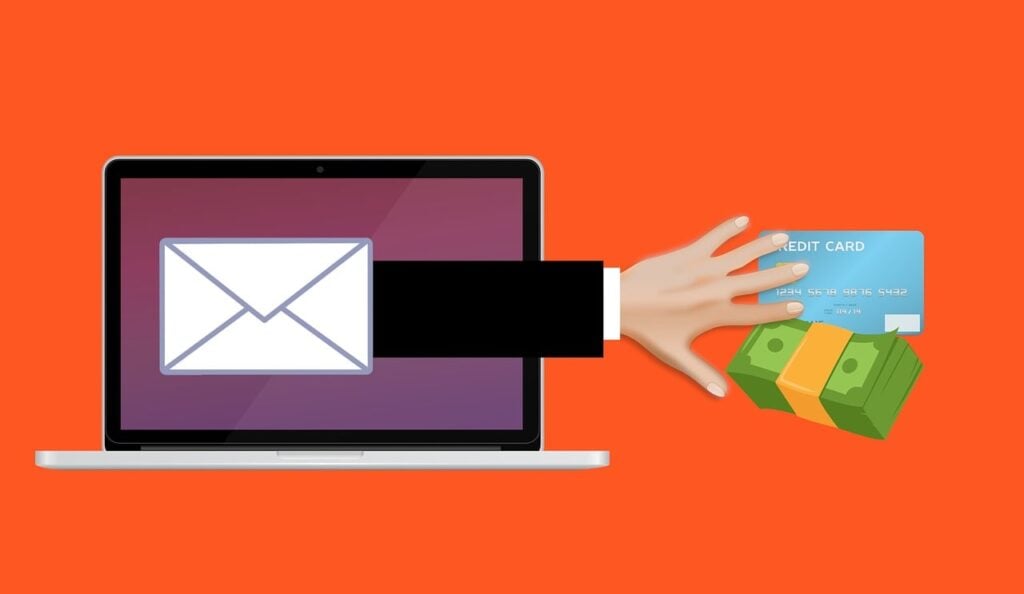
One common scam involving fake account verification emails has been infiltrating inboxes under the disguise of legitimacy. This scam is sophisticated enough to dupe unsuspecting players into handing over their credentials. Once stolen, accounts can be sold illegally or used maliciously.
The Moonton account verification scam involves a phishing email sent to target players under the premise of confirming their identity due to suspicious activity. The sophisticated email appears to be from Moonton and looks convincing, featuring:
- Moonton branding and logos
- A 6-digit verification code
- Official formatting, text and wording referencing account security
- Reasons given for identity verification such as a suspicious login attempt
- A time limit claiming the code will expire shortly
Despite appearances, these emails are fraudulent – they do not originate from Moonton. The sole intent is to deceive players into handing over sensitive information that grants the scammer account access.
Once a target inputs their username, password or other details, the scammer gains entry to their account and strips them of hard-earned skins, heroes, rank and other progress. Accounts can then be sold or exploited by the scammers for profit.
The impact on victims can be devastating. Many players have invested significant time and money building their accounts. Losing access can erase hundreds of hours of effort and hundreds of dollars in an instant.
While Moonton does send legitimate verification emails in some cases, there are telltale signs detailed below thatexpose these scam emails for what they are – brazen attempts to steal accounts. Being able to identify these red flags is key to avoiding becoming a victim.
How the Moonton Account Verification Scam Works
The scammers orchestrating this scam employ clever psychological tactics and technological tricks to succeed. Here is an in-depth look at exactly how the scam operates at each step:
Step 1 – Obtaining a Target List
The scammers first compile a massive list of potential Mobile Legends player emails. Sources can include:
- Mobile Legends forums and communities like Reddit – accounts and emails may be publicly visible
- Dark web sites that sell hacked email lists
- Social engineering tactics to obtain emails from players
- Emails leaked in past Mobile Legends data breaches
- Emails associated with recently stolen accounts that were likely resold
With a target email list in hand, the scammers prepare to cast a wide net hoping many will take the bait.
Step 2 – Creating a Convincing Phishing Email
The scammers then carefully craft emails designed explicitly to impersonate a legitimate Moonton notification. Emails include:
- The Moonton logo and branding like colors, fonts and styles copied from real emails
- Believable formatting, text, wording and structure
- Reasons someone may need to verify their identity, like a suspicious login attempt
- A short expiration timer to create urgency to act fast
- Instructions to enter a username, password or verification code to confirm identity
The emails are made to look as real as possible to trick targets.
Step 3 – Sending Mass Emails
The scam operation blasts the phishing emails out to the target list, sending thousands or even millions of messages. Small tweaks may be made to account names or other details to further personalize the scam.
Step 4 – Users Input Credentials
If a target is successfully duped, they will follow the email instructions and input their username, password, or the 6-digit verification code provided.
Once submitted, the scammers immediately gain full access to the associated Mobile Legends account.
Step 5 – Stripping and Reselling Accounts
With account access secured, the scammers will quickly drain the account of valuables. This includes:
- Stripping rare skins that can be sold for profit
- Transferring or using up hard-earned diamonds and battle points
- Losing ranked progress by intentionally losing matches
- Getting the account banned by cheating and exploiting
- Selling the account on black market sites
Ultimately, victims are left with nothing but an empty shell of an account. Meanwhile, the scammers profit and move on to repeat the process.
Warning Signs to Identify the Moonton Account Verification Scam
While the emails are designed to look real, a close inspection reveals multiple red flags that expose the scam. Here are the top signs an email is a fraudulent phishing attempt:
1. Generic Greeting Lacking Your Name
Real Moonton emails address players by name. Scam emails use generic greetings like “Dear player” to mass target people without customization.
2. Misspelled Names or Details
Scammers may miss small details like properly spelling your name or account specifics. Any inconsistencies are clear warning signs of a scam.
3. Logo, Branding and URL Issues
While logos may look legitimate, errors like blurry images, misaligned graphics, and links to scam sites rather than the official Moonton URL are noticeable.
4. Poor Grammar and Spelling
Sloppy writing with grammar and spelling mistakes indicates a scammer carelessly blasting out emails, not an official Moonton communication.
5. Requests for Sensitive Information
Moonton would never ask for your password or account information by email. Any request for your username, password or the provided verification code is a bright red flag.
6. Account Activity You Didn’t Perform
If the email references account activity you know you didn’t perform, like a suspicious login, it’s undoubtedly fake.
7. Unexplained Sense of Urgency
Urgency to act fast is a common scam tactic. Be suspicious of any unexplained time limit like a verification code expiring shortly when you did nothing to trigger verification.
8. Requests You Take Action via Email
Moonton would direct you to login and take action in the game or official account center – not via email. Requests to act over email expose the scam.
Being able to spot these warning signs is key to avoid being deceived. If an email raises any red flags or just seems “off,” err on the side of caution and ignore it.
What to Do If You Are Victimized by the Scam
If you fall victim to the verification code scam, stay calm. Though the situation seems dire, there are actions you can take to regain control and mitigate damage:
1. Immediately Change Your Password
If you notice questionable account activity or items missing, change your password instantly. This locks the scammer out before they can steal anything further.
2. Remove Linked Accounts
Scammers may try to link and gain access to your other accounts like Facebook. Detach all linked accounts in your profile.
3. Contact Moonton Customer Support
Reach out to Moonton’s customer service team through the game and explain you were scammed. They may be able to assist in account recovery.
4. Provide Proof of Ownership
To prove account ownership, provide any receipts for diamonds purchased, past usernames, locations you played from, or other historical details.
5. Reset Email Password
Since they had access, reset your email password as well in case they added a forwarding address to steal password reset emails.
6. Run Anti-Virus Software
Run malware scans to check for keyloggers or spyware. Phishing sites may have downloaded software to track your activity or passwords.
7. Use Strong, Unique Passwords
Once your account is restored, ensure you are using updated, complex passwords that are unique to each account.
8. Enable Two-Factor Authentication
Add an extra account security layer like two-factor authentication via text codes or an authenticator app.
9. Watch for Suspicious Activity
Carefully review your account for anything suspicious like missing skins, friends, or changed information. Report anything unusual to Moonton.
While falling victim to a scam can be disheartening, taken quick action using the steps above can help minimize impacts and restore your account.
The Bottom Line
The Moonton account verification scam is a prevalent threat all Mobile Legends players should be aware of. Sophisticated phishing emails are designed expressly to steal accounts by tricking users into inputting their credentials under the guise of identity confirmation.
By understanding how the scam operates and recognizing red flags like sloppy writing, requests for sensitive information, and unexplained urgency, players can avoid falling victim. If ensnared, acting swiftly by changing passwords, contacting Moonton support, and removing account access can help limit impacts.
Moving forward, full account recovery combined with enhanced security measures like unique passwords and two-factor authentication serves as the best defense against account theft. Remaining vigilant and using care when accessing links and sharing information online is also essential.
By safeguarding your account with the insights provided in this comprehensive exposé, Mobile Legends players can sidestep this scam and enjoy the game without compromising accounts to bad actors. Share this article to spread awareness so fewer fall victim while continuing to build your skills and progress at the game you love. With knowledge comes power – use it wisely.
Frequently Asked Questions
How can I identify a fake Moonton email?
Look for red flags like generic greetings without your name, spelling errors, requests for sensitive info, links to sketchy sites,poor grammar, and an unexplained sense of urgency. Real emails address you by name, come from Moonton’s official domain, lack requests for private info, and have professional writing.
What are scammers able to access with my username and password?
Scammers can access every aspect of your account if you provide your login credentials. This includes your stats, ranked progress, skins, diamonds, and personal info. Treat your username and password as critical sensitive data.
Can I get my account back if it is stolen?
In many cases, yes. Contact Moonton support right away and provide as much proof of ownership as possible like receipts, previous usernames, locations played from, etc. Act quickly before the scammer causes more damage.
How are scammers getting player email addresses?
Scammers obtain emails from sources like public forums, social engineering tactics, compromised data from breaches, leaked account databases, and emails associated with stolen accounts that were resold.
Should I ever provide info via email if asked by Moonton?
No, Moonton would never request sensitive account info directly over email. These types of requests via email are always scams, so never input your credentials.
What security measures can prevent my account from being stolen?
Use a unique complex password, enable two-factor authentication, avoid sharing account details publicly, and watch closely for suspicious logins or activities. Being vigilant goes a long way.
Let me know if you would like me to expand or clarify any part of the article. I can add more details wherever needed to provide maximum value to readers.








