


The Origin Energy breach scam can begin with a detail that feels impossible for a stranger to know. The caller may have your name, home address, phone number, and part of an account record before you say anything.
That familiarity changes the conversation. A routine billing warning, refund offer, or security call can suddenly sound like a verified contact from a company you recognize.
The danger is not only in the first message. It is in what the person asks you to reveal, install, approve, or transfer after trust has been established.
Overview
The breach is real, but the caller may not be
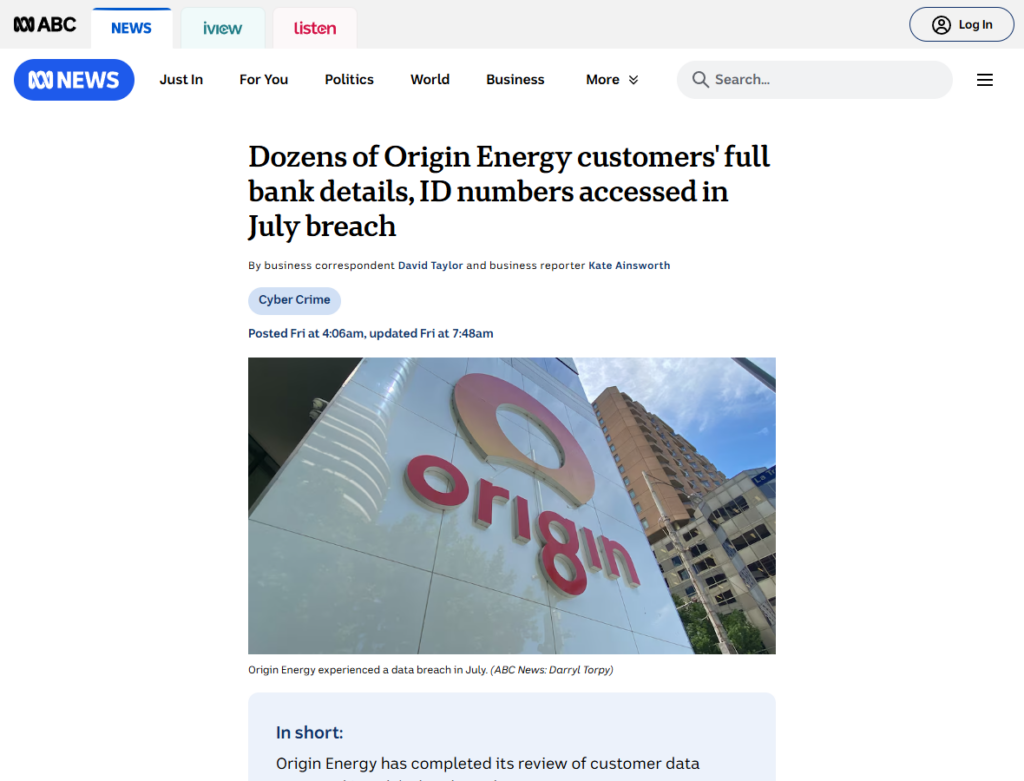
Origin Energy disclosed a cyber incident affecting approximately 900,000 current and former customers. That fact can make a later call or message sound plausible. It does not authenticate the person making contact.
An impostor can refer to a genuine incident, repeat public reporting, and use one correct customer detail. The story may be accurate while the proposed solution is fraudulent.
Exposed details can become a credibility script
Most affected records reportedly contained combinations of names, addresses, dates of birth, phone numbers, Origin account information, and masked payment details. These fragments are useful because they answer the questions victims normally use to judge whether a caller is legitimate.
A correct address is not a secret challenge question when that address may already be in a compromised record. Neither are the last digits of a card, a former service address, or an old account reference.
The pretext can change without changing the scam
One message may claim an overdue bill. Another may offer a breach payment, energy rebate, refund, rate adjustment, account migration, or identity-protection service. The label changes, but the objective is usually to capture a missing secret or make the victim authorize an irreversible action.
Treat the following signs as reasons to stop and verify:
- The contact arrives unexpectedly and creates a short deadline.
- The caller uses your address or account details as proof of identity.
- You are asked for a password, PIN, one-time code, or complete card number.
- A refund supposedly requires a fee, new payment, or online banking login.
- The caller wants remote access to your phone or computer.
- You are told to move money to a safe account or buy gift cards.
- The message provides a link or phone number and discourages independent checking.
What Origin Says Was Accessed
The numbers matter because different customers face different risks. According to Origin’s August update, summarized by ABC News, approximately 900,000 current and former customers were affected.
For most people, the data involved combinations of contact and account information. That could include a name, address, date of birth, phone number, Origin account details, the last four digits of a payment card, or the last three digits of a bank account.
Smaller groups had more sensitive information in the affected records. Origin said approximately 60 customers had full bank account details involved, around 100 had an identification document number involved, and about 15,000 had government concession program numbers involved.
Those categories should not be flattened into a claim that every affected customer lost every listed field. The data differed by person. The notice sent to an affected customer is the better guide to that individual’s exposure.
Origin also said it had not found evidence at that time that the stolen data had been published online or on the dark web. That is reassuring, but it is not a lifetime guarantee that the information will never circulate or be used privately.
A data breach does not automatically give a criminal access to your bank account. Partial digits cannot normally authorize a payment by themselves. Their value is social: they can make a fraudulent conversation look informed enough to extract the credentials that are still missing.
This is the same trust problem seen after other breaches. Our report on the Qantas Frequent Flyer data breach scam explains how authentic customer details can be repurposed as the opening scene of a separate fraud.
How the Origin Energy Breach Scam Works
Step 1: A breached detail creates a targeting list
The operator starts with whatever customer information is available. It may come from this incident, another breach, a data broker, a public directory, a stolen inbox, or several sources combined.
That distinction is usually invisible to the recipient. A scammer does not need the complete Origin dataset. One matching name, address, and phone number may be enough to select a believable pretext.
Step 2: The first contact proves familiarity, not identity
A call, text, or email opens with a detail the recipient recognizes. The caller may mention the street address, account holder’s name, former property, masked payment number, or breach itself.
The information is delivered before the victim asks for proof. That creates a powerful reversal: instead of the caller authenticating themselves, the victim begins confirming and correcting the caller’s record.
Step 3: A billing, refund, or security hook creates urgency
The fake problem is chosen to encourage immediate action. An overdue balance threatens disconnection or fees. A suspicious payment suggests theft. A refund or compensation offer creates fear of missing out.
Security language can be especially persuasive after a breach. The caller may claim that an account must be reset, identity monitoring activated, bank details replaced, or a compromised payment canceled before a deadline.
Step 4: The conversation moves to a controlled channel
The message may include a callback number, QR code, or link to a lookalike portal. A phone operator can keep the victim talking while the fake page captures details in real time.
Caller ID is not reliable proof. A displayed company name or familiar number can be spoofed. Search advertisements and cloned websites can also place an impostor’s support number above the genuine company in results.
Step 5: Fake verification collects the missing secrets
The operator already has enough information to sound credible, but not enough to take the desired action. The next questions are designed to complete the record.
Requests may include the full card or bank account number, online banking credentials, email password, tax identifier, driver’s license image, or a one-time security code. The word verification does not make any of these requests safe.
Step 6: Remote access or a transfer turns trust into loss
Some operators claim they need to inspect a device, reverse a payment, or secure online banking. They direct the victim to install remote-access software and may ask them to hide the screen or ignore bank warnings.
Others invent a safe account, refund-processing payment, cryptocurrency wallet, cash collection, or gift-card procedure. Legitimate energy support does not need a customer to move savings to protect them from a bill.
Step 7: A second scam follows the first
A failed attempt still produces useful information. The operator learns which account is active, which story caused concern, and which details the recipient will confirm.
Victims may later receive a more polished call from a supposed bank investigator, government officer, cyber specialist, or recovery firm. The second caller may cite the original contact as evidence that a case already exists.
Why This Story Is So Convincing
A generic phishing message asks the recipient to believe everything. A breach-themed scam asks them to believe only one extra thing: that the person who knows the leaked details is the company responding to the leak.
That leap feels reasonable because support agents genuinely use customer information during real calls. The weakness is that the same information may now be available to someone who should not have it.
The timing also helps the impostor. Customers expect follow-up notices, explanations, monitoring offers, and service updates after a public incident. An unexpected message no longer feels entirely unexpected.
Fraudsters can mix public facts with private fragments. A message may cite the correct affected-customer count, use Origin branding, and link to a real news report before directing the victim to a fraudulent callback number.
Artificial intelligence can make the presentation cleaner, but it is not required. A scripted call center, copied email template, and spoofed caller ID are enough. The decisive test remains independent verification, not how professional the contact sounds.
How to Check an Origin Message Without Trusting It
Do not continue the same call or use the reply button. End the conversation without arguing, and do not tell the caller which parts of their record are correct or outdated.
Open the Origin app you already installed or type the known official website address yourself. Check My Account for the bill, payment, service notice, or profile change described in the message.
If support is needed, obtain the number from a recent genuine bill, the app, or the independently opened official site. Do not use a number supplied in the suspicious message, even if it resembles a real support number.
Origin’s incident information has listed a dedicated data-incident line at +61 8 9922 7000 and the address hello@origin.com.au. Confirm those details against the current official notice before using them, because contact routes can change.
Ask the independently reached agent whether the original communication appears in your account history. A real problem should survive this channel change. A scam usually depends on keeping the victim inside the operator’s controlled path.
Never read back a one-time code. Security codes approve logins, payments, password resets, or device enrollment. A genuine representative does not need you to defeat the security control that issued the code.
Do not install remote-access software at the request of an unexpected caller. If anyone can view or control the device, disconnect it from the internet and contact the bank from a separate device.
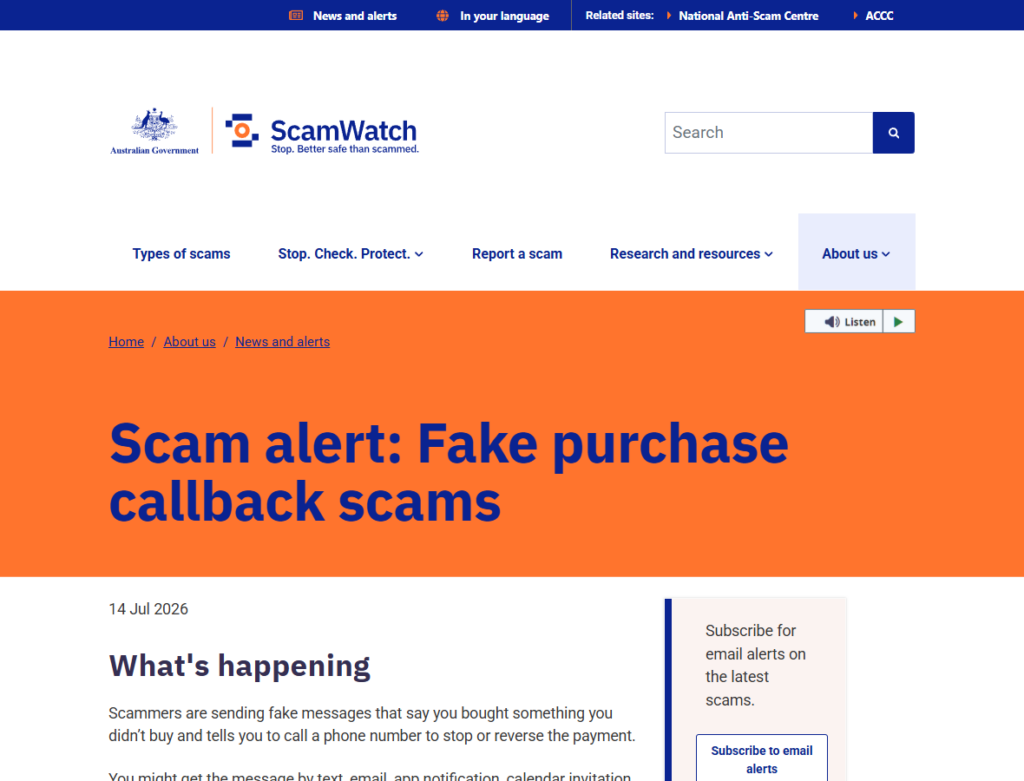
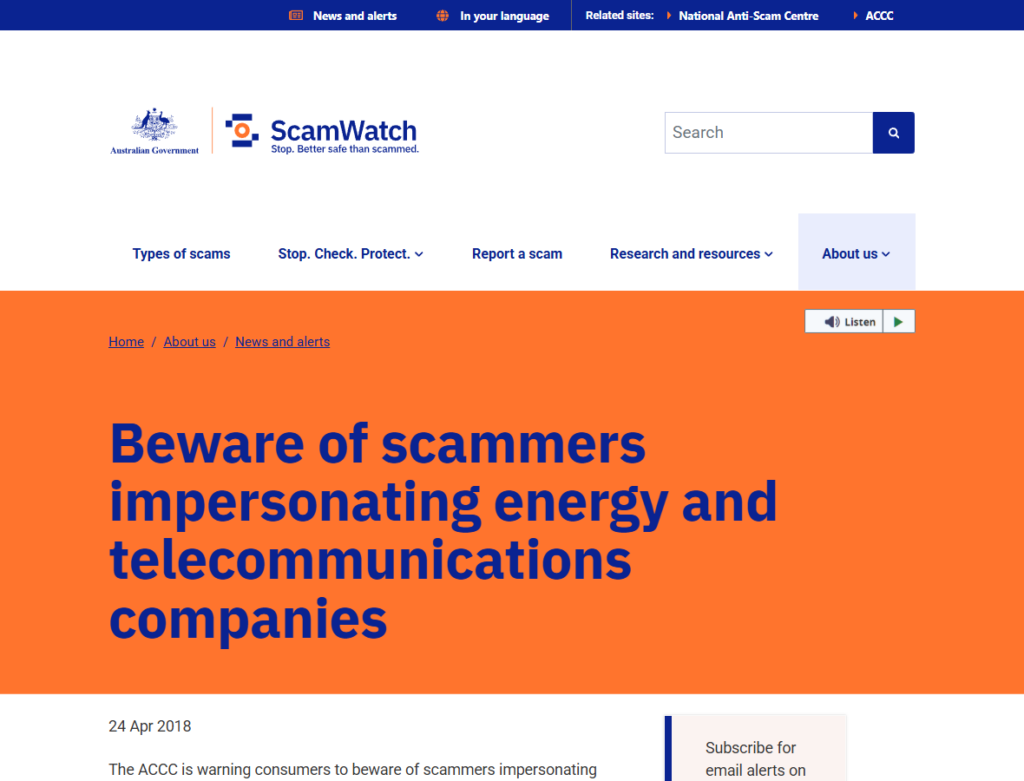
Scamwatch’s energy-company impersonation alert recommends independently locating the organization’s contact details. Its callback scam alert also explains how personal details can make a fabricated charge or support call feel real.
Company, Address, and Fulfillment Checks
Origin is real, but the contact still needs proof
Origin Energy is an established Australian energy company. Origin Energy Retail Limited is identified as ABN 22 078 868 425, with an address at 321 Exhibition Street, Melbourne, Victoria 3000.
A real company name, logo, ABN, office address, or news event can be copied perfectly. These facts identify the organization being impersonated. They do not identify the person on the phone or the owner of a linked website.
A correct address is not caller authentication
Your current or former service address may be exactly the detail an impostor uses to lower your guard. Do not reward that tactic by supplying the unit number, date of birth, account number, or updated contact details.
If a caller asks you to confirm information, reverse the process. End the contact, open the official account independently, and ask the genuine company whether it needs anything from you.
A support route must be opened independently
Do not judge a destination by the visible link text. On phones, the real address can be hidden, shortened, redirected, or placed behind a button. A sponsored search result can also lead to a fake support page.
Use a saved app, a trusted bookmark, or an address typed manually. Check that the final website ends in the genuine company domain before entering credentials. If anything changes unexpectedly, close it and start again.
A billing claim must appear in My Account
Energy services are not shipped like retail goods, so fulfillment means a change visible in the genuine account: a real bill, payment, refund, service request, plan change, or support case.
A screenshot, emailed receipt, or caller’s case number is not enough. If the action does not appear after you sign in independently, do not pay, approve, or disclose information to make it appear.
What to Do if You Have Fallen Victim to This Scam
- End the contact. Stop replying, hang up, and do not accept a follow-up call from a supposed supervisor. Save the message, number, website, and conversation before blocking the sender.
- Contact your bank immediately. Use the number on the card or the bank’s official app. Ask it to block affected cards, secure online banking, recall transfers where possible, and check for new payees, device registrations, or payment-authority changes.
- Secure your Origin and email accounts. Open each service independently, change exposed or reused passwords, enable multi-factor authentication, remove unknown sessions, and review recovery addresses, forwarding rules, contact details, and recent account activity.
- Report exposed security codes. Tell the bank or relevant service exactly which one-time codes you shared and when. A code may have approved more than the caller claimed, so do not wait for an unfamiliar transaction to appear.
- Remove remote access safely. Disconnect the affected device from the internet. From another device, tell the bank what happened. Uninstall the remote-access tool, review accessibility and device-admin permissions, and do not reconnect until the device has been checked.
- Check the device for malware. Run a reputable scan such as Malwarebytes. If malware is found, change sensitive passwords again from a known-clean device after the compromised system has been remediated.
- Reduce repeat exposure. A blocker such as AdGuard can stop many known malicious ads and domains from loading. It cannot authenticate a caller, undo a transfer, or replace account security.
- Act on identity-document exposure. If a license, passport, Medicare card, concession number, or other identifier was disclosed, contact the issuing authority. Follow the tailored support in Origin’s notice, including IDCARE or credit monitoring if it was offered to you.
- Preserve an evidence bundle. Keep screenshots, URLs, email headers, phone numbers, voicemail, names used, payment records, remote-access app details, and the exact information requested. This helps banks, platforms, and investigators connect related attempts.
- Report the incident. Submit the scam to Scamwatch. For cybercrime, identity misuse, or an account compromise, type cyber.gov.au into your browser and follow its reporting and recovery path.
- Expect recovery impostors. Criminals may return as investigators, lawyers, banks, or fund-recovery specialists. Do not pay an advance fee or share new identity documents with anyone who contacts you unexpectedly.
Frequently Asked Questions
Is the Origin Energy data breach itself a scam?
No. The cyber incident and Origin’s customer notifications are real. The scam begins when an impostor exploits that event or exposed customer details to impersonate Origin, a bank, a government agency, or a security service.
Does a caller knowing my address prove they are from Origin?
No. An address can come from a breached record, public source, data broker, stolen account, or previous scam. End the call and reach Origin through the app, a genuine bill, or an official site you open yourself.
Can the last digits of my card or bank account be used to take money?
Partial digits normally are not enough to authorize a payment alone. They can still be used as persuasive proof during a call designed to steal the full number, password, security code, or transfer approval.
Will Origin ask for my account password or one-time code?
Origin has said it will never request an account password. Do not disclose one-time security codes either. If a legitimate account action is required, begin it from the official app or site rather than through an unexpected contact.
What if the message offers a breach refund or compensation?
Do not use its link or callback number. Check your independently opened account and the current official incident notice. A refund that requires an upfront payment, remote access, banking login, or safe-account transfer is fraudulent.
Should I replace my card or identity documents?
The answer depends on what your individual notice says was involved and what you later disclosed. Contact the card issuer or document authority through an official route. Do not replace everything based only on an unsolicited caller’s claim.
The Bottom Line
The Origin Energy breach scam is convincing because the first detail may be true. A correct name, address, account reference, or masked payment number can come from compromised data and still be delivered by an impostor.
Do not let familiar information authenticate an unfamiliar person. End the contact, open My Account independently, and verify the supposed bill, refund, or security action through a support route you selected yourself.
The safest rule is simple: breached data can identify you to a scammer, but it cannot identify the scammer to you.

Join the discussion
0 commentsShare your experience or ask a question about this article.
Discussion
Start the conversation
Have a question or something useful to share? Add the first comment.