

Websites advertising NeeDoh toys at unusually steep discounts may copy product photos, Schylling branding and store layouts closely enough to look official on a phone. These cloned shops are not authorized Schylling stores. They are built to capture orders through an offer that feels too good to miss.
Victims may receive nothing, a low-value substitute or an item that bears little resemblance to the listing, while returns and refunds become nearly impossible. This guide explains how the fake stores attract buyers, which details expose them and what to do if you placed an order or shared card information.
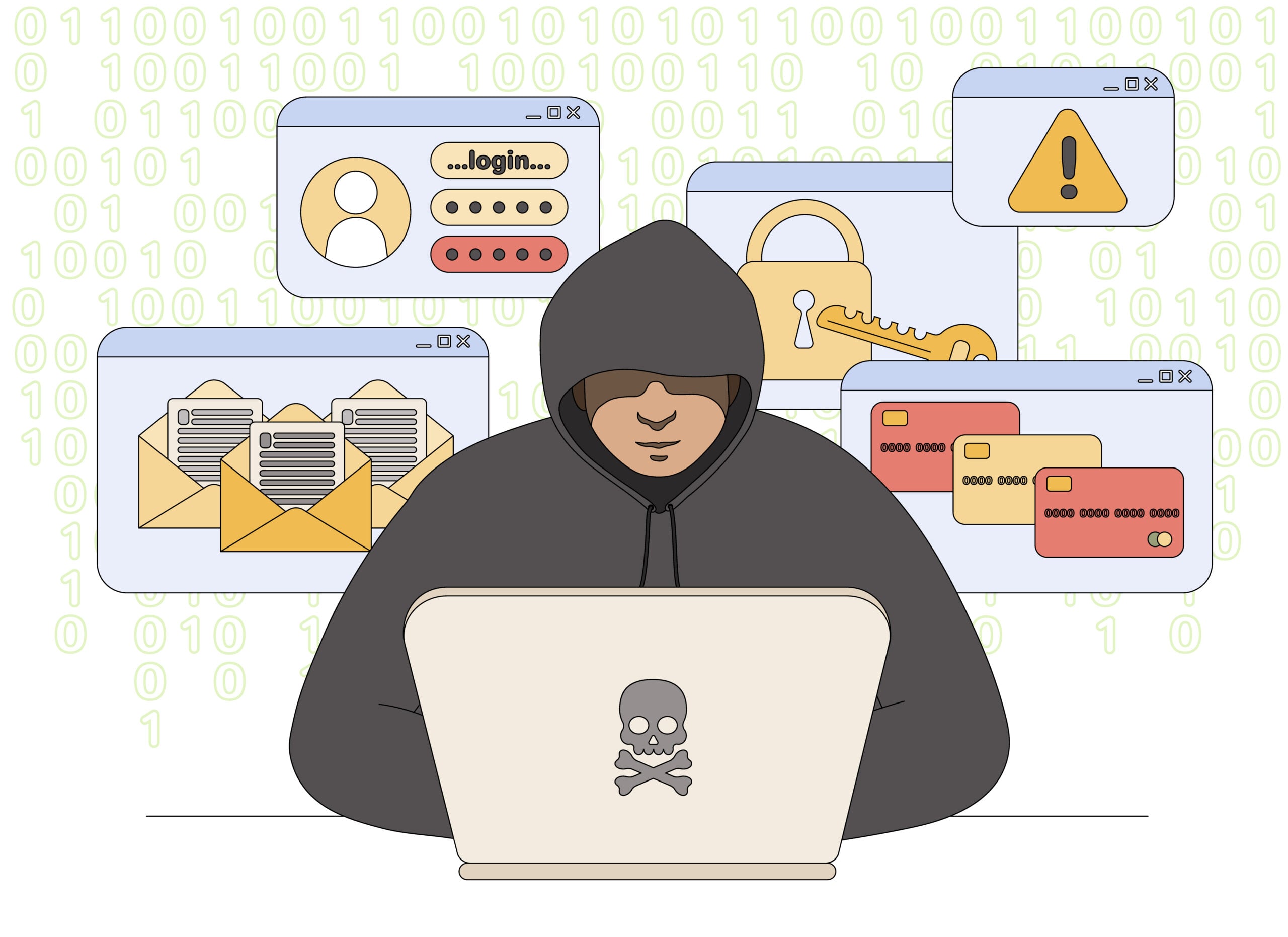
Schylling Scam Stores Overview
Schylling is a legitimate toy company and the maker of NeeDoh sensory toys. The scam comes from fake online stores that copy the Schylling and NeeDoh names, product photos, and branding to steal payments and card information.
These websites often appear when a popular NeeDoh product is sold out or difficult to find. They advertise large inventories and steep discounts, then direct shoppers through a checkout that may charge the card, record its details, or deliberately show a payment failure.
Schylling’s official NeeDoh website warns that counterfeit sites take consumers’ money and deliver nothing. It identifies Schylling.com as the official website and provides an authorized-dealer directory for genuine products.
Domains reported in the current campaign include schylling.us.com, schyllingstore.us.com, schylling.store.us.com, schyllings.it.com, and the misspelled schylinngtooys.us.com. The list is not permanent. Scammers can abandon one address and launch another with a similar name.
The real Schylling company and its NeeDoh products are not the problem. The scam comes from unrelated domains that copy the brand, use familiar product photography and present themselves as an outlet, warehouse sale or official clearance store. A shopper can reach these sites through a social-media advertisement without ever seeing the legitimate company’s web address.
The checkout may accept an order while hiding who operates the business, where returns must be sent and whether the advertised inventory exists. A confirmation email or tracking number does not prove that the correct item will arrive; low-value parcels are sometimes used to make a card dispute harder. Compare the domain with Schylling’s official site, look for an independently verifiable business identity and leave if the discount is the only convincing part of the store.
How the Fake Schylling Store Scam Works
Step 1: A fake store appears in search results or ads
The scam begins with a search advertisement, social media post, or shopping result for NeeDoh products. The listing may rank above the real company or an authorized retailer.
The domain includes Schylling, NeeDoh, store, toys, or a country abbreviation, which makes it look like an official outlet or regional store.
Step 2: Stolen branding creates a convincing storefront
The site copies logos, product names, descriptions, packaging photos, and lifestyle images from legitimate sellers. It may also reproduce privacy policies, shipping text, and customer-service pages.
These visual details are easy to duplicate and do not prove that the store has any relationship with Schylling.
Step 3: Scarcity and discounts push a fast purchase
The fake store claims that hard-to-find NeeDoh toys are available in large quantities, often at prices far below established retailers. Countdown timers, low-stock notices, and limited-time discounts discourage comparison shopping.
A product being sold out on the official website but widely available on an unknown discount site is a reason to slow down, not a lucky discovery.
Step 4: The checkout captures payment details
The shopper enters a name, delivery address, email, telephone number, card number, expiration date, and CVV. The page may also encourage the creation of an account using a reused password.
That information is sent to the operators of the fake store. It can be used for unauthorized transactions, identity-based phishing, or account takeover.
Step 5: A fake decline encourages more card attempts
Reported sites may display Card Not Supported, Payment Failed, or Transaction Declined even after collecting the information. The shopper tries another card, giving the criminals multiple valid payment methods.
A failed checkout does not mean the data was safely discarded. If card information was submitted, treat it as exposed.
Step 6: The card is charged or added to a wallet
Victims have reported unauthorized use after entering details on imitation stores, including attempts to add cards to digital wallets. A security code may arrive as the scammer tries to complete the enrollment.
Never provide that code to a caller or enter it on a page opened from an unexpected message. Contact the card issuer instead.
Step 7: Nothing arrives or a counterfeit is shipped
Some victims receive no product and no meaningful response from customer service. Other buyers may receive a cheap imitation that does not match the listing.
Counterfeit sensory toys may not have undergone the safety testing associated with the real product. An unusual chemical odor, leaking material, poor seams, or incorrect packaging should be treated seriously and kept away from children.
Reported Fake Schylling Domains
schylling.us.comschyllingstore.us.comschylling.store.us.comschyllings.it.comschylinngtooys.us.com
Do not visit these addresses to investigate them. The domains are included for identification only. A store not listed here can still be fraudulent, and an old domain may later change ownership or content.
Fake NeeDoh Store Warning Signs
- The domain is not Schylling.com and is absent from the authorized-dealer directory.
- The name adds words such as store, outlet, sale, or toys to the Schylling brand.
- Popular or sold-out NeeDoh items are offered at unusually low prices.
- The site uses constant countdowns and low-stock warnings.
- Contact details are missing, generic, or unrelated to the brand.
- Policies mention a different company or appear copied from another store.
- The checkout rejects one card and asks the shopper to try another.
- A code arrives to add the card to Apple Pay, Google Pay, or another wallet.
HTTPS is not a trust seal. The Federal Trade Commission notes that scammers can encrypt fake stores too. A padlock protects the connection while still delivering your information to the wrong business.
How To Buy Genuine NeeDoh Products
- Begin at Schylling.com. Use the official NeeDoh page instead of a sponsored search result.
- Check the authorized-dealer directory. Confirm that an unfamiliar seller appears in the official list.
- Compare the price. A dramatic discount on a scarce product is a major warning sign.
- Use a credit card. Credit cards generally offer stronger dispute rights when goods do not arrive or are counterfeit.
- Keep records. Save the listing, order confirmation, promised delivery date, and seller contact information.
- Avoid irreversible payments. Do not buy from a store that insists on gift cards, wire transfers, cryptocurrency, or payment outside the normal checkout.
What To Do If You Entered Card Details
Call the bank or card issuer immediately, even if the fake store said the payment failed. Explain that the card was entered on a fraudulent retail website and ask whether it should be blocked and replaced.
Review pending transactions and digital-wallet enrollments. Reject unrequested verification codes and ask the issuer to remove the card from any wallet you do not recognize.
Change any password created on the fake store if it was reused elsewhere. Begin with the associated email account, because email access can be used to reset other passwords.
Ask the issuer to protect the card
Contact the bank or card issuer using a verified number and state that the card was used on a suspected counterfeit store. The issuer can advise whether to freeze or replace it. Check small pending charges as well as larger purchases, because criminals sometimes test a card before using it again.
Save the store and checkout evidence
Keep screenshots of the product page, advertised discount, domain, order confirmation and return policy. Save emails and the exact amount charged. This evidence helps the issuer understand that the merchant was misrepresented if the goods never arrive, a cheap substitute is delivered or the seller refuses a reasonable refund.
If You Paid or Received a Counterfeit
- Dispute the charge. Contact the card issuer, PayPal, or payment provider and describe the counterfeit or non-delivery.
- Preserve evidence. Keep screenshots, receipts, tracking details, emails, packaging, and photographs of the item.
- Do not let children use a suspicious toy. Store it safely while the seller, payment provider, or relevant safety authority reviews the complaint.
- Report the fake site to Schylling. The official NeeDoh page includes a counterfeit-site reporting form.
- Report the fraud. Submit the seller and domain to the Federal Trade Commission and the advertising or marketplace platform that promoted it.
Frequently Asked Questions
Is Schylling a legitimate company?
Yes. Schylling is the legitimate company behind NeeDoh. Criminals are impersonating the brand through fake online stores.
What is the official Schylling website?
The official website is Schylling.com. Its NeeDoh page provides a directory of authorized retailers in the United States and Canada.
Why did the fake store decline my card?
The decline may be fabricated to make you submit another card. Treat every card entered on the site as compromised and contact the issuer.
Can a fake store send a real product?
Some fraudulent sellers send nothing; others send a low-quality counterfeit. Receiving a package does not make the website an authorized Schylling seller.
The Bottom Line
The Schylling scam stores are brand impersonation sites, not official NeeDoh outlets. Their familiar logos and low prices are used to collect money, card data, and personal information from shoppers looking for scarce products.
Start from Schylling.com, use the authorized-dealer directory, and contact the card issuer after any suspicious checkout, including one that claimed the payment was declined.

Join the discussion
0 commentsShare your experience or ask a question about this article.
Discussion
Start the conversation
Have a question or something useful to share? Add the first comment.