

A buyer contacts you about an item you listed online. They agree to the price quickly, say they will pay through Venmo, and then insist they need your email address. Minutes later, a convincing payment confirmation lands in your inbox.
The message claims the money is waiting, but there is a problem. You supposedly need to upgrade your account, expand a payment limit, or refund an extra amount before the funds can be released. That email is the trap.
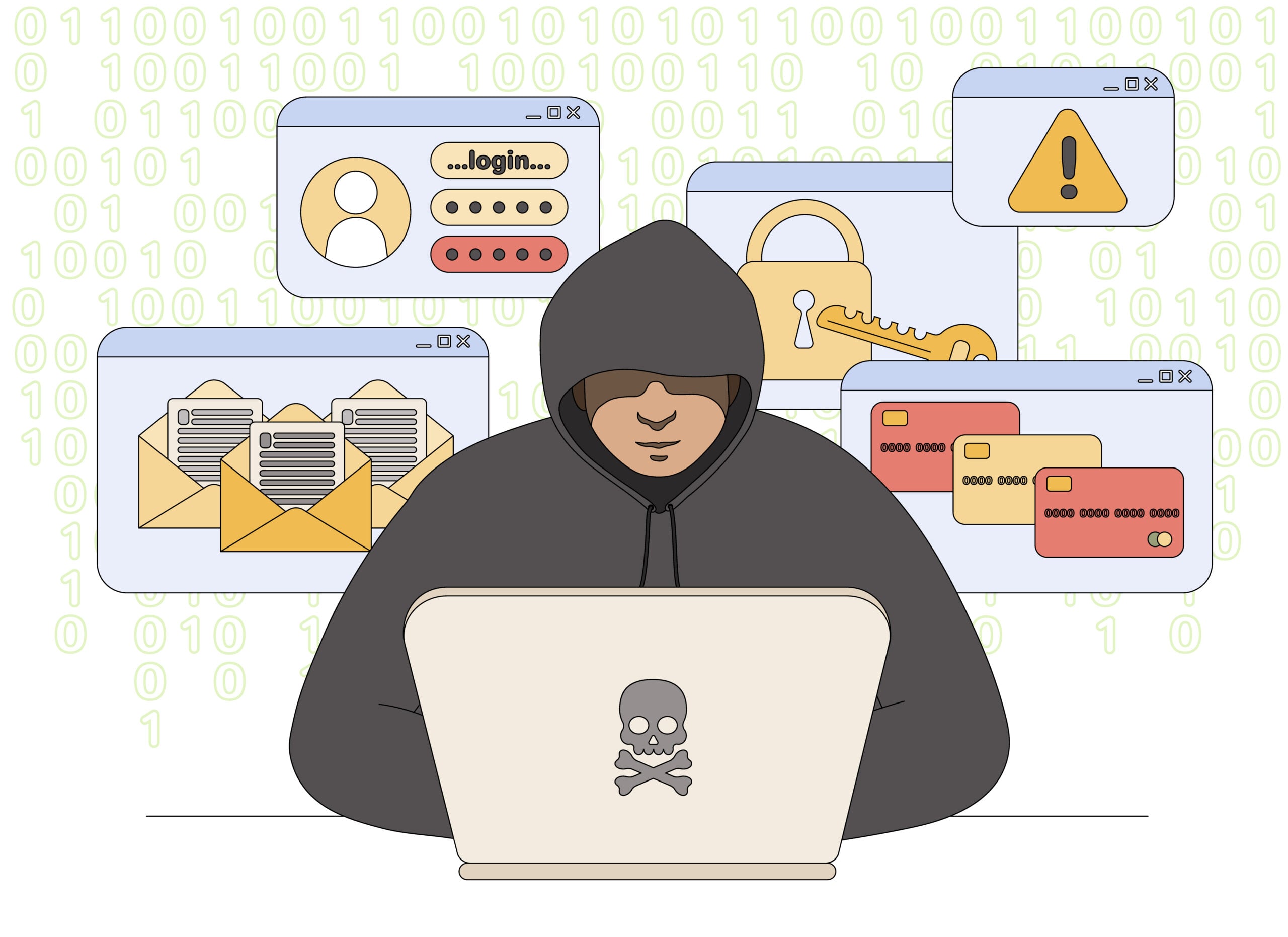
Overview
The Venmo email address scam is a fake-payment scheme commonly aimed at people selling furniture, electronics, tickets, and other items through Facebook Marketplace, Craigslist, or similar platforms. The criminal poses as an interested buyer and uses a forged Venmo email to make it appear that a payment has been sent.
The fake message often says the seller has a personal account while the buyer paid from a business account. It may claim that $200-$500 must be sent to “upgrade” the seller’s account or increase its receiving limit. Real Venmo payments do not require a seller to send money to a buyer to unlock incoming funds.
Some versions stop after stealing the upgrade fee. Others cause two losses: the seller sends real money to the scammer and also ships or hands over the item because they believe the original payment is being held.
An important detail is often missed in warnings about this scam. Venmo can send a payment to an email address or phone number, so a request for an email address by itself does not prove fraud. The decisive warning signs are the missing transaction inside the Venmo app, the unexpected email, and any demand to pay a fee or return money before receiving payment.
Venmo does not require a seller to change an email address, buy gift cards or pay an upgrade fee before receiving money. Fake buyers claim that a payment is pending and arrange for a counterfeit Venmo email to explain that the recipient must expand a business account or refund an extra amount. The balance in the real Venmo app never reflects the promised payment.
The email is the evidence the scammer wants you to trust, but it was sent by the scammer or an accomplice. Screenshots and “payment sent” notices can be fabricated in minutes. Verify every transaction inside the official app, not through a message link. If no completed payment appears in your account, do not ship an item, return money or pay any fee regardless of how convincing the buyer sounds.
How the Venmo Email Address Scam Works
Step 1: A fake buyer responds to your listing
The scam begins after you advertise an item online. A buyer may contact you almost immediately, show little interest in the item’s condition, and agree to the full price without asking the questions a genuine buyer normally would.
Step 2: The buyer insists on paying with Venmo
The buyer offers to pay through Venmo and asks for the email address connected to your account. They may reject your Venmo username or QR code and claim that an email address is required because they are using a business account.
The request is designed to collect the address where the criminal will send the fake payment notice. It also shifts your attention from the real Venmo app to an email inbox that the scammer can imitate.
Step 3: A forged payment email arrives
After you share the address, an email arrives claiming that the buyer paid. It may copy Venmo colors, logos, layout, and legal language. The sender name can display “Venmo” even when the underlying address belongs to a free mail provider or a lookalike domain.
The payment shown in the email does not exist. If you open Venmo directly and inspect your transaction history, there is no matching transfer. A screenshot, buyer message, or email receipt is not proof that money reached your account.
Step 4: The email invents an account problem
The forged notice says the payment is pending or on hold because your account cannot receive a business payment. It may claim that your limit must be expanded or that your profile needs a one-time business upgrade.
The message then introduces an extra payment, often $200-$500. In some versions, the scammer claims to have added this amount to the transfer. In others, the email says you must pay the fee yourself before the full balance can appear.
Step 5: The scammer demands real money back
The buyer pressures you to reimburse the supposed extra payment immediately. They may send repeated messages, accuse you of keeping their money, or threaten to report your account. This manufactured urgency is meant to stop you from checking the story.
If you send a new Venmo payment, gift card, bank transfer, or cryptocurrency payment, you are sending your own money. There was no original payment to offset it, and the fake buyer has no intention of reimbursing you.
Step 6: The item may be collected or shipped
A more aggressive scammer may also arrange for a courier, friend, or relative to collect the item. Another version says the funds will be released only after you ship the item and provide tracking information.
Venmo warns that criminals can send fake emails or screenshots claiming payment and can falsely say that shipping information is required to release funds. Do not surrender an item until a legitimate transaction is visible in your account and you understand the protection available for that sale.
Step 7: The buyer disappears or tries another fee
Once money or merchandise is sent, the buyer blocks you and abandons the account. If you continue responding, an accomplice may pose as Venmo support and demand another charge for taxes, verification, cancellation, or recovery.
No additional payment will unlock the missing funds. Follow-up demands are simply attempts to increase the loss while the victim is still hoping to recover the first payment.
Warning Signs of a Fake Venmo Payment
- The buyer refuses your Venmo username or QR code and insists on receiving an email address.
- An email claims you must upgrade a personal account to accept a business payment.
- You are told to send $200-$500 before an incoming payment can be released.
- The claimed transaction is missing when you open the Venmo app yourself.
- The sender address does not end in
venmo.com, even though the display name says Venmo. - You are told to ship the item or provide tracking before the payment appears in your account.
Can a Real Venmo Payment Use an Email Address?
Yes. Venmo’s own help documentation explains that a payment can be sent to a phone number or email address. If that contact information is not verified or associated with an account, the sender may see the payment as pending until the recipient completes the required account setup.
That legitimate process does not require the recipient to reimburse the sender, buy an upgrade, or pay a fee through a separate transaction. A real pending payment is visible in the appropriate Venmo transaction feed; a fabricated email with no matching activity in the app is not a payment.
How to Verify a Venmo Payment Safely
- Close the email and do not use any link, button, phone number, or attachment it contains.
- Open the Venmo app from your phone’s home screen or type
venmo.cominto your browser yourself. - Check your transaction history and notifications for the buyer’s payment, including its amount, sender, type, and status.
- Do not send a refund as a new payment if a stranger claims they overpaid. Contact Venmo support through the app instead.
- Do not ship or hand over the item based only on an email, screenshot, or promise that funds will be released later.
Venmo states that its emails come from addresses ending in venmo.com. However, sender information can be spoofed, so the address is only one check. The transaction shown inside your independently opened account is the stronger evidence.
What to Do If You Received the Fake Email
- Do not click links, open attachments, call numbers, or reply to the message.
- Forward the suspicious email as an attachment to
phishing@venmo.com, following Venmo’s reporting instructions. - Report and block the buyer on the marketplace, then save the listing, profile, chat history, email headers, and payment instructions as evidence.
- If you entered a password or financial details, secure the Venmo and email accounts and contact the bank or card issuer through an official channel.
What to Do If You Sent Money or the Item
Contact Venmo support from inside the app as soon as possible. Explain that the transfer followed a fake payment notice and provide the recipient’s username, amount, date, and screenshots. A reversal is not guaranteed, but a prompt report gives investigators the best available information.
Notify your bank or card issuer if it funded the transfer. If an item was shipped, ask the carrier whether it can be intercepted. Report the fraud to the marketplace and the Federal Trade Commission, and reject anyone promising recovery for an upfront fee.
Report the transaction and marketplace account immediately
Contact Venmo through the official app and report the profile, message and payment. If the conversation began on a marketplace, notify that platform as well. A completed payment may be difficult to reverse, but a rapid report can help preserve records and may prevent the account from targeting more sellers.
Keep delivery and conversation records
Save the fake Venmo email, buyer profile, chat history, shipping label and carrier tracking. If a parcel is still in transit, ask the carrier whether an intercept is available. Do not send a second payment to a person claiming it will release the first one; that is a continuation of the same scam.
Frequently Asked Questions
Does a buyer need my email address to pay me on Venmo?
An email address can be used as a Venmo payment destination, just like a phone number, when it is associated with the recipient. A legitimate buyer can also use your Venmo username or QR code. Insistence on email becomes dangerous when it is followed by a fake confirmation or an upgrade-fee demand.
Will Venmo ask me to pay to receive a business payment?
No legitimate payment notice requires you to send money to the buyer to expand a limit, upgrade your profile, or release an incoming transfer. Do not pay a stranger to receive money they claim to have sent.
How can I tell whether a payment email is real?
Do not rely on the email alone. Open Venmo independently and check your transactions. Venmo says its emails end in venmo.com, but the safest confirmation is matching activity inside your account without using the email’s links.
Where should I report a fake Venmo email?
Venmo asks users to forward suspicious emails as attachments to phishing@venmo.com. You can also report the buyer to the marketplace, contact Venmo support through the app, and file a report with the FTC if money or personal information was lost.
Final Thoughts
The Venmo email address scam works because an official-looking receipt can feel as convincing as money in an account. It is not. A payment is real only when you can verify it through the official service without following instructions supplied by the buyer.
If a buyer says you must send money, refund an unexplained overpayment, or pay for an account upgrade, stop the sale. Keep the item, keep your money, and report the account before the pressure turns into a loss.

Join the discussion
0 commentsShare your experience or ask a question about this article.
Discussion
Start the conversation
Have a question or something useful to share? Add the first comment.