


An unexpected message promises a Social Security benefit increase. If you’ve been stretching every check, the offer is hard to brush aside.
It might sound like a new rule you missed, especially when people around you are already talking about benefit changes. Here’s where to check before you respond.
Overview
The offer is for more money, not a routine update
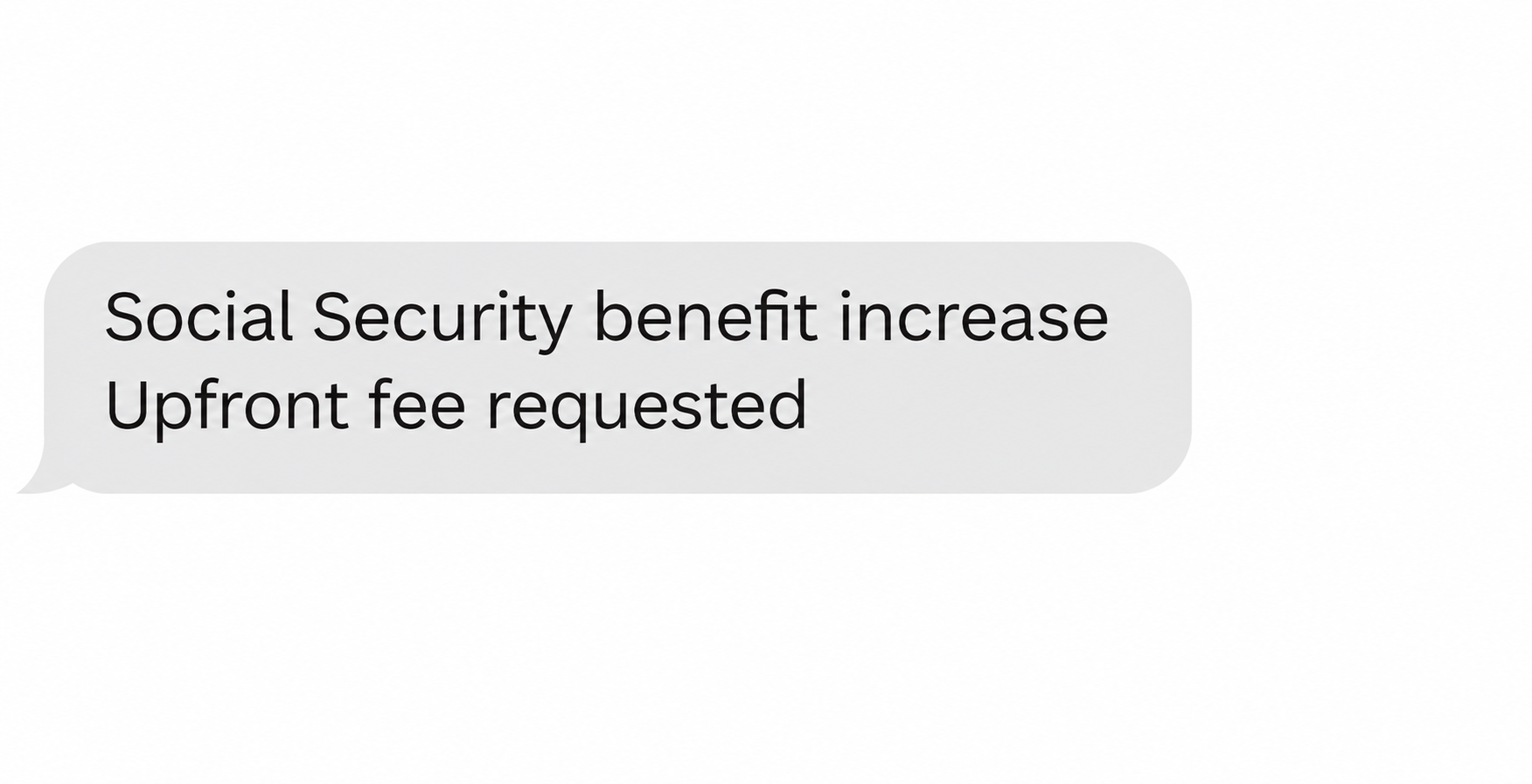
The Social Security benefit increase scam promises a larger payment if you pay an upfront fee or provide information to someone contacting you out of the blue.
The Social Security Office of the Inspector General warning describes offers arriving by text, online ads, social media, and other channels. Some send people to an official-looking form.
That’s distinct from a message threatening arrest or claiming your number was suspended. Here, the pressure comes from not wanting to miss money you’re told you could receive.
Real adjustments don’t require a separate claim fee
Social Security benefit amounts aren’t negotiated with someone who messages you. Don’t pay an unsolicited contact to unlock a government increase or give them information in exchange for one.
A real cost-of-living adjustment, often called COLA, is a useful cover story because people may have heard it announced but not know their own amount.
Use the official Social Security COLA page for general information. Use your own Social Security account or a verified agency contact for questions specific to you.
For example, SSA announced a 3.6% adjustment for 2027. The updated Social Security payments begin in January, while increased SSI payments begin on December 31, 2026.
That timetable comes from the agency, not a person selling access to it. Check your own notice in the Message Center if it’s available to you online.
Identify what the sender wants from you
The offer and the requested action are separate. A promise of extra benefits might be the hook even if the person never asks for a payment directly.
- A fee described as processing or activation puts money at risk immediately.
- A form collecting banking details can expose information even without a charge.
- A login request may expose your account rather than confirm your benefit.
- A message from a familiar person can still be a forwarded offer that nobody has checked.
You don’t need to identify the operator to protect yourself. You need to know whether the requested step belongs to a channel you independently established.
How the Social Security Benefit Increase Scam Works
Step 1: The pitch starts with something you want to believe
A text or ad suggests current recipients can get more, but that some people haven’t claimed the increase. It sounds like helpful news rather than a billing problem.
The broad idea is plausible because benefits do change. A scammer doesn’t have to invent the concept of an adjustment, only a false way to obtain it.
A family member may pass the offer along in good faith. Treat their recommendation as evidence that they saw it, not that they checked it with Social Security.
Step 2: The conversation turns to your eligibility
The contact may ask about the payment you currently receive or whether you know about an update. That exchange can make an unsolicited offer feel personalized.
Someone can sound informed without having looked up your record. An amount you supplied during the conversation or a detail they already knew isn’t proof of agency access.
You’re allowed to stop even after answering a question. Ending the conversation doesn’t forfeit a real adjustment, and you can confirm account questions separately.
Step 3: You’re offered a way to complete the increase
The OIG describes official-looking sites or forms in some offers. A link can move the conversation from a favorable promise to a request for information you wouldn’t normally share.
That request might concern the account receiving your benefits rather than a card you use to shop. It’s still sensitive information, even if there’s no price on the screen.
Close the form if you reach it from the offer. You don’t need to enter a single field to find out whether the government has adjusted your payment.
Step 4: The supposed increase costs you something
Some offers ask for an upfront fee to release or process the increase. Others seek identifying information or banking details under the pretense of setting it up.
The fee is not a legitimate cost of activating an SSA increase. Likewise, a form doesn’t become safe just because its operator says there’s nothing to pay.
A person who already paid may later be asked for another charge or offered help getting the money back. Don’t send more money to prove a prior payment.
Where to Check Whether Your Monthly Payment Changed
Start with your own benefit record
Open my Social Security from the agency’s website, not from a link sent with the offer. Use a device you know and trust.
If you’re trying to understand a deposit, check the official record for the relevant period. Don’t rely on a screenshot that someone sends you in a text conversation.
A headline about an average increase doesn’t tell you exactly what will land in your bank account. An authenticated account or verified agency contact gives you a better starting point.
If an expected notice hasn’t appeared or the amount looks wrong, contact SSA through its own website. Don’t let a stranger interpret a payment record they sent you.
Keep ordinary benefit business separate from a sales pitch
Some people have legitimate questions about their earnings record, eligibility, or when to apply. An unsolicited promise of extra money is not an official decision on any of those questions.
If you’re working with someone you already know and deliberately sought out, check what service they actually provide. Paying for someone’s time is not the same as buying an increase.
Do not confuse this offer with a normal account notification. If a message leaves you unsure, open your own account instead of trying to judge a link by its logo.
Do the same if the offer gives you a short deadline. The person attaching a countdown to their demand isn’t the source you should trust to explain agency deadlines.
Help a relative verify without taking over their account
Ask what the message promised and what they did in response. Those two answers are more useful than starting with whether they think it looked real.
Let them sign in without asking them to send you their password or a one-time code. If they need accessibility help, use an agency contact you can verify independently.
When a person is worried about missing money, a concrete check helps more than a warning about scams in general. Offer to sit with them while they check their notice.
Three Ways the Offer Can Leave You Exposed
You lose the fee without getting an increase
Put aside the amount the caller says you’ll receive every month. What they can take now is the fee, even if the promised payment never existed.
If someone describes the first payment as refundable, that promise doesn’t make it safer. Keep the receipt if you sent it and speak directly with the payment service.
Don’t confuse permission to investigate a transaction with a guarantee that the provider can reverse it. Tell them exactly how you paid so they can explain the options that apply.
You share details without moving any money
A person might leave the conversation relieved because they didn’t pay. If they typed their Social Security number or bank details, though, there’s still information to protect.
Write down which fields you actually completed while you still remember. The difference between sharing an email address and sharing a bank login matters when you report the incident.
If the form requested data about a spouse or another household member, tell them what may have been exposed. They may need to take their own recovery steps.
The offer puts your real payment at risk
Don’t change where your benefit is deposited on the instructions of someone offering a boost. A deposit destination is not a coupon code or a way to claim a bonus.
If you made a change and can’t tell whether it took effect, ask SSA about the actual payment record.
Your bank statement can show what arrived, not where SSA was told to send it.
Use contact details you find independently for both conversations. If the person who offered the increase volunteers to help with the missing deposit, don’t give them another opportunity to intervene.
What Information Is Worth Saving?
A useful report explains how the offer reached you and separates the promised amount from anything you actually sent. If there was no payment, say that clearly.
Take a screenshot without following any links again. If you still have the original text or ad, note the time and the exact request the person made.
Keep bank statements and identifying details in your own records. Share only what the official recipient requests through a channel you know, rather than putting everything in an ordinary email.
What to Do if You Have Fallen Victim to This Scam
-
Stop using the contact details provided with the offer. Leave the conversation and avoid any link that promises to confirm your benefit or refund a fee.
Save the message or ad and note where it appeared. Keep the evidence private, especially if the conversation contains identifying details about you or a relative.
-
If you paid, contact the provider that handled the transaction. Use the number on your card or the support contact in your known banking or payment app.
Tell them it involved an impersonation scam, how you paid, and when. Ask what can still be blocked, disputed, or recalled rather than assuming a refund is automatic.
-
If you shared banking details, tell your bank exactly which ones. A routing number, an account number, a card number, and an online banking password create different risks.
Ask the bank which protections are appropriate. Keep a record of any suspicious withdrawals and report them promptly instead of waiting for the next benefits payment.
-
If you shared an account password or sign-in code, secure the affected account. Begin from the genuine service on a different trusted device if necessary.
Check whether your recovery details or payment information changed. Contact SSA through its own channels if you can’t regain access or see changes you didn’t authorize.
-
If you disclosed your Social Security number or other identity data, take identity-specific steps. Use IdentityTheft.gov for a recovery plan appropriate to what you gave away.
Check related accounts for changes you didn’t request. A card replacement alone won’t address misuse of identity data, and a report won’t undo a payment on its own.
-
Tell the SSA Office of the Inspector General who the contact claimed to represent. Choose the reporting route for an impersonation scam and follow its instructions.
Record the channel, time, claimed fee, and any payment reference from your own account. Never send sensitive information back to the person who offered the increase.
-
Check the next scheduled benefit payment through official records. If your deposit goes missing or its destination looks unfamiliar, contact Social Security and your bank directly.
Explain whether you entered a form, granted account access, or were told to change your deposit information. That gives the people helping you a specific place to start.
What to Tell Someone Who Is Still Deciding
Show them the difference between money they’re told they can claim and money already shown in their official record. It’s easier to refuse the pitch once that distinction is clear.
If they’re afraid of losing an increase, suggest checking together before making a decision. They can take that step without replying, providing a code, or paying anything.
Some people call the sender back because they’re embarrassed about having replied the first time. Make it clear they don’t owe the sender another conversation simply because they started one.
If they already paid, help them find a genuine payment provider contact. A timely report is more useful than a debate about how convincing it looked.
Frequently Asked Questions
Will Social Security ask for a fee to activate a COLA?
No, an SSA cost-of-living adjustment doesn’t require an activation fee. Check the agency’s official information rather than paying someone who claims to speed up or unlock the change.
How do I check my new amount without following the message?
Open my Social Security independently or contact SSA using information from its website. The correct route doesn’t depend on a phone number or link that came with the offer.
Is a benefit increase offer safe if it doesn’t ask for money?
Not necessarily, because the contact may want bank or identity information instead. Don’t provide those details to someone promising extra benefits in return.
What if the message knows how much I receive now?
That still doesn’t establish the sender’s identity or authority. Don’t confirm other details for them, and refer to your own account for the official amount.
Does opening a link mean my benefits have been stolen?
No, opening a link by itself doesn’t prove anyone changed your benefits. What you typed, shared, installed, or approved matters when deciding what to secure.
Should I forward the offer to warn other recipients?
Describe the scam without forwarding the original link. If someone needs help, send them to Social Security’s official site or offer to help them find a verified contact.
The Bottom Line
The Social Security benefit increase scam makes an ordinary adjustment sound like something you have to buy. Verify any genuine change with SSA, outside the conversation.
If money or information already changed hands, act on that specific exposure. Contact your payment provider for the transfer, and work through official account or identity recovery channels as needed.

Join the discussion
0 commentsShare your experience or ask a question about this article.
Community experiences
Did this happen to you?
Your experience could help someone recognize the same scam. Submit a private report for our team to review.
I experienced this tooReports are reviewed before publication. Sharing publicly is always your choice.
Discussion
Start the conversation
Have a question or something useful to share? Add the first comment.