


You are looking forward to a Steam hardware delivery when a message arrives about the order. It names the right item and sounds like it knows where you live.
Before replying, check what you can confirm from the order you placed yourself.
Overview
Why an order detail is not proof of who contacted you
The August 2026 reporting on Valve’s European shipping partner matters because the information needed to deliver a package can also make an impostor’s message sound specific.
A Valve customer notice quoted by PC Gamer identified CEVA Logistics as the affected shipping partner. It warned that European hardware order data may have been compromised.
Information reported as potentially exposed included contact and delivery details and product information. That does not mean every European order was affected or that a criminal contacted every customer.
The European shipping partner handled information needed to deliver orders. That puts the focus on follow-up messages about deliveries, rather than treating the notice as an account reset instruction.
A shipping incident is different from a Steam account takeover
The reported notice did not describe Steam passwords or payment details as exposed through the shipping partner. A message that asks for those details creates a different risk.
If you already typed your Steam password somewhere suspicious, deal with that disclosure separately. The original notice’s limits do not protect the information you gave away afterward.
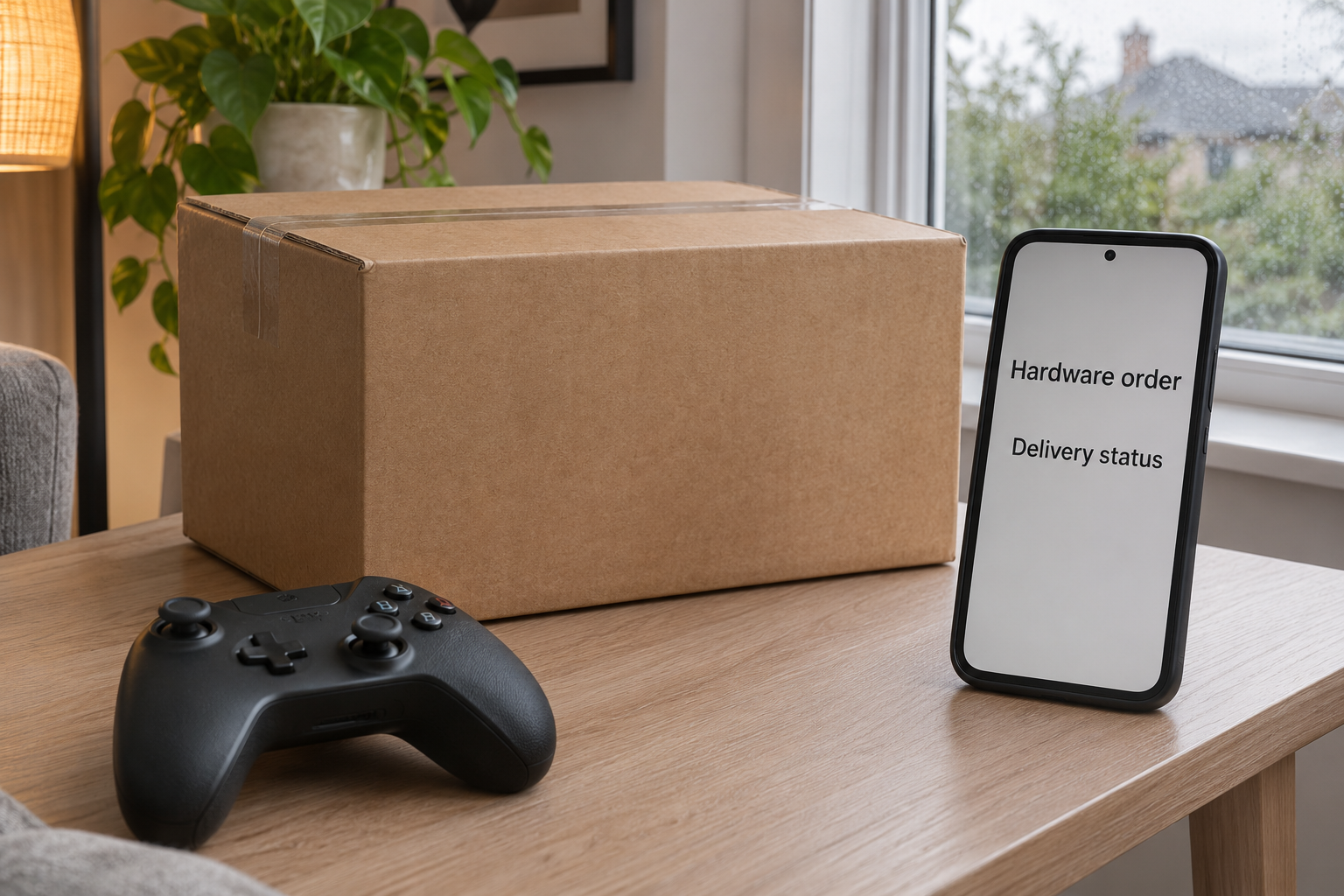
The picture above illustrates the delivery setting. It does not show a real parcel, the notification Valve sent or a verified follow-up scam message.
The strongest check is the record that existed before the message
Valve’s hardware shipping FAQ says the shipment confirmation includes the carrier and tracking information. Start with your Steam order and the carrier tied to that confirmation.
- Use the Steam account that placed the order, not a private support profile a sender gives you.
- Check the item, shipment status and tracking through sources you already trust.
- Confirm any fee or address change separately with Steam Support or the verified carrier.
- Tell your payment provider quickly if a suspicious page took your card details or payment.
What a Suspicious Hardware Delivery Message Might Ask You to Do
A real address can make a false delay sound convincing
A suspicious message may ask you to correct an address, confirm a delivery or pay a handling fee. Those are possible lures, not documented outcomes for every customer.
Your correct street or product name is not enough to tell whether the carrier sent the text. Compare the claim with the actual tracking page you reach independently.
If the text gives a different number from the shipment confirmation, do not assume the carrier changed it. Ask Steam Support which carrier and reference apply to the order.
Even the correct number does not authenticate the new sender. Someone can repeat a real detail and still give you a false place to pay or sign in.
A small payment can ask for much more than the amount advertised
A redelivery instruction might make the reader focus on a small amount while the page asks for full card information. The exposure is not limited to that displayed fee.
Check where a legitimate carrier would show a balance due. Do not use an unexpected page to work out what should be paid, even if the amount seems plausible.
If you are expecting an international shipment, verify the actual charge through the carrier identified in your order. Do not rule a fee in or out from a text alone.
Ask whether there is a hold and where instructions for it appear. Do not enter a card just to find out whether the package is really delayed.
A Steam login request changes the question
A carrier does not need you to give a stranger your Steam Guard code. If you need to access Steam, start with the app or support site you normally use.
A person who knows your email address can sound like a support agent. It still does not give them authority to collect a password, sign-in approval or recovery code.
Keep any unexpected code to yourself and check whether its timing matches a sign-in you actually started. A request for a code can be separate from the original delivery story.
When you tell Steam Support what happened, explain whether you only received a code, typed it somewhere or approved a prompt. That gives the support team a clearer starting point.
Check the Order in Three Places
Start with your Steam purchase record
Look for the hardware transaction on the account that paid for it. If a family member ordered it as a gift, ask them to check through their own account.
Keep the order date and the exact item name in view. A replacement cable or controller arriving separately may have a different shipping record from your main device.
If you have multiple open orders, verify which one the notice would have to concern. A matching last name is not a substitute for matching the actual purchase.
For a past order, note when it was dispatched as well as when you paid. Those dates help distinguish a new shipping notice from correspondence connected to an older purchase.
Use the carrier linked to the confirmed shipment
Compare the destination, delivery stage and carrier against the record associated with the shipment. Use the carrier’s official site or app rather than following a message to it.
Valve’s FAQ directs lost or stolen orders to Steam Support. Keep the original tracking and the carrier’s response so support can see exactly where the delivery went wrong.
If the carrier shows delivery while you are still waiting, open a support case through the verified route. Do not pay a caller to restart or unfreeze the package.
Check your own connection to the order
A previous buyer can receive an order-themed message long after the package arrived. Look at the purchase and its actual delivery date before treating a new notice as current.
If you bought through a different retailer, start with that retailer’s purchase record. The fact that the product was made by Valve does not establish which company handled your shipment.
If you used a different delivery address from your billing address, check which record the message repeats. Do not send the missing address just to see if it matches.
For a business or shared account, involve the person who paid or can access the carrier information. That also helps avoid two people disputing or paying the same shipment charge.
What to Do If You Already Used a Delivery Link
-
Save the message and stop interacting with it. Keep the timestamp, sender information and screenshots of the request. Do not forward a live link to a friend to test.
Write down what you actually did. A message received, a page opened and a card number entered are three different events.
-
Verify the shipment through your existing order. Compare the item and tracking with your Steam purchase or shipment confirmation. Contact Steam Support through its own site if needed.
Keep the package issue separate from a payment or credential problem. A genuine delivery can be late while the message asking you to fix it is still fake.
-
Tell your card issuer promptly if you entered payment details. Use the official app or the number on the card. Tell them what you submitted and whether anything posted.
Open a separate record for any unfamiliar later charge. Your issuer can explain whether a replacement card or another safeguard is appropriate.
-
Handle a Steam credential disclosure through the real recovery route. Steam Support explains account recovery, including what to do if someone changed your login details.
Secure the email account tied to Steam when appropriate. If you reused the compromised password elsewhere, replace it on those accounts without using a link the sender provided.
-
Keep a clean record of what happened for each provider. Give the carrier the verified tracking number and the issuer the payment reference, not your password.
Save replies from the right companies with the order confirmation. If somebody offers to recover the fee in a private chat, contact your original provider instead.
Check How a Real Address Change Is Handled
Valve’s shipping FAQ sets a time limit on ordinary changes and says a shipment is allocated after that window. An urgent text does not create a new editing option.
Ask Steam Support which options still exist for the specific order. An address that was right when you bought the item may be wrong now if you moved.
If you moved recently, check which address was on the order. Do not send the new address to a number that only claimed to know the old one.
A door number or postal code can be correct while the rest of a message is wrong. Have the carrier confirm the problem and the process to fix it.
Do not give a sender additional details just to make their record match yours. Tell the verified party which field needs checking, rather than posting your entire shipping label.
Keep Returns and Replacements Tied to the Same Order
Check who started the return
If you never requested a return, contact the seller or carrier before sharing anything. A replacement claim is easier to verify if you know who opened it and when.
If you did request one, compare its actual reference with the new message. An order number and a return authorization serve different purposes and may both be in your records.
For a warranty issue, use Steam Support for the model and order you actually own. Do not treat a courier’s message as the final answer on eligibility for replacement.
Know which package the message refers to
Keep inbound and outbound tracking numbers separate. The carrier may show an outbound shipment from you even while you are expecting a replacement to arrive separately.
Ask the established support contact to confirm who pays any shipping cost. A new label or payment demand cannot tell you by itself where the box is going.
Take a photo of what you are returning for your own records. Keep serial numbers and full labels out of public posts; provide them only in a verified support case.
Do not let shipment trouble turn into a private account reset
A seller can investigate a lost package without a private stranger taking control of your Steam account. If account recovery is necessary, initiate it through Steam Support yourself.
Review Steam’s account security recommendations if you want to prepare before anything happens. Keep your own access to mail and the account’s approved recovery methods.
If an authentication prompt appears while you check the shipment, note what you had opened. The two notifications arriving together does not prove that they were connected.
What Changes If the Parcel Has Already Arrived?
Deal with what is actually in front of you. If you have the item and the tracking status matches, do not let a new message turn it into an emergency.
If someone claims a fee was missed, check it through the verified carrier or seller. A payment demand after delivery does not authenticate itself.
If your package arrived damaged, contact the merchant or carrier through your real order. Photograph the packaging and damage without posting your full shipping label in public.
If you are asked to return a delivered device, confirm the return through Steam Support before handing it over. A real box does not make a stranger’s return label official.
The delivery record may still be useful weeks later. Save it privately if you need to distinguish a real replacement shipment from an unexpected request for an old order.
If you have given the device away, let the new owner know about suspicious contact without sharing the old account details. Whoever receives a message still needs to verify it.
Frequently Asked Questions
Did the shipping partner incident expose Steam passwords?
The reported notification concerned shipping and order details, not Steam passwords. Treat a password you later entered on a suspicious page as a separate disclosure.
What if the message knows exactly what hardware I ordered?
That can make the message sound convincing, but it cannot authenticate the sender. Verify the product and carrier through the purchase record you already trust.
Should I pay a fee to confirm my delivery address?
Do not pay through an unexpected link. Check whether the verified carrier actually has a fee or an address issue tied to that tracking number.
Can the incident also affect a delivery that already arrived?
A previously delivered package can still be used as the subject of a false message. Check the old shipment record rather than assuming the sender represents the carrier.
How can I contact Steam if my account information was changed?
Use Steam Support’s published recovery process. Its guidance says you can still contact support after your account email, phone number or password has changed.
Do I need to change my card after seeing a notice?
Seeing a notice does not mean your card was disclosed. If you supplied card details on a suspicious page or see unfamiliar charges, call the issuer.
The Bottom Line
Verify a Steam hardware delivery through your order and its confirmed carrier. Do not pay or sign in through an unexpected message, even if it names your device.
If you already entered information, act on what you shared. Contact your card issuer about payment details and use Steam’s official recovery route for exposed account credentials.

Join the discussion
0 commentsShare your experience or ask a question about this article.
Community experiences
Did this happen to you?
Your experience could help someone recognize the same scam. Submit a private report for our team to review.
I experienced this tooReports are reviewed before publication. Sharing publicly is always your choice.
Discussion
Start the conversation
Have a question or something useful to share? Add the first comment.