


You sent a dozen applications this week. When a recruiter texts to say they reviewed your résumé, you can almost picture the listing.
Almost isn’t quite enough when the next message asks for something you didn’t expect.
Overview
Expecting a reply makes a cold message feel familiar
If you’re applying to several jobs a day, company names start to blend together. A stranger saying they saw your résumé can sound like one more reply.
Some real employers recruit people who never applied. The problem is not the surprise itself. It’s letting the surprise stand in for proof about the sender.
Malwarebytes described this overlap without showing that mass applications cause people to fall for scams. An application log helps because you have something concrete to check.
If you use an assistant to draft applications, keep the record yourself or check that the tool produces one you can read. An application count isn’t enough.
There are two things to verify, not one
First establish whether the vacancy exists. Then find out whether the person who contacted you is connected to that vacancy.
A real listing may be copied. A real employee may be impersonated. A company name in your notes isn’t enough to confirm the message is genuine.
The FTC warns about unexpected job texts. Treat an unverified message as a lead, not onboarding.
Keep an application record you can actually use
- Save the employer, published role title, posting ID if available, and location or remote terms.
- Keep the original listing or the confirmation you received through the application portal.
- Note how you applied, which résumé you sent, and the date. Keep sensitive identity documents out of the log.
When a message arrives, compare it with the record without touching the sender’s link. If nothing matches, there is still time to check independently.
A Five-Minute Check Beats an Hour of Messaging
Start where you originally applied
Open the job board or applicant portal in a separate tab. Look under submitted applications and saved jobs if you can’t remember which was which.
A saved role isn’t a submitted application. A portal might also show that the application stopped before the final confirmation.
If there is a record, check the title, employer and department. A generic description like “remote assistant” doesn’t establish a match.
If the original listing expired, look for the confirmation or contact the employer. Don’t accept a replacement link from the person requesting your information.
You don’t have to solve it while they’re waiting. A genuine opportunity can still be worth pursuing after you have confirmed where it came from.
Look for the vacancy from the employer’s side
Type the employer’s site yourself or start from a source you know. Follow the careers route and look up the role’s identifier or location.
Some openings are listed by an agency or aren’t public. Ask the employer or verified agency to confirm the recruiter’s role without sending your ID first.
Big employers can have several subsidiaries and recruiting systems. An unfamiliar application provider may be legitimate, but find that connection from the employer’s own pages.
A role listed in another country or for a different team warrants a question. The name can be correct while the opening introduced in the message is not.
Don’t assume a logo on a portal establishes that connection. The safer path is the one that leads from the employer to the portal, not the other way around.
Find someone who can confirm the recruiter
Use an established business contact or an internal applicant portal. Say you received a message about the opening and want to verify who sent it.
Avoid treating a callback supplied by the sender as a second source. It may reach the same people under a different name.
If you’re working with a staffing firm, verify the firm and the contact separately. An agency can recruit for an employer without the recruiter working for that employer.
An identifiable profile establishes that a profile exists. Don’t use it as a substitute for checking through the agency’s own channels.
Keep a note of who confirmed what. “The listing is active” doesn’t answer “Is this the person assigned to contact candidates?”
What the Message Asks You to Do Matters More Than Its Greeting
Paying to get hired isn’t normal recruiting
A supposed recruiter may describe easy work or say you need to prepay for training or equipment. Don’t pay to unlock a job or a commission.
A fake check can fund an apparent purchase at first. Ask your bank about any suspicious check rather than sending part of the money onward.
If the person says you’ll be reimbursed, wait for verification instead of advancing your own money. A promise in a chat doesn’t make an expense safe.
An employer may have real onboarding costs that it handles itself. A transfer to an unverified person, gift card seller or wallet does not establish a genuine program.
Documents have a place in hiring, but not in every message
An employer may eventually need documents for a legitimate checking or payroll process. A stranger asking for them before you verify the role is a different situation.
Know which document the employer needs, at which stage, and through which verified portal. You can ask those questions without uploading anything.
Avoid sending your full identity information through a personal chat account because the caller claims it’s faster. Follow the employer’s documented process.
If you already shared your résumé, check what’s on it before assuming the worst. A résumé with your work history is different from a photo of your passport.
Don’t install an interview app just because an invite says to
A real employer might use a standard conferencing tool. Get it from the official vendor or the approved store if you actually need it.
If the invite asks you to install a special package from an unfamiliar link, check with the real employer before opening it.
Don’t approve remote access, run commands, or grant broad device permissions to get into a routine interview. Get help from your IT team if it’s a work device.
If you only clicked, note what the page did. Entering a password or running a download calls for a different response from closing it immediately.
Keep the Process Manageable When You’re Applying Often
Put enough information in the log to answer tomorrow’s question
Use a spreadsheet, notebook, or folder you can search. Put the company and position in the subject of any note you save.
Add a column for what you expect next. “Interview with recruiting team” is more useful than a blanket note saying “waiting.”
If a listing came through an aggregator, save the original employer if you know it. A single posting can appear on multiple sites under slightly different titles.
Search for duplicate listings before counting two entries as two separate applications. You may be looking at a mirror, not another employer.
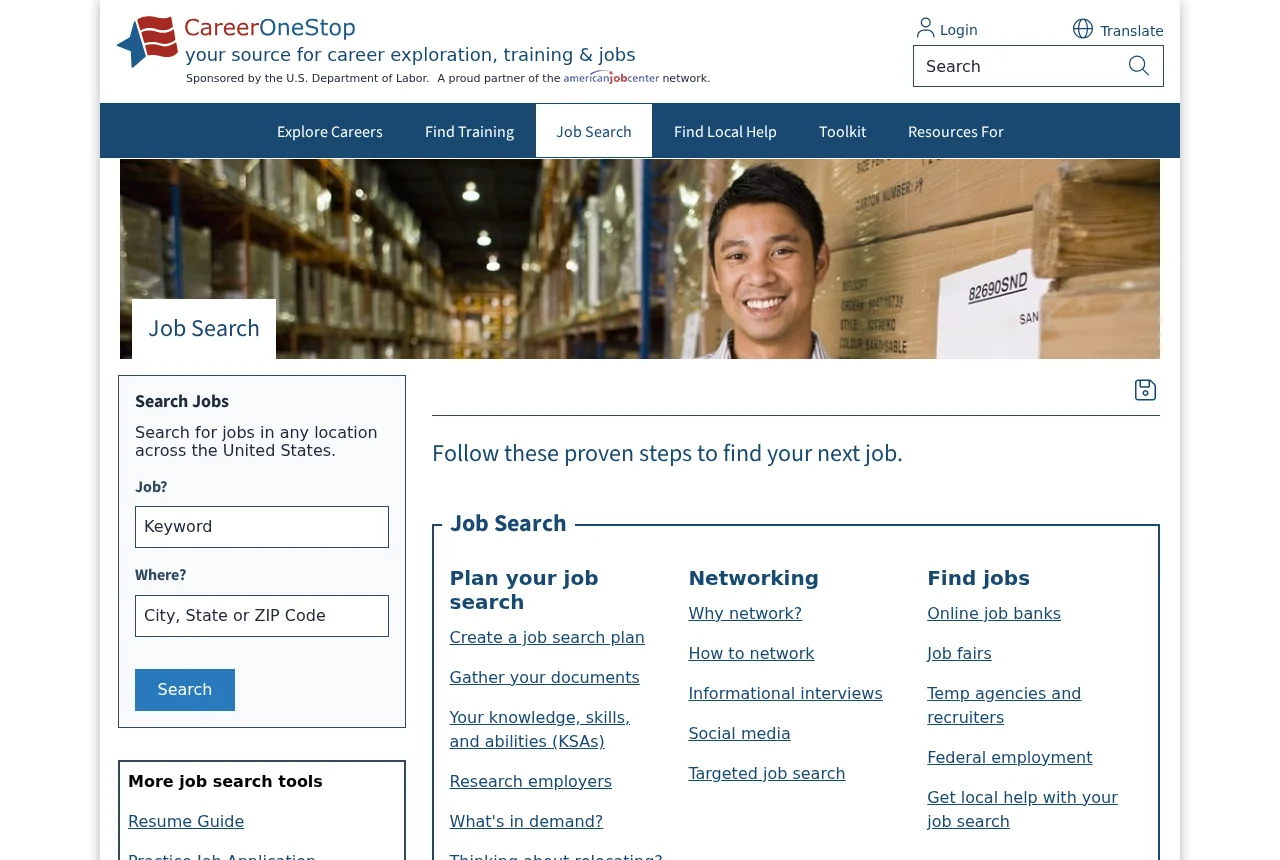
Use a source such as CareerOneStop’s job search to find leads, then verify each opening through the employer before sending sensitive information.
Make the résumé less revealing than an onboarding file
Use a contact route you can monitor. Your résumé generally doesn’t need a full date of birth, account number, or taxpayer identifier.
If you share a portfolio folder, check which other documents inherit access. A public portfolio link should not open a directory of identity or tax records.
Check what an application automation service submits on your behalf. A high application count doesn’t tell you what personal material went out.
Turn off a service you no longer need and review any linked accounts. Keep your own copies of applications without giving the service ongoing access to your inbox.
Give yourself a way to decline a questionable next step
You can say you will confirm the recruiter through the company’s careers office before continuing. Don’t send confirmation details back to an unverified account.
If they won’t allow time to check, leave the conversation. Don’t treat a deadline invented by the person asking for money as a hiring deadline.
If the real company confirms that the message is unrelated, ask where it wants impersonation reports. Don’t send your complete application packet to report a copied logo.
When you find a legitimate opening, apply through the verified route rather than trying to salvage the suspicious conversation.
Three Awkward Situations That Don’t Have to End the Interview
The vacancy disappeared overnight
Employers sometimes close an advert while they interview candidates. Look at your original confirmation, then sign into the recruiting portal to see whether your application is still listed.
If the company can confirm the role but not the sender, keep those answers separate. Find out how a genuine candidate is supposed to schedule a conversation.
If it can’t tell you anything about either, let the message sit. Missing a reply window is cheaper than putting your passport into a form you can’t verify.
An agency won’t share its client’s name yet
Confidential searches happen. What the agency should still be able to explain is who it is, who will receive your résumé, and what the next interview will involve.
See if the agency will continue from a contact you reach through its published office or recruiter directory. You don’t need the client’s name to make that first check.
Give the agency only enough information to discuss the role. You don’t have to provide identity documents, banking details, or a fee to prove that you’re interested.
Your application was routed through another platform
Large companies may use a separate hiring platform. Follow the route from the company’s own careers page to see which platform it uses, instead of relying on a text.
Check whether the domain in your confirmation matches the one the official site actually opens. Similar spelling, a familiar logo, and a working login field aren’t enough.
If the two routes disagree, tell the careers team where you applied and what contact followed. You can pass on the sender’s address without opening its attachment.
With an interview still on the calendar, ask for a direct invitation through the official portal. A straightforward request for verification shouldn’t require a payment or password.
What to Do If You Responded to a Suspicious Recruiter
- Pause the hiring conversation. Don’t send another document or fee while the role and the recruiter are still unverified.
- Preserve the original contact. Save the sender name, account, message, role and dates. Keep any receipts or transfer references private.
- Verify with the real employer. Use the careers page or contact details you found independently. Ask about both the vacancy and the person handling it.
- Call your bank if money moved. Explain which payment you made or which check you deposited, and ask what can be stopped or investigated.
- Secure any account used on a suspicious page. Change the exposed password from a trusted device, check active sessions, and don’t approve new prompts.
- Protect identity information if you shared it. In the US, IdentityTheft.gov can help you match protective steps to the information that was disclosed.
- Get support for anything you ran. Tell IT or a trusted security provider exactly what you opened or installed. Don’t keep using the device for sensitive tasks until assessed.
- Report the account where it reached you. Use the job board, message app or FTC ReportFraud as appropriate. Don’t keep chatting to collect more screenshots.
If a parcel is already on the way because the supposed employer asked you to forward it, don’t promise another shipment. Tell the carrier and report the circumstances.
If you handed over an account code but saw no charge, still check that account. A change to recovery settings can matter before any money is moved.
Tell somebody you trust if you’re worried you missed an opportunity. It’s easier to check the facts when you aren’t weighing the whole decision alone.
Frequently Asked Questions
Does a surprise recruiter message mean it’s fake?
Not always. Real recruiters approach people who didn’t apply. Verify the contact through the employer or agency before sending anything sensitive.
What if the job title matches my application?
That helps you match the opening, not the sender. Confirm that the person or agency is authorized to contact you about it.
Should I send a fresh copy of my ID to confirm an interview?
Not to an unverified contact. Ask the real employer what its process requires and where any documents should be submitted.
Is a job offer through WhatsApp automatically a scam?
No single app proves fraud. Unexpected outreach, secrecy, and a request for money or account access are reasons to stop and verify the story.
Can I safely continue if the recruiter only asks for a small fee?
Don’t pay a recruiter to unlock an interview, a job or earnings. A small amount doesn’t make the request legitimate.
Do I have to stop using job application tools?
No. Keep a usable record of where they applied and which documents were shared. Make important disclosure decisions yourself.
The Bottom Line
Keep a record of the jobs you apply for, then verify the opening and recruiter separately. Don’t pay or disclose sensitive information to validate an unsolicited offer.
If you’ve already sent money, documents or a password, take action on what you shared. Contact your bank, the affected account provider or your IT team as appropriate.

Join the discussion
0 commentsShare your experience or ask a question about this article.
Discussion
Start the conversation
Have a question or something useful to share? Add the first comment.