

It sounds like a dream come true: open your phone, click three times, and start earning hundreds of dollars daily — all from the comfort of your home or your favorite coffee shop. The Wifi Profits System promises just that, claiming it can help anyone launch a profitable online business using only a phone and a WiFi connection.
But the reality is far less glamorous. The so-called “3 Clicks Process” isn’t a revolutionary business model — it’s a deceptive online scam repackaging free information and false hope into a $67 product. If you’ve come across Wifi Profits or similar systems, this in-depth investigation will expose how it really works, what’s behind the curtain, and what to do if you’ve already been tricked.
Scam Overview: What Is the Wifi Profits System?
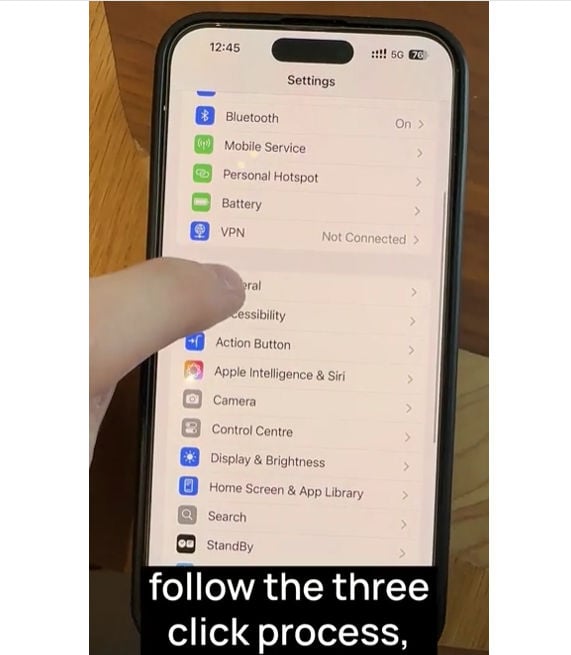
The Wifi Profits System, marketed at profitwifisystem.com, promotes itself as a step-by-step training program that teaches beginners how to launch an online business using nothing more than a WiFi connection. It claims to provide AI-powered tools, pre-designed pages, and “viral” video templates that simplify everything.
The core pitch revolves around ease: no experience needed, no technical knowledge required, and — most alluring of all — no actual work. All you have to do is follow a 3-click process and the money starts rolling in.
Key Claims and Selling Points
- Set up a business with 3 clicks
- AI tools generate content and manage tasks
- Viral video templates create instant traffic
- 100% beginner-friendly
- No inventory, customer service, or sales experience needed
- One-time $67 payment
- 60-day no-questions-asked refund guarantee
These claims are presented with slick marketing, feel-good stories, and vague success testimonials that are impossible to verify.
What’s Actually Being Sold
After watching the promotional video or clicking on one of the many ads floating around TikTok, YouTube, or Instagram, you’ll eventually land on a checkout page. Here, you’re asked to pay $67 for lifetime access to Wifi Profits.
What you receive is a basic affiliate marketing starter kit:
- A set of PDF guides or videos explaining how to sign up for affiliate platforms
- Pre-made pages that promote third-party products
- Very basic “AI tools” that either don’t work or simply reuse public content
- Training that suggests using free traffic methods like Reddit, Facebook Groups, or TikTok
There is nothing original or proprietary about the material. Much of it can be found for free with a simple Google search or on YouTube.
Why It’s a Scam
Wifi Profits fits all the classic patterns of a digital scam:
- False advertising: There is no system that can generate money with 3 clicks.
- Emotional manipulation: The sales copy is designed to target people struggling financially.
- Fake scarcity: The video implies the opportunity could disappear at any moment.
- No real value: The content is generic, low quality, and not worth $67.
- Disguised upsells: Some users report being pitched additional tools or “premium” content shortly after purchase.
- No transparent creators: There’s no real information about who runs Wifi Profits. The names and photos used in the video are stock or entirely fabricated.
Like many online get-rich-quick schemes, Wifi Profits relies on hype, not substance.
How the Scam Works: Step-by-Step Breakdown
Step 1: Eye-Catching Ads
It begins with an ad on TikTok, Instagram, or YouTube. You might see:
- Someone receiving multiple payment notifications on their phone
- A story of a single mom or laid-off worker who discovered the “3 clicks process”
- A dramatic statement like “I was broke… now I make $500 a day using WiFi”
These ads use emotional appeals and visual hooks to lure you in.
Step 2: Landing Page With Big Promises
Clicking the ad takes you to a landing page on profitwifisystem.com. The page claims you’ll learn how to build a “hands-free” online business using your phone, tablet, or laptop. You’re told it’s:
- Effortless
- Fast
- Risk-free
You’re then prompted to watch a “limited-time” video. These videos are filled with buzzwords, dramatic music, and promises of AI tools and automation — but no real details on how it actually works.
Step 3: The Long Sales Video
The video is vague and drawn out. It follows a familiar structure:
- Introduce a relatable narrator (usually unnamed or fictitious)
- Share a backstory of hardship followed by sudden success
- Mention “AI,” “automation,” and “secret tools”
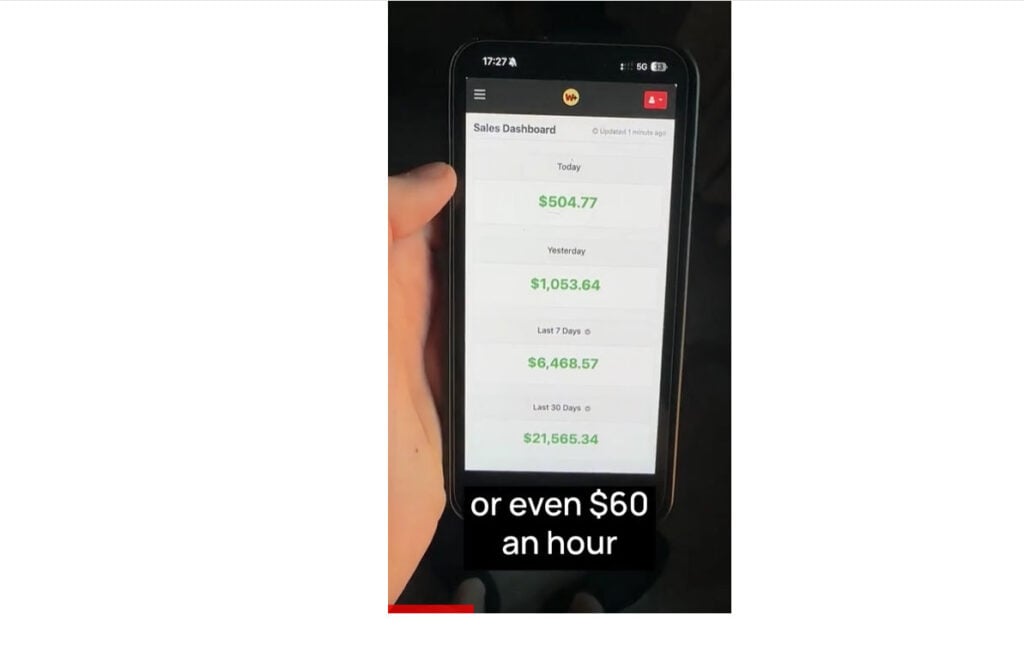
- Show screenshots of income, none of which are verifiable
Eventually, you’re prompted to “Act now” and buy the Wifi Profits System for $67.
Step 4: Payment via Digistore24
The payment is processed through Digistore24, a platform often used by shady internet marketers. While Digistore24 is a legitimate payment processor, they don’t verify the quality or legitimacy of the products sold.
Step 5: Access to Useless Content
Once you pay, you’re given access to:
- Low-quality PDF guides or video tutorials
- An “AI assistant” that’s either non-functional or just a repurposed chatbot
- Templates for landing pages that require more tools to actually use
There’s no step-by-step system that matches what was promised. Instead, you get a set of outdated affiliate marketing basics.
Step 6: Upsells and Abandonment
Some users are presented with upsells immediately after purchasing. These can include “advanced tools,” “traffic hacks,” or coaching packages — all of which are just more low-value content.
Support is either unresponsive or refers you to a generic helpdesk email (like support@wifiprofits.zendesk.com), which often ignores refund requests.
What To Do If You’ve Been Scammed by Wifi Profits
If you’ve fallen for the Wifi Profits System, here’s a clear, step-by-step guide to protect yourself and possibly recover your money:
1. Request a Refund via Digistore24
- Visit https://www.digistore24.com/en/home/support
- Locate your purchase receipt (from your email)
- File a refund request with a clear message stating you were misled
- Reference the 60-day money-back guarantee
2. Dispute the Charge with Your Bank
- Contact your credit card company or payment provider
- Report the transaction as fraudulent or misleading
- Ask for a chargeback and include proof (screenshots, ad claims, purchase receipt)
3. Report the Scam
- FTC (U.S.): https://reportfraud.ftc.gov
- Better Business Bureau: https://www.bbb.org
- Internet Crime Complaint Center (IC3): https://www.ic3.gov
- Reddit forums: Warn others in subreddits like r/scams or r/antimlm
4. Post Honest Reviews
- Leave a review on Trustpilot or ScamAdviser
- Mention specifics: misleading claims, poor content, ignored refunds
- Use keywords like “Wifi Profits Scam” to improve visibility
5. Protect Your Devices and Accounts
- Run antivirus and anti-malware scans
- Change passwords used during signup
- Monitor for suspicious activity on associated accounts
6. Learn From the Experience
- Always research before buying online products
- Look for independent reviews (not testimonials on the sales page)
- Avoid offers that promise fast money with little or no effort
Frequently Asked Questions About the WiFi Profits Scam
What is the WiFi Profits System?
The WiFi Profits System is a deceptive online product marketed as a way to make money using just your phone or laptop and a WiFi connection. It claims users can earn income by following a simple “3 Clicks Process,” but in reality, it delivers generic affiliate marketing advice already available for free.
Is the “3 Clicks Process” real?
No, the so-called “3 Clicks Process” is a marketing gimmick. There is no legitimate income-generating system that can be set up in three clicks. This phrase is used to make the product sound simple and appealing while hiding the lack of real value.
What do you actually get after purchasing WiFi Profits?
After paying $67, users typically receive access to basic training videos, downloadable PDFs, and some pre-made promotional templates. These materials provide outdated or freely available information and do not include any automation, AI functionality, or guaranteed results.
Who is behind the WiFi Profits System?
The creators hide behind fake names and generic personas. There is no verifiable information about the individuals running the system, and the lack of transparency is a major red flag.
Is WiFi Profits affiliated with any real companies?
No. Although the system references AI tools and marketing strategies, it is not affiliated with OpenAI, Google, or any credible affiliate networks. It is a standalone operation using deceptive marketing tactics.
Can you get a refund for WiFi Profits?
In theory, the sales page offers a 60-day money-back guarantee. In practice, many users report difficulty reaching support or receiving a response. Refunds must be requested through Digistore24, the payment processor.
How do I request a refund?
Go to Digistore24’s support page at https://www.digistore24.com/en/home/support and submit a request with your transaction ID. Explain that the product did not match the advertising claims and request a full refund.
Are there legal risks if I used my credit card?
There are no legal risks for you as a victim, but you should monitor your statements for unauthorized charges and dispute any suspicious activity with your bank.
What should I do if I’ve been scammed?
Request a refund from Digistore24, file a chargeback with your bank, report the scam to the FTC or your local consumer protection agency, and leave honest reviews to warn others. Also, secure your device and change any passwords you used during the transaction.
The Bottom Line
Wifi Profits isn’t the path to financial freedom — it’s a well-designed scam built on flashy marketing and empty promises. It uses emotional hooks, fake urgency, and buzzwords like “AI” and “3 clicks” to get your money, only to deliver subpar content and non-functional tools.
This scam is part of a broader trend of rebranded digital fraud. Whether it’s called Wifi Profits, Dumb Money, Mobile Paydays, or something else, it’s always the same model: overpromise, underdeliver, disappear.
If you’ve already paid, act fast to request a refund and report the scam. And most importantly, protect others by sharing your experience.
The internet can be a powerful tool for income — but only when used with caution, critical thinking, and thorough research. There are no shortcuts to real success.

Join the discussion
0 commentsShare your experience or ask a question about this article.
Discussion
Start the conversation
Have a question or something useful to share? Add the first comment.