


A streaming box usually disappears into the background once your favorite shows are working. Few people think about what the little device does between episodes.
News about the XCPE Android TV backdoor raises uncomfortable questions for owners, especially anyone trying to work out whether their own box could be involved.
Overview
What Google Discovered
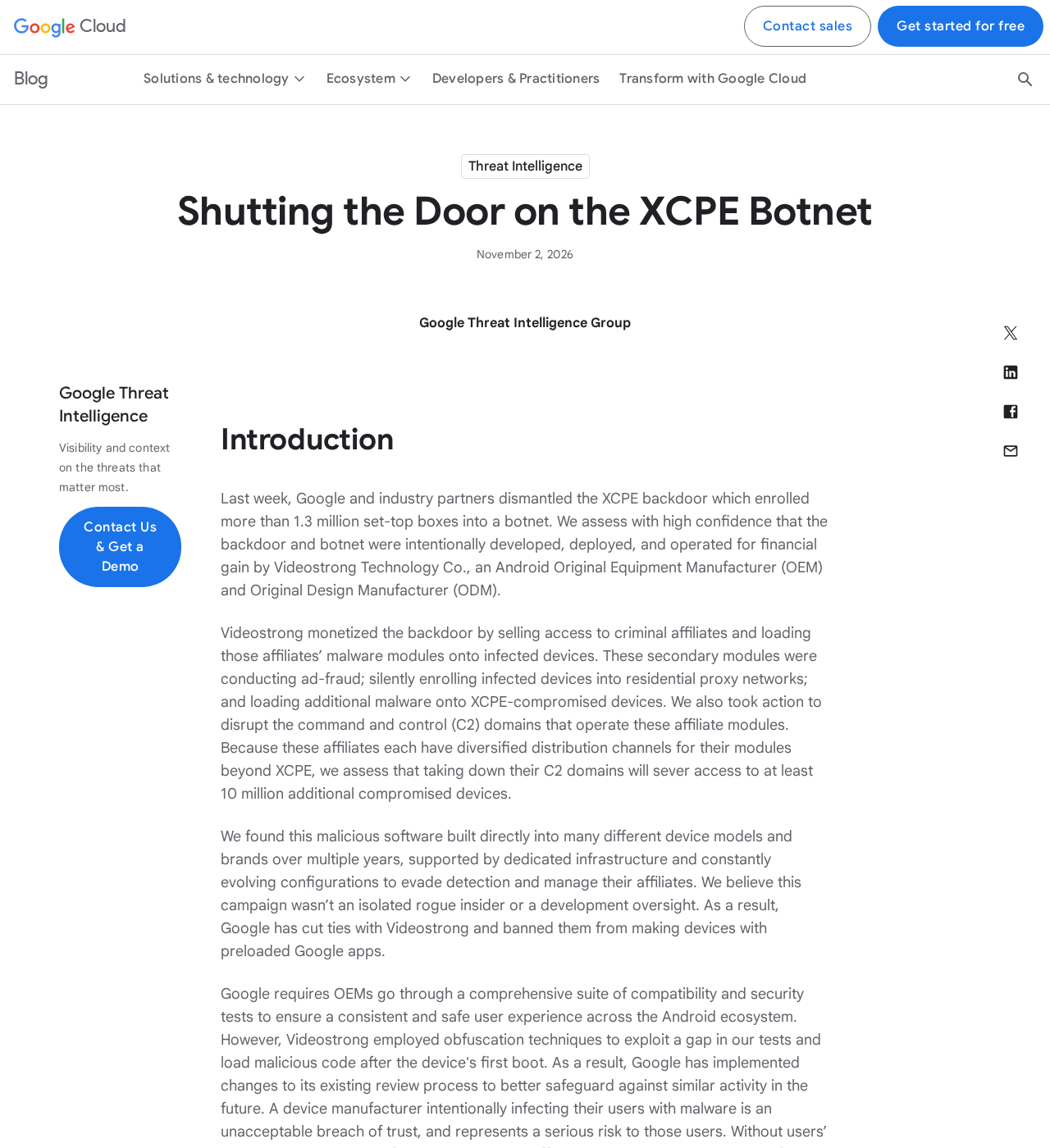
Google’s Threat Intelligence Group reported a backdoor embedded in Android-based devices that enrolled more than 1.3 million set-top boxes into a botnet.
The researchers attribute development, deployment, and operation to device manufacturer Videostrong Technology with high confidence. Their findings concern this documented campaign, not every Android TV product.
The backdoor is known as XCPE. Packages identified in the research include x.cpe and, in some builds, com.oemservice.
Unlike a suspicious app you knowingly download, this software could arrive inside the device’s firmware. Owners did not have to accept an obvious criminal offer.
Why the Infection Matters at Home
Google describes a system that gave criminal affiliates access to infected devices. Additional software could misuse bandwidth, generate fraudulent advertising activity, or perform other unwanted operations.
Capabilities described in the research include:
- Routing outside traffic through a household’s internet connection.
- Installing additional software without the owner’s informed permission.
- Capturing screen images and collecting sensitive device information.
- Executing commands with powerful system privileges.
These findings do not establish that every affected owner suffered every possible harm. They explain why an apparently functioning streaming device can still present a serious security problem.
What the Takedown Changed
Google and partners disrupted infrastructure used to control the network and deliver malicious modules. Google also banned Videostrong and future subsidiaries or affiliates from certified-device participation.
Disrupting control servers does not rewrite the firmware inside a living-room device. The underlying backdoor may remain even when a particular connection stops working.
For a box credibly identified as affected, stop using it online until a trustworthy remediation or replacement is available. Do not assume an ordinary reset fixes it.
How the XCPE Backdoor Works
Step 1: The Problem Arrives Inside the Device
Firmware is software supplied as part of the device itself. It sits beneath ordinary viewing apps and helps control how the hardware starts and operates.
Google reports that the XCPE infection chain begins with a preloaded package. This gives the operation a starting point that normal app-store precautions cannot fully address.
A buyer might connect the box, sign into a streaming account, and see nothing obviously wrong. Successful playback does not reveal what other software is doing.
This is a supply-chain compromise, not evidence that the owner carelessly clicked a dangerous link. Blaming users would miss the mechanism described by the researchers.
Step 2: The Backdoor Establishes Contact After Startup
The backdoor retrieves configuration information and connects to infrastructure capable of issuing instructions. Google describes a persistent messaging channel used to manage infected devices remotely.
For an owner, the important point is that the device can receive new directions after purchase. The unwanted activity is not limited to its original configuration.
The research says malicious code was loaded after the first boot to evade a gap in compatibility and security testing. Google says it has strengthened its checks.
Certification therefore cannot be treated as retroactive proof that every device in this particular campaign was safe. Nor does this incident make every certified Android device malicious.
Step 3: Additional Modules Turn Access Into Revenue
XCPE acted as an entry point for other components. Google describes loaders and modules associated with residential proxies, advertising fraud, and further backdoor activity.
A residential proxy routes a customer’s traffic through someone else’s ordinary home connection. Websites may then see that household’s IP address rather than the outside customer’s.
There are legitimate proxy services, but secretly enrolling a purchased device is not informed consent. The owner should decide whether their connection is shared.
Google also observed modules that generated advertising activity in the background. A television need not visibly display an advertisement for the device to participate in ad fraud.
Step 4: System Privileges Make the Access More Dangerous
A normal app works within restrictions imposed by the operating system. The reported XCPE packages had system-level privileges, giving them substantially more power.
The research describes functions for silent installations, commands, screenshots, keystroke injection, and network reconnaissance. Some operations were observed, not merely inferred from a dramatic sales claim.
Google also describes the ability to disable Google Play Protect app verification. That makes “my protection setting looks normal” an insufficient standalone check for this campaign.
Do not conclude that all your accounts have been stolen. Review actual account activity while recognizing that a potentially compromised device should not handle new passwords.
Step 5: Removing One App May Leave the Infection Behind
The researchers found persistence through the device’s /oem/ partition. A removed package could be installed again when the box restarted.
That explains why deleting a suspicious-looking app is not a reliable complete remedy. The source responsible for restoring it may still be present.
A factory reset often removes user data, but it does not necessarily replace the underlying firmware. It can erase useful settings without establishing a trustworthy device.
Random firmware downloads are not an acceptable shortcut. An incompatible image can damage the box, while an untrusted image may introduce another compromise.
Step 6: Disruption Reduces Control Without Certifying Each Box Clean
The takedown targeted the infrastructure supporting the backdoor and affiliate modules. It did not provide an individual security certificate for every previously connected device.
Google separately estimated that action against affiliate infrastructure could sever access to at least 10 million additional compromised devices. That is not the XCPE box count.
Combining those figures would exaggerate the number of set-top boxes identified in this specific botnet. Different modules can also reach devices through unrelated distribution routes.
Owners should focus on their exact hardware and a verified repair path, rather than assuming a large takedown headline has already solved the local problem.
Manufacturer, Reseller, Certification, and Firmware Checks
Identify the Actual Hardware, Not Just Its Shop Name
Record the brand, model number, serial number, purchase listing, and seller. Photograph labels while the box is disconnected, and preserve your receipt.
White-label hardware can carry a retailer’s branding while coming from another manufacturer. The visible shop name may not identify who supplied or maintains the firmware.
Google has not supplied a complete consumer-facing list of affected models in the report. A similar-looking case alone cannot establish that a particular box is infected.
Ask the Seller a Specific Question About XCPE
Ask whether your exact model and firmware build are affected by XCPE, x.cpe, or com.oemservice. Request a written response rather than general reassurance.
A useful answer should identify the relevant update, its authentic distribution channel, and whether it replaces compromised firmware. “Reset it and try again” is not equivalent.
Keep the seller’s reply with your receipt. If the answer avoids your exact model or offers only reassurance, ask again for a documented repair or replacement.
Distinguish Device Certification From a Continuing Guarantee
The incident involved evasion of testing, according to Google. That is why a logo printed on packaging cannot settle whether an already purchased model needs attention.
For replacement purchases, check the current manufacturer’s support history and the platform’s current device information. Do not rely solely on a marketplace badge or seller description.
A certification claim and a promise of free access to paid streaming services are separate issues. Neither should be used to excuse the other.
Demand a Traceable Repair or Choose Replacement
A credible firmware remedy must match the exact model and come through a verifiable support channel. Instructions should explain compatibility and any data-loss implications.
Without that, leaving a suspect device offline and replacing it is safer than repeatedly experimenting with anonymous files. Keep purchase evidence for a return or dispute.
Do not reconnect the box just to keep a refund conversation moving. You can explain the concern, supply label photographs, and request guidance without restoring its internet access.
Signs That Need Attention, Without Guessing at Infection
Unexpected traffic, unfamiliar installed packages, or security alerts can justify investigation. None of those signs, on its own, identifies XCPE conclusively.
Similarly, slow Wi-Fi or a buffering video can have ordinary explanations. A consumer should not be told that every performance problem proves a botnet infection.
Provide your router’s alert, device model, and relevant timestamps to a trusted technician or manufacturer support. Do not post full serial numbers or account identifiers publicly.
Researchers and administrators can consult the original Google technical report for indicators. Ordinary owners should not download malware samples or run unknown diagnostic commands.
For workplaces, healthcare equipment, or managed networks, involve the responsible security team before resetting or modifying a device. Preserving evidence may be important.
What to Do If Your TV Box May Be Affected
-
Disconnect the box from the internet. Remove its Ethernet cable if connected. For a Wi-Fi-connected box, disconnect its power to stop network activity immediately.
Avoid confusing the HDMI cable with the internet connection. Removing HDMI only stops the television picture and can leave a separately powered box online.
Leave the device disconnected while you seek model-specific advice. If essential medical or organizational equipment is involved, follow the responsible team’s continuity and safety procedure.
-
Document the device before making changes. Keep the receipt, retailer listing, model photographs, and any existing alerts. Note when you first connected it.
Do not repeatedly restart it to inspect suspicious apps. A restart can restore a persistent package, and an online check may expose the device again.
-
Review important accounts from another trusted device. Check recent sign-ins and devices associated with accounts used on the box. Remove unfamiliar sessions through the service’s security controls.
If you find suspicious activity, change the affected password and review recovery details. Use multifactor authentication where available, and replace any reused password elsewhere.
These actions protect accounts. They do not repair firmware, and a quiet account-history page is not proof that the box itself is clean.
-
Request a verified firmware remedy or replacement. Give the seller your exact model and the named XCPE concern. Ask for a documented answer about affected builds.
Do not install a file sent by an unknown social-media helper. If a trusted fix cannot be established, stop using that hardware for connected viewing.
Any firmware replacement can erase settings or fail if mismatched. Follow only authentic, model-specific instructions and their warnings, not a universal tutorial for a different box.
-
Check the rest of your home network proportionately. Update your router through its official interface and review connected devices. Seek help for unfamiliar devices or unexplained alerts.
Do not assume the router itself is infected merely because a box was connected. Avoid buying emergency security services from unsolicited callers offering a guaranteed cleanup.
-
Reconnect only after the trust problem is resolved. A replacement or verified clean firmware needs a credible source. A successful app uninstall is not enough.
For future smart devices, consider a properly isolated guest or IoT network. Check that it restricts access to household devices; separate network names alone do not prove isolation.
Why a Scanner or Ad Blocker Is Not the Firmware Fix
Security tools can be useful for supported platforms and particular threats. That does not establish that an Android TV box supports a given phone-security application.
More importantly, a consumer scan cannot be presented as proof that a persistent firmware backdoor has been removed. Blocking advertisements does not replace that firmware either.
Do not sideload a random “XCPE cleaner” or pay for a guaranteed remote repair. This case calls for containment and a trustworthy hardware or firmware resolution.
If you cannot establish one, keep the box offline. Losing access to a convenient streaming device is preferable to knowingly leaving an untrusted network endpoint running.
Frequently Asked Questions
Are All Android TV Boxes Infected With XCPE?
No. Google identified a particular supply-chain campaign. The report does not establish that all Android TV devices, every Videostrong-branded product, or every inexpensive box is infected.
Can I Identify Infection From the Product Name Alone?
Not reliably. A complete affected-model list is unavailable in the report, and branding can differ from the underlying manufacturer. Seek exact model and firmware confirmation.
Will a Factory Reset Remove the Backdoor?
Do not rely on it. Google describes persistence in firmware-related locations that can restore packages. A reset of user data is not necessarily a clean firmware replacement.
Does the Takedown Mean My Box Is Safe Now?
No individual clean-device guarantee follows from the disruption. Blocking control infrastructure can reduce activity while leaving compromised software installed on the hardware.
Should I Change Every Password Immediately?
Prioritize accounts used on the suspect device and any suspicious sessions. Make changes from trusted hardware. The report does not prove every owner’s credentials were stolen.
What Is the Safest Choice Without Verified Repair Instructions?
Keep the affected or credibly suspect box disconnected and seek a replacement. Do not gamble on anonymous firmware, paid unlock services, or unsupported cleanup promises.
The Bottom Line
The XCPE Android TV backdoor is a serious supply-chain security problem. A working picture, removed app, or disrupted server does not establish that affected firmware is trustworthy.
If your box is credibly implicated, disconnect it, protect relevant accounts, and insist on verified remediation. Without that, replace it rather than continue using it online.

Join the discussion
0 commentsShare your experience or ask a question about this article.
Discussion
Start the conversation
Have a question or something useful to share? Add the first comment.