

An alarming photo of a watermelon appears in a social feed. The caption warns that strange patterns, cracks or pale areas are signs of a dangerous “mosaic virus” and tells families not to eat the fruit.
The post sounds scientific because watermelon mosaic virus is real. The frightening conclusion, however, is not. A plant disease has been turned into a human-health scare that the evidence does not support.
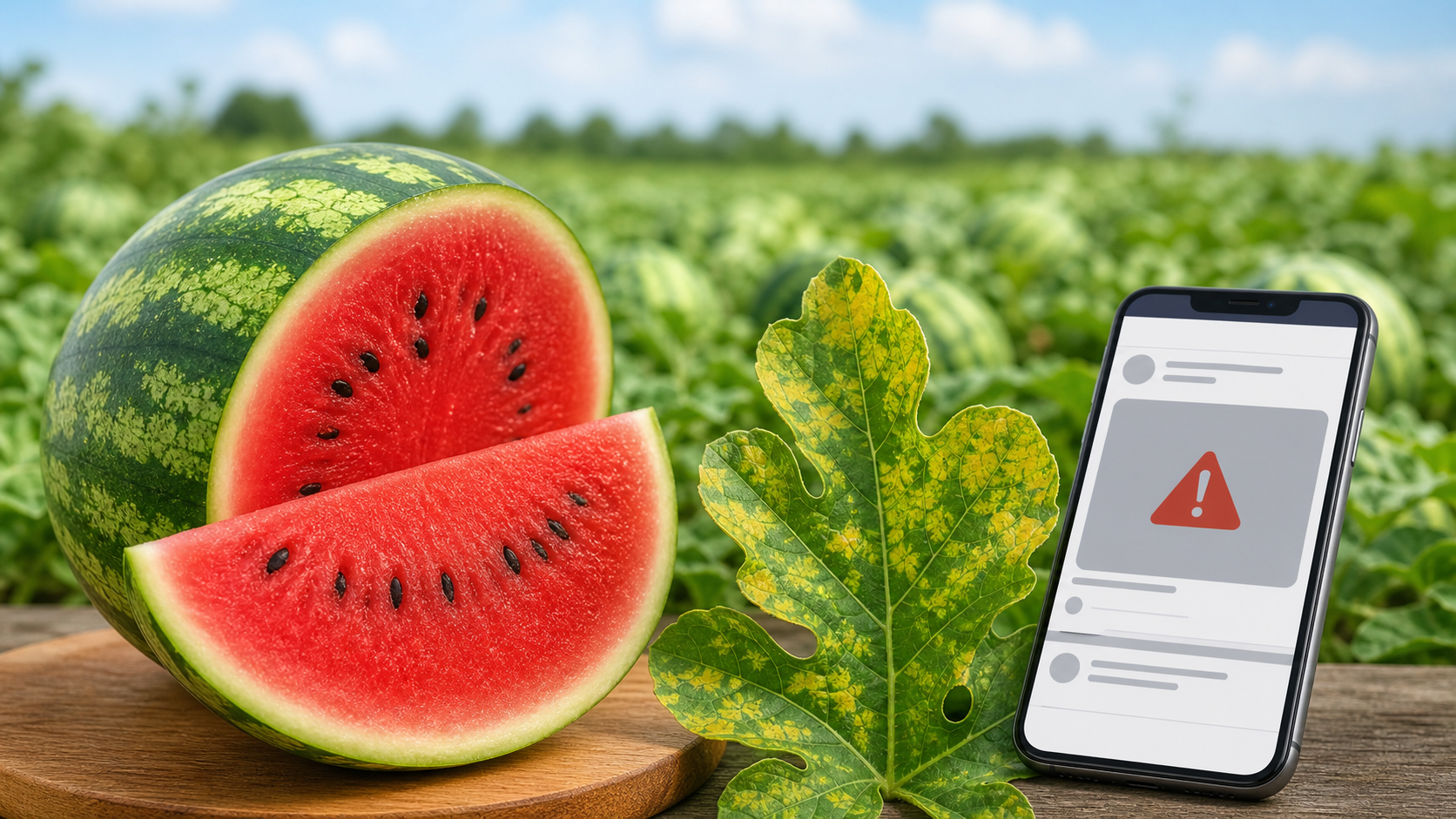
Watermelon Mosaic Virus Hoax Overview
Watermelon mosaic virus is a genuine disease of plants, not a virus that infects people. It can damage watermelon vines and other cucurbit crops, reduce yield and leave plants with mottled or distorted leaves.
The online hoax takes that real agricultural term and attaches it to dramatic photographs of cut fruit. Posts then claim that the watermelon is poisonous, contaminated or capable of spreading disease to anyone who eats it.
That claim confuses plant pathology with human medicine. Plant viruses are adapted to plant cells. Watermelon mosaic virus does not behave like a foodborne human pathogen and does not turn ordinary watermelon into a contagious threat.
The real concern belongs mainly to growers. An infected crop may develop poorly, produce lower-quality fruit or suffer economic loss. That is very different from claiming that a consumer will “catch the virus” from a slice of watermelon.
Bottom line: the disease is real, but the social-media health scare is misleading. Judge a watermelon by normal food-safety signs such as mold, odor, texture and spoilage, not by a sensational caption.
Watermelon mosaic virus is a real plant disease that can affect leaves, vines and fruit development. The online hoax begins when ordinary patterns inside a watermelon are presented as proof that the fruit is “infected,” poisonous or unsafe for people. Plant viruses are adapted to plant cells; they do not infect humans simply because a person eats affected produce.
Unusual texture, cracking, hollow areas or pale swirls can result from growing conditions, pollination and other non-viral factors. Food-safety decisions should be based on spoilage signs such as a sour odor, slimy texture, leaking decay or visible mold, not on a viral social-media caption. When in doubt, discard spoiled fruit, but there is no reason to fear every watermelon with an irregular internal pattern.
What Watermelon Mosaic Virus Actually Is
Watermelon mosaic virus is a plant-infecting virus associated with cucurbit crops. Watermelon, squash, pumpkin and cucumber plants can be affected, along with certain weeds that help the disease persist between growing seasons.
Aphids can move the virus from an infected plant to a healthy one while feeding. The spread happens in fields and gardens, which is why growers focus on plant health, weeds, resistant varieties and insect-management practices.
Symptoms appear primarily on the plant
Leaves may show irregular light and dark green patches that create a mosaic appearance. They can become puckered, narrow or distorted, while the vine may grow more slowly than a healthy plant.
Fruit from a heavily affected plant can develop uneven color, surface irregularities or reduced quality. Those agricultural symptoms are not proof that the fruit contains a human virus or a mysterious toxin.
What the virus does not do
- It does not infect humans or reproduce inside the human body.
- It does not make a person contagious after eating watermelon.
- It does not explain every unusual line, crack or color inside a fruit.
- It cannot be diagnosed from a recycled social-media photograph alone.
How the Watermelon Mosaic Virus Hoax Spreads
Step 1: An unusual watermelon photo attracts attention
The post begins with a striking image: pale streaks, a hollow center, internal cracks, foam, discoloration or an oddly shaped piece of fruit. The photograph appears without reliable information about where the watermelon came from or how it was stored.
Step 2: A real scientific name gives the story authority
“Watermelon mosaic virus” sounds precise and alarming. Because the disease genuinely exists, readers may assume that every claim attached to the name has also been confirmed by scientists.
Step 3: Plant damage becomes a human-health emergency
The crucial switch happens when a crop disease becomes a warning about poisoning, infection or severe illness in people. The post rarely provides a medical source, laboratory result or documented outbreak.
Step 4: Fear encourages immediate sharing
Readers are told to warn everyone before the information is removed. Sharing feels like an act of protection, so the claim travels faster than a careful correction explaining the difference between plant and human viruses.
Step 5: Reposts remove the original context
A photograph may be copied hundreds of times, cropped and paired with new captions. Nobody knows whether the fruit was damaged, overripe, poorly stored or simply a variety with an unfamiliar internal pattern.
Step 6: Clickbait pages turn anxiety into traffic
Some pages repeat the rumor because frightening food stories generate clicks. An alarming headline can produce advertising revenue even when the article never demonstrates that the fruit carried watermelon mosaic virus or endangered a person.
Why Strange Watermelon Photos Can Be Misleading
A watermelon can look unusual for many reasons unrelated to viral infection. Growing conditions, pollination, temperature, physical damage, age and storage can all affect the rind and flesh.
Internal cracks and hollow areas
Rapid or uneven growth can leave spaces and cracks inside a watermelon. The appearance may be surprising, but a crack by itself does not identify a pathogen and does not prove that the fruit is toxic.
Pale lines and firm white tissue
Natural vascular tissue can appear as lighter lines inside the flesh. Variety, maturity and growing conditions can make these features more visible in one fruit than another.
Softness, foam and leaking liquid
These signs are more relevant to food safety because they can indicate advanced spoilage, fermentation or damage. A spoiled watermelon should be discarded, but that decision is based on its condition rather than a social-media diagnosis.
Is a Watermelon Safe to Eat?
A watermelon that smells fresh, has firm flesh, was stored properly and shows no mold or slimy decay is evaluated like other fresh produce. Wash the rind before cutting so the knife does not carry dirt or microbes into the flesh.
Once cut, refrigerate the fruit promptly in a clean covered container. Discard it if it develops an unpleasant fermented odor, widespread mold, a slimy texture, uncontrolled leaking or obvious rot.
People with medical concerns or weakened immune systems should follow advice from a qualified healthcare professional. A viral post cannot diagnose plant disease or determine whether a particular piece of food is safe.
How to Check a Viral Food-Safety Claim
- Look for the original source. A screenshot of a screenshot is not evidence.
- Separate plant health from human health. A disease that harms crops does not automatically infect people.
- Check agricultural and medical authorities. University extension services and public-health agencies explain risks differently from clickbait pages.
- Search for a documented outbreak. Serious warnings should be supported by traceable reports, not anonymous captions.
- Do not share while uncertain. Pausing prevents a misleading warning from reaching hundreds of people.
Frequently Asked Questions
Is watermelon mosaic virus real?
Yes. It is a real virus that infects plants, especially cucurbit crops. The hoax is the claim that it acts as a contagious or poisonous human disease.
Can humans catch watermelon mosaic virus?
No evidence shows that watermelon mosaic virus infects people. It is adapted to plants and is primarily an agricultural concern.
Do white lines inside a watermelon prove it has the virus?
No. A photograph of white lines or unusual tissue cannot diagnose the virus. Natural structure, maturity and growing conditions can create unfamiliar patterns.
Should I throw away a cracked watermelon?
Internal cracking alone is not proof of the virus. Evaluate freshness, odor, texture, storage and signs of spoilage. When the condition is doubtful, discarding the fruit is the cautious option.
Why does the hoax keep returning?
It combines a real scientific term, an emotional photograph and a request to protect loved ones. That combination makes people share before checking the claim.
Final Verdict
The viral human-health warning is a hoax. Watermelon mosaic virus is real, but it is a plant disease. It does not turn watermelon into a contagious threat and cannot be identified from a dramatic social-media photograph.
Use ordinary food-safety judgment: wash produce, refrigerate cut fruit and discard anything that smells fermented, feels slimy or shows mold and decay. Do not let a recycled caption replace evidence.








