

You spend several minutes answering personality or career questions, then TestLibrary asks for a small payment to reveal the result. The amount feels like the price of one report, so entering a card seems harmless.
TestLibrary is an operating website with a library of online tests. The concern is the subscription journey: a low-cost result can begin recurring access if the renewal terms are missed. The correct question is not only whether the test works, but what the checkout authorizes after the result is delivered.
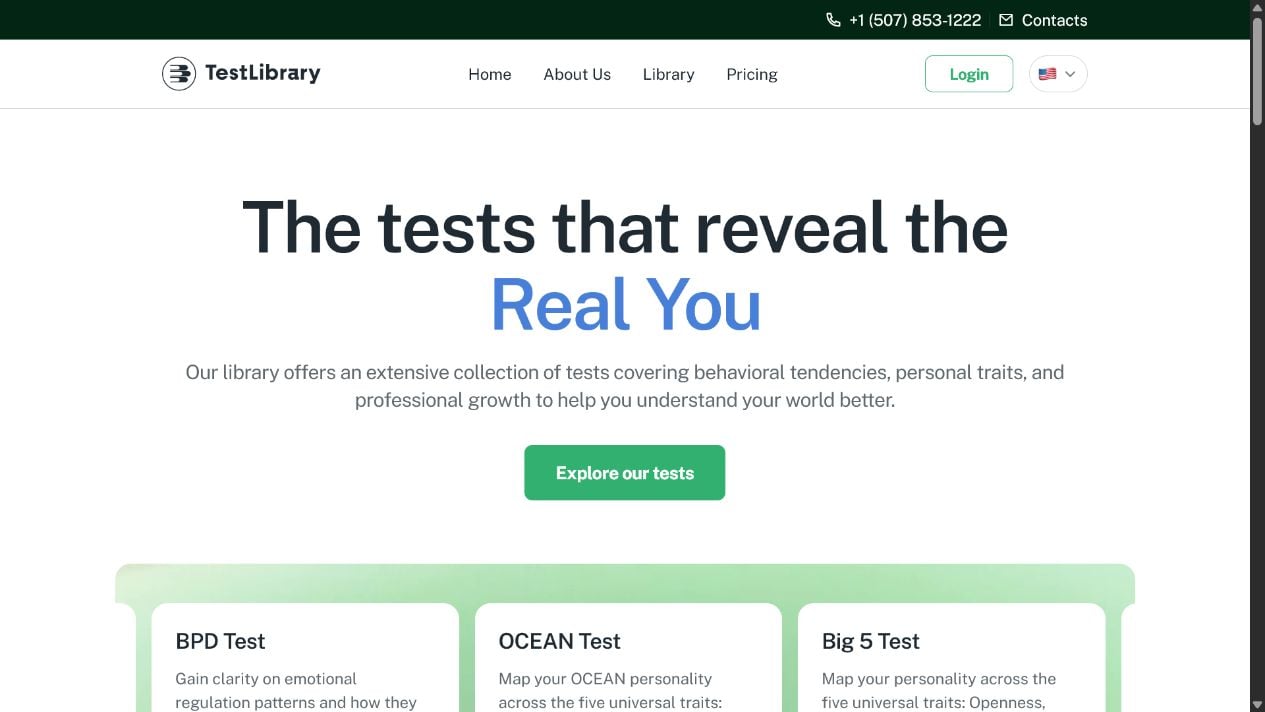
TestLibrary Subscription Review: Detailed Overview
The website provides tests, but the first price may not be the full price
TestLibrary advertises assessments covering personality, behavior, relationships and professional development. A user completes a quiz before seeing the payment screen, which creates a strong desire to unlock the result. That effort can make a small introductory charge feel like the natural final step.
The billing problem appears when the checkout also starts a membership or trial that renews. A consumer may remember purchasing one result while the merchant records consent to ongoing access. If the recurring price, interval or cancellation deadline was not prominent, the later charge feels unrelated to the original transaction.
How to judge the report and the subscription separately
TestLibrary can be a real service and still generate legitimate complaints about how recurring billing is presented. Conversely, a customer overlooking clear terms does not prove that every charge is fraud. The evidence is the exact checkout shown at the time: price, renewal language, checkbox state, button label and confirmation email.
- Service: online tests and reports are available through the website.
- Funnel: the quiz is completed before the payment commitment is fully examined.
- Main risk: a small initial charge can become a recurring subscription.
- Value issue: automated results may feel more generic than the user expected.
- Best protection: screenshot the final checkout and cancel within the stated window if access is unwanted.
Personality and career tests should also be interpreted carefully. An automated report may be entertaining or suggest questions to explore, but it is not a medical diagnosis, employment decision or substitute for a qualified professional. Avoid changing treatment, finances or a career solely because a short online test produced a confident label.
The fastest safeguard is to decide before the quiz whether you are willing to buy a continuing membership. If the answer is no, do not let a nearly completed progress bar change it. Curiosity about one result is not a reason to authorize an open-ended charge.
TestLibrary Billing Red Flags To Notice
The result is emphasized while membership terms fade into the background
The user is most vulnerable after completing the quiz because curiosity and invested time are at their peak.
Pause on the final screen and read every line near the price and payment button.
Red Flags at a Glance
- The charge looks like a one-time unlock. The page does not plainly lead with the recurring membership.
- The renewal rate is visually secondary. Small text carries the most expensive part of the purchase.
- A timer threatens to erase the result. Urgency discourages copying the terms.
- Cancellation is not explained before payment. The user must search help pages after joining.
- The report claims diagnostic certainty. A short commercial test should not be treated as clinical assessment.
- The confirmation omits a clear renewal date. The customer cannot easily tell when another charge will occur.
- Support requests produce no usable record. A verbal or automated response does not confirm cancellation.
How To Read the TestLibrary Checkout
Find the sentence that explains the next charge
Ignore the large discount for a moment and locate the standard price, billing interval and first renewal date. Determine whether the initial payment buys a single report, a fixed access period or a trial membership. If the page does not answer that in plain language, do not pay.
Check whether the payment button says buy, subscribe, continue or reveal. Button wording should be read together with nearby terms, but a vague label can contribute to confusion. Capture a full-page screenshot that includes the selected offer and all text immediately above and below the button.
Understand what cancellation changes
Cancellation usually stops future renewal; it may not reverse the first payment or a renewal that already occurred. Read whether access continues until the end of the paid period and whether deleting an account automatically cancels billing. Those actions are not always equivalent.
After canceling, look for a page and email that explicitly say the subscription will not renew. Save them outside the TestLibrary account. If the account later becomes inaccessible, the external copy remains available.
Treat the result as guidance, not a verdict
Online assessments depend on self-reported answers, scoring rules and broad interpretation. Similar descriptions can feel highly personal even when they apply to many users. Use the result as a starting point for reflection rather than proof of a disorder, compatibility outcome or ideal career.
If the report raises concerns about mental health, discuss them with a licensed professional who can evaluate history, impairment and context. Do not buy additional tests because a sales page implies that only another paid report can explain an alarming result.
Privacy and Accuracy Questions for TestLibrary Users
Quiz answers can reveal more than they appear to
Personality, relationship and mental-health-style questions may expose fears, habits, conflict, work problems and family details. Review the privacy policy before connecting those answers to a real name and payment card. Avoid entering sensitive information about another person who did not consent to being described.
Use a unique password. If you end membership, check whether assessment and profile data can also be deleted. Cancellation stops future billing, while deletion addresses stored information; the two actions may require different controls and confirmations.
Repeated testing does not create diagnostic certainty
A result can change with mood, interpretation and answers. Buying another assessment because the first report felt alarming can deepen the sales funnel without improving accuracy. Look for transparent scoring and limitations instead of a dramatic label followed by another payment request.
Do not share a commercial personality result with an employer or school unless you deliberately choose to and understand how it will be used. A casual online test is not a medical record, professional credential or reliable hiring decision.
How the TestLibrary Subscription Funnel Works
Step 1: A free-looking test attracts curiosity
An advertisement invites the user to learn a personality type, relationship pattern or career strength.
The questions begin without a clear purchase decision.
Step 2: Time invested increases commitment
Progress indicators and personalized prompts keep the user answering until the assessment is complete.
Abandoning the page now feels like wasting the effort already spent.
Step 3: The result is placed behind a small payment
A modest price appears after the final question and seems to unlock one report.
Recurring terms may be present but receive less visual emphasis than the result and discount.
Step 4: Payment activates wider access
The account may include a trial or subscription to additional tests and features.
The user leaves after reading the first report and may not revisit the membership page.
Step 5: Automatic renewal creates surprise
The card is charged at the standard rate when the trial or billing period ends.
The customer remembers a one-time quiz and may not recognize the statement descriptor.
Step 6: The user searches for cancellation and refund
Account settings, support messages and refund conditions become important after the charge.
Delay can allow another billing date to arrive or weaken available dispute options.
Step 7: Fake support offers can compound the loss
Search results or comments may advertise unofficial telephone help and guaranteed refunds.
A scammer requests remote access, card details or an advance fee while pretending to cancel TestLibrary.
How To Decide Whether TestLibrary Is Worth It
Price the membership before valuing the result
Open the current pricing, terms and cancellation guidance directly from TestLibrary. Do not rely on an advertisement or old review because offers can change.
Compare the full recurring cost with the number of tests you realistically plan to use, and decide before entering a card.
A Safer Verification Sequence
- Identify the product. Is the payment for one report, a trial or continuing access?
- Record the renewal. Note the exact date, amount and billing interval.
- Read refund limits. Digital content may have different rules after access begins.
- Check cancellation steps. Know whether they require account settings or support.
- Use a calendar reminder. Schedule it before the trial deadline, not on the same day.
- Limit interpretation. Do not treat a commercial result as medical or professional certification.
What To Do If TestLibrary Charged You Unexpectedly
Stop renewal and create a clean evidence trail
Sign in from testlibrary.com and review the account’s subscription status. Cancel future billing through the official control and capture the confirmation.
Locate the original receipt and checkout terms. Compare the initial amount, trial length and stated renewal with the card transaction.
Contact official support in writing with the account email, transaction date, amount and requested resolution.
Recovery Checklist
- Cancel the subscription and verify that the account says it will not renew.
- Save the cancellation page, email, support ticket and original receipt.
- Ask for a refund with a precise explanation of what was unclear or unauthorized.
- Check statements for earlier small charges and additional renewals.
- Contact the card issuer if billing continues after cancellation or the charge was not authorized.
- Do not confuse deleting the profile with ending the subscription unless the site confirms both.
- Change the password if it was reused on another account.
- Avoid unofficial refund numbers and remote-access support advertisements.
Confirm that the billing agreement is actually closed
A refund for one transaction does not always cancel the membership. Ask TestLibrary to confirm in writing that no future payment is scheduled, and retain that message through at least two statement cycles.
If the presentation was materially misleading, report the advertisement and checkout to consumer authorities with the full screenshots. Specific evidence is more useful than a general claim that the test was disappointing.
Frequently Asked Questions
Is TestLibrary a fake website?
No. It operates a website offering online tests. The main concern is understanding the subscription and renewal attached to a low-cost offer.
Why was I charged after paying for one test?
The initial payment may have started a trial or membership. Check the checkout, confirmation email and account billing page for the renewal terms.
Does deleting my TestLibrary account cancel billing?
Do not assume so. Use the subscription cancellation control and obtain explicit confirmation that renewal is stopped.
Are TestLibrary personality results medical diagnoses?
No. Commercial online assessments should not replace evaluation by a qualified medical or mental-health professional.
The Bottom Line
TestLibrary provides real online tests, but a real report does not make an unclear recurring commitment harmless.
Read the complete checkout before paying, record the renewal date and obtain written cancellation. The most important result is knowing exactly what the card authorized.








