

Your home router can look normal while quietly carrying someone else’s criminal traffic. That is what made SocksEscort so dangerous. The service sold access to malware-infected routers, letting fraudsters appear to be ordinary residential users.
Authorities have now dismantled the network, but the case exposes a risk most households never check: an outdated router can become infrastructure for bank fraud, cryptocurrency theft and account takeovers.
Overview of the SocksEscort Proxy Malware Operation
SocksEscort was not a privacy service that merely attracted bad customers. According to U.S. court documents summarized by the Department of Justice, the operation infected residential and small-business internet routers with malware. The compromised devices were then listed inside a commercial proxy service and rented to customers.
The malware let SocksEscort redirect internet traffic through a victim’s router. To a bank, exchange or online service, the connection appeared to come from the innocent router owner’s residential IP address. The criminal’s real location stayed hidden behind a device the victim paid for and controlled physically, but no longer controlled completely.
The operation had run since at least the summer of 2020. Authorities said SocksEscort had offered access to about 369,000 different IP addresses over that period. In February 2026, roughly 8,000 infected routers were still listed, including about 2,500 in the United States.
The scale mattered because residential connections are useful for defeating fraud controls. A login from a cloud server or known VPN can be blocked quickly. A login that appears to come from a normal household near the account holder is harder to distinguish from genuine activity.
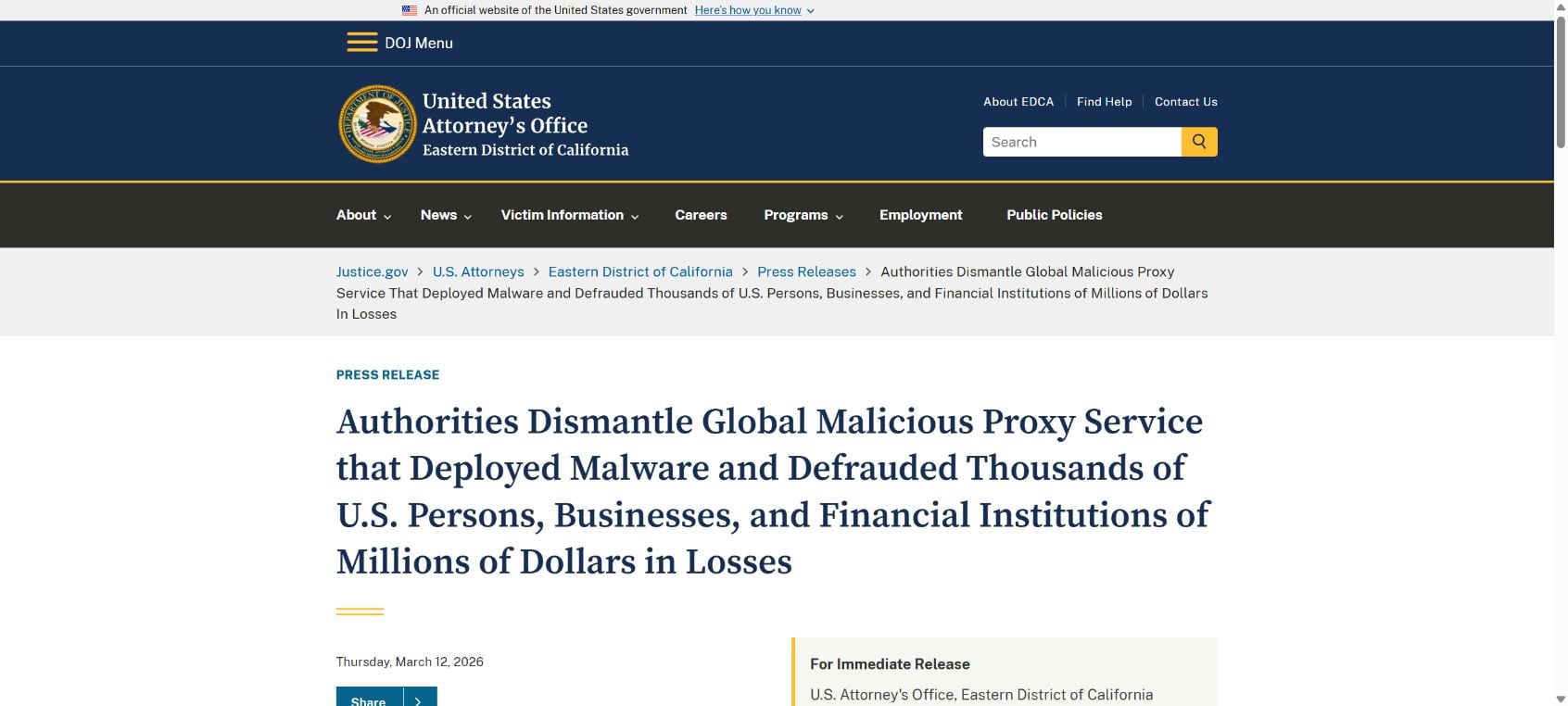
An international law-enforcement action led by the U.S. Justice Department seized several dozen U.S.-registered domains and took servers offline in Austria, France and the Netherlands. The FBI, IRS Criminal Investigation, Defense Criminal Investigative Service and international partners supported the case.
The router owners were not accused of choosing to provide criminal access. Their devices and IP reputations were stolen along with their bandwidth. That distinction is important: the same connection can belong to an innocent family or business while a remote customer uses it to make fraudulent activity look local and trustworthy.
How the SocksEscort Router Malware Scheme Worked
Step 1: Vulnerable routers were infected
The operators targeted home and small-business routers that could be compromised without their owners realizing it. Older hardware, unpatched firmware, exposed management pages and weak or reused administrator passwords all increase the chance that a router can be taken over.
A compromised router may continue providing internet access, so the victim sees no obvious failure. That quiet operation is an advantage for the attacker: the device can remain useful for months while the owner assumes everything is fine.
Step 2: The malware turned the router into a proxy
Once installed, the malware allowed external traffic to pass through the device. The router became an exit point, meaning websites saw the victim’s public IP address instead of the criminal’s actual connection.
The proxy did not need to read every file on the victim’s computer to cause harm. Simply lending the household’s internet identity to strangers was valuable enough.
Step 3: SocksEscort listed the connection for sale
Customers could buy access to compromised residential IP addresses through the SocksEscort service. They could choose locations that helped their activity resemble a local customer, employee or account owner.
This transformed a botnet into a retail product. The people behind the service handled discovery, infection and access, while customers paid for a ready-made layer of anonymity.
Step 4: Criminals used the proxy to defeat security checks
A fraudster could route a bank login, cryptocurrency withdrawal or fraudulent benefits application through a selected household connection. Location-based risk systems would see a familiar country or city instead of a foreign data center.
The router owner became an unwitting shield. Investigators following the IP address could initially arrive at an innocent home or business rather than the person directing the fraud.
Step 5: Stolen access produced real financial losses
Authorities linked SocksEscort connections to bank-account takeovers, cryptocurrency theft and fraudulent unemployment-insurance claims. The proxy service did not create every stolen password, but it helped criminals use stolen credentials without revealing where they were.
Why Residential Router Proxies Are So Valuable to Criminals
- They look ordinary. Residential IP addresses are less suspicious than hosting providers and public VPN exits.
- They can match the victim’s region. A fraudster can choose a proxy near the expected location of a bank or exchange customer.
- They spread investigations across innocent devices. Each compromised router creates another layer between the criminal and the target.
- They help automate fraud at scale. Thousands of addresses let attackers rotate connections when one is blocked.
- They exploit trust in long-lived connections. A household IP that has existed for years may carry a cleaner reputation than newly created infrastructure.
The Losses Connected to SocksEscort
The Justice Department cited several severe examples. A cryptocurrency-exchange customer in New York lost about $1 million in cryptocurrency. A Pennsylvania manufacturing company lost $700,000 in a financial-fraud scheme. Current and former U.S. service members had more than $100,000 drained from Military Star credit accounts.
Those cases show why this was more than a technical nuisance. A router infection can support crimes against people and businesses far away from the infected device. The owner may notice slower service or unusual behavior, but the largest financial damage may occur in someone else’s account.
The exact role of a proxy varies by case. It can help hide a fraudulent login, make a new account appear local, bypass location restrictions or keep automated attacks away from addresses already known to security providers.
Could Your Router Be Infected?
There is no single symptom that proves SocksEscort malware was present. A router can serve normal traffic and malicious proxy traffic at the same time. Still, several signs deserve investigation.
- Internet usage rises sharply without a clear reason, especially when your devices are idle.
- The router becomes unstable, overheats, restarts or slows down even after normal troubleshooting.
- Administrator settings, DNS servers, remote-management options or port-forwarding rules change unexpectedly.
- You cannot sign in with the password you set, or an unknown administrator account appears.
- Your public IP address is blocked by websites, search engines show unusual verification pages, or services accuse your connection of automated activity.
- The router is an older model that no longer receives security updates.
These signs can have innocent explanations, and an infection can exist without any of them. The safest approach is to verify the model, firmware status and configuration instead of waiting for a dramatic warning.
How to Secure or Clean a Suspected Router
Step 1: Identify the exact model and support status
Read the label on the router and compare the model and hardware revision with the manufacturer’s support page. If security updates have ended, replacement is safer than trying to protect unsupported equipment indefinitely.
Step 2: Update the firmware
Install the latest firmware from the manufacturer’s official website or built-in update function. Do not download firmware from a search advertisement, forum attachment or third-party file site.
Step 3: Factory-reset the device
If compromise is suspected, export only settings you understand or rebuild the configuration manually. A factory reset removes many persistent configuration changes, but it must be followed by a firmware update and new credentials.
Step 4: Set unique administrator and Wi-Fi passwords
The router’s administrator password should not match the Wi-Fi password or any online account. Use a long, unique value and store it in a password manager. Disable default accounts where the model allows it.
Step 5: Disable exposure you do not need
Turn off internet-facing remote administration, Universal Plug and Play and services you do not use. Review port-forwarding rules, DNS settings and VPN or proxy features. Unknown entries should not remain simply because the internet still works.
Step 6: Check connected devices and accounts
Remove unknown devices from the network. If the router password was reused elsewhere, change those accounts. Monitor banking and email accounts for unfamiliar sessions because a compromised home network may be only one part of a broader intrusion.
What to Do If Your IP Address Is Being Abused
- Disconnect or power down the suspected router until you can update or replace it.
- Contact the internet provider and ask whether it supplies a replacement or can see unusual traffic.
- Preserve the model, serial number, firmware version and approximate dates of suspicious behavior.
- Reset or replace the device, then change important passwords from a clean computer.
- Review financial accounts and enable strong multi-factor authentication.
- Report identity theft, financial loss or unauthorized account access to the relevant provider and law-enforcement reporting channel.
Frequently Asked Questions
Was SocksEscort a legitimate proxy service?
No. The Justice Department described it as a malicious residential proxy network built from routers infected with malware. Its core inventory came from devices used without their owners’ permission.
Does the takedown automatically clean every router?
No. Disrupting domains and servers limits the network, but owners should still update, reset or replace vulnerable routers. A device may contain outdated firmware or other unauthorized changes even after the command infrastructure disappears.
Can antivirus software on a laptop clean a router?
Not usually. Router firmware and settings are separate from a Windows or Mac installation. Endpoint security can protect the computer, but router remediation normally requires firmware updates, a factory reset or hardware replacement.
Should I use a residential proxy service?
A legitimate service must have clear, informed consent from the people providing the connections. If a provider cannot explain how its residential addresses were obtained, using it creates serious security, ethical and legal risk.
The Bottom Line
SocksEscort was a confirmed malicious proxy operation that turned infected routers into cover for fraud. The victims included both the people whose devices were hijacked and the people whose money was stolen through connections those devices provided.
Update the router, replace unsupported hardware and disable remote features you do not need. The little box in the corner of the room is the front door to every device behind it, and it deserves the same security attention as the computers it connects.








