

The call sounds like an ordinary piece of workplace maintenance. Someone from the IT help desk says your passkey or multifactor authentication settings must be updated before access is interrupted.
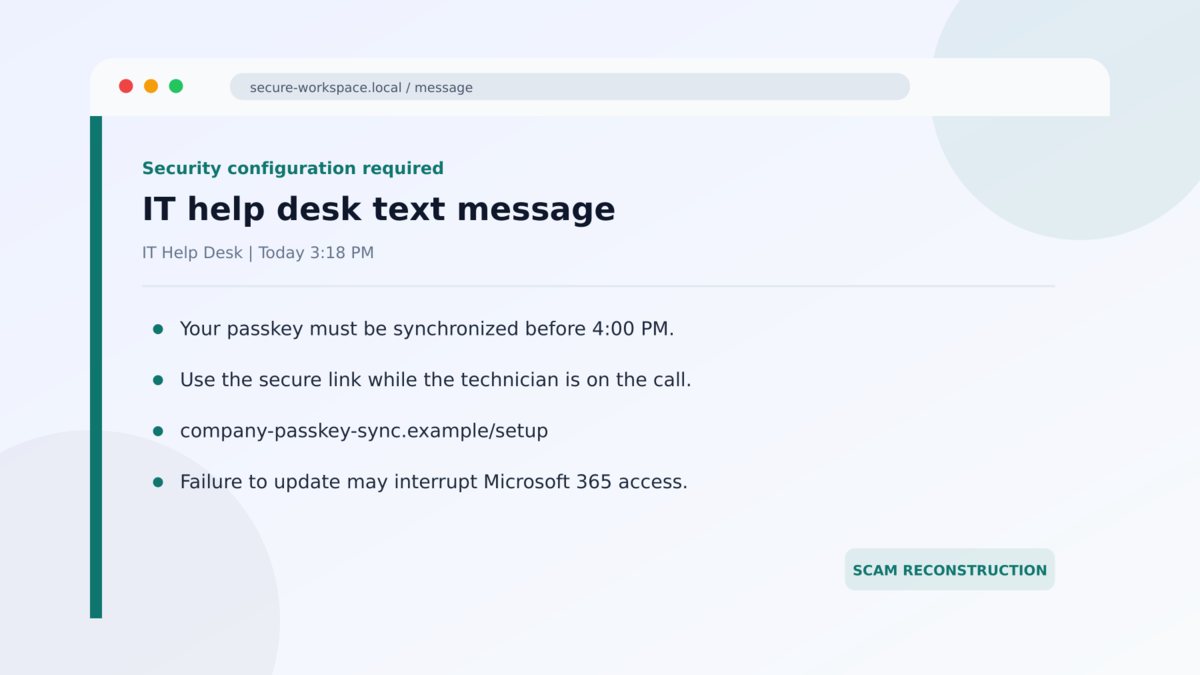
They know your name, your employer, and sometimes the system you use. A text message arrives while the caller is still on the line, giving you a link that appears to finish the security update.
The request feels safer than a password reset because passkeys are supposed to stop phishing. That assumption is what the attackers are using against you.
Overview
The caller pretends to be your own IT help desk
The fake IT help desk passkey scam is a confirmed social-engineering campaign targeting Microsoft cloud accounts. Attackers contact employees on personal telephone numbers and claim that a passkey, multifactor authentication, or single sign-on configuration needs urgent attention.
The campaign is not a flaw that silently breaks passkeys. It is an impersonation attack. The caller creates a believable workplace problem, then guides the victim through a sign-in or authorization process that gives the attacker access.
The link can capture a session or authorize the attacker’s device
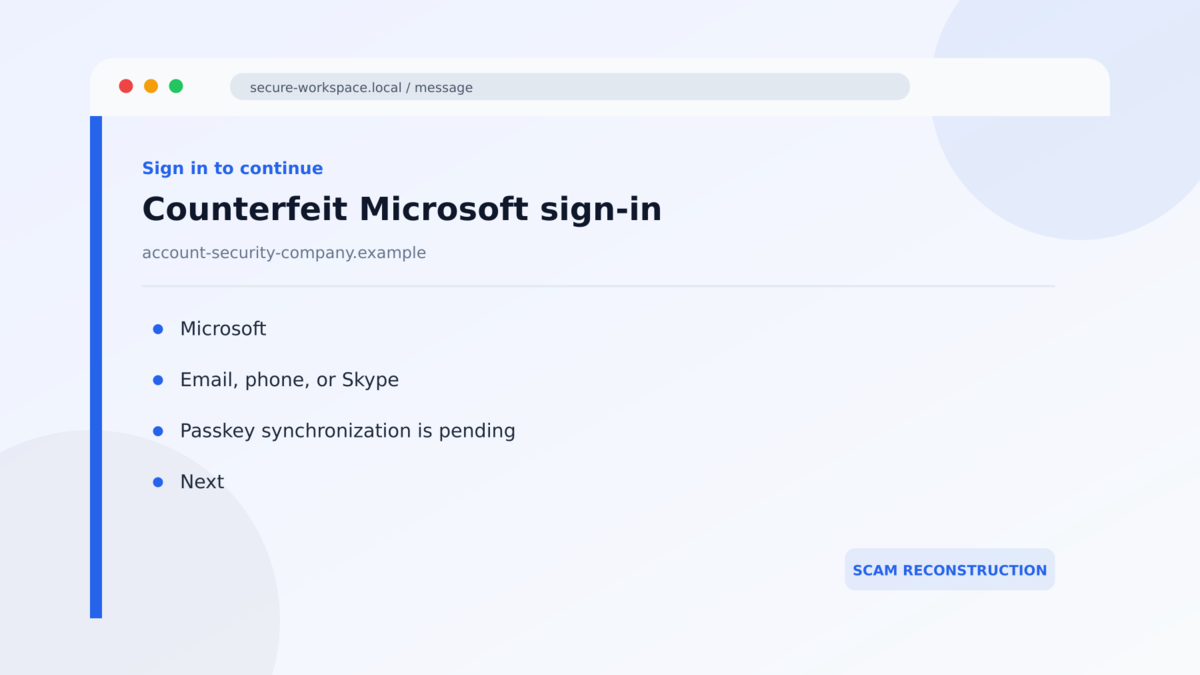
Some victims receive an SMS link to a counterfeit Microsoft sign-in page. An adversary-in-the-middle system relays the real authentication process while collecting credentials and the resulting session token.
Other versions use device-code authentication. The victim enters or approves a code that was generated for the attacker’s session, unintentionally authorizing that computer. A convincing passkey story is used to explain each prompt, even when the technical action has nothing to do with updating a passkey.
Cloud data theft begins after the sign-in succeeds
Microsoft observed the activity from May 2026 and linked the initial-access method to multiple threat-actor clusters. After access is obtained, the attackers can inspect authentication settings, add persistence, enumerate cloud resources, and collect email, files, attachments, and other business data.
The employee may see no obvious error. The fake help desk call ends, the page may redirect to a genuine Microsoft service, and normal work continues while the stolen session is used elsewhere.
- The contact begins with an unexpected call, text, or message from a supposed internal support employee.
- The victim is told that a passkey, MFA, or SSO setting must be updated immediately.
- A link is delivered to a personal phone instead of through an established company support process.
- The page imitates Microsoft and may relay a real sign-in behind the scenes.
- The attacker may steal credentials and session tokens or misuse device-code authorization.
- New authentication methods can be added to preserve access.
- Compromised cloud accounts can expose mailboxes, documents, SaaS data, and contacts.
Why the Passkey Story Is So Convincing Right Now
Organizations are moving away from passwords and SMS codes toward phishing-resistant authentication. Employees are therefore more likely to hear genuine messages about passkey registration, security keys, Windows Hello, or changes to multifactor authentication.
Attackers place their call inside that real transition. They do not need to invent an impossible feature. They only need to make the timing and procedure slightly different from the employer’s legitimate rollout.
A personal phone number adds pressure. The victim may assume that IT called the number in the employee directory because the issue is urgent. In reality, professional profiles, breach data, data brokers, and earlier phishing can connect a person’s job to a mobile number.
The caller may remain friendly and patient while the victim signs in. That live guidance solves problems for the criminal. If a page displays an error or an MFA prompt changes, the caller can provide an immediate explanation and keep the victim moving.
Passkeys remain a strong security technology when they are registered and used through the correct service. The scam works by manipulating the person and the surrounding authentication flow, not by proving that every passkey can be copied from a fake page.
What the Caller, Website, Authentication Prompt, and Evidence Tell Us
The caller’s knowledge does not prove an internal identity
A scammer who knows an employee’s name, title, manager, and company can sound like an insider. Those details are often public or commercially available. Caller ID can also be spoofed, so a familiar help desk number on the screen is not reliable proof.
End the call and contact IT through the support portal, extension, or directory entry you already use. Do not ask the caller to transfer you and do not call back a number supplied in the same text message.
The domain matters more than the Microsoft design
A counterfeit sign-in page can copy Microsoft’s fonts, logos, loading screens, and prompts. Attackers also register domains that combine a company name with words such as passkey, SSO, identity, sync, enrollment, or verification.
Read the actual registered domain before entering anything. A company name placed before or after an unrelated domain does not make the site part of Microsoft or your employer. When in doubt, close the page and open the company portal from a saved bookmark.
An unexpected device code authorizes someone else’s session
Device-code sign-in is a legitimate feature used on devices with limited input. The code identifies an authentication request that has already begun somewhere else. If an unsolicited caller gives you that code, approving it may sign the caller’s browser into your account.
Read every prompt literally. If it says that another device or application is requesting access, stop unless you personally initiated that exact process through an approved workflow.
Microsoft’s telemetry confirms the broader campaign
Microsoft Security Research documented this passkey-themed campaign and the cloud activity that followed. The company observed adversary-in-the-middle phishing, device-code abuse, authentication changes, application activity, and data collection associated with compromised identities.
The evidence supports calling the operation a confirmed phishing campaign. It does not mean every legitimate passkey prompt is fraudulent. The difference is whether the employee initiated the process through the organization’s real system and whether IT can confirm it independently.
How the Fake IT Help Desk Passkey Scam Works
Step 1: The attackers build a profile of the employee
The operation begins before the phone rings. Attackers collect the target’s employer, position, contact details, likely cloud provider, and public information about the organization.
High-value users may include executives, administrators, finance staff, and employees with access to sensitive cloud applications. The same pretext can also be used more broadly across an organization.
Step 2: A fake help desk agent creates an urgent security task
The caller says a passkey, MFA, or SSO update must be completed now to avoid losing access. The message may refer to a migration, policy change, synchronization problem, or account-compliance deadline.
This wording makes resistance feel risky. An employee who refuses may worry that email, files, or business systems will stop working.
Step 3: A text message supplies the attacker’s link
While the caller is still speaking, an SMS arrives with a short link or an address that contains the employer’s name. The caller asks the victim to open it on the personal phone.
Using an unmanaged personal device can reduce the visibility available to the employer’s endpoint-security tools. It also separates the suspicious link from the workplace browser where warnings may be stronger.
Step 4: The victim signs in or approves a device code
In an adversary-in-the-middle flow, the fake site passes information to the real Microsoft service and relays the prompts back to the victim. Credentials, authentication responses, and the resulting session can be captured during that exchange.
In a device-code flow, the victim is sent to a legitimate Microsoft page but enters a code created for the attacker’s device. The domain can be genuine while the authorization context is fraudulent.
Step 5: The attacker adds persistence
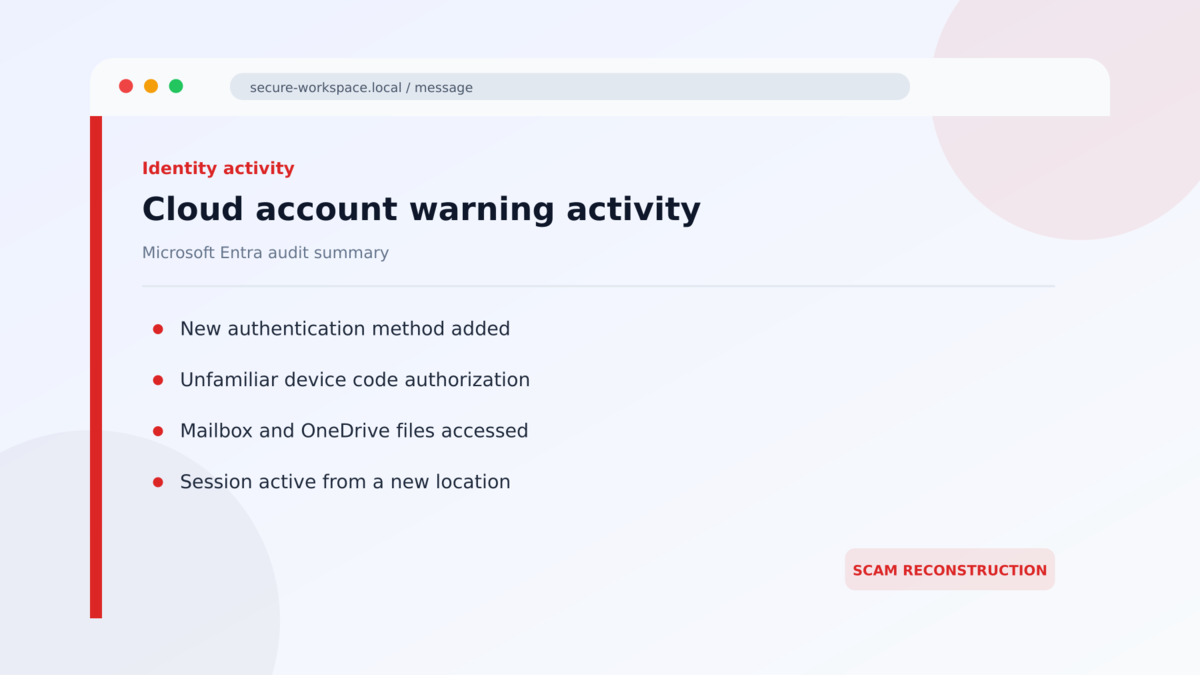
After gaining access, the operator may register a new authentication method, obtain additional tokens, authorize an application, or create another route back into the account.
This is why changing only the password may not be enough. Existing sessions, tokens, device registrations, and application consent must also be reviewed and revoked where necessary.
Step 6: Cloud email and files are collected
The attacker can use Microsoft Graph and other cloud services to discover what the account can reach. Mailboxes, attachments, OneDrive files, SharePoint documents, contact lists, and SaaS resources may be searched or downloaded.
Stolen information can support extortion, business email compromise, follow-on phishing, or attacks against customers and coworkers. A single account may provide the context needed to make the next impersonation much more credible.
Warning Signs to Recognize During the Call
- An unplanned IT call arrives on your personal number.
- The caller says access will fail unless you act immediately.
- You are asked to open a link sent by SMS.
- The domain combines your employer’s name with passkey or SSO terms.
- The caller wants you to read, enter, or approve a device code.
- You are told to ignore a warning because it is part of the update.
- The sign-in happens outside the normal company portal.
- An MFA prompt appears for a location, browser, or device you did not initiate.
- The caller resists independent verification with the real help desk.
- You are asked to keep the procedure private or avoid creating a support ticket.
A real support team may contact employees, but it should be possible to verify the request without continuing the same call. Stopping to use the established support channel is a security control, not a failure to cooperate.
Organizations can make that pause easier by publishing one clear rule: support staff will never ask an employee to approve a sign-in that the employee did not begin. A real technician should welcome a callback through the directory, a ticket number checked in the service portal, or confirmation from a known manager.
Employees should also know what a normal passkey enrollment looks like before a rollout begins. Written instructions can identify the correct portal, expected prompts, supported devices, and the people responsible for the change. That preparation leaves less room for a caller to invent a new procedure in the middle of an urgent conversation.
Security teams should alert on new authentication methods followed by unusual file access, application consent, or rapid cloud enumeration. Each event may have an innocent explanation by itself. Together, and especially after a reported help desk call, they can reveal the full compromise early enough to limit data theft.
What to Do if You Have Fallen Victim to This Scam
- Contact your real security team immediately. Use a known internal number or portal. Explain that you followed a passkey or MFA instruction from an unsolicited caller and include the approximate time.
- Ask administrators to revoke active sessions and tokens. A password change alone may leave a stolen session usable. Revoke refresh tokens, web sessions, device codes, and suspicious application grants.
- Reset the password from a trusted device. Use a clean, managed computer and a route you opened independently. Do not reuse a previous password.
- Review authentication methods. Remove unknown passkeys, security keys, Authenticator registrations, telephone numbers, recovery addresses, and devices.
- Check recent sign-ins and audit logs. Look for unfamiliar locations, IP addresses, user agents, application IDs, consent events, authentication changes, and access to large numbers of files.
- Inspect the mailbox. Review forwarding rules, delegates, inbox rules, deleted messages, sent mail, and recovery settings. Attackers often hide replies or forward useful conversations.
- Protect connected applications. Reset or revoke access to SaaS services, cloud drives, developer tools, financial systems, and any service that trusted the compromised identity.
- Preserve the call and text evidence. Save the telephone number, SMS content, URL, screenshots, support story, and any code you entered. Do not revisit the phishing page.
- Warn coworkers. The same campaign may target several employees and may use information stolen from the first account to improve later calls.
Frequently Asked Questions
Are passkeys themselves broken?
No general passkey break is demonstrated by this campaign. Attackers use a false support story to steal a session, capture other credentials, or persuade a victim to authorize the attacker’s device.
Can a legitimate Microsoft page still be part of the scam?
Yes. Device-code phishing can send you to a real Microsoft authorization page. The danger is that the code belongs to a sign-in initiated by the attacker, not that Microsoft owns the wrong domain.
Why does the caller know my personal phone number?
Telephone numbers can come from public profiles, data brokers, old breach data, company directories, or earlier reconnaissance. Knowing it does not prove that the caller works for your employer.
What if I clicked the link but entered nothing?
Close it and report the incident. Preserve the URL and check whether any download, browser permission, or unexpected sign-in occurred. Risk is lower if no information or authorization was provided, but the event still helps security teams identify the campaign.
Is changing my password enough?
Not always. Stolen session tokens, added authentication methods, authorized applications, and mailbox rules can survive a password change. Administrators should review and revoke all related access.
How should a real passkey rollout be verified?
Start from the company portal, written internal documentation, or a support ticket you opened yourself. Confirm the change with IT through a known channel before approving any unexpected authentication request.
The Bottom Line
The fake IT help desk passkey scam makes a modern security improvement sound like an emergency. The caller uses real workplace language, a personal telephone number, and a Microsoft-style sign-in flow to turn the victim into the final step of an account takeover.
Do not complete authentication work for an unsolicited caller. End the conversation, open the real support channel independently, and verify whether any change is actually scheduled.
If you already signed in or approved a code, report it immediately. Revoking sessions and persistence quickly can stop a convincing call from becoming a much larger cloud-data incident.








