

An AI trading assistant promises to watch crypto markets while you do something else. The download page looks like ordinary software, not a request for your recovery phrase.
That distinction matters. Before installing a tool that will sit beside your wallet, find out who made it and what the installer is allowed to change.
Overview
A useful-sounding assistant becomes the delivery route
In its September 2026 threat report, HP described a website posing as an AI-powered cryptocurrency trading assistant.
The site borrowed the name of a well-known AI tool to appear familiar. It offered a downloadable program for people hoping to improve their trading results.
HP identified the payload as Needle Stealer. Instead of providing trustworthy market help, it targeted cryptocurrency wallet extensions inside the victim’s browser.
This is not the same as a fake smart-contract tutorial. Here the risky action is installing software on a computer that already holds a wallet.
The wallet can look familiar after it changes
HP reported that the malware looked for browser wallets, including Coinbase and MetaMask extensions, and replaced them with malicious lookalikes.
The next time the owner opened the wallet, the interface could appear routine. Entering a wallet password into the replacement exposed it to the attacker.
That sequence is more deceptive than an obviously unrelated login page. The person may believe they are unlocking the same extension used yesterday.
HP did not publish a verified victim count for this particular lure. A technical finding is enough to justify caution without inventing losses.
The decisive warning is outside the sales pitch
A page can claim that an assistant is secure, automated, and compatible with popular wallets. Those claims say nothing about the installer’s behavior.
- The offer begins on a website claiming to provide an AI trading tool.
- The visitor is pushed to install a desktop program.
- The program uses a signed component as cover for malicious code.
- Wallet extensions can be swapped for deceptive copies.
- Credentials entered into the replacement can be captured.
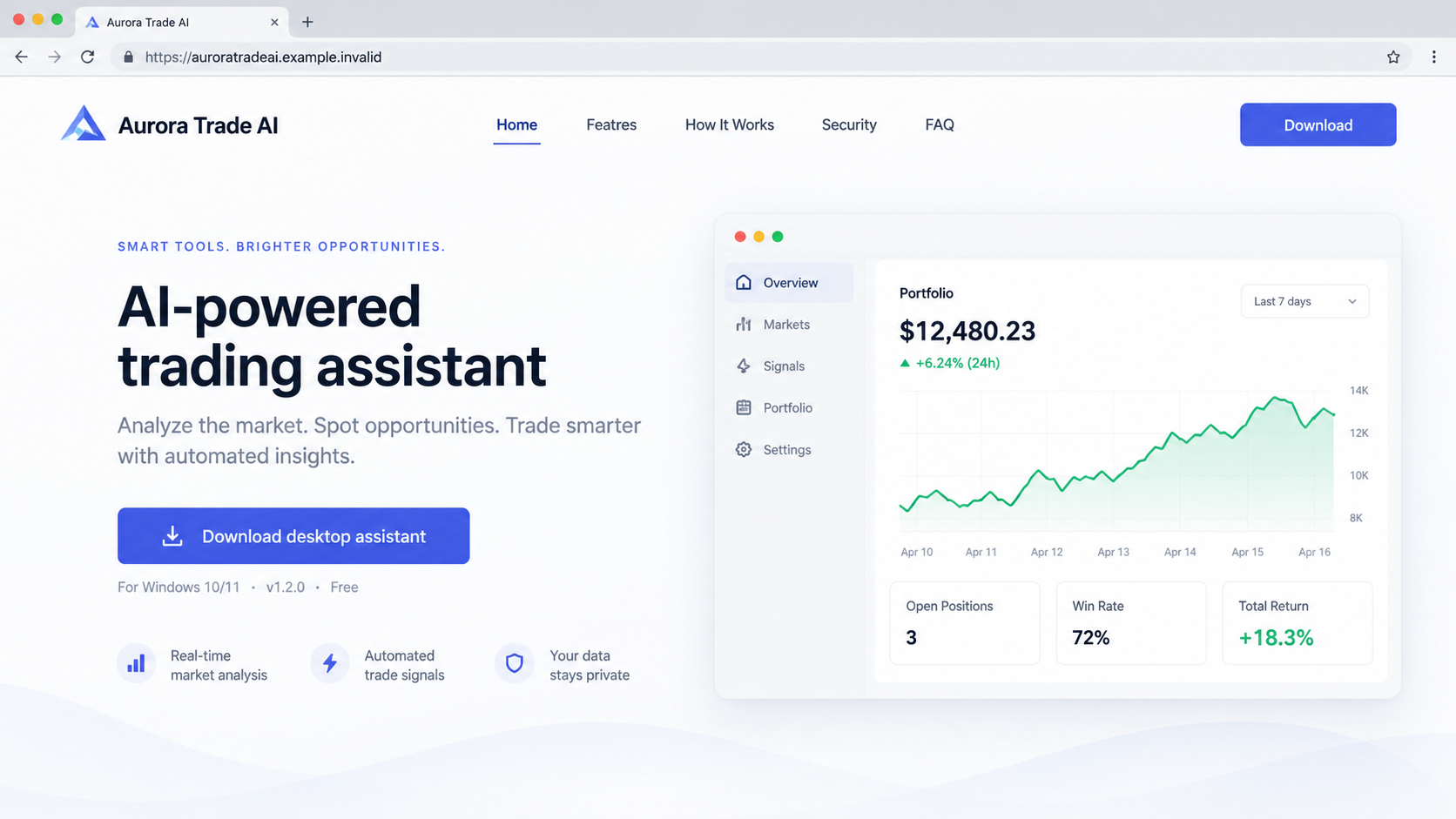
The first image is an original illustration of that kind of landing page. It is not a screenshot of the attacker-controlled website HP investigated.
Why an AI Trading Pitch Works on Wallet Owners
Crypto prices move at inconvenient hours. The idea of software that watches markets while you sleep is attractive, particularly during volatile weeks.
Most people also know that AI tools can summarize data and automate routine tasks. A trading assistant can therefore sound plausible before anyone examines its permissions.
The sales language often bundles several promises: market alerts, strategy suggestions, portfolio tracking, and effortless execution. Each promise lowers resistance to one more installation step.
There is a practical gap between analyzing market data and controlling a browser wallet. A tool does not need local wallet access merely to show price charts.
Even legitimate trading software can be risky when given broad account privileges. A downloaded program from an unverified site deserves a much higher level of scrutiny.
Impersonating a familiar AI product adds another shortcut. A visitor might recognize a name or design and assume a partnership that has not been demonstrated.
Search results and advertisements can amplify that impression. A sponsored placement only proves someone paid for exposure, not that the code has been reviewed.
A polished screenshot of profits is equally weak evidence. It cannot establish where the executable came from or what it does after installation.
How the Fake AI Crypto Trading Assistant Attack Works
Step 1: A trader reaches an appealing software page
The journey begins with a website offering an AI-powered trading assistant. HP confirmed this lure but did not establish every traffic source used to reach it.
A reader may encounter such pages through search, an ad, a forum recommendation, or a message. Treat those routes as possibilities, not documented facts about this campaign.
The important feature is the proposed exchange: install a program now and supposedly receive better trading decisions later.
Look for a real publisher, an independently verifiable product history, and a download hosted by that publisher. Familiar AI wording is not proof.
Step 2: The installer receives access to the computer
Running a desktop installer is very different from reading a market article. Code on the machine can inspect files, processes, browser profiles, and installed extensions.
HP found that the malware abused a legitimate Microsoft-signed program to load a malicious file. This is often called DLL side-loading.
The signed component’s presence may look reassuring in a quick inspection. It does not make the neighboring malicious component trustworthy.
No user should be expected to diagnose side-loading from a filename. The safer boundary is to avoid unverified installers before they run.
Step 3: The program searches for browser wallets
Once active, the malicious program checks the browser environment for cryptocurrency wallet extensions. HP specifically mentioned Coinbase and MetaMask as examples.
The attacker is interested in more than a public wallet address. A browser extension holds the interface through which its owner unlocks and authorizes activity.
If that interface can be substituted, the next password entry can become a credential collection event without a dramatic warning page.
Someone who seldom checks extension details might not notice the change. That is why a familiar icon should not be treated as a security signal.
Step 4: A malicious lookalike takes the wallet’s place
HP’s reported behavior was replacement of trusted extensions with attacker-controlled lookalikes. This is a local compromise, not just a redirect to a website.
The replacement can imitate expected buttons and prompts. The danger lies in who receives the information entered, not whether the screen looks polished.
The image below illustrates a generic trading assistant asking for wallet access. It does not reproduce HP’s specimen or establish its precise interface.
Notice that the requested capability is unrelated to simply reading market prices. A claim about convenience cannot explain away unrestricted wallet access.
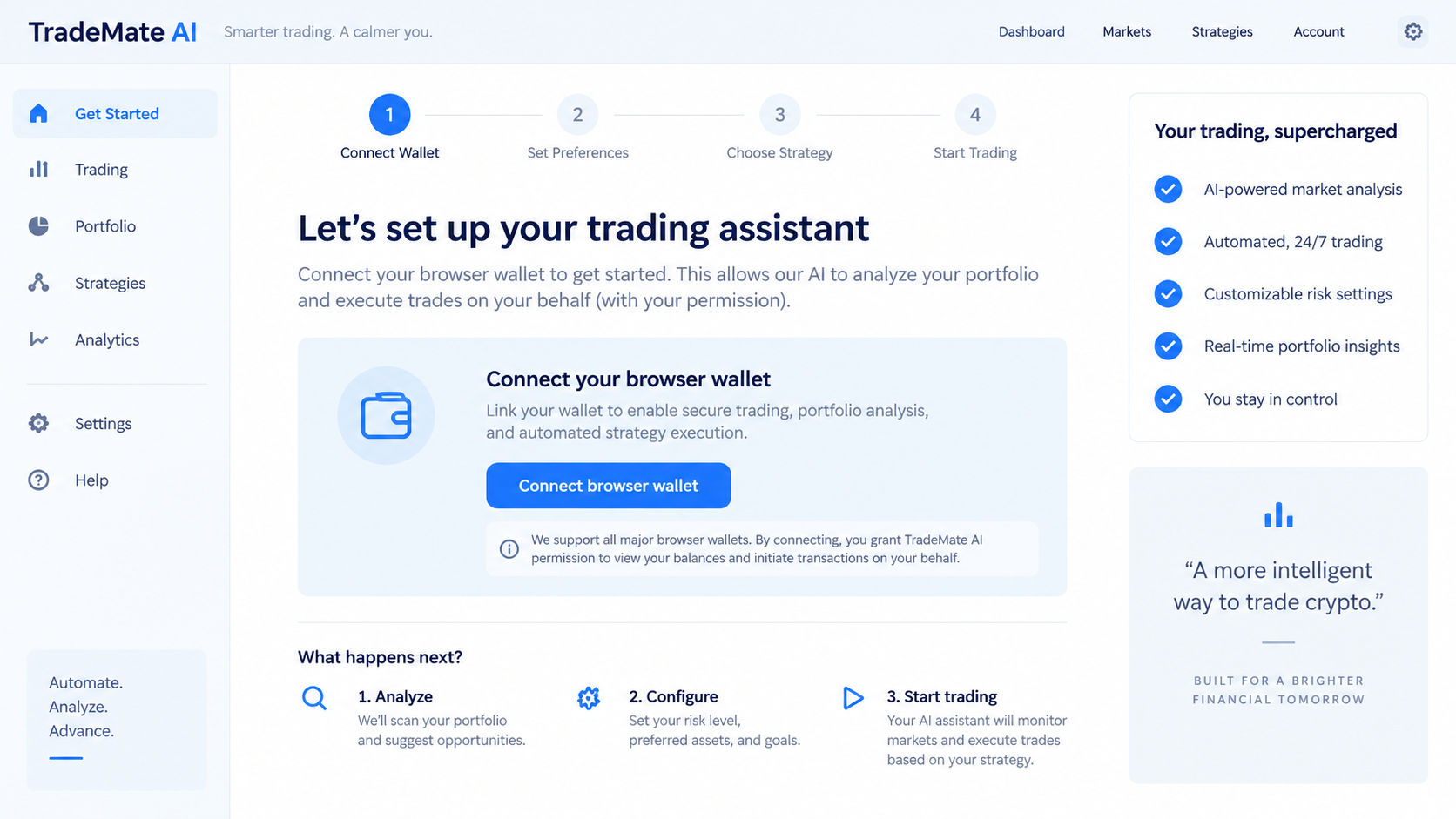
Extension names and icons can be copied. Check the extension’s publisher, installation history, permissions, and official distribution channel on a clean device.
Step 5: A routine unlock exposes credentials
After replacement, the owner opens what appears to be a normal wallet and types a password. HP says the lookalike harvests credentials entered there.
A password captured this way may let an attacker access wallet material available to the extension. The exact result depends on the wallet and what was exposed.
Do not assume that only a seed phrase creates danger. A compromised computer and a counterfeit extension can undermine the normal protection around a wallet.
HP described a path toward stealing holdings. It did not provide evidence that every person downloading the program lost funds.
Step 6: The owner discovers trouble too late
The first visible sign may be an unfamiliar extension, an unexpected wallet unlock prompt, or a transfer the owner does not recognize.
Other signs can include browser settings changing, security alerts being dismissed, or a previously working wallet suddenly asking to be reconfigured.
None proves this particular malware by itself. Together with an unverified trading assistant installation, they justify treating the computer as potentially compromised.
Stop using that machine for crypto transactions while you investigate. Continuing to type passwords into an untrusted environment can expand the damage.
What the HP Research Establishes, and What It Does Not
HP’s report is first-party analysis from security telemetry, covering activity observed in the second quarter of 2026 and published in September.
It documents the fake AI assistant lure, Needle Stealer delivery, signed-program abuse, and replacement of browser wallet extensions.
That evidence supports calling the examined software malicious. It does not identify every advertisement, domain, actor, victim, or theft total.
Do not label every AI trading assistant as this campaign. Some products are legitimate, some are merely poor, and some request risky permissions for different reasons.
The investigation should focus on the exact program installed, its origin, and the changes observed on the affected machine.
Likewise, do not confuse this with a wallet-approval drainer. In a drainer, a user often signs a harmful transaction on a website.
In HP’s case, malicious local software could replace the wallet interface first. The credential entry then occurs inside a counterfeit extension.
How to Check a Trading Assistant Before Installation
Begin at the product’s independently located official website. Do not use the top ad result, a shortened URL, or a download button forwarded in chat.
Identify the legal publisher and compare its name across the installer signature, privacy policy, support page, and software distribution listing.
Search for independent technical assessments of the exact file and version. Reviews of a similarly named app do not validate a new executable.
Read requested permissions before connecting a wallet. A market-analysis dashboard should not need seed phrases, broad token spending authority, or a replacement extension.
Keep your main wallet separate from experiments. A dedicated browser profile or spare machine can reduce exposure, though it cannot make malicious software safe.
Never paste a recovery phrase into a website or trading assistant. A real wallet’s recovery process belongs in its official application and should be used only when necessary.
Be wary of installation instructions asking you to disable browser protection, antivirus, or operating-system warnings. Convenience is not a security exception.
Even if a tool produces credible market commentary, that does not verify its installer. Content quality and code behavior are separate questions.
What to Do If You Installed the Fake AI Trading Assistant
Move carefully, but act promptly. The response differs depending on whether you downloaded a file, ran it, unlocked a wallet, or saw unauthorized transfers.
- Disconnect the affected computer from the network and stop using its wallets. Do not enter another password or recovery phrase to test whether the extension still works.
- Use a clean device to secure exchange accounts. Change unique passwords, review login history, revoke sessions, and strengthen multifactor authentication.
- Inspect wallet extensions on the affected browser. Record their names, identifiers, installation times, and permissions before removal if you need evidence.
- Move remaining cryptocurrency from any wallet whose seed phrase or private key may be exposed. Create a fresh wallet on a clean device and verify addresses carefully.
- Check token approvals and connected sites. Revoke suspicious allowances through trusted wallet tools, but remember that revocation cannot repair a stolen recovery phrase.
- Preserve the downloaded installer, page address, purchase or download messages, transaction hashes, and screenshots. Do not rerun the file while collecting evidence.
- Scan the machine with Malwarebytes and follow your organization’s incident process. A full reinstall may be safer when an infostealer or extension replacement is confirmed.
- Use AdGuard to reduce future malicious ads and deceptive landing pages. It is preventive filtering, not a way to recover stolen coins or clean an infected system.
- Report unauthorized transfers to the receiving and sending exchanges immediately. Provide transaction hashes and ask whether assets can be frozen before further movement.
- File a report with the relevant cybercrime authority. Ignore anyone offering guaranteed recovery for an upfront fee, remote access, or your seed phrase.
Why Password Changes Alone May Be Insufficient
If the counterfeit extension remains installed, typing a new wallet password into it can simply disclose the replacement as well.
If the malware accessed seed material, changing a password on the same wallet does not change the underlying private keys.
The safe sequence is to stop using the affected computer, establish a clean environment, and move assets to keys created outside the compromised setup.
For an exchange account, change the password and revoke sessions from a clean device. Also inspect withdrawal addresses, API keys, and security settings.
For a self-custody wallet, the specific recovery plan depends on what the attacker obtained. An experienced incident responder can help with large balances.
Do not upload wallet files to an online “scanner” that promises to check contamination. That request can create a second compromise.
Frequently Asked Questions
Is every AI crypto trading assistant malware?
No. HP documented a particular malicious lure and payload. Evaluate each product on its publisher, installer provenance, permissions, and independent analysis.
Did Coinbase or MetaMask create the fake extension?
No such involvement was reported. HP said the malware targeted extensions like theirs by replacing them with malicious lookalikes.
Can a browser icon tell me whether my wallet is safe?
No. Icons and names can be copied. Confirm the extension identifier, source, and installation history using official wallet guidance and a clean device.
What if I downloaded the file but never opened it?
Delete it without launching it and scan the download. The reported replacement requires execution; downloading alone does not establish infection.
Would a hardware wallet prevent every loss?
No. Hardware wallets protect keys in important ways, but owners can still approve harmful transactions or expose information through a compromised computer.
Can stolen cryptocurrency be recovered?
Sometimes exchanges or investigators can intervene quickly, but recovery is uncertain. Preserve transaction hashes and reject anyone promising guaranteed retrieval.
The Bottom Line
The dangerous part of this fake AI trading assistant was not a bad market prediction. HP found malware that could replace trusted browser wallets with credential-stealing copies.
Before installing any trading tool, verify its publisher and permissions. If you already ran an untrusted installer, secure wallets from a clean device and investigate the computer.








