

The caller sounds urgent and certain. They say someone you care about needs help now, and waiting could make the situation worse.
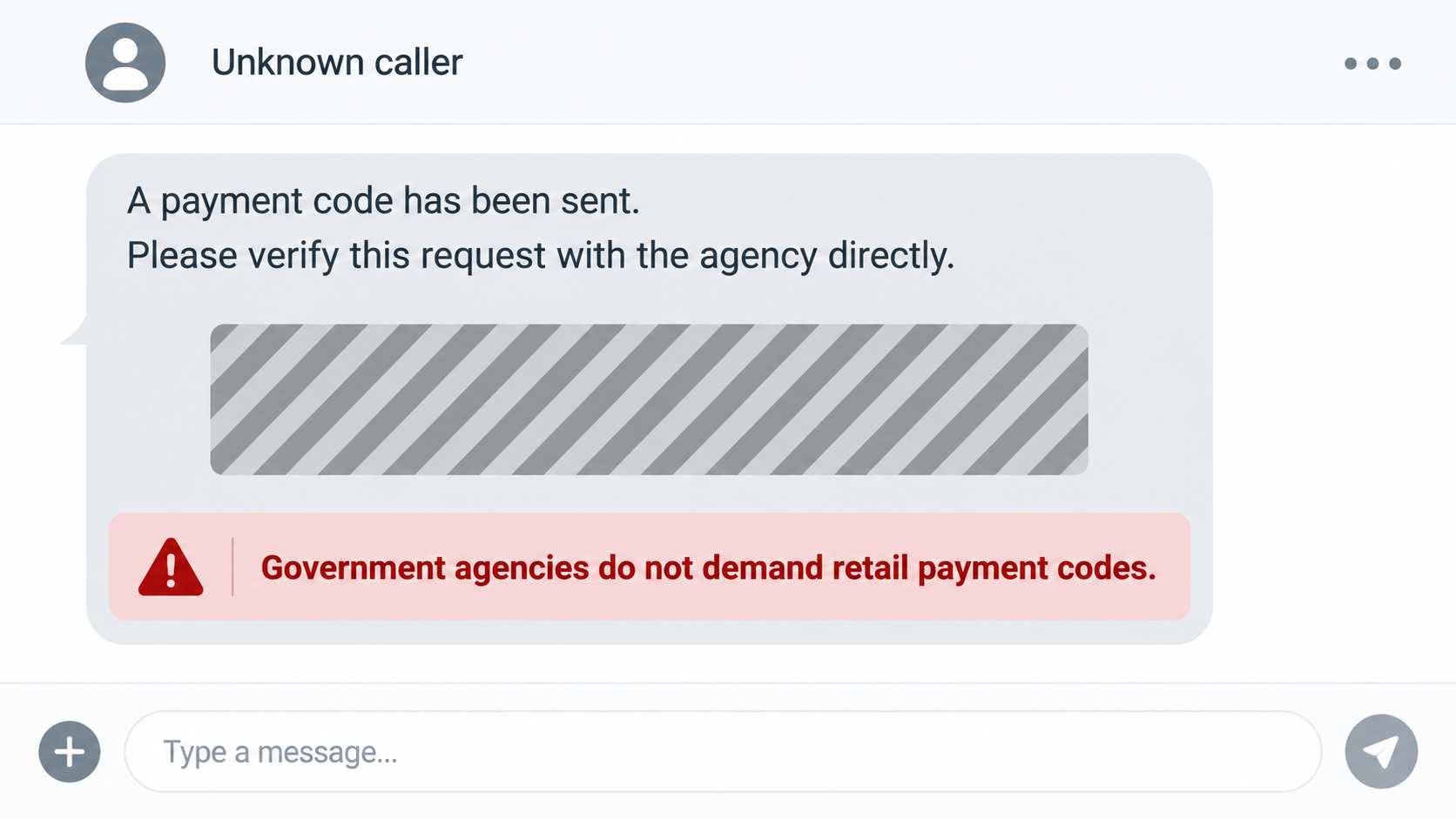
A message arrives while the call is still fresh. Before you act on it, pause long enough to understand what that code is really asking you to do.
Overview
A frightening call becomes a retail errand
The caller may claim to be a police officer, sheriff’s deputy, federal agent, or representative of a government office. The story involves a debt, fine, arrest, or family emergency.
Instead of asking for a wire transfer, the caller sends a barcode or QR code. They direct the target to a familiar store to load money onto it.
The Social Security Administration’s Office of the Inspector General warned about this pattern in September 2026.
Its alert says some people have lost $1,000 or more through such payment-code demands. The warning does not mean every QR code is malicious.
The code is a payment instrument, not proof
A barcode can look procedural, like a case number or official transaction reference. In this scheme, its function is to route value to the scammer.
The victim may never share a Social Security number or banking password. They can still lose money by funding the code and revealing its details.
Retail staff may see a normal reload or payment process, not the false story told over the phone. That separation helps the caller keep control.
No law enforcement officer or SSA official resolves a case by texting a retail payment code and demanding immediate loading.
The pressure matters more than the format
The caller may forbid hanging up, insist on secrecy, or say the payment must happen before a family member can be released.
They may use a familiar name or a convincing voice. Caller ID and audio alone are not reliable proof of identity.
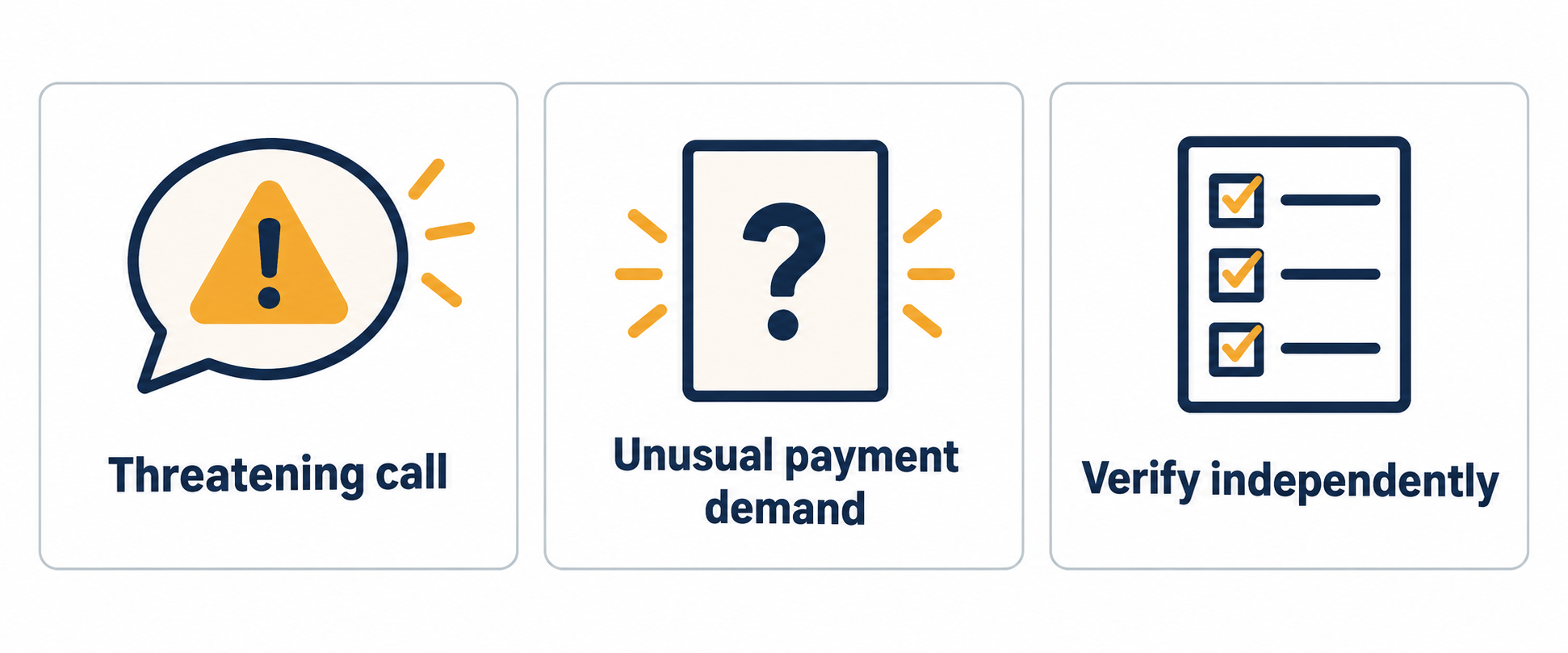
The pattern is recognizable by the combination of authority, urgency, and an unusual payment path.
- An unexpected authority figure demands immediate payment.
- A code arrives by text or email instead of an official invoice.
- The caller directs you to fund it at a retail counter.
- You are discouraged from calling the agency or family member independently.
How the Barcode Payment Scam Works
Step 1: The caller chooses a crisis you cannot ignore
The opening story may involve an adult child supposedly arrested, a fine that must be paid, or a debt linked to an agency.
Each version creates a reason to act before you have time to check. A family emergency triggers fear, while an official title adds pressure.
The caller may know personal facts from social media or previous data exposure. Accurate details can make an invented event seem real.
Some operators can imitate a familiar voice using recordings. The SSA OIG warns that hearing a recognizable voice is not enough to verify the claim.
The safest response is to end the call and contact the person or agency through a number you already know or independently locate.
Do not rely on the caller’s offer to transfer you to a supervisor. A transfer controlled by the same operation simply changes the voice.
A genuine emergency remains verifiable after a short pause. The scammer’s insistence that checking will cause harm is itself a warning.
Step 2: An official-sounding explanation introduces the code
Rather than asking you to pay a personal account, the caller frames a barcode or QR code as an approved payment route.
They may call it a case-processing code, bail payment, or government collection method. Those labels do not change what happens when money is loaded.
The code can arrive while you are still talking. That timing makes the text feel like confirmation of the call, even though both are controlled by the scammer.
A real agency can explain its payment procedures on an official website. It does not need to keep you on a private call to complete them.
Ask yourself why the caller wants a retail store involved. Ordinary fines and court obligations do not require a stranger’s texted payment image.
Be cautious even if the message includes a government seal or formal wording. Those visuals are easy to copy.
The decisive question is whether the agency confirms the obligation when reached independently, not whether the code looks professionally formatted.
Step 3: The victim is sent to a familiar store
The caller directs the person to a large retailer or payment counter. A known store can lend false legitimacy to the transaction.
The store is not necessarily part of the scam. Its staff may be processing a valid payment service without knowing the caller’s invented backstory.
The victim may be told to load one code or several. Splitting the request can disguise the total until the receipts are printed.
Some people worry the cashier will refuse them if they admit the caller’s story. That fear can keep them from asking a helpful question.
Tell the cashier plainly if someone on the phone claims to be police and wants a code loaded. Store staff may recognize the scam and stop the payment.
A real officer will not penalize you for asking the store to pause while you verify a payment request.
If the caller instructs you to avoid explaining the purchase, that instruction is another reason to step away from the transaction.
Step 4: Money is loaded onto the code
Once the store processes the request, the code represents money or a transferable value. The receipt confirms the retail transaction, not the caller’s authority.
This is the moment many victims feel reassured. A real cashier and printed receipt make the process look less like sending funds to a stranger.
But the store can only verify that a payment was made through its system. It cannot verify an arrest, debt, or official case described on a call.
Do not confuse a completed transaction with a legitimate demand. The two are separate facts.
If you realize the problem while still at the counter, ask the retailer immediately whether the load can be cancelled or held.
Policies differ by payment provider and timing. There may be no reversal once the value has been redeemed.
Keep the receipt even if you feel embarrassed. It can show the provider, amount, time, and transaction reference needed for a recovery attempt.
Step 5: The caller asks for the usable details
The person on the phone may request a photo, a barcode number, or another piece of information from the receipt or message.
Sharing those details can let the operator redeem the value. The victim does not need to hand over a physical card.
The caller may stay on the line throughout the store visit, creating a sense that stopping would be disobedient or dangerous.
That constant contact is a control tactic. It prevents the target from speaking freely to staff or relatives.
Hang up before giving any code information. Then call the payment provider through its official support channel and ask whether the value can be frozen.
Even if you have already shared details, a quick report may help if the value has not yet been spent.
Do not send another payment to supposedly unlock a refund. Follow-up demands often extend the original loss.
Step 6: The story changes if you question it
When a target hesitates, a scammer may escalate. They might claim a supervisor is listening, threaten arrest, or say a loved one faces immediate consequences.
They may also offer a partial refund after one more transaction. That promise is another attempt to keep the victim paying.
None of these claims should stop you from checking. End the conversation and use the agency’s published contact details.
If the concern is a relative, call that person directly. If they do not answer, contact another trusted family member before sending money.
Save texts and voicemails. Repeated threats should be included in reports to law enforcement and the relevant government agency.
Blocking the number helps, but fraudsters can rotate numbers. The stronger defense is refusing the payment method regardless of caller identity claims.
A genuine public agency will never need you to load a retailer’s barcode in secret to settle a case.
How to Verify a Call Without Using the Caller’s Number
Look up the agency’s website yourself. Type its known address or use a trusted government directory, rather than a link or number in the suspicious message.
If the caller names a court or police department, ask for a case reference, end the call, and contact the department’s published main line.
Do not assume a callback proves the original call was genuine. Scammers can set up a number that answers with the same story.
For a claimed family emergency, reach the family member or another person who would know. The caller’s insistence on secrecy should increase urgency to verify.
Caller ID can be spoofed. A number that resembles an official line does not authenticate the person speaking.
Ask the independent contact whether this payment method is ever used. A simple direct question often exposes the deception faster than debating the caller.
Give yourself permission to pause. No legitimate authority will punish you for confirming an unexpected demand before paying.
Not Every QR Code Scam Works the Same Way
Many QR warnings focus on a code that opens a malicious website. This particular alert describes a different route: a code used to load transferable value.
That difference matters when deciding what to do. A person who scanned a link may need to secure an account if they entered credentials.
A person who funded a retail code should contact the payment provider immediately, even if they never visited a suspicious website.
Some campaigns may combine both methods. A message could include a payment code and a separate link that asks for personal information.
Do not assume the absence of a web page makes a request safer. The loss can happen entirely through a store transaction and a follow-up call.
Conversely, simply viewing an image of a code is not the same as funding it. Match your response to the action you actually took.
Keep the text or email containing the code for investigators. Avoid forwarding a live, funded code to strangers while asking for help online.
The common thread is independent verification. Whether a code opens a site or carries payment value, an unsolicited caller should not control the decision.
What to Do If You Loaded or Shared a Payment Code
- End the call and stop sending information. Do not read out more numbers or send additional photos. A caller who threatens you for pausing is not a reason to continue.
- Contact the code or payment provider at once. Use the receipt or provider’s official website to find support. Ask whether the load can be cancelled, frozen, or traced before redemption.
- Tell the retailer what happened. Take the receipt back to the store if practical. Staff may identify the payment service and direct you to the right escalation team.
- Call any impersonated agency independently. If the story involved SSA, use ssa.gov/scam or the official OIG Fraud Hotline. If it involved local police, call the published department number.
- Preserve the evidence. Save the texted code, receipt, caller number, voicemail, timestamps, and any photos you sent. Do not post a usable code publicly while seeking advice.
- Report the fraud. File with the FTC at reportfraud.ftc.gov and local police. If SSA was impersonated, report it through the SSA OIG channel too.
- Check for related exposure. If you also shared a password, card number, or identity document, secure the affected account and contact the issuer. The payment-code loss may not be the only risk.
If you received a texted code but never funded it, you have not lost money through the code. Ignore the request and report the attempt.
If you are still at the store, tell the cashier before paying. Staff intervention can be more effective than trying to recover value afterward.
Frequently Asked Questions
Can police or the SSA ask me to pay using a retail barcode?
No. The SSA OIG says law enforcement and government agencies do not demand immediate payment by sending barcodes or QR codes for retail loading.
Does scanning a QR code always mean I have paid?
No. Scanning or viewing a code is different from funding it. The danger depends on what the code leads to and whether money is loaded or details are shared.
Why does the scammer send a code instead of a bank account?
The retail process feels familiar and may conceal the recipient. The code can carry value without a conventional transfer to a named account.
What if the caller sounded exactly like my relative?
Voice resemblance is not proof. Hang up and contact the relative through an established number or ask another trusted person to check on them.
Can a funded payment code be refunded?
It depends on the provider and whether the value has been redeemed. Contact the provider and retailer immediately, then preserve the receipt.
Should I answer more calls to gather evidence?
No. Save the messages you already have and let investigators handle further contact. Continued conversation gives the caller more chances to pressure you.
The Bottom Line
The code is not an official badge or case file. In this scheme, it is a way to move money while the caller controls the story.
Hang up, verify the emergency or agency through a separate channel, and never fund a retail payment code because an unexpected caller demands it.








