

Chyrpe reviews often begin with curiosity about a different approach to dating. Then a paid feature appears, and the decision becomes less about the concept and more about value.
Before subscribing, it is worth understanding the commitment behind the price, especially if you are only planning to try the app briefly.
Overview
Chyrpe is a real app, not a proven fake platform
Chyrpe is an operating dating app with a named developer and public app-store listings. This review does not establish that the company fabricates profiles or runs a scam.
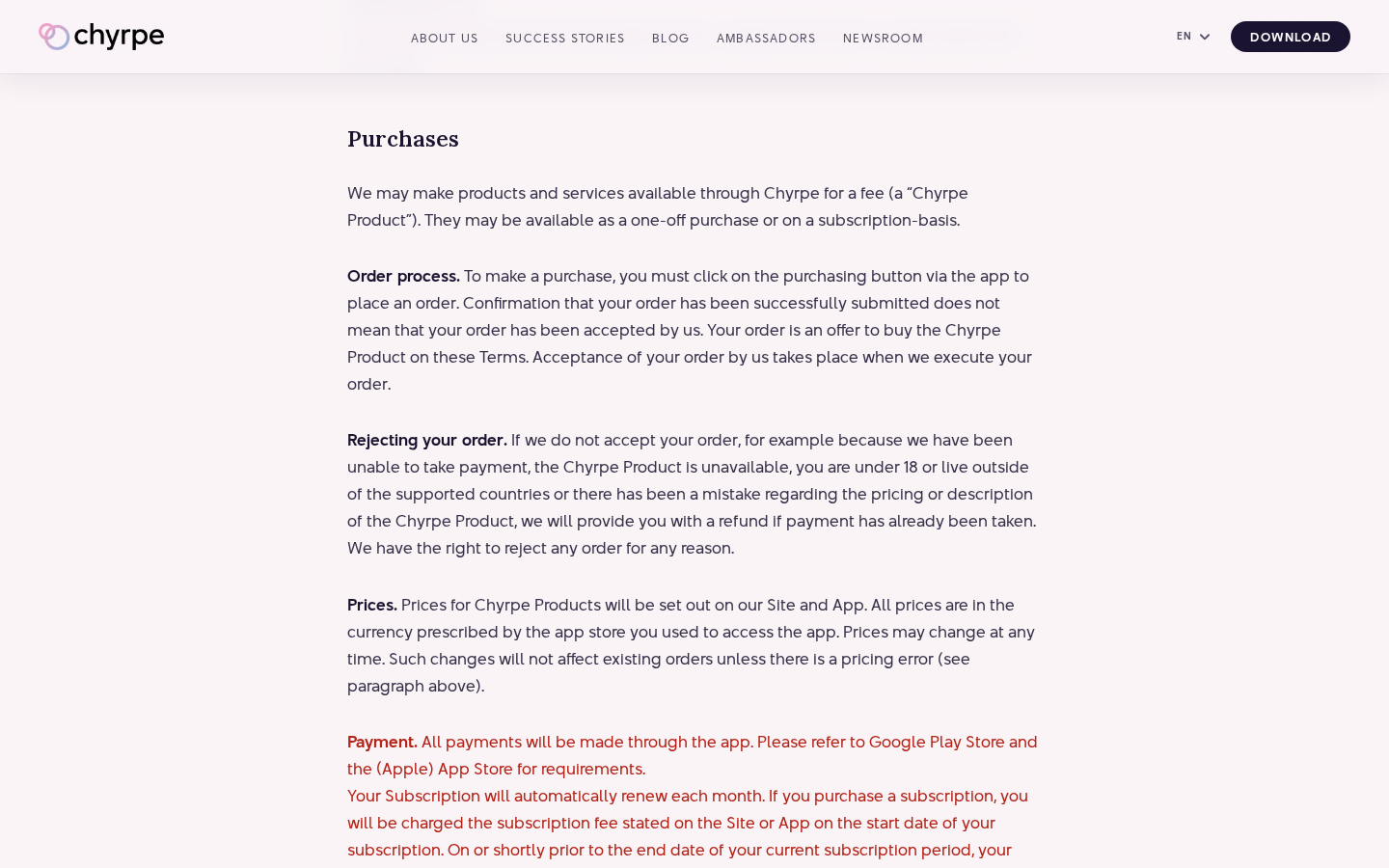
The verified concern is a billing-document mismatch: the website terms describe monthly renewal, while the US App Store catalog also lists weekly subscriptions.
Anyone deciding to pay should resolve that difference using the actual purchase screen and receipt, not an assumption based on older website wording.
The price label must include the billing period
On October 8, 2026, the US App Store listing included Worship at $24.99 for one week and $29.99 for one month.
It also displayed other purchase names and prices. A catalog is not proof that every user sees or selects the same offer.
Before confirming, identify all of the following:
- The exact tier and included features.
- Whether the purchase is a subscription or a consumable item.
- The amount charged and the length of each billing cycle.
- The next renewal date shown by the payment platform.
- The separate steps for cancellation, reimbursement, and account closure.
A billing concern should not become an unsupported accusation
The website terms discuss automatic renewal each month. That does not accurately describe every weekly option shown in the catalog reviewed.
It warrants clearer documentation, but it does not prove that an individual payment was unauthorized. Your selected offer and store confirmation remain essential evidence.
Our assessment is a commercial-risk review of prices, cancellation, and privacy. We did not create an account, pay for a tier, or assess local member availability.
Chyrpe Reviews: Why the Billing Period Matters
A weekly price can feel modest because the first payment is smaller than a long commitment. The expense looks different when the subscription keeps renewing.
Consider the reviewed $24.99 weekly example. Four weekly charges would total $99.96 before any applicable taxes or changes.
That arithmetic is illustrative, not a statement that every Chyrpe user is charged that amount. A calendar month also does not always contain exactly four weekly renewals.
Compare plans over the period you realistically expect to use them. A weekly experiment and several months of continued use are different purchase decisions.
Also compare features, not merely labels. A cheaper-looking tier may offer something different from another option with a similar name.
Most importantly, decide what paid access would improve for you. Paying for tools or visibility cannot guarantee compatible people nearby, replies, or a relationship.
A disappointing experience can be a legitimate value complaint without showing that the operator invented accounts or stole money.
If local activity is central to your decision, learn what you can through free access before upgrading. Do not buy a longer plan to answer an unanswered question.
How Chyrpe Subscriptions and Account Closure Work
Step 1: The dating concept attracts interest
Chyrpe presents a specific relationship-oriented approach. Its appeal will vary by person, location, expectations, and the community available at the time.
Before considering a subscription, ask whether the service fits what you want. An attractive concept is not the same as a useful local dating pool.
Read current feature descriptions and distinguish promotional examples from a guarantee. If something is unclear, ask support rather than inferring it from another user’s experience.
This is especially important for niche services, where a feature can be well designed yet have limited practical value in your area.
Step 2: A paid option presents a specific commitment
When an upgrade appears, slow down long enough to read its name, interval, and renewal amount. A number without a period is incomplete pricing information.
Do not assume that a purchase called Roses is equivalent to a recurring tier. App-store catalogs can contain both subscriptions and one-time items.
The confirmation screen should settle what you are authorizing. If its wording conflicts with a general website description, save both and seek clarification.
You can leave the purchase unfinished. Curiosity about a feature is not a reason to accept a payment arrangement you do not understand.
Step 3: The payment platform records the renewal
The store account used to pay becomes important when you later manage the subscription. Save the receipt and make sure you know which account holds it.
A later card statement may identify the payment platform rather than the app in the way you expect. Match amounts and dates against the store receipt.
Check the next scheduled renewal immediately, while the purchase is fresh in your mind. Waiting until another charge appears makes a preventable mistake more expensive.
If you only intended a short trial, review how cancellation affects your remaining access and cancel in time according to the platform’s instructions.
Step 4: Cancellation and reimbursement follow different requests
Stopping renewal addresses future payments. A refund request asks for money already paid. These processes should not be treated as interchangeable.
Chyrpe’s terms contain unused-portion refund wording and separate cooling-off exceptions. We are not summarizing them as a blanket rule that refunds are never available.
Ask support how its stated provision applies to your particular invoice. For a store-billed purchase, use that platform’s refund process as appropriate too.
Keep each result separately: subscription expiration or cancellation status, support acknowledgment, and any decision about reimbursement.
Step 5: Account deletion needs a separate privacy decision
If you no longer want the app, decide what records you need before closing your account. Capture payment and support evidence first.
Then handle the continuing payment through the platform that billed you. Uninstalling an app should not be treated as a cancellation confirmation.
Account deletion also raises a different question: what happens to profile information and other retained records? Read the privacy disclosures and request clarification where necessary.
Deleting a profile, canceling renewal, and receiving a refund can occur on different timelines. Verify all relevant outcomes rather than assuming one action completed everything.
Privacy Matters Even When the Company Is Real
Dating information can be sensitive without being a financial secret. Think carefully about what you want to disclose and how broadly it becomes visible.
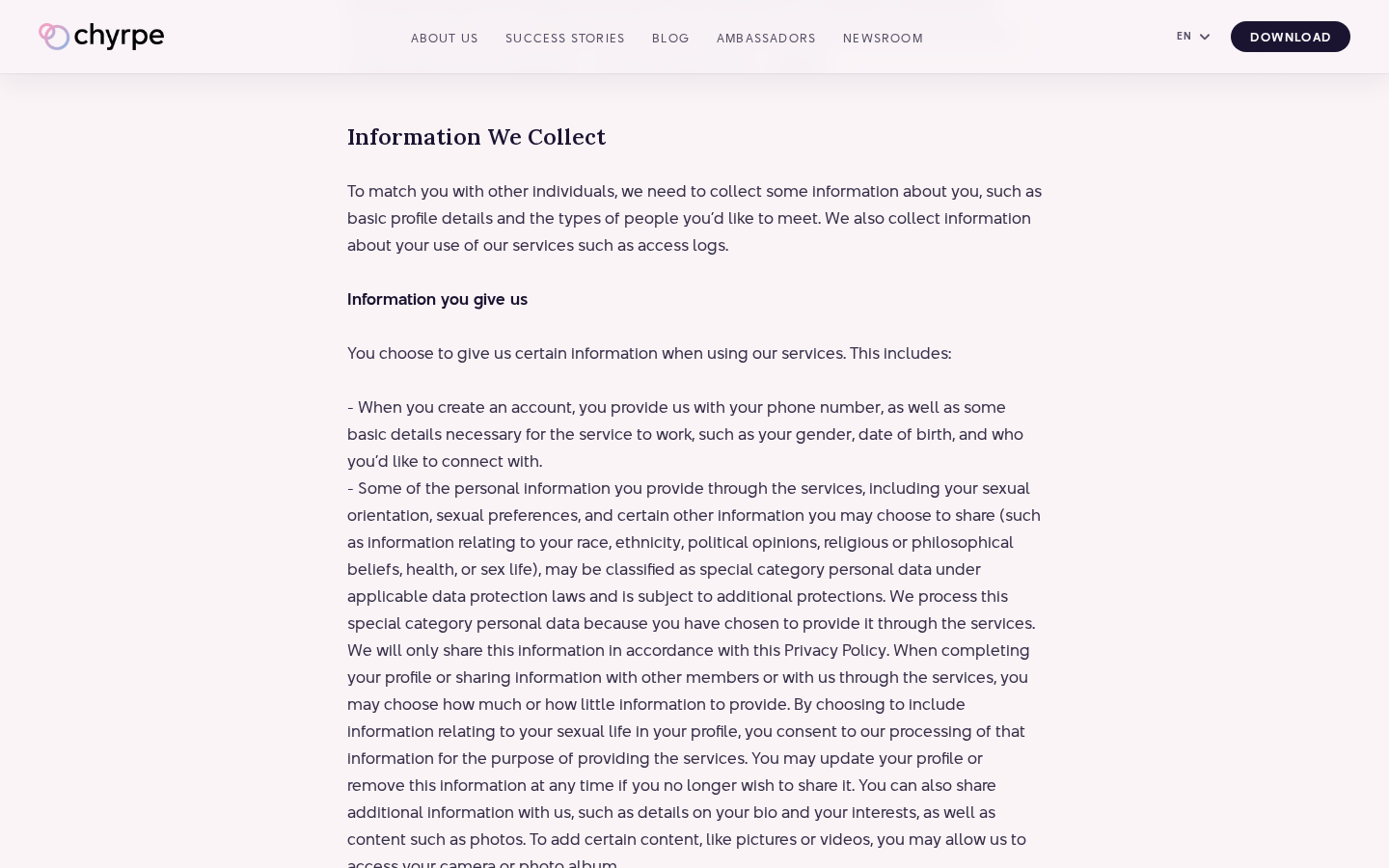
The privacy policy, updated June 19, 2026, discusses voluntarily supplied sensitive information and processing chats for operating and securing the service.
These are developer disclosures, not our independent security audit. We did not establish a data breach, covert sale of information, or another privacy violation.
Before writing a detailed profile, decide which facts are necessary for a first introduction. Avoid exposing workplace routines, a precise home address, or private information about others.
Use the same restraint in conversations. A match is someone you are getting to know, not automatically a trusted recipient for documents, passwords, or financial information.
If you request deletion, ask what information may remain for legal or operational reasons. A closed profile and complete removal of every record are different claims.
Company, Address, and Billing Checks
Greenrocks Development Ltd is publicly identifiable
The app listing identifies Greenrocks Development Ltd. Companies House lists company 15314625 as active, incorporated on November 28, 2023.
That helps establish an identifiable operator. It does not certify the app’s value, validate every profile, or guarantee how a particular complaint will be resolved.
Keep the company name with your transaction records. It is more useful in a support or billing inquiry than assuming a brand name is the full legal identity.
The London registered office is not a dating-safety guarantee
The record lists 128 City Road, London EC1V 2NX. We did not independently verify the site’s physical function or where the development team works.
A registered address should not be described as fake merely because it might serve administrative purposes. Its role must be checked before drawing that conclusion.
For ordinary subscription management, begin with published digital support and the payment platform. Mailing something to a registered office is not a substitute for canceling renewal.
Support should address the exact plan and invoice
Published contact routes include info@chyrpe.com and support@chyrpe.com. We did not submit a test complaint or measure their response times.
When writing, identify the purchase name and billing period. A question about a weekly plan should receive an answer about that plan, not a generic monthly description.
Keep the message concise and protect sensitive details. Support needs enough transaction information to investigate, not your account password or an entire private conversation history.
The app store and developer have different roles
The privacy disclosure says Apple or Google processes in-app payments and the developer receives purchase-related records rather than your card details.
That distinction helps identify where to act. Store-billed renewal is managed through the relevant platform, while product features and moderation concerns go to the developer.
If the charge does not match the store account you checked, inspect the receipt before drawing conclusions. Another account or purchasing route may require a different inquiry.
Unwanted Profiles and Romance Scams Are Separate Issues
This investigation found no evidence establishing an operator-run fake-profile scheme. We therefore do not present online accusations as a proven description of Chyrpe.
At the same time, a legitimate dating platform is not a guarantee that every other user is honest. Keep the accusation attached to conduct you can actually document.
The FTC’s romance-scam guidance warns about people who build trust and then request money or promote financial opportunities.
That guidance is general. It is not evidence that such a case occurred on Chyrpe or that the app’s developer participates.
If a match introduces an emergency payment, cryptocurrency offer, or off-platform verification charge, stop and verify independently. A dating subscription does not require funding a stranger.
Save relevant messages, report the account, and avoid sending money to resolve uncertainty. Do not confuse a verified identity check with a guarantee of good intentions.
What to Do If You Paid for Chyrpe
- Find the receipt and identify the purchase.
Record the tier, amount, date, billing interval, and store account. Determine whether it is recurring access or a one-time in-app item.
Check the subscription screen for the next renewal. This is more informative than estimating the plan from a card-statement description alone.
- Stop an unwanted Apple-billed renewal.
Use Apple’s cancellation instructions: open Settings, your account name, Subscriptions, then the relevant plan and cancellation option.
Confirm the resulting expiration or cancellation status. Use the account associated with the receipt if the purchase does not appear initially.
- Use Google Play for an Android-billed subscription.
Follow Google Play’s subscription guidance, selecting the correct Google account and plan. Complete the cancellation prompts rather than merely uninstalling.
Save the displayed result and remaining-access date. If several accounts are used on the device, check the one named in the purchase record.
- Request a refund separately when appropriate.
Explain the actual issue and invoice to the developer. Ask how the terms’ refund provision applies to your payment and usage.
For Apple purchases, the official refund process allows eligible requests through Report a Problem. Eligibility and approval are not guaranteed.
- Preserve evidence before closing the profile.
Save the relevant offer, receipt, renewal status, and support replies. If reporting another user, preserve only the messages needed to explain the conduct.
Then request account closure if desired. Treat profile deletion as separate from store cancellation and verify both outcomes.
- Report documented user misconduct without broad accusations.
Identify the account, behavior, dates, and requested payment or information. Use the app’s reporting route or published support.
If money was sent to an impersonator, contact the payment provider promptly. Do not assume the app subscription refund process covers that separate transfer.
- Escalate unresolved charges with a clear timeline.
If a payment remains disputed, ask the billing platform or issuer about the applicable procedure. Provide the receipt and cancellation evidence.
Describe a value complaint, failed feature, renewal disagreement, or unauthorized payment accurately. Different issues require different evidence and cannot all be labeled card theft.
Frequently Asked Questions
Is Chyrpe a real dating app?
Yes. The public app listing and company record identify an operating app and developer. That establishes existence, not a guarantee of dating results or subscription value.
Are all Chyrpe plans monthly?
No. The catalog reviewed included weekly options as well as a monthly offer. Check the exact confirmation screen rather than relying only on general website wording.
Does deleting the app stop payments?
Do not rely on deletion or uninstallation. Manage recurring billing through the platform used to purchase and verify the cancellation result there.
Does canceling guarantee a refund?
No automatic reimbursement should be assumed. Stopping future renewal and requesting money already paid are separate processes, with conditions specific to the transaction.
Did this investigation prove Chyrpe uses fake profiles?
No. We did not establish operator-created bots or fabricated accounts. Suspicious user conduct should be documented and reported without converting it into an unsupported company-wide allegation.
What should I verify before upgrading?
Confirm the tier, interval, total, renewal date, and useful features for your situation. If local availability or pricing remains unclear, keep the purchase unfinished.
The Bottom Line
Chyrpe reviews should distinguish a real service from its pricing and cancellation risks. Weekly offers make the actual billing period essential reading.
Pay only for a clearly understood plan with value you can reasonably assess. If you want to leave, verify renewal cancellation, any refund request, and profile closure separately.








