


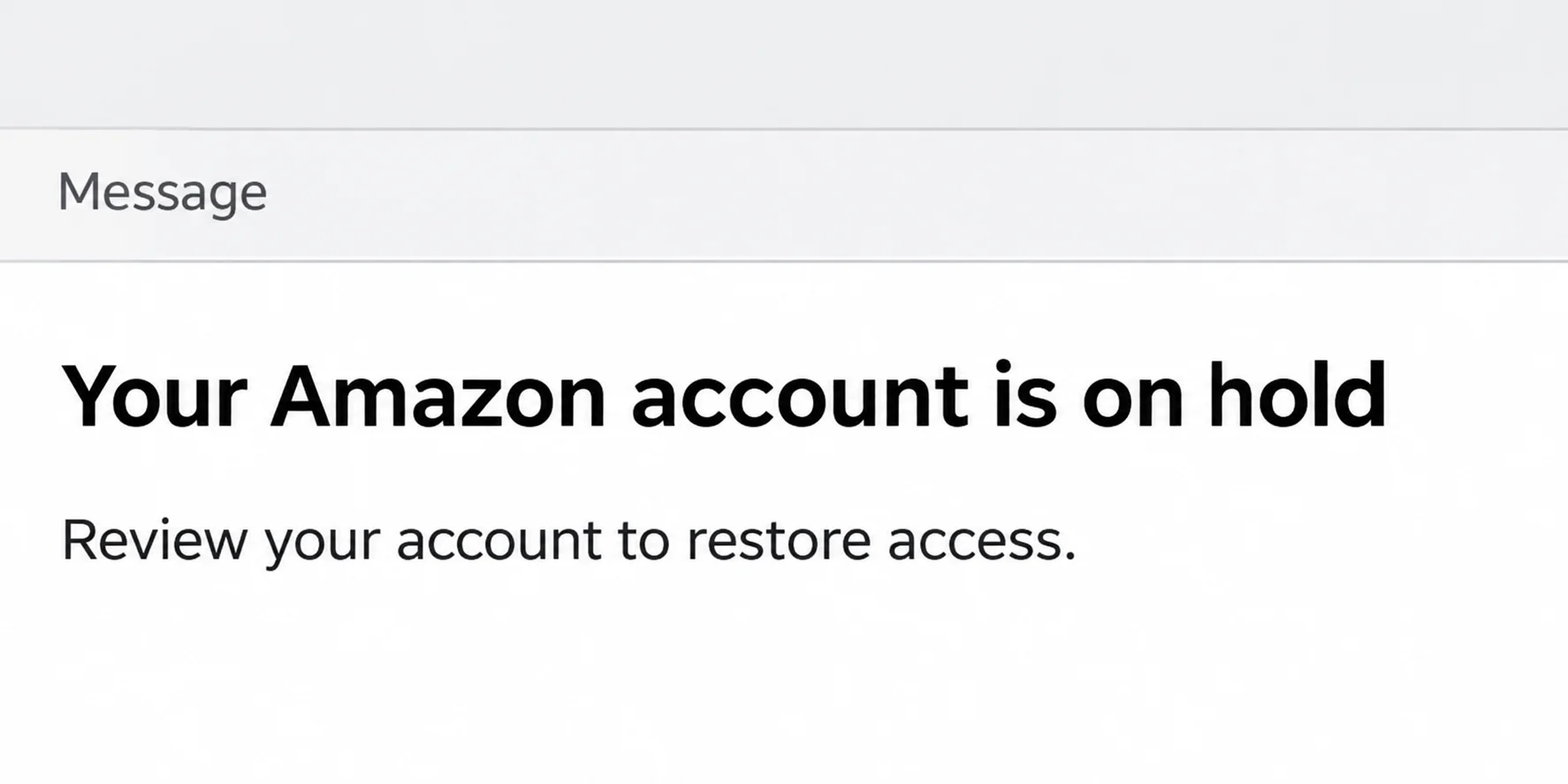
An email says your Amazon account is on hold. You have orders on the way, and you don’t want to lose access before they arrive.
The email offers to take you straight to the fix. First, find out whether the account problem exists anywhere besides the message in your inbox.
Overview
A failed sign-in is not an account hold
Amazon’s sign-in help describes several reasons you might not get in. You could be using the wrong email address, missing a security code, or attempting the wrong sign-in method.
Those problems can happen on the same day you get a fake email. That coincidence doesn’t make the email a safe starting point for recovery.
An Amazon account on hold email claims the retailer itself restricted access. You need to confirm the restriction with Amazon, not with the person who made the claim.
Amazon’s official sign-in gives you better information
Start in the app you already use or open the site yourself. If you are still signed in on a trusted device, use that session to check what changed.
Amazon recommends its Message Center for authentic emails. Check the account and regional store you actually use before interpreting a missing message or order.
If the site you reached independently presents a recovery prompt, follow the appropriate official route. A message with a deadline isn’t needed to get you there.
The question is whether you can still get in safely
- If you can sign in and see your orders, inspect the actual account and look for a matching notice.
- If you cannot sign in, identify which stage fails before resetting passwords or submitting identity documents.
- If you gave someone else a password, security code, or verification approval, treat that as an exposure regardless of whether the account currently works.
When the Email Arrives but Your Amazon Account Still Works
Use the Amazon account tied to the email address or phone number that normally receives your receipts. Households sometimes have more than one account or share a device.
Look in Message Center and compare the details, including what the notice claims happened. An authentic order email doesn’t authenticate a different message about suspended access.
If the message claims multiple orders were canceled, open Your Orders and check the specific purchases. A cancellation, a declined payment and a delayed delivery are different events.
Check the account’s contact and sign-in details if the notice mentions a changed phone number or login. You don’t have to reset them just to look.
Don’t sign out of your only trusted session while you are trying to establish which phone or email Amazon has on file. You may need it to contact support.
If a single order shows a payment problem, handle that order through its official details. Don’t give an unsolicited correspondent a complete card number to fix it.
If nothing in the correct account matches the email, don’t follow its link to look for more proof. Use Amazon’s scam guidance and report the message separately.
There are two questions here: is the account working, and did the notice come from Amazon? A genuine account problem can exist even if a particular email is fake.
What to Check When You Can’t Sign Into Amazon
Read the official sign-in prompt before trying a recovery link. A mistyped address can leave you looking at a different account, or beginning a process you didn’t need.
Confirm the email, mobile number and country code from a record you already have, such as a previous order receipt. Avoid repeating attempts with an address you barely recognize.
Password is rejected: Use the site’s own password assistance if your account uses a password. Some accounts instead use an emailed or texted code or a device passkey.
A code arriving exactly as you request it is useful only in the genuine sign-in flow you started. It won’t make a second, unrelated email or chat trustworthy.
The second verification step fails: Amazon recommends trying a registered backup method or trusted device. Use Two-Step Verification Account Recovery if that doesn’t get you in.
Amazon’s instructions begin from its own sign-in page. If a code doesn’t arrive, the verification screen offers a route to recovery instead of sending documents to an unsolicited email.
This recovery option concerns a problem with two-step verification. It isn’t a universal remedy for a merchant dispute, payment review, canceled order, or different kind of restriction.
Amazon’s own page shows a restriction: Read the prompt and use Amazon Customer Service if access or instructions are unclear. Explain what you see on the route you opened yourself.
End the conversation if someone asks for gift cards, a private unlock payment, or a sign-in code. Those requests aren’t an account recovery process.
Make a note of where the sign-in stops. An error before Amazon recognizes your account is different from a screen that appears after your password is accepted.
If the last four digits of the recovery phone aren’t yours, don’t try to guess the rest. Tell support whether the number was once yours or looks completely unfamiliar.
If Amazon shows a device passkey option and you don’t know what device enrolled it, don’t remove every available method. Use an existing method you recognize or contact support.
Use the Email Account and Trusted Device You Still Control
A working email account can matter more than a fresh browser session. It is where you may receive order notices, security updates, or codes requested by an official flow.
Open the mailbox directly and check that you still control its recovery information. If a password was reused there, secure the email before relying on it for Amazon recovery.
If your email account shows activity you didn’t initiate, review sessions and forwarding rules through its own security page. A password reset won’t help if recovery mail keeps going elsewhere.
Have a previous legitimate order receipt ready if you need it to identify the account for support. Avoid forwarding financial documents unless the official process actually asks for them.
Don’t read complete card data or a code to a caller who contacts you while you’re looking for help. Start and control the support conversation yourself.
When you regain access, make sure your recovery contact information is current and verify your backup sign-in options. That reduces your dependence on a device you can no longer use.
If you’re replacing an old phone, check your account from the new phone before erasing the only device that still signs in. Keep a known-good recovery route while you switch.
If you use a shared device, confirm which person’s Amazon account is still active. The presence of a working session on that device doesn’t necessarily resolve your own sign-in.
Why a Real Security Code Doesn’t Authenticate the Email
The fake email gives you a reason to expect a verification challenge. When a code arrives, you may connect the two events even though the code doesn’t identify the sender.
An actual Amazon sign-in code authorizes an action for the account identified in that flow. It should go only into the Amazon page you reached independently and deliberately started using.
Someone asking for that code over a call, message, or fake form isn’t using it to prove the email is legitimate. They are asking you to hand them authorization.
Read the text accompanying the code before approving anything. An unexpected device, order, password change or sign-in request doesn’t become safe because the message carrying the code is genuine.
If the email sent you to a sign-in screen, close it even if it looks familiar. A successful login on the genuine app afterward doesn’t retract credentials typed elsewhere.
Watch for a second message claiming the first attempt failed. An expired code doesn’t give the sender any reason to ask you for a new one.
Tell support if you approved a sign-in notification. You might have authorized a session even if you never typed your password into a form.
Someone may also try to change the email or phone used to receive future codes. If you find those changed, treat the discovery as urgent rather than as a typo.
For examples of the underlying phishing message, see the Amazon Account Locked email investigation. The recovery decision here starts with the prompt in your own account instead.
How to Check Orders and Money Separately
If an order is missing, confirm the account and regional store. Compare an earlier genuine receipt, rather than relying on the order number in the unsolicited message.
Open the card issuer’s app independently if you see a charge you don’t recognize. Note the actual amount, date, merchant and status so Amazon or your bank can investigate it.
A canceled order and a pending card entry might not disappear together. Ask the retailer or issuer about the records they can see instead of trusting an emailed deadline.
If orders, gift card activity, or contact changes really appeared after a suspicious sign-in, report them even if you regain access. Restoring your password doesn’t resolve every transaction.
Three Situations That Can Look Like the Same Account Lock
The official app opens normally: The email is the only place the restriction appears. Save the email for reporting, and check any order it named through your account.
Normal access doesn’t prove an unsolicited message genuine. If even one order is unfamiliar, focus on that order rather than assuming the account has no problems at all.
Only the second code is missing: The correct account is recognized, but verification doesn’t complete. Try the registered alternative before asking for two-step verification recovery.
If the phone is unavailable because you changed numbers, tell support that. Don’t accept a private offer to receive the code for you or borrow someone else’s account.
Support confirms a separate restriction: Record the case reference and the instructions you received through official support. That is now a real recovery issue, regardless of the email.
Keep the original email when you report it, but don’t combine its instructions with the recovery case. A follow-up from the attacker can arrive while the legitimate case remains open.
If the official support route asks you to return to the site later, keep the known route bookmarked. Don’t choose whichever search result promises the fastest way around a restriction.
A demand for a new payment to release a refund or package isn’t something to settle on an account recovery call. Check the actual order and payment record separately.
What to Do If You Followed the Account Hold Email
- Stop using the email’s destination. Save the message and the time you interacted with it. Continue through the legitimate Amazon app or site instead.
- Check how much information you shared. An opened page is different from a submitted password, code, identity document, or card number. Tell support which occurred.
- Protect the account using official controls. If you shared credentials, use Amazon’s account protection guidance, and review contact details and purchases for changes.
- Alert the issuer if card data was exposed. Report suspicious charges, distinguish transactions you authorized from ones you didn’t, and follow the issuer’s instructions.
- Report the impersonation to Amazon. Use its reporting options, especially if you’re also dealing with a compromised account or unauthorized order.
If you installed software or granted someone remote access during the exchange, use another trusted device to contact Amazon or your bank. Resolve device access separately from account recovery.
If you reused the exposed password on other services, change it there as well. Protect the associated email account early because it may receive password resets.
Record when you last signed in successfully and when the message arrived. That timeline helps support separate preexisting problems from changes you noticed after the suspicious contact.
Frequently Asked Questions
Can my Amazon account actually be restricted?
Yes, an official sign-in flow can present a restriction or verification requirement. Confirm the message on Amazon’s own service rather than taking an inbox warning as proof.
Does not receiving a code mean Amazon locked the account?
No, difficulty receiving a code can be a sign-in problem. Check the registered method and use the recovery choices Amazon offers on its genuine verification screen.
Should I reply with a photo of my identification?
Don’t send identity documents to an address supplied by an unexpected message. If you need identity verification, use Amazon’s instructions in the official recovery flow.
What if the notice disappeared but I have suspicious orders?
Report the orders and check the matching charges independently. The order records are more useful to Amazon and your bank than the presence of a particular email.
Can I check the email using Message Center while signed out?
You’ll need access to the relevant account. If that isn’t available, use Amazon’s official sign-in or support options, not the unauthenticated email as a shortcut.
Should I cancel my card if I only read the email?
Reading a message doesn’t disclose your card details. Contact the issuer when you entered details somewhere suspect, confirmed a suspicious payment, or find an unauthorized charge.
The Bottom Line
Leave the email’s link alone and check your Amazon account through the route you already trust. Let the official sign-in screen or order record tell you what actually needs fixing.
If you handed over credentials or a code, don’t wait for the message sender to respond. Secure the account through Amazon and review purchases and payment activity for changes.

Join the discussion
0 commentsShare your experience or ask a question about this article.
Community experiences
Did this happen to you?
Your experience could help someone recognize the same scam. Submit a private report for our team to review.
I experienced this tooReports are reviewed before publication. Sharing publicly is always your choice.
Discussion
Start the conversation
Have a question or something useful to share? Add the first comment.