

A caller claiming to represent AT&T offers a loyalty discount, a free phone or help with an urgent account problem. The caller ID may even display AT&T, but the person quickly asks for a one-time PIN, account passcode or payment.
This is a well-established impersonation scam. The real AT&T is a legitimate telecommunications company; the fraud comes from criminals copying its name and spoofing caller ID so they can take over accounts, order devices or collect irreversible payments.
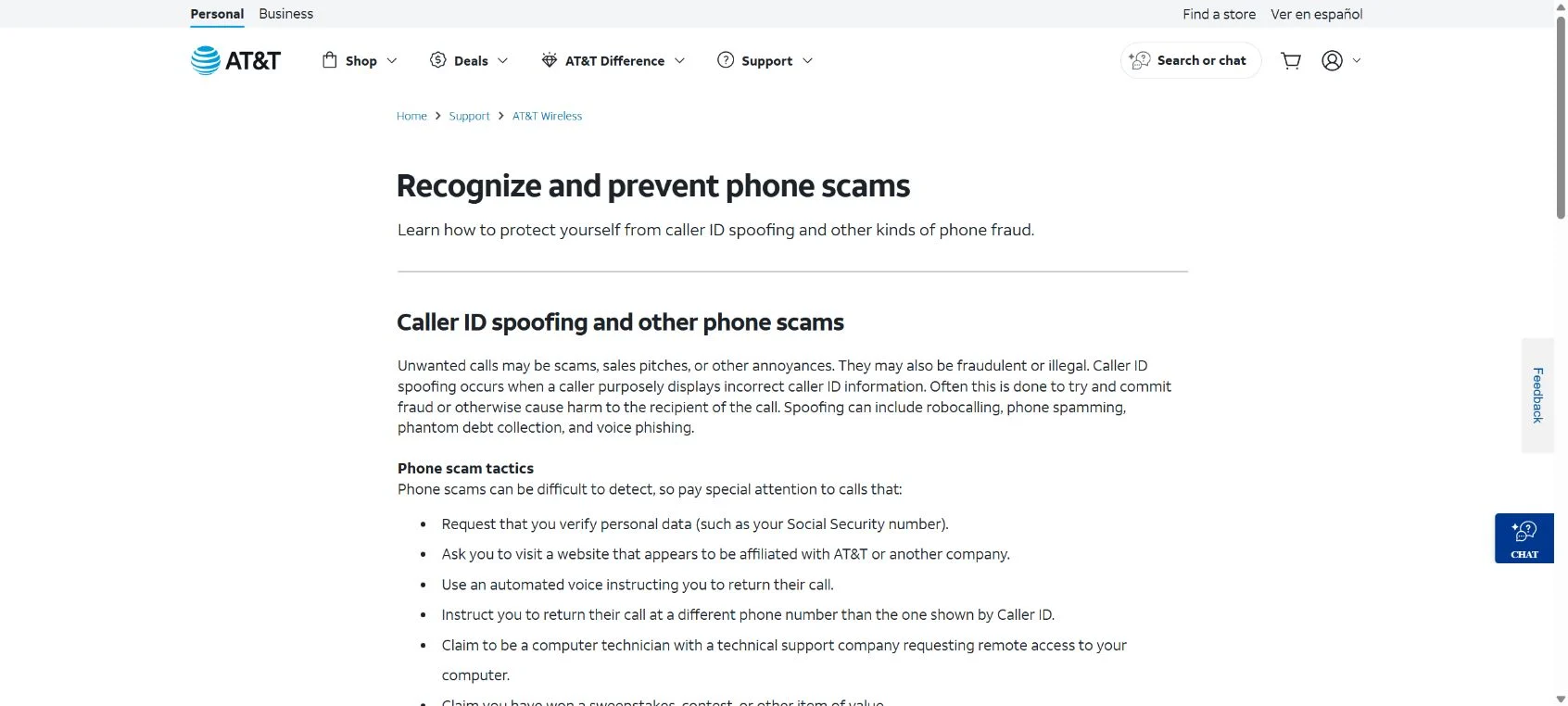
AT&T Scam Calls Overview
The call turns a familiar brand into instant authority
AT&T scam calls usually begin with an offer or a problem. One caller promises 25% or 30% off a monthly bill, while another says the account will be suspended because of suspicious activity or an unpaid balance. Both stories are designed to keep the customer on the phone and make a request for verification feel normal.
The caller may already know a name, telephone number, service address or recent account detail obtained from a data leak or public record. That information is used as theater. It does not prove the person can access the account legitimately, and caller ID can be altered to display a trusted company name or familiar telephone number.
The one-time PIN is often the real target
While speaking with the victim, the scammer attempts to sign in to the real AT&T account or start an account change. AT&T sends a genuine security code to the customer. The caller then claims that the code is needed to apply the discount, cancel an order or confirm identity. Sharing it can approve access for the criminal.
Once inside, the attacker may reset credentials, add an authorized user, order expensive phones, redirect a shipment or begin a SIM or eSIM takeover. Other versions skip account access and demand gift cards, cryptocurrency or a prepaid payment to prevent an invented service interruption.
- The bait: a large loyalty discount, free device, refund or urgent security warning.
- The illusion: spoofed caller ID and personal details make the call appear connected to AT&T.
- The critical request: an account PIN, password, one-time code or unusual payment.
- The likely damage: account takeover, device orders, number theft or direct financial loss.
AT&T publishes guidance stating that customers should not provide a PIN or passcode when they did not initiate the request. Hang up, open the official AT&T app or type att.com yourself, and contact support through the number shown there or by dialing 611 from an AT&T wireless phone.
Warning Signs of an AT&T Impersonation Call
The caller needs you to act before you can verify the story
A genuine account issue can be checked after the call ends. A scammer tries to prevent that independent check by presenting a discount that expires today or a suspension that supposedly happens within minutes.
Listen to what the caller asks you to do. An impressive discount does not matter when the price of receiving it is a security code, remote access, a gift card or secrecy from AT&T staff.
Red Flags at a Glance
- An unsolicited discount is unusually large. The caller promises 25% or 30% off without a normal account review.
- A code arrives during the conversation. The caller triggered a real sign-in or account-change request and wants the code read aloud.
- Service termination is immediate. The caller says the line will be disconnected unless payment or verification happens now.
- Payment must use an unusual method. Gift cards, crypto, prepaid cards and money-transfer apps are not normal bill-payment channels.
- A new device was supposedly shipped by mistake. The caller provides a private return address instead of an official AT&T return process.
- The caller objects to a callback. You are discouraged from dialing 611 or using contact details inside the official app.
- Secrecy becomes part of the instructions. The caller says not to mention the offer or code to store staff, family or the bank.
The Main AT&T Scam Call Variations
Fake loyalty discount calls
The caller says a promotion can reduce the monthly bill, sometimes for several years. To activate it, the customer must verify the account with a code sent by text. The code is not a coupon; it may be a real authentication code that lets the criminal enter the account.
A legitimate promotion should appear in the official account or survive a callback through 611. If the offer disappears when you refuse to share the code, it was never an account benefit.
Fraud-department and suspension calls
Another script claims that unauthorized activity, a missed payment or a policy violation has placed the line at risk. The fake agent offers to secure the account, but first requests the password, account PIN, Social Security number or card details.
The contradiction is important: a security employee would not protect an account by asking the customer to surrender the information that protects it. End the call and check alerts inside the official app.
The accidental phone shipment trick
Criminals who obtain account access can order a costly phone to the real customer’s address. They then call, apologize for the mistake and provide a label or address for the return. The package is redirected to the criminals while the charge remains on the victim’s account.
Do not ship an unexpected device using instructions received by telephone, text or email. Contact AT&T independently, confirm whether an order exists and use only the return process supplied inside the verified account or an AT&T store.
SIM and eSIM takeover attempts
If an attacker moves the telephone number to another SIM, the victim may suddenly lose service while the criminal receives calls and authentication messages. That can expose email, banking and payment accounts that rely on SMS codes.
An unexplained loss of cellular service is not always a technical outage. Contact the carrier immediately from another device and tell the bank if important financial accounts use that number.
How the AT&T Scam Call Works
Step 1: A spoofed call creates trust
The victim receives an unexpected call that displays AT&T, customer service or a local number. The caller introduces a discount, account alert or device problem.
Caller ID is treated as proof even though criminals can manipulate the displayed name and number.
Step 2: Personal details make the script feel real
The caller may state the customer name, address, plan type or partial account information. These details can come from leaked databases, previous scam contacts or public records.
The information is used to lower suspicion before a more sensitive request appears.
Step 3: The scammer starts a real account action
While talking, the criminal attempts a password reset, sign-in, device order or SIM change on the actual AT&T system. That action triggers a legitimate one-time code.
Because the text really comes from AT&T, the victim may assume the caller must also be genuine.
Step 4: The security code is disguised as verification
The caller says the code applies the discount, confirms cancellation or proves account ownership. Reading it aloud transfers the protection from the customer to the attacker.
A one-time code should be entered only into the official app or website during an action the customer personally started.
Step 5: The account is changed or devices are ordered
After gaining access, the attacker may change contact information, create an authorized user, order phones or move the mobile number to another SIM.
Email confirmations may be deleted or redirected so the victim discovers the activity only after service stops or a bill arrives.
Step 6: Payment or package instructions deepen the loss
Some callers demand prepaid payment for the supposed promotion. Others tell the victim to forward a phone that was allegedly shipped by mistake.
The instructions avoid official stores and normal billing channels because an independent employee could expose the fraud.
Step 7: Follow-up impersonators target the same victim
Once the victim reacts, the telephone number and personal details may be sold or reused. A second caller may pose as AT&T security, a bank investigator or a recovery service.
The follow-up story often references the original incident, making it sound informed while seeking another code or payment.
How To Verify an AT&T Call Safely
Break contact and use a channel you control
Hang up before checking the account. Do not ask the caller to transfer you to another department, because the entire call path is controlled by the same operation.
Open the myAT&T app independently, type att.com into the browser or dial 611 from an AT&T wireless phone. Review recent orders, authorized users, contact details and security notifications.
A Safer Verification Sequence
- Ignore the displayed caller ID. It can be spoofed and does not authenticate the caller.
- Read the full security text. Legitimate messages often warn that the code should not be shared.
- Check current offers inside the account. A real promotion should not depend on secrecy or a private callback number.
- Review device orders and shipping addresses. Look for changes you did not authorize.
- Call through 611 or att.com. Do not use the number supplied by the unexpected caller.
- Ask support to review recent account changes. A failed takeover attempt may still leave altered recovery details.
What To Do If You Shared an AT&T PIN or Security Code
Secure the mobile account before it unlocks other accounts
End the call and contact AT&T immediately through 611, the official app or a verified support number. State clearly that a scammer may have received a one-time PIN or account passcode and ask the agent to review active sessions and recent changes.
Change the AT&T password and wireless passcode from a trusted device. Remove unknown authorized users, verify the recovery email and address, and cancel device orders or number-transfer requests you did not initiate.
If the phone suddenly loses service, treat it as a possible SIM takeover. Contact AT&T from another telephone and warn financial institutions that SMS authentication may be compromised.
Recovery Checklist
- Reset the myAT&T password and account passcode, then sign out other sessions.
- Review device orders, installment plans, shipping addresses, SIM changes and authorized users.
- Change the password of the email account connected to AT&T and enable stronger two-factor authentication.
- Contact banks and payment apps if the mobile number can approve their sign-ins or transfers.
- Call the card issuer immediately if card details or a payment were provided.
- Forward fraudulent text messages to 7726 and block the caller after preserving evidence.
- Save call times, numbers, text messages, receipts and shipping labels for reports and disputes.
- Check credit reports if identity data such as a Social Security number was disclosed.
Monitor for delayed device and identity fraud
Watch the AT&T account and monthly bill for several cycles. Device financing, add-on services or installment charges may appear after the original call.
Be suspicious of anyone who calls back claiming to repair the account for a fee. Real remediation should happen through AT&T, the bank and recognized identity-theft reporting channels.
Frequently Asked Questions
Does AT&T call customers with discount offers?
Promotions can exist, but an unsolicited caller should not need a one-time PIN, password, gift card or secret payment. Verify every offer through the myAT&T app, att.com or 611.
Can caller ID show the real AT&T number during a scam?
Yes. Caller ID can be spoofed, so the displayed name or number cannot authenticate the person. Hang up and begin a new call through a verified channel.
Why did a genuine AT&T code arrive?
The scammer may have entered your username or telephone number into the real sign-in or account-change process. The genuine code protects the account only if you keep it private.
What if an unexpected phone was delivered?
Do not send it to an address supplied by a caller. Contact AT&T independently, verify the order and follow the official return process shown in the account or provided by a verified store.
The Bottom Line
The fake discount is a delivery mechanism for account theft. The moment an unsolicited caller asks for a PIN, one-time code, gift card or private device return, end the call.
Verify the account through myAT&T, att.com or 611. A genuine offer can wait for that check; a scam depends on preventing it.

Join the discussion
0 commentsShare your experience or ask a question about this article.
Discussion
Start the conversation
Have a question or something useful to share? Add the first comment.