

Rumors have been rapidly spreading about a major Chase Bank system glitch allowing people to withdraw massive sums of money from accounts. Scammers are fueling excitement about getting rich quick. But what’s really happening here? This inside look reveals the truth behind the Chase Bank glitch claims.
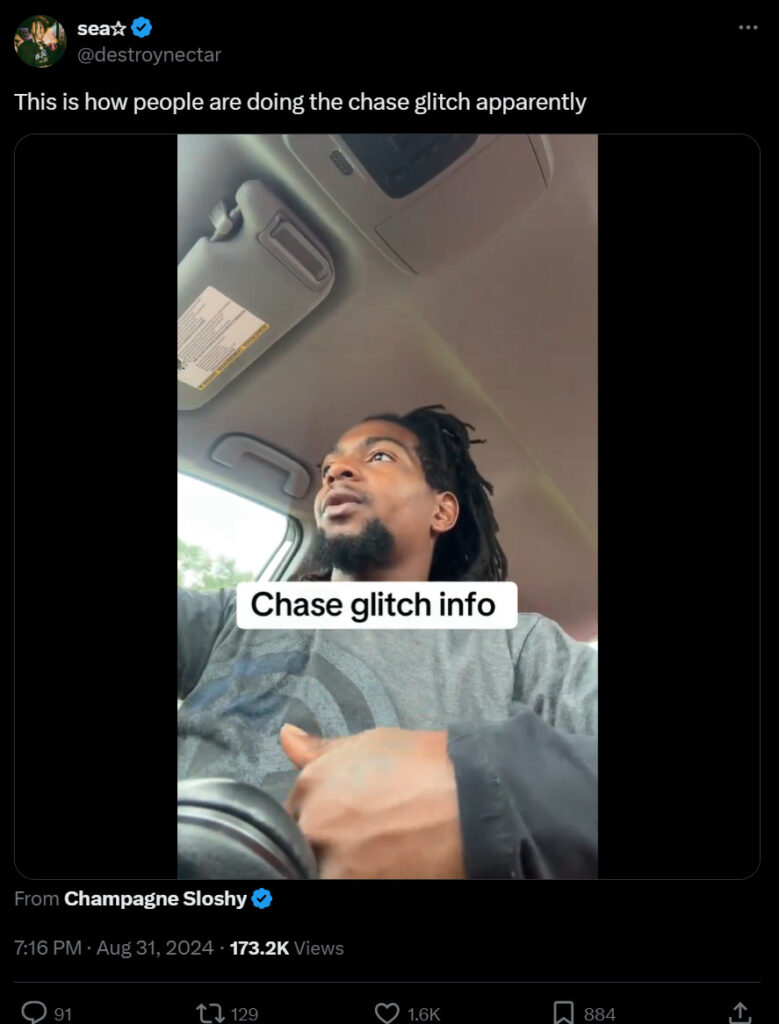
What’s Causing All the Chatter About a Chase Bank Glitch?
Over the last few days, speculation about a Chase Bank ATM and online banking glitch has exploded across social media and messaging platforms.
Reports claim that due to a major technical malfunction at Chase, customers can withdraw up to $50,000 or even $100,000 in cash instantly just by using ATMs or making transfers, with no authorization needed and no consequences.
Understandably this has caused a huge frenzy, with scammers aggressively promoting the glitch to try and capitalize on the supposed opportunity. People are anxiously talking about how they’ll be “up 50K” by taking advantage of the situation.
A Closer Look: What’s Fact vs Fiction With This Viral Chase Bank Glitch?
While the scale of the viral glitch claims make it all sound legitimate on the surface, further inspection reveals it’s almost certainly an elaborate scam. Here are the key facts versus fiction:
It’s a Technological Loophole Allowing Unlimited Cash Withdrawals
Fiction. This core claim fueling all the excitement is completely unsubstantiated. There are no credible reports that such a widespread glitch actually exists. Banks like Chase have advanced detection systems that would quickly catch and block any unauthorized transactions or withdrawals.
Chase Customers Are Posting Photos After Cashing Out Thousands
Mostly Fiction. While some social posts about collecting massive payouts appear convincing, most are likely fabricated by scammers to fuel the frenzy. Doctored screenshots and stock photos help make the scam more believable.
A Chase Employee Confirmed the Glitch is Real
Fiction. No credible Chase insiders have validated this glitch. In fact, several Chase reps have publicly denied such system issues. Don’t trust supposed “employees” in YouTube comments or random forums.
You Can Safely Take $50-100K With No Consequences
Fiction. In the unlikely event funds are mistakenly made available, spending it is illegal. Banks detect errors quickly and will rapidly recover funds plus damages. You will end up in massive debt and legal trouble.
People Are Becoming Millionaires Overnight From the Glitch
Fiction. This is the scammiest claim of all. No one is getting rich here. At most, a few crooks may pocket some stolen cash temporarily before getting caught. Then they face years in prison.
Why Scammers Push Viral Bank Glitches (And How to Avoid Falling Victim)
Understanding the reasons scammers fabricate glitch scams reveals how to stay safe:
- They exploit public distrust of banks. By claiming “the bank made a huge mistake that customers can benefit from,” they fuel anti-bank sentiments. But this is just a ploy to drive risky behavior.
- FOMO and greed are used to entice victims. Scammers know that stoking feelings of potentially “missing out on free money” pressures people into ignoring better judgment. Fight this temptation.
- Once people engage, scammers pivot to steal their money. Those attempting to capitalize on fake glitches may end up having their account details phished or unknowingly download malware.
- If people lose money, they’re too embarrassed to report it. The scammers win. Victims are also threatened with blackmail and physical harm if they go to authorities. Don’t fall for it.
Protect yourself by remaining skeptical of any glitch claims and reporting them to banks before losses occur. Make smart decisions.
The Aftermath: Consequences for Those Who Took the Bait (And Tips to Recover)
Unfortunately, the scammers spreading the Chase Bank glitch have already duped many victims. For those who already attempted to exploit it, here’s the aftermath:
- Chase will detect any unauthorized transactions or sudden large withdrawals and quickly reverse them. Any spent funds will be reclaimed.
- Your account will likely be frozen pending fraud investigation. Provide honest details to help resolve this faster.
- Admitting fault may enable negotiation of repayment plans for any debts owed. This looks better than ignoring it.
- However, those who deliberately committed fraud could face charges and permanent account closure. Don’t make the issue worse by hiding it.
- Monitor your credit and accounts closely for signs of identity theft. Scammers may have collected your info.
While glitches providing “free money” may sound tempting, smart financial decisions pay off far more in the long run. Don’t let scams sabotage your stability.
The Bottom Line: False Promises and Staying Vigilant Against “Too Good to Be True” Bank Glitch Hype
In closing, supposed glitches allowing unlimited ATM cashouts are fabricated scams, not actual technical errors. No matter how convincing social hype and promises of overnight wealth seem – don’t take the bait. Remain cautious of bank-related scams. Protect your accounts, data and identity by making smart financial choices based on facts – not viral glitch rumors spread by scammers and conspiracy theorists. Make your money the wise way.

Join the discussion
0 commentsShare your experience or ask a question about this article.
Discussion
Start the conversation
Have a question or something useful to share? Add the first comment.