


You remember the Dartford Crossing after you get home, find a payment page, and save the receipt. As far as you’re concerned, the trip is over.
Then a penalty charge notice arrives in the post. The receipt says you paid, but there is another record you need to check.
Overview
Paying a website isn’t the same as paying Dart Charge
Copycat sites imitate the service used to pay for the Dartford Crossing. A driver can be charged by the site without the money reaching the official operator.
Trading Standards South West documented a prosecuted copycat operation that handled several public charges. Some transactions were passed on at an inflated price; others weren’t passed on at all.
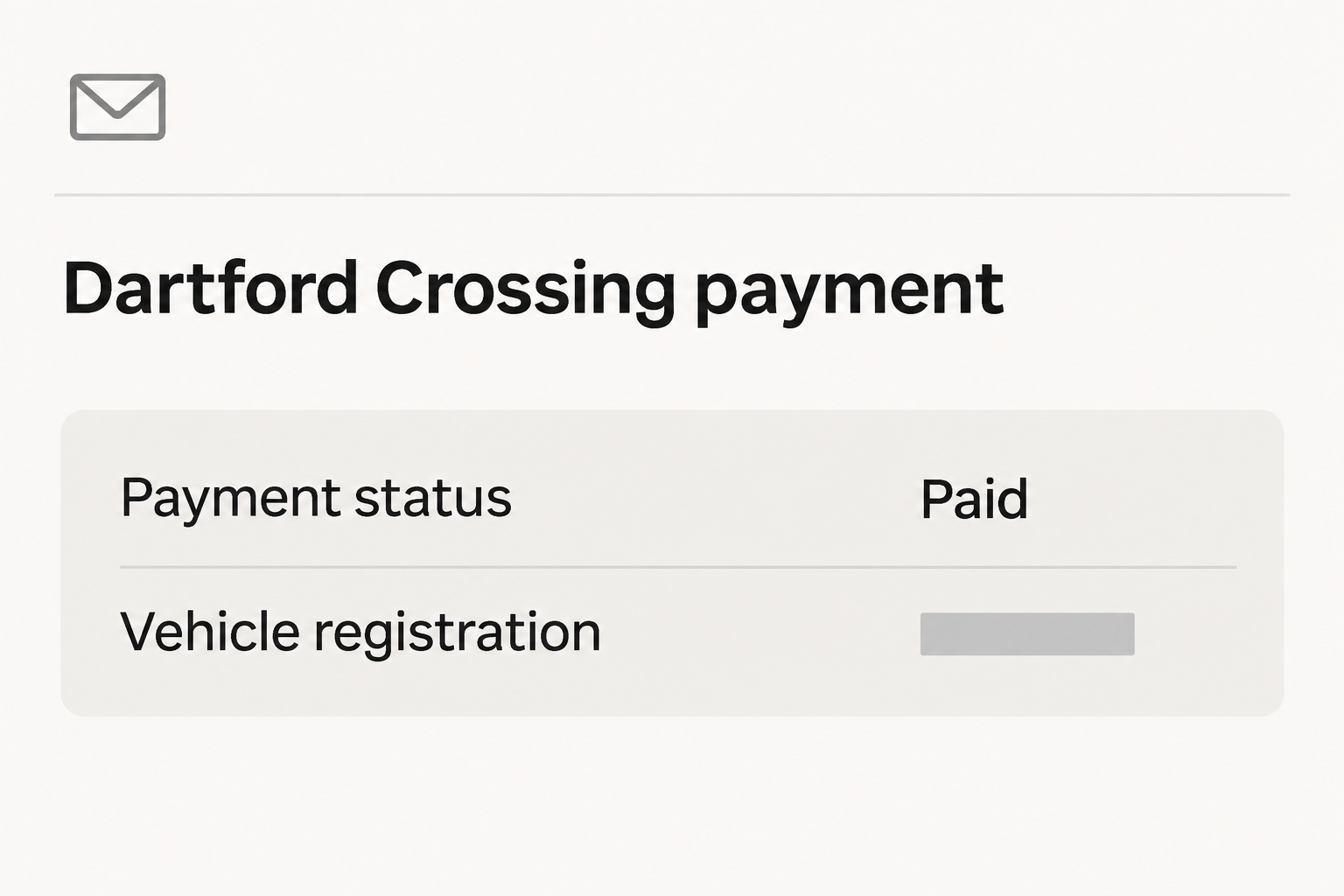
The illustration shows why the confusion can last. A receipt may say a payment succeeded without telling you whether the crossing was settled.
Separate the card charge, the crossing and the notice
- Your card statement tells you that a merchant charged you, not that Dart Charge received the money.
- The official service can help establish whether payment was applied to the right vehicle and journey.
- A penalty charge notice, or PCN, has its own process and deadlines, separate from a bank dispute.
Each record answers a different part of the question.
If all three are involved, it helps to put the crossing date, card transaction date, and notice date on the same timeline.
A genuine notice may arrive after a fraudulent payment
An actual notice isn’t made fake by the fact that you were misled earlier.
Check it through the government site rather than throwing it away or paying through a message.
You can take up the earlier charge with your card provider while checking the crossing with Dart Charge. One investigation does not automatically put the other on hold.
How the Dart Charge Payment Scam Works
Step 1: The driver remembers an unpaid crossing
The Dartford Crossing has no toll booths where you settle the charge as you drive through. A visiting driver may only think about payment later.
The deadline makes finding the right page important. GOV.UK’s Dart Charge page says payment is due by midnight on the day after you cross when the charge applies.
Starting a search under time pressure makes a plausible result tempting. But the result you’ve clicked may be an advertisement placed by somebody other than the official service.
Step 2: A copycat makes itself look like the expected payment route
A search result can use the crossing’s name and talk about settling a charge. Those words describe a service without establishing who is selling it.
In the case Trading Standards prosecuted, the operators ran websites that looked like official points of entry for government services. Dart Charge was one of the services involved.
It isn’t necessary to memorize the addresses used in that case. Start from GOV.UK so you know which public service led you to the payment page.
Step 3: A card confirmation makes the task feel finished
The private merchant can send a receipt after taking money. The confirmation may cover only a transaction with that merchant, even if it names the crossing and your vehicle.
In some cases the intermediary paid the actual charge and kept the difference. In other cases the official charge remained unpaid despite the money the driver had already sent.
Your next step depends on which happened. Being overcharged is not the same problem as facing an unpaid toll and a PCN.
Step 4: The discrepancy shows up later
The gap may not be visible until you check the official record or get a notice. By then the original site may be hard to find again.
Trading Standards South West reported more than 780 PCNs in eight months for drivers who had used the fake sites in the prosecuted case.
That figure concerns the documented operation.
You’ll need to establish what happened to your particular crossing. Don’t pay another site to search for the original payment or to make the notice disappear.
How to Check Whether the Right Crossing Was Paid
Start with the actual trip
Write down the registration, date, and approximate time from your own records. If several people drove the car, confirm who used the crossing and on which days.
An outward trip and a return trip aren’t necessarily covered by one payment. Check which crossings were chargeable rather than assuming the receipt covers the whole journey.
If you prepay or use a Dart Charge account, look at how the payment was applied. Check the registration and account settings through the route you normally use.
Ask what the receipt proves
Find the amount, merchant name, date, and any reference it gives you. Keep the complete version for your bank and redact it if you warn people publicly.
The receipt might contain several separate amounts, including an administration fee. Compare entries rather than relying on a single total or the bold word indicating payment.
If the receipt does not name your vehicle or has a different registration, tell Dart Charge when you make your inquiry. An error in the plate isn’t automatically fraud.
Check with the operator without reopening the suspect site
Begin at the official government page and use the contact channel listed there. Explain that you paid an unfamiliar website and want to confirm whether the crossing was credited.
If you are close to the deadline, don’t wait for the website to respond to your refund request. Work out what is still due with the operator.
Don’t assume that another payment is needed. Confirm which journey or notice you are handling, then keep the reference from the official record so you can reconcile payments later.
If the Car Was Hired, Borrowed, or Recently Sold
The person who used the crossing may not be the first person who hears about a fine. A hire company or registered keeper may receive the notice.
If you hired the car, check the contract and the company’s own records for that trip.
Ask whether it paid a crossing, received a notice, or charged an administration fee.
Keep any separate hire company charge apart from the sum paid to the suspect website. Ask what each line in the statement represents before disputing the wrong one.
If you used a family member’s car, tell them which journey is involved and share the official reference privately.
That can prevent both of you trying to resolve the same charge.
Don’t assume a replacement vehicle is covered by an account for the original one. Look at the registration associated with the actual journey before relying on account payments.
If the notice describes a car or journey you don’t recognize, use the official challenge process. That discrepancy can have other causes, including a registration mistake.
When the Two Payment Records Don’t Match
If the official record shows the crossing was paid but the merchant took more than you expected, focus first on the difference.
Keep the breakdown and ask what it represents.
Check whether the total was clearly disclosed before payment. An added amount you saw and accepted is a different dispute from charges that were hidden or never authorized.
If there is no official payment, check whether you are still within the deadline for the original journey.
Ask Dart Charge how to handle it if the deadline has passed.
If the payment appears against the wrong registration or journey, set out both versions in the inquiry.
The official operator is better placed to tell you what can be corrected.
If a PCN has already arrived and you did not keep a receipt, use your bank record to reconstruct the transaction.
Note what it doesn’t show, including who received the toll.
Keep all later references even if someone tells you the matter is fixed. A log helps when a payment trace and a notice challenge arrive back on different days.
Don’t Confuse an Unfamiliar Payment With Every Road Charge
Copycat cases also affected other charges, but the same webpage does not collect everything a driver may owe. Find the official operator for the specific crossing or charge.
For a trip with several stops, make a list of where you drove and when. Then match official payments to those journeys one at a time.
If someone offers a single package that supposedly settles several unrelated charges, don’t take the bundle as proof of coverage. Check each charge with its proper service.
A service name in the receipt is useful for research, but it can also be copied.
Compare the merchant name your bank recorded with the entity that actually operates the charge.
If you made a bank dispute after paying the toll correctly, keep the official payment evidence anyway. That record explains why a dispute about a separate private charge exists.
When asking someone else in the household to look into it, send them the GOV.UK starting page and the relevant dates.
Don’t forward the original ad as a shortcut.
Keep your proof until the official journey and any disputed amount have both been resolved. A message from one organization may address only one part of what happened.
If you are helping a driver who does not live in the UK, explain that the signs name a service with an official payment route.
Show them how to find that route.
They may have a bank statement in another currency. Record the amount charged by the merchant separately from what their card company converted or added.
Don’t use a foreign-language ad or unfamiliar receipt as a reason to give up on checking. The operator needs the crossing and vehicle details that identify the real charge.
What to Do if You Have Fallen Victim to This Scam
-
Look up the crossing through the official service.
Open GOV.UK directly, pull together the vehicle and trip details, and make sure you’re using the contact options linked from that page.
Use the official site rather than the advertisement.
Tell the operator what you paid and where, without assuming it already knows about the transaction. Ask whether the payment reached the crossing record.
-
Check a penalty separately and note the deadline.
Go to the government’s Dart Charge penalties page for current instructions on paying or challenging a PCN. Use the official reference, not a number supplied by the merchant.
Set aside both the notice and your evidence that you tried to pay.
A copycat receipt isn’t a guarantee a challenge succeeds, so follow the procedure and watch the dates.
-
Tell your card provider what the merchant actually did.
Give the statement descriptor, amount, date, and what you were promised.
Say if the toll wasn’t paid, or if it was paid but you were charged an undisclosed extra amount.
Ask what’s available for the payment you made, including any dispute deadlines. Don’t describe a payment you remember authorizing as one you never approved.
-
Protect the card if you entered details you no longer trust.
Open the issuer’s own app or use the number on the card. Explain whether you entered details, approved a payment, or noticed transactions you didn’t recognize.
Follow its advice about monitoring, locking or replacing the card. The provider can handle the card issue separately from any claim about whether the crossing was paid.
-
Preserve the timeline and report the misleading page.
Keep a copy of the merchant’s confirmation, the PCN, the transaction, the official outcome, and any evidence of how the site presented itself.
Don’t go back just to collect screenshots.
If you report suspected fraud, include the destination you already saved and describe what wasn’t delivered. Don’t share full card numbers or account passwords in a public post.
-
Change how you handle the next crossing.
Bookmark the government starting page rather than the search result that caught you. If you cross regularly, review the official account options and verify which vehicle is listed.
Make a reminder for the trip if you don’t have an automatic arrangement.
That lowers the chance that you search for the service again while rushing to beat the deadline.
Frequently Asked Questions
Can a third-party payment leave me with a PCN?
Yes, if the money never reaches Dart Charge in time for the right journey. Ask the official operator whether that crossing was credited.
Can a copycat site ever pay the real charge?
Some did in the prosecuted operation, while keeping an additional amount. A real crossing payment doesn’t prove the extra charge was disclosed or the site was official.
Do I challenge the notice through my bank?
Use Dart Charge’s own instructions to challenge the PCN. Your bank handles a card dispute, which won’t automatically change the status of the notice.
What counts as official proof that I paid?
The useful record is confirmation from the official service for the relevant crossing and vehicle. Your bank statement is evidence of the card transaction, not necessarily of the toll.
Do I have to make an account to pay once?
GOV.UK offers a one-off payment without requiring a Dart Charge account. Start there so you can choose the payment option directly instead of trusting an intermediary.
Should I ignore a notice if a site promised to pay?
Check the notice and its deadlines using the official route. A promise from a private website doesn’t stop the real notice process.
The Bottom Line
Start on GOV.UK when you pay Dart Charge. A copycat receipt can confirm that you paid a merchant while leaving the crossing charge unpaid.
If you already used another site, verify the journey and any penalty with Dart Charge first. Contact your card provider about the separate transaction and keep both records.

Join the discussion
0 commentsShare your experience or ask a question about this article.
Community experiences
Did this happen to you?
Your experience could help someone recognize the same scam. Submit a private report for our team to review.
I experienced this tooReports are reviewed before publication. Sharing publicly is always your choice.
Discussion
Start the conversation
Have a question or something useful to share? Add the first comment.