


You haven’t used an old Gmail address for months, but it still opens the Google account that holds your photos and documents. One wrong delete option could change that.
Before you delete Gmail, check what still sends mail there and what depends on it for sign-in. Some connections won’t appear in Google settings.
Overview
Deleting Gmail is not deleting your Google Account
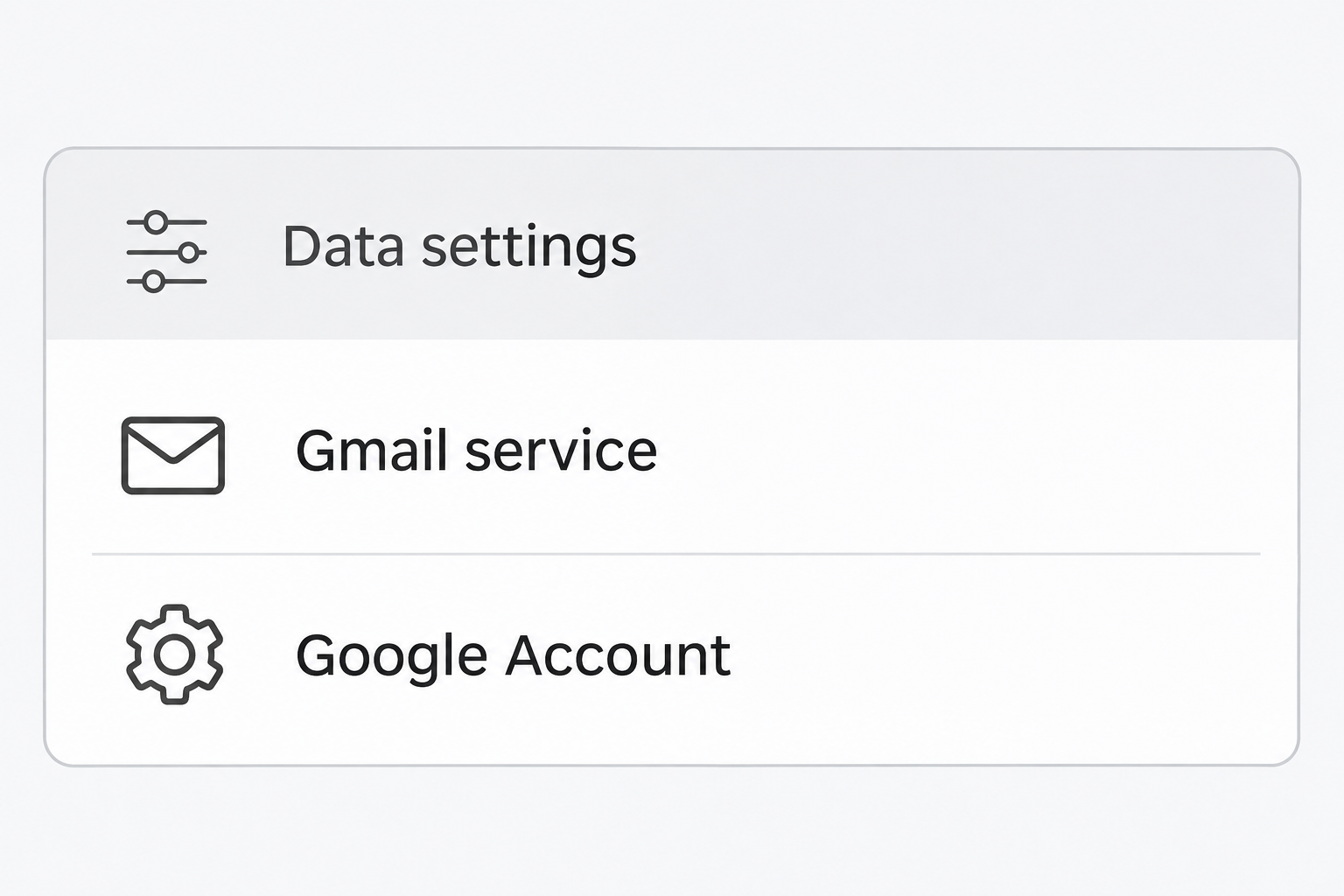
Google lets personal account holders remove the Gmail service while keeping their Google Account. The mailbox stops working, but other unaffected services remain associated with the same identity.
The option to delete the entire Google Account is different. It can remove the account and data from other services, not just the address you no longer want.
A third option simply removes an account from a device or mail app.
That can be the right answer if you want the mailbox off one device but still available elsewhere.
An alternate address becomes part of signing in
Google’s Gmail removal guide requires an existing non-Gmail email address for continued access. It must be somewhere you can actually receive and open the confirmation message.
Your Gmail address and messages aren’t removed until you verify the alternate address. A request started in Google settings isn’t the same as a completed change.
The alternate inbox belongs to the person who controls it. Use an address you expect to keep, not a friend’s address or a mailbox you are about to lose.
The missing mailbox can affect accounts Google doesn’t manage
A hotel account or a doctor’s portal might still send sign-in links to the old address. Google’s alternate-address verification doesn’t update records at those services.
Check the sites you rely on before removing Gmail. Identify where the address is a username, a recovery destination, or the only way to complete a login.
- Keep a verified copy of any mail you need before making changes.
- Test your access to the new address separately from Google.
- Update important outside accounts while the old inbox still receives mail.
- Choose Gmail service removal only when the rest of the Google Account should stay.
What to Do Before You Delete Gmail
- Confirm the Google Account shown in the account menu belongs to the mailbox you intend to remove. Check again if you use similar addresses for personal and work mail.
- Review accounts that send verification codes, reset links, receipts, and notices to the old address. Change and verify their contact details while the inbox still works.
- Make an export if you need a copy of your email. Open the actual archive and check important items before treating it as a usable backup.
- Sign in to your non-Gmail inbox on a device you control. Confirm it receives mail and that you can access it without the old Gmail.
- Open Google’s service-removal screen and find Gmail. Cancel if the screen refers to deleting your entire Google Account or lists unrelated services you want to keep.
Work through the accounts that would be hardest to recover
Start with banking, insurance, healthcare, utilities, your mobile provider, and whichever password manager or account service you depend on. Their notices may not arrive often enough to jog your memory.
Set aside subscriptions that only use the address for marketing. Prioritize the services where an email code, receipt, or recovery message could hold up something important.
When changing an address in a service, check whether it also changes the login name. Some services keep the old username but let you replace the destination for notices.
Review the password-reset destination as a separate setting. A regular confirmation at the new address doesn’t prove forgotten-password emails will go there.
Look for confirmation messages from any service requiring you to verify the change in both inboxes. Finish those steps before withdrawing access to the old mailbox.
A person with a shared Google account or family setting should check who actually controls the important files and services. An address used by several people can have unexpected dependencies.
Treat the email archive as a file you should verify
Google’s data export instructions describe choosing which products to include and selecting a delivery method. Exporting data doesn’t remove it from Google.
If you only want Gmail, avoid collecting a copy of every Google service by accident. Look at the selected products before continuing to the delivery screen.
Download the file rather than leaving it behind a link you can no longer receive. Open it on a private computer using a reader that supports the format.
Check several messages you recognize, including an attachment if it matters. The archive may use a different format from your inbox, and the files won’t necessarily appear as individual emails.
Google notes that changes during the export process may not be included. If important mail arrives after you request the archive, preserve that material before shutting the service down.
An export may contain sensitive information from years of messages.
Don’t leave it on a borrowed device, attach it to a support request, or place it in a widely shared folder.
Use Delete a Google Service, Not Delete Your Account
Find the Gmail row before you confirm
On a computer, open Gmail using your normal route, select the account menu, and open Manage your Google Account. Check that the selected identity is the correct one.
Open Data & privacy and look for the tool that removes data from services you no longer use. Google may also call the action Delete a Google service.
Sign in again if Google requests authentication in that flow. Find the line for Gmail before selecting its delete action. Treat anything mentioning the whole account as a different operation.
Enter the non-Gmail address you already checked. Complete Google’s emailed verification only when you’ve finished preparing and still intend to remove the mailbox.
If no message arrives, check the address, spam folder, and current removal screen. Don’t repeat the action under another Google account just to see whether the email works there.
Verify the outcome without opening a second replacement account
After confirmation, use the alternate address to sign in to the existing Google Account.
Don’t create a new account to test access to services that already belong to your old identity.
Open an unaffected service you regularly use and check that the expected account data appears. An empty Drive view can also mean you opened the wrong account.
If a third-party account uses Sign in with Google, check its connection on its own site.
A Google mailbox change doesn’t give you a universal promise about how every service identifies you.
For a service you cannot afford to lose, establish another supported sign-in method before deleting Gmail.
Don’t count a separate account you just created as a successful transfer of the old one.
What Happens to Mail, the Address, and Other Copies
Google says it deletes Gmail emails and settings after 30 days. You lose the ability to send or receive at that Gmail address when the service is removed.
Don’t use the 30-day statement as a test window for forwarding or fresh verification codes. The published deletion period doesn’t mean the inactive address will continue receiving messages.
Google says someone else can’t take the removed address. This is distinct from whether you can recover your access or whether a service remembers the address you used there.
An old receipt already delivered to somebody else isn’t recalled. Removing the Gmail service doesn’t erase a recipient’s copy, a downloaded attachment, or a message in another account.
If your goal is simply to stop alerts, uninstalling an app or disabling notifications is a less final choice. First decide whether the address itself needs to disappear from use.
If you only want to handle spam, you can keep the mailbox while adjusting filters and privacy settings. Deleting the inbox shouldn’t be a substitute for securing a compromised account.
When to Stop and Use Account Recovery Instead
An unfamiliar sign-in or missing message is a reason to review security before deleting anything. Deletion won’t undo an unauthorized purchase or remove a copy someone already obtained.
Use Google’s official recovery and account security tools if you can’t sign in or believe another person controls the account.
Don’t hand your archive or verification codes to a stranger offering help.
If Gmail was already removed in error, Google’s removal guide points to an official recovery flow. Act promptly without assuming every email or setting can be restored.
For a school, job, or another managed account, contact its administrator.
Don’t export employer or student records into personal storage simply to ensure you can keep reading the mail after departure.
Make a short list of items you still need from the administrator. Ask whether they can provide an authorized copy or transfer, rather than trying to remove the account yourself.
Plan the Last Week of the Old Inbox
Decide which mail you need to see before the change
If a refund, delivery, or appointment is still pending, compare the email on the original record with the address on your account now. Changing one may not change the other.
Ask the organization to confirm the newer destination if the pending item matters. You can’t depend on a message reaching the old address after the Gmail service removal goes through.
If somebody regularly emails you about a shared responsibility, tell them the new destination through an existing relationship. Avoid broadcasting the new address to every old mailing list.
Keep the new mailbox active long enough to catch confirmation emails. The ability to open its inbox and the ability to recover that inbox are both worth checking.
Don’t confuse a new address with independent recovery
If your new mail provider uses the old Gmail address for recovery, the two accounts can depend on each other. Update that recovery route before relying on the new address.
Check whether your alternate mailbox requires a verification device you have already replaced. A working session on your computer might hide the fact that you can’t sign in from elsewhere.
If an account’s email doesn’t accept your update, resolve that issue first. It is easier to prove control while you still have the old inbox and can receive its messages.
Some messages are only useful while you can follow the link they contain. Save the actual receipt or statement through the organization’s service when you need a lasting record.
If you know you will need a recent confirmation later, write down where you put the verified copy. An export doesn’t help much if you can’t locate it when needed.
Check which addresses appear in your invoices, contact cards, and shared files. Removing Gmail changes delivery, not the address already printed in a public or shared document.
Update important contacts while both inboxes work. If you share a document from a different sender address now, let the intended recipient know through a familiar contact route.
Frequently Asked Questions
Can I keep Google Drive and my other Google services?
Removing the Gmail service doesn’t delete the Google Account. You can continue using unaffected services with the alternate address you verified, provided the services still belong to that account.
Choose the Gmail row, not the account-wide deletion option. Sign into the retained account separately to verify you still see the files you expected.
Can another person register my old Gmail address?
Google says an address removed this way can’t be used by someone else in the future. That doesn’t update the email address on accounts you created elsewhere.
Change those destinations while you can still receive confirmation mail. Otherwise, a merchant or other service might continue sending messages to the old address.
Why hasn’t Gmail disappeared after I requested removal?
Google requires confirmation of the alternate non-Gmail address. Starting the request without completing that verification does not remove the Gmail service or its messages.
Check the intended alternate inbox and the current Google Account before trying again. If you changed your mind before confirmation, don’t open the confirmation link.
Can I download important messages before removing Gmail?
You can request an archive through Google Takeout. Wait until the actual download is ready, then verify that you can read the mail you meant to keep.
The archive is a separate record, not a guarantee you can recover the online mailbox later. Keep a private copy somewhere you can access safely.
Is removing Gmail from my device the same thing?
Removing an account from a specific device affects access on that device. Removing the Gmail service from your Google Account stops the mailbox for the account itself.
If you only want a device to stop opening the inbox, look for the device or app’s account controls. Avoid Google service deletion for that purpose.
Can Google bring back every message if I delete Gmail by mistake?
Google may let you recover the Gmail address. Its documentation warns that depending on how long it’s been, you might no longer be able to recover the emails.
Use the official recovery route rather than treating the deletion period as a guarantee. If you have an export, check what it already contains.
The Bottom Line
Keep your Google Account and remove only the Gmail service. Before confirming, check connected logins, confirm your alternate inbox works, and verify any archive you need.
If you already removed the wrong mailbox, go to Google’s recovery instructions promptly. Don’t wait for a reset code that will only be sent to the retired address.

Join the discussion
0 commentsShare your experience or ask a question about this article.
Community experiences
Did this happen to you?
Your experience could help someone recognize the same scam. Submit a private report for our team to review.
I experienced this tooReports are reviewed before publication. Sharing publicly is always your choice.
Discussion
Start the conversation
Have a question or something useful to share? Add the first comment.