


A December invoice is not unusual in a year-end inbox. It can arrive while you are checking expenses, closing the books, or looking for something your accountant said was missing.
The email looks like a small task you can finish in a minute. The problem becomes clearer when you compare the document you expect with the screen you get.
Overview
An invoice email made for a crowded accounting inbox
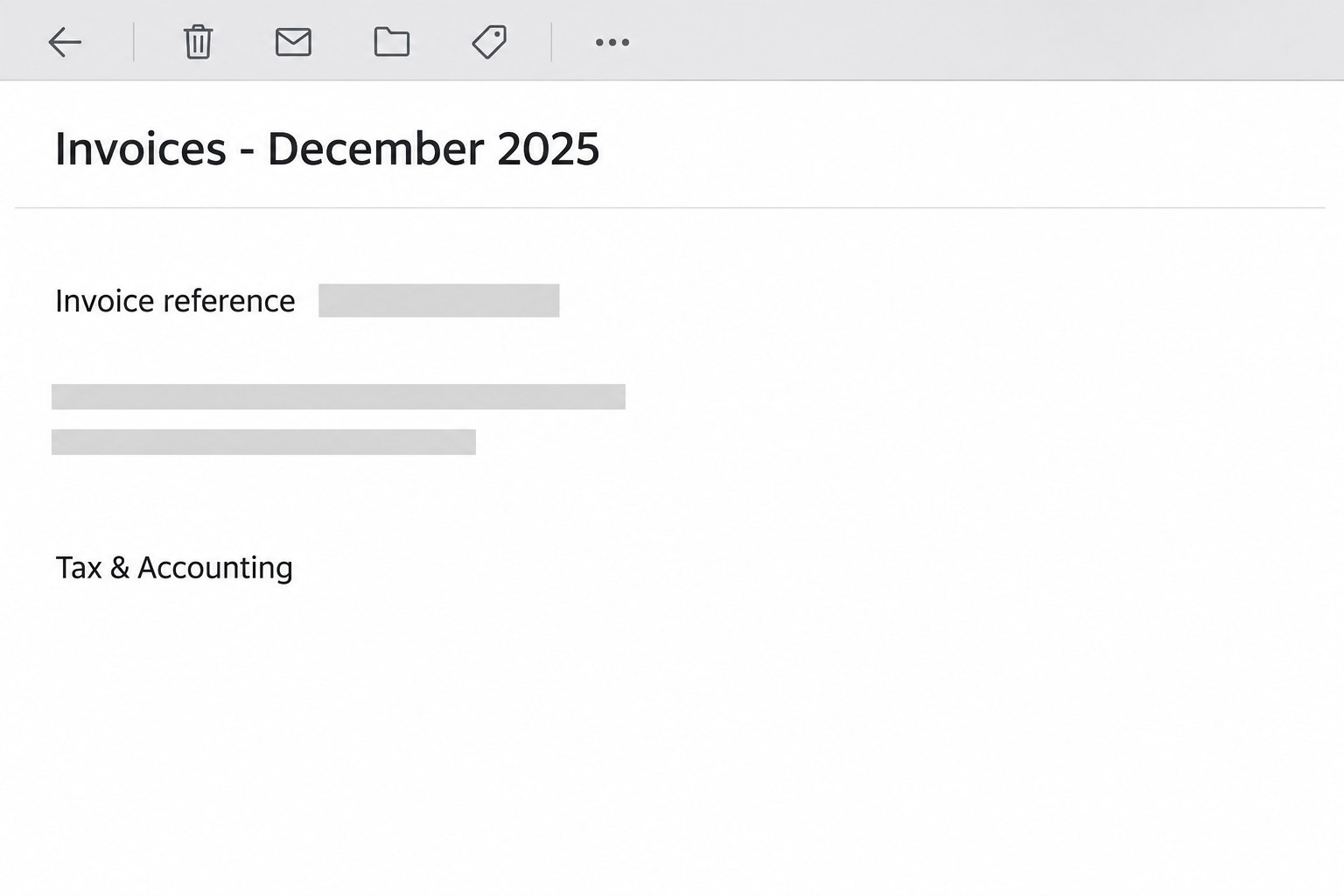
The “Download Your Invoice” scam used a subject naming VERA GROUP and December 2025 invoices. The captured message carried an EXFID Tax & Accounting signature and displayed an invoice reference.
There was no invoice attached to the documented message. The text directed readers to a link, which instead led to an imitation Gmail screen asking for an email password.
The email displayed those company names. That does not establish that either business authored it, that anyone’s mailbox was compromised, or that a bill exists.
That distinction helps when you recognize one of the names. You can check your relationship with the company without accepting that a message from a stranger represents it.
An accounting task that turned into an email sign-in
The captured browser screen placed a login panel in front of Gmail-branded material. It was not an invoice viewer, and the visible browser origin was not Google’s account sign-in domain.
A hosted phishing page can copy a familiar service without being controlled by it. Familiar navigation, colors, or text behind a form do not authenticate it.
Genuine invoices can arrive through links too. The question is whether the document uses an approved service and whether you reached your account through a trusted route.
For this specimen, the shift from one stated purpose to another is the key: the email promised an accounting document, but the page asked for access to a mailbox.
Three checks before treating anything as payable
A real obligation should fit your own financial records. Start with those, rather than using the email to supply the missing context.
- Match the invoice reference against your ledger, customer portal, or engagement records.
- Ask the accounting contact you already know to confirm the amount and billing period.
- Open approved billing tools directly instead of signing in on a page reached from the email.
Receiving the message does not mean something has been downloaded or executed. The observed mechanism was password phishing, not proof that opening the email installed software.
How the Download Your Invoice Scam Works
Step 1: It arrives during work that already involves unfamiliar invoices
A small business may get legitimate invoices from vendors, accountants, and subscription services in the same week. A matter-of-fact billing email can blend into that traffic.
The captured subject used a month, a company name, and a reference. Those details look like useful sorting information rather than an attempt to rush the reader.
The body was short enough to skim. It did not need to invent an overdue balance or claim that the account would be closed.
An employee may believe the message belongs to someone else’s client or project. They might forward it for review before checking whether their company has such a relationship.
If an internal copy reaches you, ask where it originated. The fact that someone in your organization forwarded it does not make the external source safe.
Step 2: The signature suggests someone else has verified it
A formal signature at the end of a short note can look reassuring. The example reused the tone and identifying details people associate with routine correspondence from an accountant.
Those details are not part of email authentication. They can be copied into a message without the named person or firm ever seeing it.
A real address can appear in an unverified signature. Use the accountant’s existing contact details, not the signature, when you ask about the bill.
A general enquiry using a known contact is enough. There is no need to call a phone number in the message or use the reply address to confirm the invoice.
Step 3: The document link goes outside the expected billing workflow
The email invited the recipient to download an invoice. The reference made that request sound like the retrieval of one specific file, not general account maintenance.
A legitimate file-sharing service might require sign-in before showing a document. That possibility is exactly why readers should check the service independently rather than assuming every login is ordinary.
The captured page used an address associated with a public content gateway, not the normal Google sign-in route. That did not make the gateway itself the source of the scam.
A public gateway can serve content that someone else put there. The reader needs to judge the page and the request, not assume anyone hosting content endorses it.
If an invoice should come through an accounting portal you already use, open that portal yourself. A real invoice can usually be confirmed without entering credentials on the disputed page.
Step 4: Gmail branding borrows trust that belongs to Google
The false sign-in resembled an email provider rather than the accounting firm. Someone expecting a protected file might interpret it as a permission check and carry on.
Look past the artwork behind the box. A genuine Google sign-in and a third-party page displaying a password form are very different even if both mention Gmail.
The observed page asked for a password. A different copy might look different, so use the official account route instead of looking for an exact visual match.
If you need to sign in, go to your Google account independently. Then ask the known accounting contact where the invoice belongs before looking for it again.
Step 5: An exposed mailbox can affect more than one invoice
Entering credentials can expose the mailbox, not resolve a supposed bill. Messages about clients and payments can then become relevant to a separate fraud.
A caller might mention a real invoice that was visible in the account. Knowing something about the client’s business does not prove the caller is authorized.
Those are possible consequences, not observed outcomes. The archive shows a credential request, not that anyone’s mailbox was opened or a payment rerouted.
If the account belongs to a business, involve the person responsible for email security. Useful checks may extend to mailbox rules, sign-ins, connected apps, and the latest payment instructions.
What to Do if You Have Fallen Victim to This Scam
-
If you received or forwarded the email, report it. Use the reporting button or channel your mail provider or organization provides for suspected phishing.
Alert any colleagues who received a copy from you. Ask them not to follow the document link while the original message is being checked.
-
If you followed the link but gave nothing away, close it. Record roughly when it happened and whether you saw a sign-in, a download, or a browser warning.
A visit and a submitted password are different events. Explain exactly what you remember rather than referring to both as simply “opening the invoice.”
If a file did download in your encounter, do not open it to test it. Ask appropriate support to review that separate exposure.
-
If you entered a Google password, secure the account on Google’s site. Follow Google’s compromised-account instructions, or contact your organization if it manages your access.
Check recovery information, connected apps, login activity, and devices. Tell support if you also shared a verification code or approved an authentication prompt.
Change any reused password on the real service where it was used. Do not reply to the original email to ask whether the mailbox was accessed.
-
If it is a work account, tell your security and finance teams. Give them the approximate time, the account you used, and whether you submitted a password.
Ask the appropriate team to check for hidden forwarding, unexpected delegates, and mail sent as you. Do not delete unusual records before your security team can examine them.
Check recent changes to vendor payment information independently. FBI business email compromise guidance recommends verifying payment changes in person or by a known telephone number.
-
If money has already gone out, contact the payment provider. Give your bank or authorized finance contact the transfer details and ask whether anything can still be stopped.
Set aside the true invoice, suspicious correspondence, and proof of payment. Keep the papers that show when the instructions changed and how you verified them.
-
Verify the supposed bill separately after securing the account. Look up the relationship and invoice details in your own records before using any outside materials.
If your accountant confirms that a bill exists, request it through the regular portal or workflow. There is no need to reuse the message that led to the fake sign-in.
A Routine That Catches Fake Accounting Emails
Assign a single place for genuine documents from an accountant, such as a portal or a known shared folder. That gives staff a trustworthy source when a new email arrives.
Keep vendor contact information apart from incoming invoices. If an invoice tells you whom to call, you should be able to check the number against something it did not supply.
Verify use of unusual sharing tools with the firm first. A legitimate accountant can normally explain their process without needing the recipient to hand over a mailbox password.
At month end, check outstanding invoices against the payables list. Let an unexpected email prompt a comparison with that list, rather than letting the email become the list.
If your mailbox was misused, warn clients through a known channel. Genuine invoices and fraudulent replies can share a thread, so identify the specific instruction at issue.
Separate document delivery from payment approval
A message can reach someone whose job is to file invoices but not pay them. Give that person a place to flag suspicious material without passing its link to approvers.
Keep the invoice number and delivery method separate in your records. A number that matches your books still does not establish that the linked page is where the bill belongs.
If a known accounting office says it sent the notice, ask it which portal or file-sharing service it used. Verify that answer before following instructions in a forwarded copy.
That check is especially useful if a firm sends a corrected invoice. Compare what actually changed, rather than relying on a subject line saying the first version was wrong.
Give your support team enough context
If you manage a team, ask employees to report the billing message before they spend time trying to identify its sender. They should not need to solve the case themselves.
Record whether the visible page asked for credentials, whether anyone supplied them, and whether an accounting action followed. Those answers tell security and finance which decisions to make first.
If someone uses a personal mailbox for work correspondence, they may not know whom to tell. Have them secure the account and notify the business contact responsible for affected records.
Do not assume every client saw a follow-up after an account incident. Ask the security team to identify the affected threads, then communicate with the clients actually involved.
For a payment already approved through your normal process, preserve the approval record. Investigators may need to distinguish the original genuine bill from a later change to the instructions.
When the review is finished, tell staff where to obtain the legitimate invoice. Otherwise someone might return to the suspicious message simply because the underlying accounting task is still open.
Frequently Asked Questions
Are VERA GROUP or EXFID Tax & Accounting running the scam?
The message used those names, but that does not show that either business sent it. This warning concerns the documented email and the fake sign-in it led to.
Was there an actual December invoice in the message?
The archived specimen displayed a reference and a link, not a real invoice attachment. Contact your usual provider if you need to verify whether a legitimate bill exists.
Why did a supposed download ask for my email password?
The observed page imitated a Gmail login instead of displaying accounting information. That mismatch is a reason to leave and use your established login or billing route.
Can I tell whether my account was used after I entered credentials?
Review recent activity and connected access through the real account settings. If the account is managed by your employer, give the security team the timeline and let them investigate.
Is the gateway name proof that its operator made the scam?
The address shows where the browser was sent, not who created the page. An otherwise legitimate hosting or gateway service can carry content that abuses its service.
Should I pay a matching invoice if I received this email?
Confirm the obligation, amount, and payment details with the known accounting contact. A matching billing period or reference does not authenticate the payment instructions in an unexpected message.
The Bottom Line
Do not use the invoice link to sign in to your email. Verify the bill with your own accounting records and the firm you normally deal with.
If you entered your password, stop looking for the invoice until the account is secured. Tell the right people if the mailbox also handles customer or supplier payments.

Join the discussion
0 commentsShare your experience or ask a question about this article.
Community experiences
Did this happen to you?
Your experience could help someone recognize the same scam. Submit a private report for our team to review.
I experienced this tooReports are reviewed before publication. Sharing publicly is always your choice.
Discussion
Start the conversation
Have a question or something useful to share? Add the first comment.