


The page says you can become a founding user of SimpleX Chat. If you came looking for a private messenger, that sounds like an invitation worth reading.
Before you take the offer, compare it with what the messenger actually asks you to do. The difference matters more than the name at the top of the page.
Overview
A fake founding offer borrows a real messenger’s name
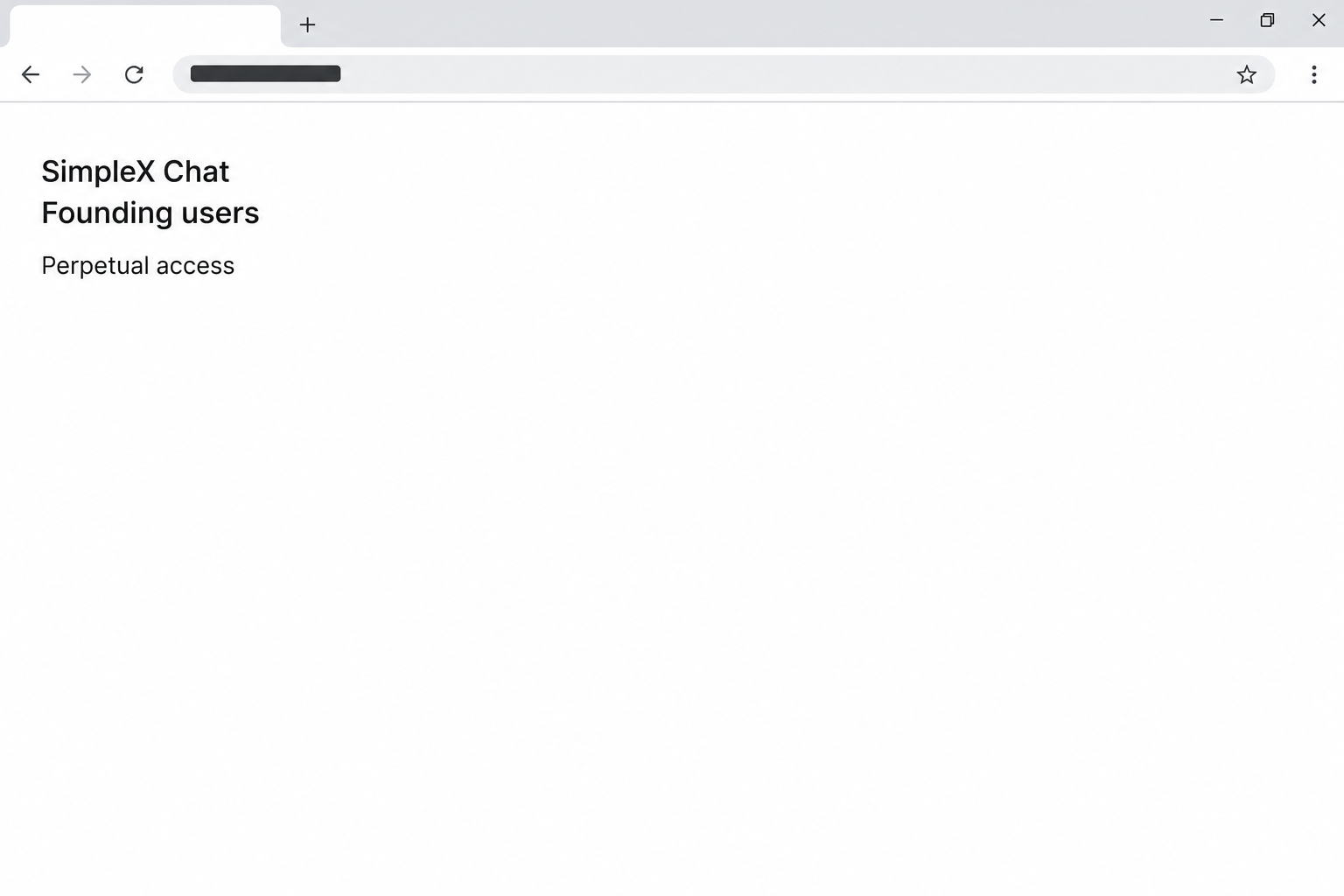
The fake SimpleX Chat website promises perpetual access to the communication network for people who become founding users. It was reported on simplexspot[.]com, an unrelated address.
That pitch sounds like admission to a new service, but the documented page asks visitors to connect a cryptocurrency wallet. The question is why a messenger needs that connection.
SimpleX Chat is a real messaging app. This warning concerns a page impersonating it, not a claim that using the genuine messenger exposes assets in a wallet.
The image recreates the founding-user language as a browser fragment. It is not a screenshot of a wallet prompt, transaction, or page operated by the genuine project.
Real chat setup uses invitations, not this wallet offer
The official SimpleX quick-start guide begins with getting the app and creating a messaging profile. It then shows users how to connect with contacts.
Both activities use the word connect, but they give access to different things. Adding a contact in the messenger doesn’t expose your wallet address.
A separate SimpleX announcement about equity crowdfunding directs readers to Wefunder. That later fundraiser doesn’t validate a webpage selling the idea of permanent chat access.
If you came to message someone, stick with the app and a verified invitation from that person. If you came to research fundraising, use the project’s own published information.
What a wallet request can and cannot establish
The reported site solicits a wallet connection under the founding-user story. The precise action it might request next and any resulting transaction weren’t independently verified.
The important differences are the actions you recognize in your own wallet:
- Opening the page is not evidence that anything was authorized or that a digital asset moved.
- An ordinary wallet connection may share a public address and allow the site to request actions later.
- A signature or approval needs its own review, especially if it changes token permissions or includes an outgoing transfer.
- An exposed seed phrase or private key requires a different response from a connected website.
- Anyone asking for a second payment to reverse a loss is making a new request that also needs verification.
How the Fake SimpleX Chat Founding Access Scam Works
Step 1: An invitation turns a software search into an offer
Someone looking for private messaging may encounter what looks like a SimpleX project page. The name helps it blend in with ordinary results and shared links.
The founding language builds on a familiar idea. Early users often hear promises about access, features, or recognition unavailable to people who arrive later.
Here, the advertised benefit is permission to use the network indefinitely. That can sound practical to a reader who expects to put time into setting up a new messenger.
Ask whether you need the advertised benefit to do the thing you came for. The genuine app’s setup process is a better answer than a page trying to recruit you.
Step 2: The page makes ordinary access look scarce
The fake offer implies that access depends on joining at the right stage. It puts the reader in a position where waiting feels like giving up a place.
That feeling can be stronger if somebody sent you the link personally. They may believe it is genuine or may not have noticed that it leads away from the project.
Ask the sender separately what they intended to share. A contact invitation, an investment announcement, and a site offering permanent access should not all travel through the same unexplained process.
If you start at the project’s published setup guide, you don’t have to make that choice in a hurry. You can get the app without relying on the offer.
Step 3: The fake signup asks for a different kind of connection
Instead of continuing into the messenger, the reported page brings a crypto wallet into the process. That change is the strongest warning in the sequence.
Your genuine wallet might display the request. That tells you which application opened it, not whether the website that requested it is entitled to receive anything.
The profile you create in a messenger is for communication. A wallet connection exposes information about a financial account and can lead to a request to do something with it.
Don’t connect just to see whether the chat interface will open afterward. The official messenger does not depend on that unexplained step.
Step 4: An apparent membership confirmation can ask for authority
A wallet request may appear to confirm membership while its actual effects concern assets or permissions. Read what the wallet says will change, rather than the surrounding website copy.
If the prompt shows an outgoing asset or an unfamiliar permission, refuse it. A chat membership claim doesn’t explain why another party needs authority over what you hold.
Not every signature has the same effect. If the wallet can’t explain a request in terms you recognize, there is no reason to approve it on the website’s say-so.
If you already signed, use the actual wallet record to understand the consequences. Closing the browser doesn’t necessarily undo an action you authorized before you closed it.
Step 5: The wallet remains the place to check what happened
An imitation site can thank you for joining without creating a real messaging profile. Don’t mistake a confirmation banner for evidence that the promised account exists.
Start with the correct wallet and network. If you have more than one account, checking the one that wasn’t involved may hide an unfamiliar permission or outgoing payment.
Report an actual transfer using its public transaction details. Record what the wallet shows instead of sending a stranger the secret used to restore it.
If nothing changed and you declined every request, describe that accurately too. A vague claim that your entire device was infected isn’t an adequate substitute for checking the exposure.
What to Do if You Have Fallen Victim to This Scam
-
Leave the founding-access page and don’t look for a mirror. If you came to use a messenger, get to the genuine project through a route you know.
Keep a private copy of the original referral if you already have it. Don’t send the suspicious address to a friend as something they should test.
-
If you connected a wallet, review which account it was. Use the wallet’s connection settings to disconnect the unfamiliar site on the device you used.
If you declined subsequent requests, check recent activity and record that you did not approve anything. A connection alone does not establish that a transfer took place.
-
If you signed an action, ask the provider how to identify it. Start from the wallet’s official support route and explain which page, account, and network were involved.
A granted token permission may outlast the browser session. MetaMask’s explanation of token approvals describes how removal differs from disconnecting an app.
Use guidance for the wallet and network you actually used. Don’t connect to a supposed recovery page supplied by the same person who promoted the offer.
-
If you shared a recovery phrase, assume the secret is exposed. Follow the real wallet provider’s guidance on protecting remaining assets and using a fresh wallet.
Deleting an app or disconnecting a website won’t take back a copied secret. Do not continue accepting deposits to the old address as if nothing happened.
-
If assets moved, document the loss from independent records. Keep the network, transaction reference, amount, asset, date, and destination address in a private record.
Use the appropriate reporting service for your jurisdiction. The FBI’s cryptocurrency reporting guidance explains what US reports should include.
-
Treat an unexpected download as a different issue. This case documents wallet requests, not an installer. An executable you opened would change the response.
Keep the downloaded file closed and ask trusted device support for help if anything actually ran. Don’t reinstall the messenger using a link from the suspicious site.
-
Tell the person who shared the page what you found. Send a short explanation and the genuine project information, not another copy of the suspect destination.
If you planned to exchange a private invitation, ask them to send one through a route you both recognize. Keep that conversation separate from wallet support.
How to Verify What You Were Invited To Do
Identify the app route before accepting a contact invitation
If a friend recommended SimpleX, clarify whether they meant the app itself or a link to connect with them. Those are related but separate steps in the genuine workflow.
Install the app through the project’s published routes, then exchange contact details through a channel where you can establish who you’re speaking to.
Don’t post a private invitation in a public support thread to prove it exists. Ask the sender to confirm the contact from your established conversation.
Close the fake page even if a real invitation arrives while it’s open. You can finish messenger setup without keeping the wallet request on your screen.
Treat investment information as a separate decision
The project’s announcement about equity crowdfunding is not a requirement for sending messages. Reading it does not mean you need to buy, stake, or authorize anything to create a profile.
Use the official announcement if you are trying to identify what that fundraising offer was. Don’t accept a claim of current availability from a repost or private introduction.
A support message could misuse a real fundraiser’s name while directing you elsewhere. Independently confirm the provider and purpose before discussing any financial matter.
If all you want is to chat, the decision is simpler. Follow the messenger’s own setup instructions and leave unrelated money requests out of the process.
Don’t merge chat access and wallet recovery
The person who helped you install a messaging app may not know how to investigate a wallet event. Use the real wallet’s help center for the signature or transaction.
You can preserve a referral message without letting the sender give device or financial instructions. Keep the original clues available, but decide which service can actually answer each question.
If you already joined a genuine chat, it is separate from the site that prompted your wallet. Changing the chat’s settings does not revoke a spending permission.
Be particularly cautious if someone enters the conversation offering special recovery help. A channel labelled technical support is not evidence of who controls it.
How to Verify a SimpleX Invitation From Someone You Know
Find out what the sender wanted you to join
Ask whether they meant to add you as a contact or invite you into a group. That gives you something concrete to check against what your own app shows.
Maybe a friend forwarded a page they found while looking for the messenger. They might genuinely want to chat without realizing the page introduces an unrelated wallet step.
If you weren’t expecting an invitation, get in touch where you already know each other. An unsolicited message from a familiar account can still require clarification.
Check whether the invitation behaves like a chat invite
Follow the project’s setup guide before accepting any invitation. If the experience switches from joining a conversation to choosing which wallet assets to expose, leave the page.
A chat invitation is meant to put you in touch with people. It doesn’t need a balance check to establish that you’re the person your friend intended to invite.
Don’t send screenshots of your wallet to the sender as a test. Point them to the project’s instructions instead of asking them to open the lookalike again.
If you only want to see how SimpleX works, start inside the messenger. You don’t need a founding offer to explore the app or decide whether it suits you.
If the friend is still uncertain, compare the invitation with the app’s own help pages. That gives both of you a reference beyond the branding you can see.
Frequently Asked Questions
Is SimpleX Chat itself a scam?
The company operates a real messenger. This guide covers a separate lookalike that borrows its name to ask visitors for a wallet connection.
Does normal SimpleX setup require the founding-user offer?
The official quick-start guide explains how to start messaging without that offer. Use its setup and contact instructions rather than the imitation page.
Does the equity crowdfunding announcement make the wallet page real?
It does not connect this page with the project. The official equity announcement names a different process and is separate from setting up chat access.
Do I need to pay a release fee to recover assets?
A private recovery offer is not evidence that funds can be returned. Check the wallet record and use verified reporting or support channels instead.
Can I check whether I approved anything without reopening the site?
Use the wallet’s recent activity and permission controls. If the record is unclear, ask official support about the particular app connection and account.
What if I only followed the link and closed it?
Loading a page doesn’t establish a wallet transfer. Report the link where you found it, then check separately only if you connected, signed, or ran a download.
The Bottom Line
Don’t connect a wallet to get founding access from the fake SimpleX Chat site. Use the real messenger’s published setup instructions and confirm invitations with people you know.
If you already interacted with the wallet, work out whether you connected, signed, or shared a secret. The right response depends on what you actually allowed.

Join the discussion
0 commentsShare your experience or ask a question about this article.
Community experiences
Did this happen to you?
Your experience could help someone recognize the same scam. Submit a private report for our team to review.
I experienced this tooReports are reviewed before publication. Sharing publicly is always your choice.
Discussion
Start the conversation
Have a question or something useful to share? Add the first comment.