


An email about customs can make you think of three orders at once. Which one was shipping from abroad, and did the seller ever send you a tracking number?
The notice headed “Confirmation Of Your FedEx Shipment” gives you a place to start, but not necessarily the right one. Take a minute to check the package first.
Overview
A document request with no package you can identify
The FedEx Customs Clearance Process email scam uses the subject “Confirmation Of Your FedEx Shipment.” The message presents itself as a notice from a FedEx clearance department.
It says the recipient needs to review and confirm paperwork before the shipment can proceed. In the documented version, the main action is labeled “CLEARANCE DOCUMENTS.”
The note promises smoother processing if the recipient responds promptly. It does not need to give an exact cutoff to make a delayed delivery feel like the recipient’s responsibility.
The sample supplies the name of a purported representative and contact information in a signature. Those details do not validate the origin, destination, or claimed shipment.
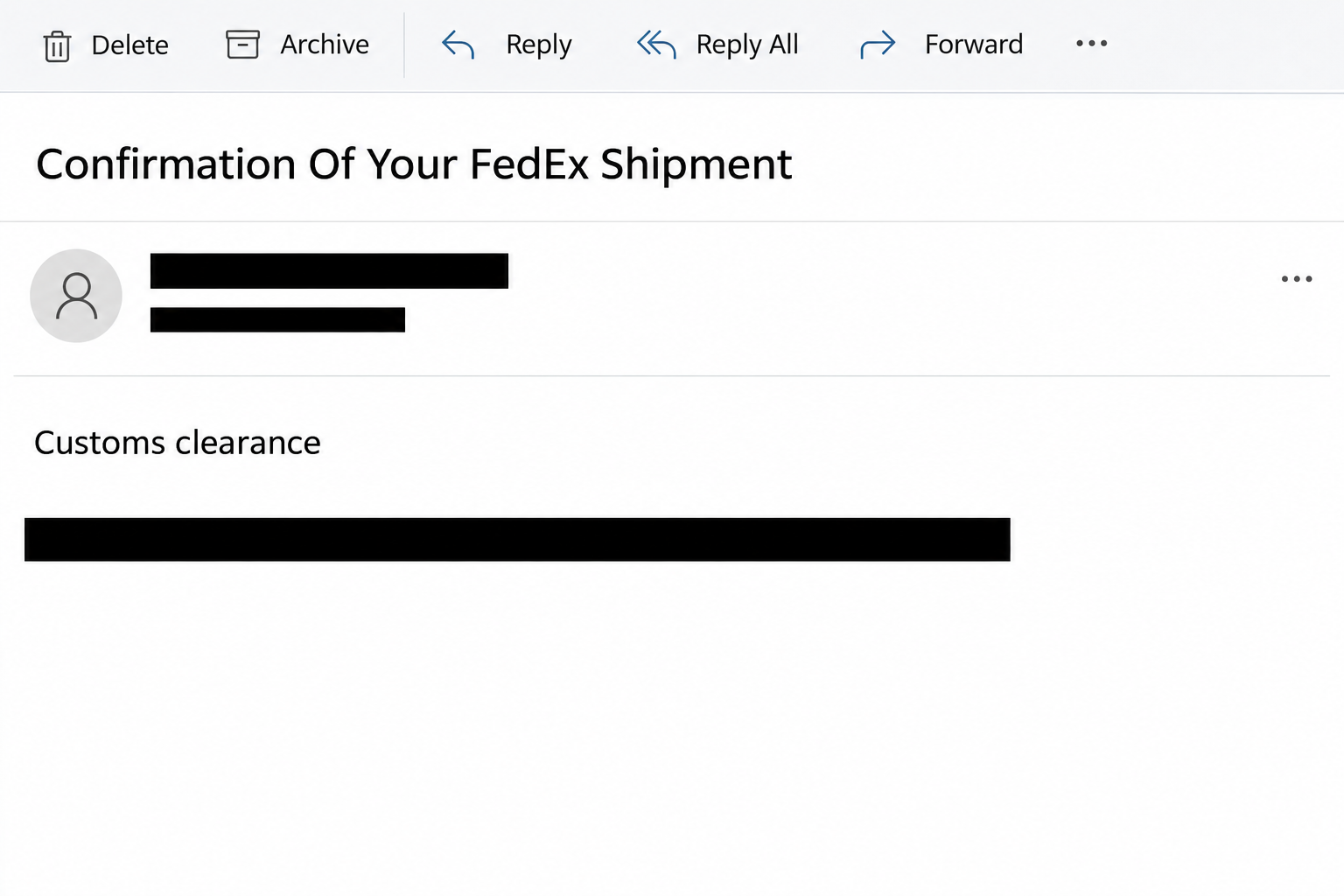
The image above recreates a small part of the message without the contact block or action. It is not a screenshot of a FedEx account or proof of a shipment.
The destination doesn’t ask you about customs
The reported button opened a page on a Wix-hosted address. The page was not a FedEx tracking tool, a carrier account page, or a copy of customs paperwork.
It showed a form asking for a webmail address and password. The form included a cPanelID sign-in option, borrowing the appearance of hosting control panel software.
The legitimate companies whose names or services appear here are not the scam. A hosted page can misuse a provider’s infrastructure, and a page can imitate a familiar login.
Putting a FedEx notice ahead of the form gives it a story. Once you reach the form, the story and the requested action no longer match.
An international shipment may need genuine documentation. That possibility doesn’t give an unsolicited page a reason to collect the password to your mailbox.
This is a mailbox phishing case, not the ISO download case
Several fraudulent FedEx messages use customs language. In some other campaigns, the route leads to a file designed to get a recipient to run something.
Here, the documented route leads to a fake sign-in. No attachment, script execution, or specific malware family was established as part of this sample.
That difference determines the first thing to protect. Start with the mailbox if you entered its password, and involve device security if something actually downloaded and ran.
When comparing this notice with a delivery you expect, look for a few independent facts:
- Which merchant or person sent the order, and is that information in an existing order record?
- What tracking number does the seller provide through a channel you already used?
- Does the shipment’s status in FedEx’s official tracking service mention a clearance issue?
- Does the apparent paperwork ask for ordinary shipment information, or for access to an unrelated account?
- Can a verified carrier representative explain the issue without referring you back to the email link?
How The Scam Works
Step 1: A shipping problem arrives just when it seems plausible
Someone ordering from abroad already expects customs to be involved. An office receiving stock or returns may not know who placed each order, which leaves room for a guess.
The notice takes advantage of that gap. It suggests that a person on the receiving end has one small job to do before a carrier can do its own work.
The opening is deliberately broad. It doesn’t have to identify a real parcel if the reader can supply a likely one from memory.
Before acting on that feeling, look up the order where you made it. A plausible match in your head is different from a match in the carrier’s records.
This also helps for gifts and third-party shipments. Ask the person or merchant you know for the tracking number rather than disclosing information to prove the package is yours.
Step 2: The signature turns a generic email into a believable request
A department name and a named representative give the note a human ending. They suggest that somebody knows about the parcel and has already taken responsibility for it.
You don’t have to decide whether that person exists. You need to know whether the contact route belongs to the carrier and whether the carrier recognizes the request.
Don’t call the number printed in the email to check its authenticity. If it isn’t independently verified, a person answering in a professional way wouldn’t settle the question.
Likewise, seeing an official-looking email address in a signature doesn’t authenticate the mail. Text in a footer can be copied without controlling the address it displays.
Step 3: The clearance button leaves the carrier’s workflow
The button sounds like it will reveal the forms next. It doesn’t say it will open a webmail sign-in page because that would make the mismatch harder to ignore.
The reported destination used a hosted website. A hosting company’s name in the address may be genuine while the individual page on its platform is abusive.
Some readers see only the page title on a small screen. Others recognize the design and move straight to the fields without looking at who is asking.
Use the sign-in mismatch as a stop signal even if you’re unsure how to read the address. Your inbox password doesn’t identify an air waybill or release a parcel.
You do not have to return to the page to collect proof. Your security team can use the original message to investigate without asking anyone to submit credentials.
Step 4: A webmail prompt asks for a real password
The fake form trades on a familiar habit: signing in again to open something private. The cPanelID option reinforces that impression for people accustomed to hosted mail.
A label can’t determine which account you are actually signing into. The page operator can receive the details even if the browser never opens your real inbox.
That makes a failed login ambiguous. It may look as though your password was rejected even though the password has already been sent to the wrong party.
If you receive a code or an approval prompt, don’t complete it. The observed form already sought credentials, whether or not anything followed.
If your browser filled a username or password and you aren’t sure what was transmitted, tell support about the autofill. Do not revisit the site to reproduce the behavior.
Step 5: A stolen mailbox can be worth more than a shipping account
Email is often where password resets and order receipts land. Someone who gets into a mailbox may gain information that helps them impersonate you somewhere else.
For a company that imports goods, the exposed history can include supplier correspondence, invoices, and shipping schedules. An intruder could use that information in a separate fraud attempt.
There is no evidence that every recipient suffered those outcomes. The point of checking sessions and mailbox rules is to find out what happened, not to assume the worst.
Someone on a shared inbox might only see one mailbox in their email client. The password they supplied could belong to a named work account with wider access.
Tell the administrator which credential you entered. “I clicked a FedEx link” alone doesn’t say whether a personal password, shared mailbox, or hosting login was exposed.
What to Do if You Have Fallen Victim to This Scam
-
Keep the order check separate from the email. Close the suspicious page and find the tracking number in your merchant account, order confirmation, or known shipping records.
Use the carrier’s official website or app to check it. An actual clearance problem can still be handled through a verified support route.
-
If you only received or viewed the message, report it as phishing. At work, use the reporting button or procedure your security team provides.
For a personal account, follow the FedEx fraud reporting instructions. Do not use the purported representative’s number or ask the sender for another link.
-
If you entered an email password, change it in the real provider’s service. For hosted business email, ask the person who manages your domain or mailbox to assist.
Replace the same password anywhere else you used it. If you entered a separate hosting control panel credential, secure that account as well.
Give the administrator the event time and the kind of login you supplied, not the password. If you approved an unexpected prompt, mention that immediately.
-
Review access that a password reset may not remove. Check signed-in sessions, recovery settings, connected apps, and unfamiliar mail forwarding or filter rules.
Microsoft’s guide to recovering a hacked account is for personal Microsoft accounts. Business tenants and other services have their own administrative options.
If you’re already locked out, use a known help channel instead of trusting a new recovery offer. Ask support to investigate activity, not just send a reset link.
-
Check recent shipping and payment communications. Look for unexpected outbound messages, strange replies, or changes to supplier instructions that appeared after the suspected access.
Call any affected supplier on a previously known number if payment details changed. Don’t use a phone number provided in a fresh reply from the possibly affected mailbox.
If a payment actually went out, contact the bank or payment provider promptly. Note which transaction it was and preserve the original correspondence privately.
-
Tell IT if you opened a separate download or installed anything. An unexpected file or remote-access request is additional evidence and should be handled as a device incident.
Report what ran and when without opening the same file again. Scanning a device cannot by itself remove a stranger’s access to a mailbox reached with a stolen password.
-
Save a brief incident timeline. Note when the email arrived, when you opened the page, what account you entered, and any unfamiliar activity you found.
Keep your original message available for support. Remove shipping records, customer identifiers, and any secrets before posting a warning publicly.
How to Check a Real FedEx Customs Hold
Start from an order record you recognize
Use a confirmation you already have, your retailer account, or the shipping record in your company’s order system. One of those should identify the package more clearly than this email.
If you can’t find a tracking number there, ask the sender through an established channel. You don’t need to open the suspicious document button to find out who shipped something.
For a work order, ask the shipping team to handle the request. Make sure everyone refers to the same order record and verified carrier contact.
Compare the country, timing, and recipient details when the official tracking record is available. A real tracking number copied into an email would still not authenticate an unrelated link.
Keep paperwork and account recovery in different places
If a verified FedEx representative confirms a need for documentation, ask how to provide it safely through the correct regional channel. Use the instructions they give you independently.
If the surprise page wanted a mailbox password, handle that incident through your mail provider. Even a real customs hold doesn’t affect who should receive your email sign-in information.
Businesses can make this easier with a shared rule. Compare new shipping requests against existing order records, and require independent verification before accepting changes to a payment or delivery process.
That check costs less time than restoring a compromised shared inbox. It also lets genuine packages keep moving without handing control of the request to whoever sent the original email.
Frequently Asked Questions
Is “Confirmation Of Your FedEx Shipment” always a phishing subject?
No subject is conclusive by itself. The documented version pairs the clearance request with an unrelated webmail form. Resolve any real shipment question through FedEx independently.
Does FedEx need my webmail or cPanel password to clear a shipment?
No. Account credentials for your email or website hosting are not shipping paperwork. A request for them is a reason to stop at once.
Is a website on the Wix platform automatically dangerous?
No. Wix is a legitimate hosting platform. This case concerns one reported deceptive page, not every site that uses the provider.
Did the email contain a malware installer?
The documented route was a link to a fake sign-in form. Don’t infer an installation from the email alone. Investigate separately if your interaction involved an unexpected file.
What if I supplied my work email address without its password?
Tell your security team if required and watch for follow-up messages. Sharing an address is not the same as disclosing a password or confirming an authentication request.
Who should I call if the package really is delayed?
Use the official FedEx contact route for the shipment or ask your known merchant. Ignore contact details repeated in the notice you’re trying to verify.
The Bottom Line
The clearance email borrows a real shipping process to steer you into an unrelated mailbox login. No genuine parcel depends on giving that page your password.
Find your shipment independently. If you already gave the page a credential, secure that account and check who still has access.

Join the discussion
0 commentsShare your experience or ask a question about this article.
Community experiences
Did this happen to you?
Your experience could help someone recognize the same scam. Submit a private report for our team to review.
I experienced this tooReports are reviewed before publication. Sharing publicly is always your choice.
Discussion
Start the conversation
Have a question or something useful to share? Add the first comment.