


You want Gemini to remember a conversation without using the conversation to train models. Older instructions send you to Keep Activity, where those two choices were tied together.
Google announced new controls that split the decisions. Before changing anything, check which version your account actually has and what Google still retains after you turn a setting off.
Overview
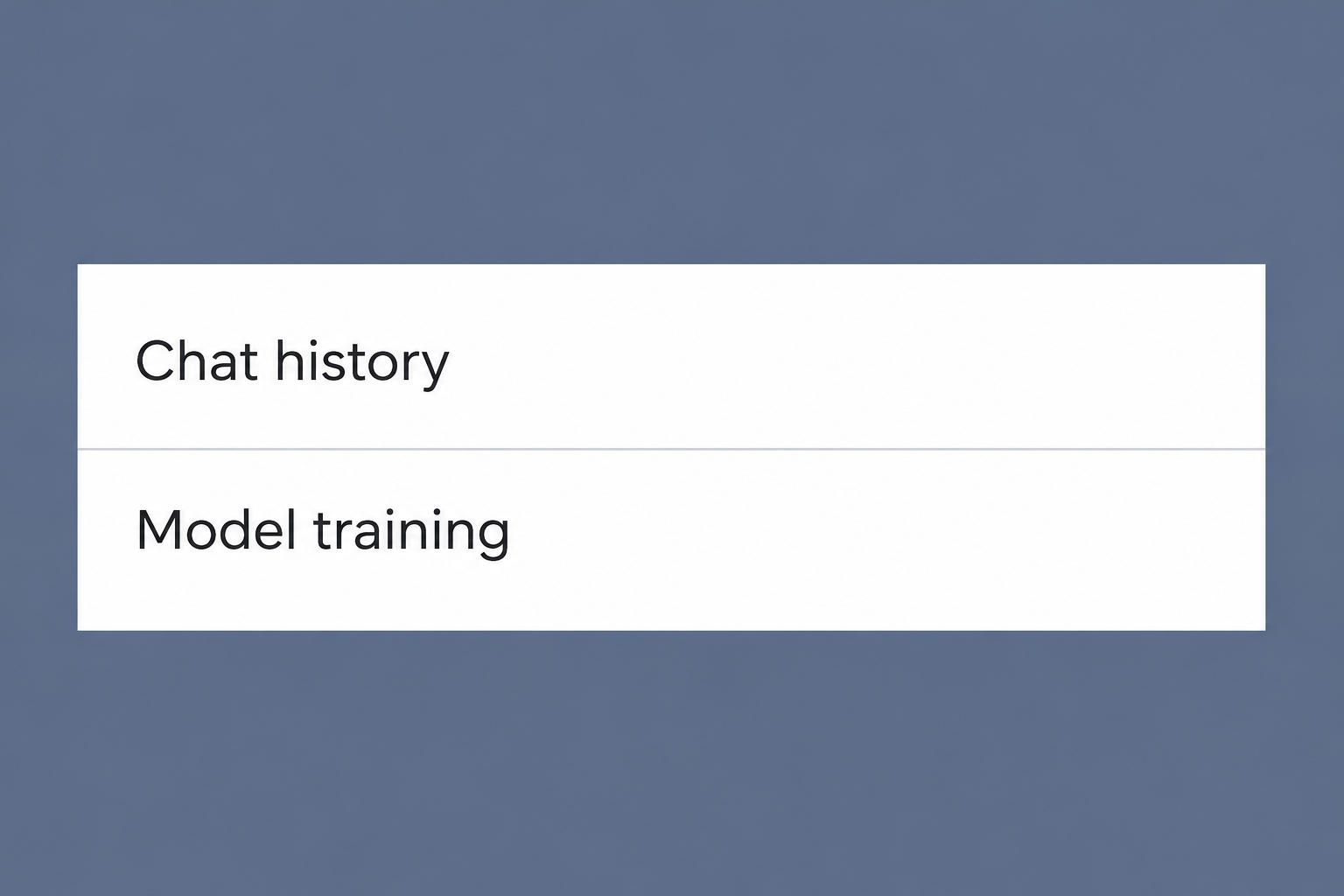
New controls separate history from model training
Google announced the Gemini change on November 16, 2026. It says the updated app can keep a visible chat history while you opt out of generative AI model training.
Retention changes with the version you see
Google describes around two months of storage for future chats when the new History setting is off. Older Keep Activity instructions describe a different period; do not apply them interchangeably.
Decide what you want to change
- For a usable history without training, check for the new separate controls before turning history off.
- For unwanted conversations already saved, review and delete those conversations using the appropriate history settings.
- Treat Temporary Chat as a separate choice, not a promise that your messages never reach or stay with Google.
Identify which Gemini controls you have
If your settings show History and a separate improvement control
The new design splits one preference into two decisions. Keeping the history you can revisit does not have to mean letting Google train generative AI on the chat content.
You can first decide whether continuing a conversation later is useful. Then choose whether to allow model improvement under the separate setting described by your account.
If you manage multiple Google accounts, verify which one the app shows. A change to a personal account does not change a workspace or school account.
The announcement says the new controls will roll out globally over the coming weeks. Do not assume a slider shown in an article is already available in your own interface.
If you want to keep a draft conversation, check the retention choice as well as the on/off state.
The right setting for training does not establish how long visible history remains.
If you still see Keep Activity
The previous system uses Keep Activity. Under that system the familiar training opt-out involves turning off activity, which also affects whether you retain an ordinary history for new conversations.
The Gemini Apps Privacy Hub explains how Google handles content. Match the instructions and retention wording to the control that appears in your own Gemini account.
Older guidance for Keep Activity describes retaining chats for up to 72 hours in certain cases when activity is off.
That figure is not a guarantee for the new History setup.
If you cannot find two options, do not assume the second choice is hidden behind a third-party extension or another company’s consent form. Check Google’s release and in-app notice.
You can wait for the updated controls if you only need them for convenience.
If the material is sensitive, keep it out of the app while the relevant settings are unclear.
If you use an employer or school account
The consumer Gemini rollout is not a policy statement for every organizational Google account. Retention and access can depend on which service and account your organization provides.
Confirm whether you are in the personal or managed account before reading any notice. A familiar-looking interface can sit on top of a different work policy.
Do not copy work files into a personal account to find a setting you prefer. Use the approved tools and ask the administrator what policy applies before sending sensitive material.
Separate four things that get called privacy
History is the record you can revisit
A visible list of prior chats lets you reopen a conversation. Its existence does not by itself tell you whether the conversation is eligible for model training.
Google’s announcement says you can still change how long the updated history is saved and review or delete chats manually. Look at those controls when managing old conversations.
Turning off future visible history is not the same as deleting chats already stored.
If you want a specific conversation removed, look for its actual entry and take the corresponding action.
Be careful with a bulk history deletion if you rely on a separate conversation. Keep only material you are allowed and actually want to retain, using an appropriate storage location.
Opting out of training is not deletion
The separate control is useful if your concern is how eligible chat content is used for generative AI training going forward.
It is not a way to unsend every old prompt.
Do not infer from a changed toggle that content previously reviewed or used is retrievable or removed from a model.
Google’s privacy notice describes different handling and periods for some retained data.
For a sensitive conversation, note whether the concern is about what you already submitted or what you might submit next time. That distinction tells you which controls are relevant.
You do not need to switch off a useful history merely to stop future training once your account has the independent control.
Read the actual choices instead of following outdated screenshots.
Shorter history does not mean zero retention
For accounts on the updated controls, Google describes keeping future chats for around two months when History is off. The stated purposes include responding, processing feedback, and protecting users.
Newer Privacy Hub text describes Temporary Chats and History-off chats under the updated retention terms.
Do not carry the old 72-hour description into the new setup solely because the mode sounds similar.
A temporary chat is intended not to appear in ordinary history or be used for model training. This does not turn the chat service into an offline notepad.
If Google needs to respond to a prompt, the content still has to be processed. Screenshots, downloaded responses, and file copies can also survive independently of the chat interface.
Feedback has its own consequences
When you send feedback about an answer, Google describes handling the associated conversation and related data under specific rules. Verify those rules before sending feedback on something sensitive.
Avoid sending the same private content again in a feedback comment simply to ask Google to remove it. Use the account’s actual deletion or privacy controls instead.
Human review is not the same as generative AI training. A setting restricting training does not establish that no person could ever review content for safety or feedback.
Check what happens outside the conversation
Connected apps have their own copies
If you use Gemini to interact with another service, the result might include a saved note, document, or action in that service. Gemini history deletion does not reverse that operation.
Open the destination directly if you need to check what was saved. Read its sharing and deletion controls separately rather than assuming the assistant can undo the effect.
Review which apps are connected if you originally granted access for a task you no longer need. Changing connected access and deleting earlier conversation records are different actions.
Data you share outside the chat persists separately
A document you export from Gemini can remain in a downloads folder or cloud account. A copied answer may also remain in a message you sent to someone else.
Check the sharing controls for any link you deliberately created. A privacy option for future chats does not tell you what already happened to material shared earlier.
If you accidentally pasted a password or other secret, do not rely on a chat deletion to secure the account. Change or revoke the affected credential through its actual provider.
Everyday choices under the new controls
You want to keep a long project thread
Keep the conversational record if it is useful, then review whether the separate training preference is off. Also check the history auto-delete options so the thread lasts as intended.
The privacy notice says settings limiting generative AI training do not control processing to create anonymized data to improve Google services. This is narrower than a general ban on processing.
Think about what you put into a project thread. A draft that contains client names, attachments, pricing, and background information can be more sensitive than any one prompt.
If you share the thread link or copy its contents to a document, check that second destination. The link’s sharing policy is independent of model training.
You already submitted a private attachment
Open the particular conversation in the correct account and review what you uploaded. If you want to delete it, follow Google’s history controls for that record.
Check whether you also chose a connected application or stored a copy elsewhere. Removing the visible conversation does not delete a document you created or transferred outside that conversation.
If the file contained a live credential, revoke it through the system that issued it. If it contained another person’s confidential information, follow your organization’s reporting requirements where applicable.
Do not submit a full copy in a feedback form merely to identify what you want removed. Refer to the existing entry and use the appropriate deletion route instead.
You send feedback even though history is off
Check what the feedback includes before sending it. Google describes relevant conversation context, attachments, and related data as possible parts of that separate flow.
Its newer Privacy Hub describes retaining reviewed feedback and associated data for up to three years after separating it from your account. That is not the ordinary History-off chat period.
If all you want to do is report a misleading answer, use an example that does not contain sensitive client or household information. Do not repeat an unnecessary private detail.
You used another Google app alongside Gemini
A work item, note, or search in another Google service may have a separate activity setting and deletion process. Review the service where the record actually resides.
Turning off future Gemini history may change available personalization and connections. Read the prompts about an individual feature before assuming the configuration leaves every tool working as before.
If you only need occasional drafting assistance, start with a minimal example instead of granting broad access to an inbox or cloud folder. Match what you share to the task.
What to Do Before Using Gemini for a Sensitive Task
- Confirm the account and check whether the controls say Keep Activity or offer separate History and model training settings.
- Decide if you need a visible record, then set the available training and history options according to the current notice for that account.
- Review existing history separately, and delete specific conversations if that is your intent rather than assuming a toggle has changed the past.
- Check connected services, shared links, and files separately after any action you asked Gemini to take outside the conversation.
- Leave unnecessary private data out of a prompt, and use an approved workflow if the material is confidential, financial, or covered by an organization’s rules.
Try the interface with an ordinary, non-sensitive question if you need to understand where a new conversation appears. Never use private records as a test of a preference.
Frequently Asked Questions
Can I keep Gemini history and turn off training?
When the new controls reach your account, Google says you can keep history while opting out of generative AI training. Check the exact options you see.
If you only see Keep Activity, consult the notice for that version. The newer choice should not be assumed simply because a release announcement is public.
Does turning History off delete previous chats?
Turning off future history is a separate action from deleting existing conversations. Review the history you already have and use the account’s deletion options where needed.
That deletion also does not withdraw copies you saved or sent elsewhere. Check connected services and other versions independently.
Does History off mean Google stores nothing?
Under the updated control Google says future chats are kept for around two months for specified purposes. Older Keep Activity documentation gives a different retention period.
Read the terms that match your account’s version instead of using the shorter period as a universal promise. A chat can be unavailable in history and still retained.
Does Temporary Chat training work the same way as normal chat?
Google says Temporary Chats are not used to train its AI models. Its privacy guidance still describes retention even when a conversation does not appear in history.
Check that you are actually in a temporary conversation before using it. It is not suitable as a substitute for an approved confidential storage or processing tool.
Does opting out prevent every type of human review?
Training and review serve different purposes. Google says it can still process conversations for responding and safety, and it separately describes handling feedback and reviewing certain data.
Before giving feedback, look at what will be included. If the concern is removal, don’t paste sensitive material again in the feedback box.
Can I apply these steps to every Gemini product?
This guide concerns the consumer Gemini app controls. Do not assume that an employer’s workspace, another Gemini product, or software using a separate API has identical settings.
Check the product, account, and applicable guidance before sending files. Use your organization’s settings and support for managed accounts.
The Bottom Line
If the new controls are available and you want history without training, keep the history option you need and separately turn off generative model training.
If you already shared something sensitive, review old chats and any connected service on their own. No History or Temporary Chat setting makes an exposed credential safe again.

Join the discussion
0 commentsShare your experience or ask a question about this article.
Community experiences
Did this happen to you?
Your experience could help someone recognize the same scam. Submit a private report for our team to review.
I experienced this tooReports are reviewed before publication. Sharing publicly is always your choice.
Discussion
Start the conversation
Have a question or something useful to share? Add the first comment.