


Everybody wants to be the friend who finds the good stuff first. A page promising a secret map of Leonida sounds like exactly the kind of thing you’d send around.
This one even gives the download a proper name. It’s worth looking at where that name leads before you do anything to get the file.
Overview
It’s a map offer, not an offer for the game
The pitch is for a “Secret Leonida Map,” with references to secrets, collectibles and vehicles in GTA 6. It promises help exploring the game, not a copy of it.
You can spot a fake preorder and still be tempted by a little map download. It looks like something a fellow player could have made.
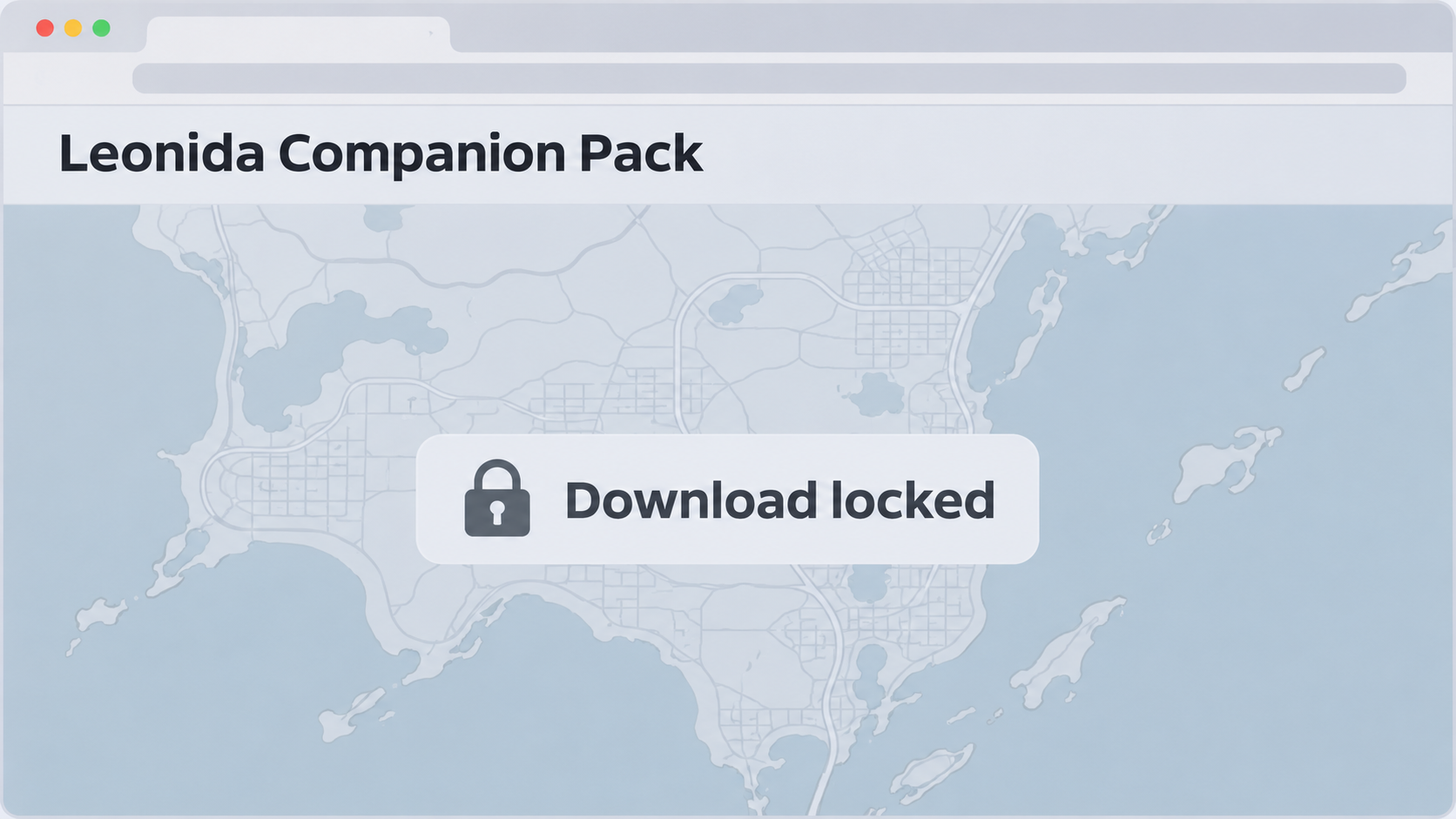
Malwarebytes documented the route in its GTA 6 scam research. The link took researchers to a file-sharing page naming a GTA 6 Leonida Companion Pack.
The last page asks for something else
The apparent download sat behind an offer wall. That’s a screen that asks you to complete an unrelated action before it will supposedly give you the thing you came for.
The researchers saw no available offers in their region. Their report doesn’t show a working map download from that route, a successful offer or an infection caused by that file.
The listing also showed a December 19, 2026 upload date when they looked in November. That’s another reason not to take the file page’s details at face value.
What you should take from this particular case
- The offer used a named map and companion pack to get people to a separate page.
- The supposed download was conditional on completing an offer, not immediately available.
- There is no verified file from this route to call safe, malicious or useful.
- This is not a warning against all fan maps or against Rockstar’s game.
It’s reasonable to leave a misleading download gate without settling the question of whether a file exists. What matters is that the page hasn’t earned a survey, installation or payment.
How the GTA 6 Secret Leonida Map Trap Works
Step 1: A useful-sounding map gives you a reason to look
Most people searching for a map want something specific. They might want the location of a vehicle, a collectible they missed or a route through Leonida.
The pitch takes advantage of that specific need. A map that offers shortcuts sounds smaller and more plausible than a page promising to give away the entire game.
Calling the map secret adds another reason to look. It suggests you’re getting information that ordinary guides don’t have, without providing much you can check from the page itself.
Step 2: A file name makes the promise look concrete
When you reach a hosting page, you aren’t just looking at a claim about a map anymore. There’s a name that sounds like an actual package assembled for players.
A listing title isn’t a file inspection. It doesn’t show who uploaded the contents, what format they’re in, whether the uploader made them or whether there is a map inside.
That’s also why the future date stands out. The page presents the trappings of a normal upload, but one of the details doesn’t fit the visit Malwarebytes recorded.
Step 3: The download turns into a condition
Only at the gate does it become clear that getting the supposed free file means doing something else first. You aren’t confirming that you want a map anymore.
This screen called for an offer. Across offer-wall schemes, that can mean a survey, registration or app installation. Researchers couldn’t see the specific choices available here.
Even an offer with no immediate charge can waste time or hand an unrelated business your contact details. Treat this as a separate decision from downloading a map.
Step 4: The gate makes quitting feel wasteful
You’ve already searched, clicked and waited for the file page. Doing one more thing can feel easier than starting over, especially if you expect this screen to be the last.
Thinking one more step will do it keeps you there. An offer may benefit the operator without proving that you’ll receive a map or anything worth opening.
Don’t try another region, work through a second offer or search for a mirror with the same name. Start over with a guide whose map you can actually see.
How to Tell a Useful Fan Map From a Download Gate
Look for information you can inspect
A browser-based fan guide can often answer the question that brought you there without needing to install something. Can you see the map, the legend or examples of marked locations?
Some guides offer files or take donations. Those options aren’t the issue on their own. Look for the person behind the guide and their explanation of what’s on offer.
A file name and a demand to finish an unrelated task tell you nothing about the map’s quality. They give you enough reason to leave the listing alone.
Check whether the action matches what you need
If you want to look at a map, ask why you need a new app, device permission, game-platform login or card number. Those requests shouldn’t be accepted on autopilot.
A simple picture, web map or PDF isn’t the same thing as an installer. If a guide pushes an executable or browser extension with no clear reason, pick another guide.
Don’t assume that a program is safe just because it has the expected title. The displayed title and icon can be chosen by the person distributing it.
Keep official extras separate from community downloads
Start with Rockstar’s GTA VI page for game information. Use your console’s store or the game publisher for official editions, bonuses or other official content.
A community guide doesn’t have to be licensed by Rockstar. It should be clear about being fan-made and give you a way to inspect its work.
Be especially cautious if a page changes what it’s offering halfway through. A collectibles map, access to the game and a software update represent three quite different things.
What to Do If You Followed the Download Link
-
If you stopped at the gate: Close the page without granting notification permission. Don’t complete an offer in the hope of seeing the companion pack.
If a friend sent it, tell them you reached an offer wall, not a verified map. They don’t need the clickable link back to understand your warning.
-
If something downloaded: Don’t open it to find out what it is. Check your browser’s download list, then remove the unwanted file without launching it.
If opening a file installed software or ran a program, treat that as a separate security concern. Use a trusted device to find help for the affected platform.
-
If you installed an app or extension: Remove the unexpected software and review the permissions it was given. Use your device’s built-in controls or trusted security software.
Don’t use a cleaner advertised on the same download page. If you’re seeing ongoing problems or used that device for sensitive sign-ins, get help identifying what was installed.
-
If you supplied a platform password: Open the genuine account settings from a trusted device. Change the password and review signed-in devices and recent purchases.
Also change it on other services if you reused it. If a sign-in approval was accepted, check existing sessions rather than assuming a new password revokes everything.
-
If you signed up for an offer: Find the actual company named in the confirmation, if there is one. Check whether you agreed to a trial or ongoing billing.
Use an independently verified contact route to cancel a chargeable service. Save the agreement and cancellation confirmation, particularly if the offer page and billing name differ.
-
If you see a card charge: Check whether it’s a trial conversion, unfamiliar purchase or payment you didn’t authorize. Ask your card issuer to help promptly.
Tell the issuer exactly where you entered the details and what you remember agreeing to. Don’t pay a later fee to make the original transaction disappear.
Offers, Notifications and Download Prompts Are Different
A browser notification request doesn’t let a site install every app on your device. It can, however, let the site send messages that keep appearing after you’ve left.
If you allowed notifications, remove that site’s permission in your browser settings. Don’t follow one of its later alerts to get back to the same screen.
An email address entered in a survey creates a different problem. You may get more messages, including offers that quote the game or guide to sound relevant.
A trial is different again because it can involve a separate company with separate cancellation terms. Look at your actual receipt and payment statement rather than the map listing.
The best response follows what happened on your device or account. Someone who canceled a download has a different problem from someone who executed a program or approved a payment.
Write down what happened in order if you need help. Describe what each screen asked you to do so someone can distinguish an offer prompt from a device permission.
What to Share With Friends Who Play GTA 6
Describe what the map link actually did. “The Secret Leonida Map sends you to an offer wall” tells people more than a warning that every GTA map is a virus.
Don’t let the warning do the advertising. Leave out a playable link, QR code or instructions to get through the gate. Share a clean description of the pitch instead.
Group admins can remove the download link and keep the discussion open. Players may know a readable guide with the vehicle or collectible locations someone was trying to find.
Bear in mind that a guide shared by a familiar player may not be their work. People pass along promising downloads without following them all the way to the end.
Ask what your friend did before recommending a fix. Turning off browser notifications solves a different problem from securing a platform account or inspecting an installation.
A Quick Way to Check an Unfamiliar Guide
Start with the place you wanted to find. Search for its name and a screenshot, a location description or a video that shows somebody getting there in the game.
Compare that with what the download page offers. If the page won’t show a single location without a survey, it hasn’t given you a reason to trust the rest.
A guide may be out of date, incomplete or simply wrong. That’s a normal risk with unofficial material and a different problem from being directed to a stranger’s installer.
Look for a named author or community that explains how the locations were checked. Keep an eye out for whether other players can confirm a route or correct an error.
Sometimes a friend will say a different link in the group gave them the same map. Ask for the actual location they’ve tested, not another shortcut to a locked file.
You don’t owe a site your game login to verify that you own the game. You don’t need to show a personal account balance just to look up a collectible.
Think how you’d verify a printed map. You’d check its legend and look for familiar landmarks. A screen full of promotional steps doesn’t let you do that.
The fastest safe option is often a visible walkthrough for one location. You can save it and keep playing instead of spending the evening chasing a file page.
Frequently Asked Questions
Is the Secret Leonida Map an official GTA 6 download?
The documented download route wasn’t verified as a Rockstar release. It led to a file-sharing listing with an offer requirement, not an official game page.
Is the GTA 6 Leonida Companion Pack confirmed malware?
The public report didn’t verify the contents of a downloaded file from that route. Avoid the listing because of the misleading gate, not because an untested file was proven malicious.
Will finishing a survey give me the map?
There’s no demonstrated download to rely on. The offer screen doesn’t show that completing a survey will deliver a usable map, so don’t finish one for this listing.
Does an unavailable offer mean I should try another region?
Don’t work around the gate to make it show another offer. The lack of a working download is a reason to leave, not an obstacle you need to fix.
Are all GTA 6 maps made by fans unsafe?
Readable community maps can be useful. You’re looking for a guide you can see and evaluate, not a mystery file that asks for unrelated tasks first.
Should I change my password for opening the listing?
Opening a listing doesn’t show that a password was shared. Secure the affected account if you entered a login, approved a sign-in or saw unexplained activity.
The Bottom Line
Skip the Secret Leonida Map download gate. It asks you to complete an offer before showing a verified map, and there is no good reason to make that trade.
Use a readable map or guide that lets you inspect the information you wanted in the first place. If you went further, respond to the action you actually took.

Join the discussion
0 commentsShare your experience or ask a question about this article.
Community experiences
Did this happen to you?
Your experience could help someone recognize the same scam. Submit a private report for our team to review.
I experienced this tooReports are reviewed before publication. Sharing publicly is always your choice.
Discussion
Start the conversation
Have a question or something useful to share? Add the first comment.