

If you have come across any online shopping site that claims to be associated with Inckwp.co.ltd, you might want to think twice before placing an order. In this review, we will expose the truth behind Inckwp.co.ltd and its scam sites, and how you can protect yourself from falling victim.
What is Inckwp.co.ltd?
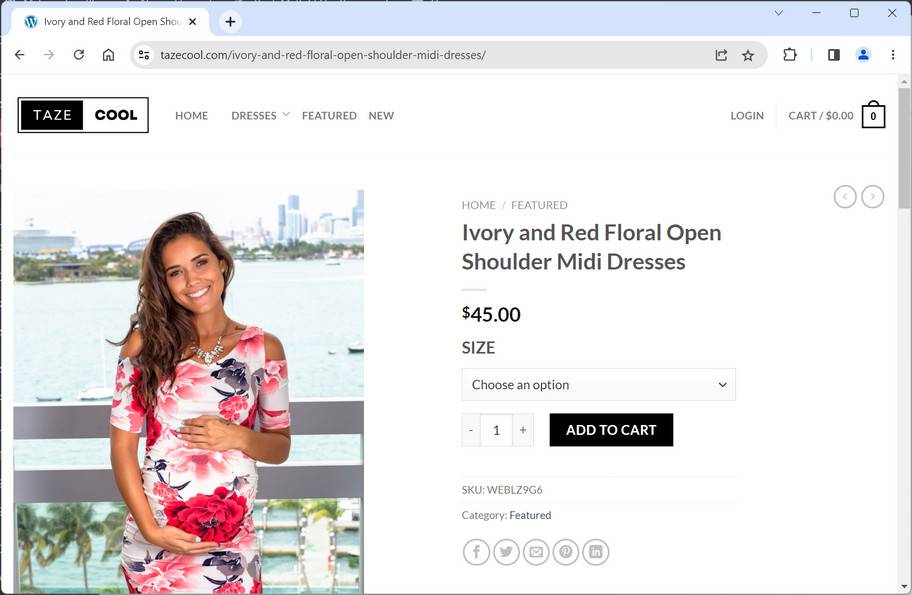
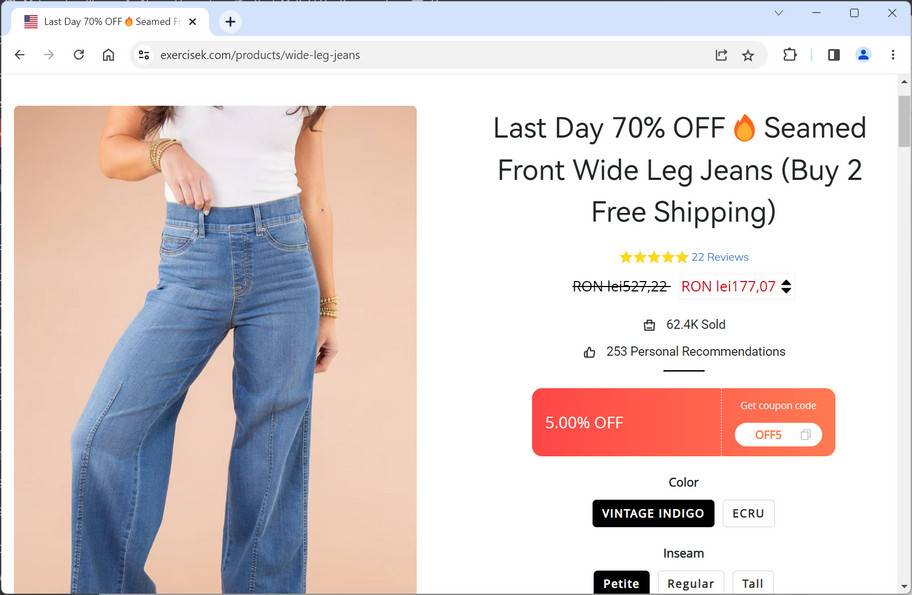
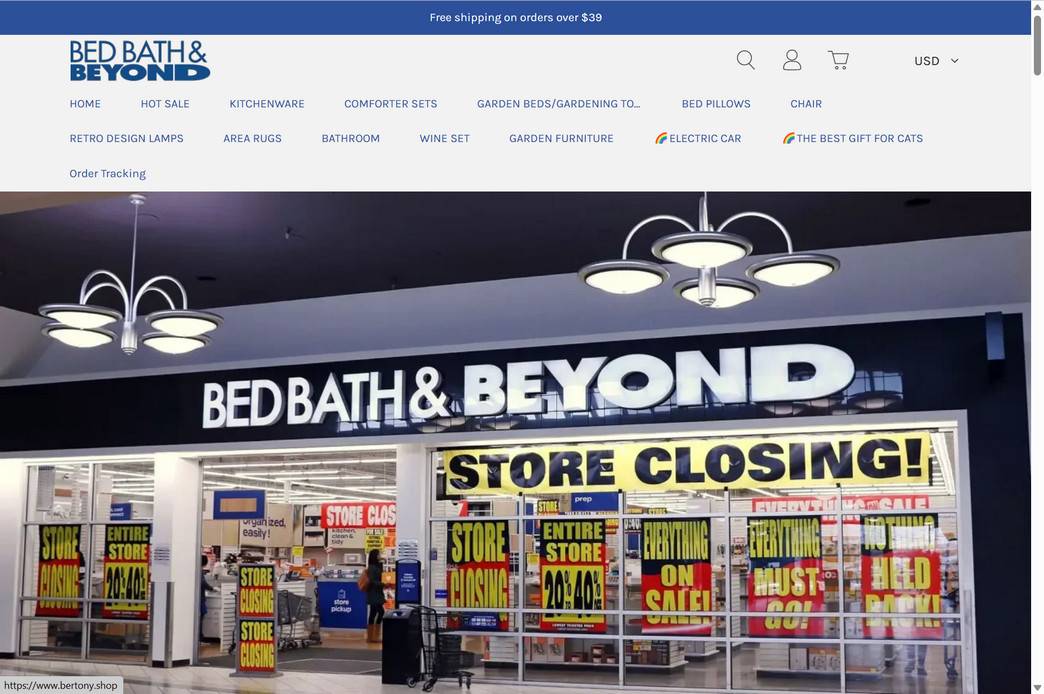
Inckwp.co.ltd is a company that is used by many scam online shopping sites. These sites claim to sell various products, such as clothing, shoes, electronics, toys, and more, at very low prices. However, these sites are not genuine and are only designed to lure unsuspecting customers into paying for products that they will never receive or that are of very poor quality.
Some of the signs that indicate that a site is associated with Inckwp.co.ltd scam are:
- The domain name is very new and has no history or reputation.
- The site has no contact information, such as phone number, address, or email.
- The site has no customer reviews or feedback.
- The site has spelling and grammatical errors or uses poor English.
- The site offers unrealistic discounts or deals that are too good to be true.
- The site asks for payment through unsecure or unusual methods, such as wire transfer, gift cards, or cryptocurrency.
How does the Inckwp.co.ltd scam work?
The Inckwp.co.ltd scam works by creating multiple fake online shopping sites that use the same company name and similar web design. These sites then advertise their products on social media platforms, such as Facebook, Instagram, or TikTok, or through email or text messages. They use attractive images and videos to entice potential customers to visit their sites and place an order.
Once a customer places an order and pays for it, one of the following scenarios may happen:
- The customer receives nothing and the site disappears or becomes inaccessible.
- The customer receives a confirmation email with a fake tracking number that never updates or shows the delivery status.
- The customer receives a product that is different from what was ordered, such as a cheap knock-off, a damaged item, or something completely unrelated.
- The customer receives a product that is of very low quality and does not match the description or images on the site.
- The customer’s personal and financial information is stolen and used for fraudulent purposes.
How to spot the Inckwp.co.ltd scam sites?
There are some signs and red flags that can help you identify the Inckwp.co.ltd scam site and avoid falling for it. Here are some of them:
- The prices are too good to be true. If you see products that are significantly cheaper than the market price or other online stores, you should be suspicious and do some research before buying them.
- The websites have poor grammar and spelling. If you notice many errors or inconsistencies in the language or the content of the websites, you should be wary of their credibility and authenticity.
- The websites have no contact information or customer service. If you cannot find any phone number, email address, physical address, or social media accounts for the company or the website, you should avoid buying from them.
- The websites have no return policy or warranty. If you see no information or guarantees about how to return or exchange your products or get a refund if you are not satisfied with them, you should not trust them.
- The websites have negative reviews or complaints online. If you search for the name of the company or the website on Google or other platforms, and you find many negative feedbacks or warnings from other consumers who have been scammed by them, you should stay away from them.
What to do if you have fallen victim to the Inckwp.co.ltd scam?
If you have fallen victim to the Inckwp.co.ltd scam, you should take the following steps as soon as possible:
- Contact your bank or credit card company and dispute the charge. You may be able to get a refund or cancel the transaction if you act quickly.
- Report the site to the relevant authorities, such as the Federal Trade Commission (FTC), the Better Business Bureau (BBB), or your local consumer protection agency.
- Warn your friends and family about the scam and share your experience on social media platforms or review sites.
- Change your passwords and monitor your accounts for any suspicious activity.
- If you suspect your device might be infected with malware, you can run a free scan with Malwarebytes Free.
Conclusion
Inckwp.co.ltd is a company name that is used by many scam online shopping sites. These sites are not trustworthy and should be avoided at all costs. If you encounter any site that claims to be associated with Inckwp.co.ltd, do not place an order or provide any personal or financial information. Instead, do some research and verify the legitimacy of the site before making any purchase. Remember, if it sounds too good to be true, it probably is.

Reviews & discussion
0 commentsShare a firsthand experience, or ask a question.
Community reviews
inckwp.co.ltd
Moderated reader experiences, not an editorial verdict.
Start the conversation
Have a question or something useful to share? Add the first comment.