

A Kalshi verification code appears in your inbox even though you did not create an account, request a login or change any security setting. The message may be genuine mail triggered by someone else, or it may be a phishing email designed to steal your password and the code itself.
Do not click, reply or share the number simply because the email uses Kalshi branding. Kalshi is a legitimate prediction-market platform, but its name and real verification process can be abused by criminals. The safe response is to treat every unexpected code as an account-security warning and investigate through a route you open yourself.
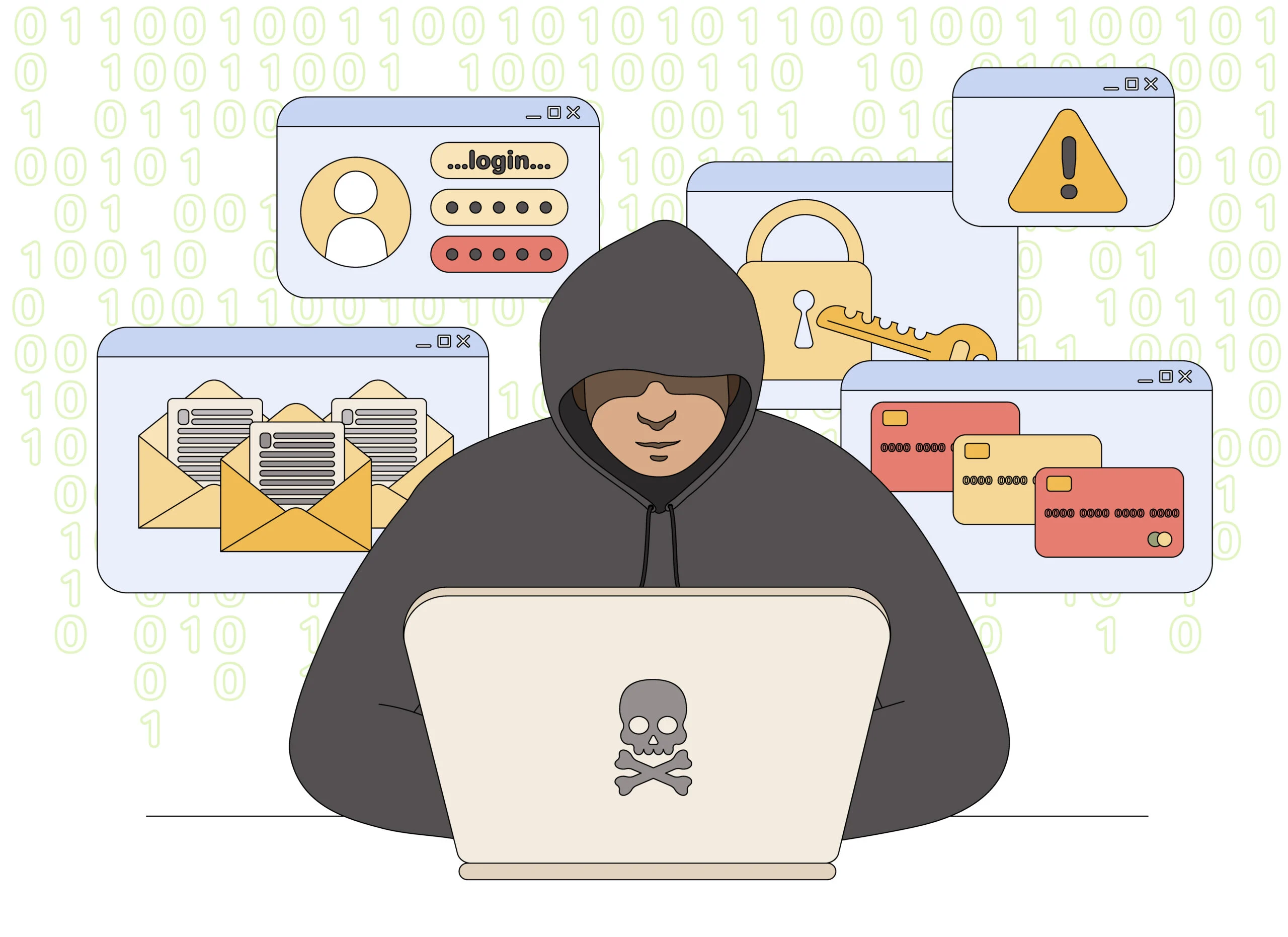
Kalshi Verification Email Scam Overview
An unexpected code does not have only one explanation
Kalshi sends a four-digit code when a user verifies an email address during signup, and email may also be used for account security. If you did not start that action, someone may have typed your address by mistake, deliberately tried to register it or attempted to reach an account connected to it. The message alone does not prove that your mailbox or Kalshi account was breached.
A second possibility is a copied email imitating a Kalshi verification notice. Its button may lead to a lookalike login page, or a follow-up caller may claim the code is needed to cancel a trade or stop a deposit. Asking for the number turns the alert into credential theft.
The code is valuable because it completes an action
A verification number is not a customer-service reference. It proves that the person entering it can read your email or text messages. If a criminal already has a password, payment information or enough identity data to begin an application, the code may be the last barrier preventing access or a security change.
Kalshi states that its employees will not ask for your password or one-time codes and will not ask you to send money or cryptocurrency to verify an account. Anyone who contacts you after the email and asks for the code is running a scam, regardless of the caller ID, display name or details they know about you.
- Real email, unauthorized action: a genuine code was triggered by someone using your email address. Proceed only through kalshi.com.
- Copied phishing email: the message sends you to a fake sign-in form that captures credentials.
- Code-harvesting call: an impersonator asks you to read the number back to cancel a supposed problem.
- Payment escalation: the scammer invents a deposit, trade or compliance issue and demands money to fix it.
Do not assume ignoring the email is enough if you have a Kalshi account or reused its password. Open the official site, review activity and secure the connected mailbox. If you never used Kalshi, avoid the message links and contact official support only if the attempts continue.
Warning Signs of a Fake Kalshi Verification Message
The email tries to turn a code into a conversation
A normal verification email delivers a code for an action the user already understands. It should not create a financial emergency, ask for payment or direct the recipient to disclose the code to another person.
The strongest warning is a mismatch between what you initiated and what the message demands. If you did nothing, slow down and verify the situation without using the email button.
Red Flags at a Glance
- You did not request anything. No signup, login, password reset or account change was started by you.
- The sender address is only similar. Extra words, misspellings or an unrelated domain appear after the display name.
- A link demands a full login. The page asks for email, Kalshi or banking credentials before explaining the alert.
- Someone asks for the code. A caller, text sender or social media account claims it must verify or cancel the request.
- Money must be moved. The message says funds or cryptocurrency are needed to protect, unlock or verify an account.
- The threat is immediate. Account closure, legal trouble or unauthorized trades supposedly begin within minutes.
A Genuine Verification Email Can Still Be Part of an Attack
The criminal may trigger the real message
Some account attacks do not begin with a forged email. The criminal enters the victim’s address into a real signup, login-assistance or recovery form. The platform then sends an authentic code from its normal system. A second message or call tells the victim to share that code to stop the request.
Because the first email is genuine, checking the sender address alone does not solve the problem. The decisive question is whether you initiated the action. If not, never provide the code and do not approve any prompt.
- Sender authenticity: tells you who generated the email, not who started the request.
- Code secrecy: prevents an attacker from completing a login or enrollment step.
- Independent access: lets you inspect the account without following a controlled link.
- Email security: matters because account codes and password resets arrive in the same inbox.
A simple typo is possible, but repeated attempts matter
One verification message may result from another person entering the wrong email address. Repeated codes, password-reset notices, login alerts or calls that know about the email suggest deliberate activity rather than a harmless mistake.
Do not reply to the supposed applicant or negotiate with a caller. Repeated attempts should lead to stronger passwords, two-factor authentication and a report through Kalshi’s official support channel.
How the Kalshi Verification Email Scam Works
Step 1: An unexpected verification code creates uncertainty
The recipient receives a Kalshi-branded email containing a short code or a button to verify an address. They may never have used the platform.
The unfamiliar financial name makes the recipient worry that an account, trade or deposit was created in their identity.
Step 2: The victim is pushed toward the email link
A phishing version says the request must be cancelled immediately and provides a sign-in or dispute button. The visible destination may resemble Kalshi while opening an unrelated domain.
The page collects the email address and a password before displaying a convincing account dashboard.
Step 3: A real security action may be triggered
After obtaining a password, the attacker starts a login, recovery or registration action that generates a genuine new code.
The second code makes the fake page appear connected to the real platform.
Step 4: An impersonator asks for the number
A caller or chat account claims to be a Kalshi security employee and says the code will close the unauthorized account or reverse the transaction.
In reality, the code approves the action the criminal started.
Step 5: The account or identity profile is completed
The criminal may gain access to an existing account or finish opening one with stolen identity information. Payment methods and personal documents can then be targeted.
The victim may see new login, verification or transaction notifications after the code is used.
Step 6: A payment problem is invented
The impersonator claims that a deposit is pending, a compliance hold exists or money must be transferred to protect the balance.
Requests for cryptocurrency, gift cards or transfers to a supposedly safe wallet are direct fraud attempts.
Step 7: Recovery scammers reuse the incident
After the victim reports concern publicly or contacts a fake support page, another impersonator promises to remove the account or retrieve funds for a fee.
The second scam succeeds because the caller already knows that a Kalshi email reached the victim.
How To Check an Unexpected Kalshi Email Safely
Start with what you did, not what the email claims
Ask whether you initiated a signup, login or security change. If the answer is no, leave the code unused and open Kalshi only by typing kalshi.com or using an app you installed previously.
A Safer Verification Sequence
- Inspect the full sender and destination. A display name and logo are not enough.
- Do not use the embedded button. Open the known official site or app independently.
- Check account activity. Review logins, deposits, withdrawals, trades and security settings.
- Read the complete code message. It should state which action the number authorizes.
- Keep the code private. Do not share it with callers, chats, email replies or social media accounts.
- Contact official support. Use the in-app help route when unauthorized activity appears.
What To Do If You Clicked or Shared the Kalshi Code
Secure both Kalshi and the email account
Stop communicating with the sender and take screenshots of the email, link, website, caller number and any transaction request. Record which passwords, codes, identity details or payment information were entered.
From a clean device, change the Kalshi password and the password for the email account that received the code. Use different, unique passwords and end unfamiliar sessions.
If money, bank details or identity documents were involved, contact the relevant financial institution and Kalshi support immediately. Fast reporting can help restrict activity before more changes are made.
Recovery Checklist
- Sign out of other Kalshi sessions and review two-factor authentication and recovery settings.
- Check deposits, withdrawals, trades and linked payment methods for anything you did not authorize.
- Change reused passwords on every service where the same credentials were accepted.
- Review the email account for forwarding rules, deleted alerts and unfamiliar recovery information.
- Contact the bank or card issuer if payment details or a security approval were disclosed.
- Freeze credit when government identification and enough personal data for identity fraud were shared.
- Report the phishing email to the mailbox provider, the FTC and Kalshi through its official support route.
- Ignore anyone offering to recover a Kalshi balance or close the account for an upfront fee.
Continue watching for linked attacks
A criminal who knows your email address and password may test the same credentials against other financial, shopping and social accounts. Watch for new verification messages and reset notices that you did not initiate.
If you never had a Kalshi account, keep the message as evidence and monitor your email and credit rather than following the link to create a profile. Official support can investigate repeated unauthorized use of the address.
Frequently Asked Questions
Is Kalshi a legitimate company?
Yes. Kalshi is a legitimate platform. The risk comes from phishing messages, unauthorized verification attempts and people impersonating its staff.
Why did I receive a Kalshi code without an account?
Someone may have entered your email by mistake, attempted to register with it or started a phishing sequence. Do not share the code or use the email link.
Will Kalshi support ask me to read back a verification code?
No. Kalshi says its employees will never ask for passwords or one-time codes.
Does an unexpected code mean my email was hacked?
Not by itself. It does mean an action used your address, so repeated attempts or other alerts should be investigated promptly.
The Bottom Line
An unexpected Kalshi verification email is a warning, not a reason to panic or obey the message. It may be a real code triggered by an unauthorized person or a copied phishing email built to steal credentials.
Never share the code, never send money to verify an account and never let an incoming caller control the investigation. Open the official platform yourself, secure the connected email account and report unauthorized activity immediately.

Join the discussion
0 commentsShare your experience or ask a question about this article.
Discussion
Start the conversation
Have a question or something useful to share? Add the first comment.