


A vote about a distribution date sounds like the sort of thing Pendle users might see between routine protocol updates. The page looks familiar enough to deserve a second look.
Before you do anything with your wallet, it helps to know what Pendle actually asks its community to vote on.
Overview
The bonus attached to a vote
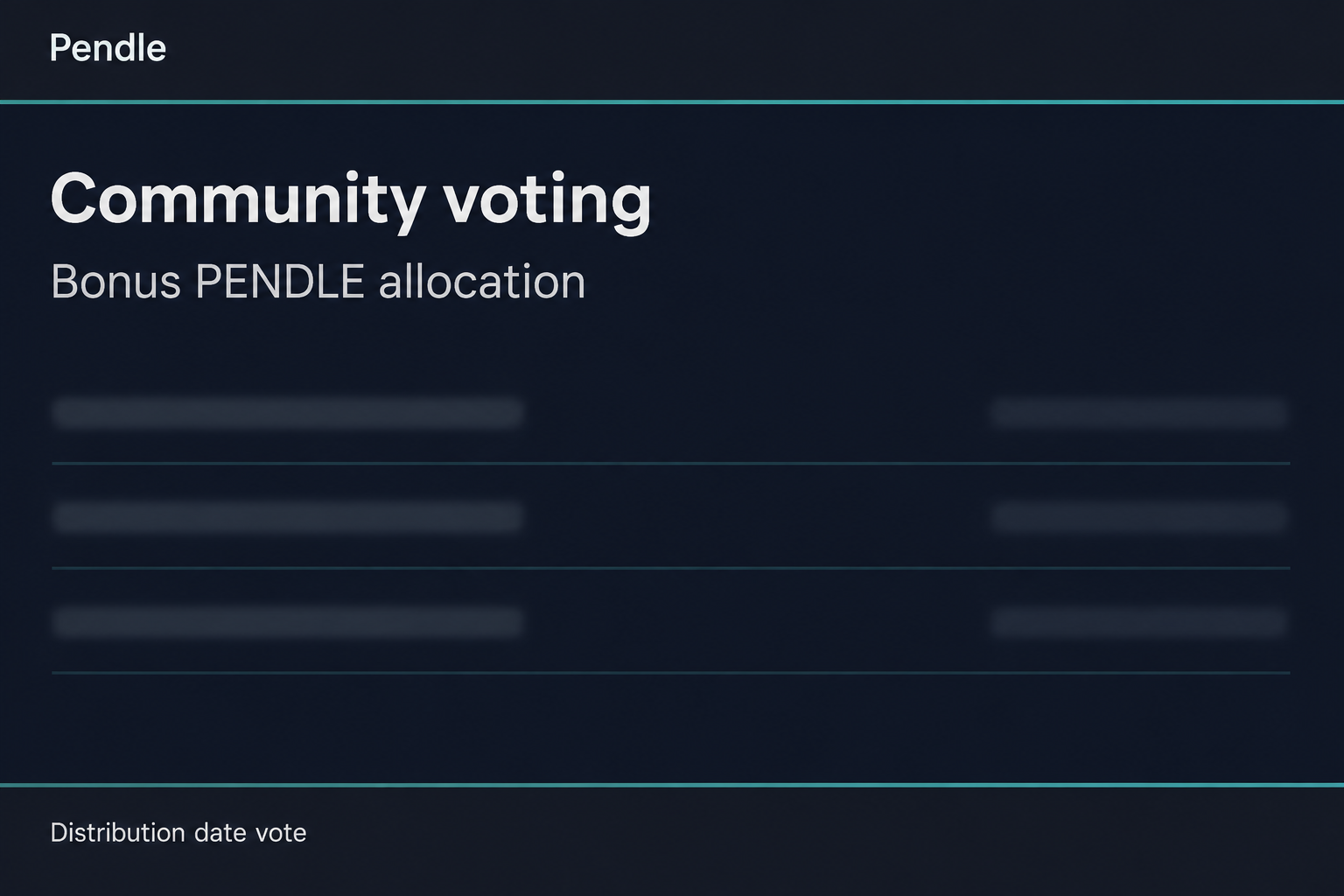
The Pendle Voting Rewards scam advertised a community vote on the date of a PENDLE token distribution. It promised people an extra allocation of tokens for participating.
The reported page was hosted at pendle-governance[.]app, outside Pendle’s official domain. Its dashboard styling and familiar navigation made it look like a part of the actual protocol.
The offer did not say you had won a raffle or ask you to pay for membership. It gave you an apparent reason to take part in governance.
That distinction makes the lure particularly relevant to people who have already used decentralized finance. Their usual experience tells them that a wallet is an ordinary way to identify themselves.
The bogus distribution vote borrows that workflow. Its bonus gives someone who might normally skip protocol announcements a financial reason to look at this one.
Pendle actually has voting and rewards
Pendle is a real protocol built around trading and managing yield. Its governance documentation explains what its voters actually do, whether you hold tokens or not.
Pendle’s sPENDLE documentation describes governance through Pendle Protocol Proposals and explains how participation relates to active status. This is separate from an extra token allocation offered by an unsolicited page.
If you last used vePENDLE, you may remember a different system. Pendle replaced it as its main governance mechanism and documents the transition for older positions.
There is an important difference between a governance proposal and a site advertising a distribution. A proposal can be verified without proving how many tokens you own.
Seeing the new token name does not prove the announcement is current. Anyone can quote a real change in governance and attach it to a proposal that Pendle never made.
Official documentation explains the rules for participation. It does not make a detached landing page genuine just because that page reuses some of the same terms.
What the reported page actually showed
The archived material shows a voting announcement, a bonus promise, and a wallet chooser. It shows the invitation, not what any visitor authorized.
There is no confirmed victim transfer in the material reviewed here. It would be inaccurate to say that every wallet that displayed the chooser, or merely connected, lost funds.
The practical point is to distinguish seeing a request from granting it:
- A voting announcement is a claim to check against the protocol’s own records.
- Connecting ordinarily shares a public address and establishes a site session.
- Signing a message or approving a transaction can authorize activity, depending on what the wallet actually asks you to approve.
- Revealing a recovery phrase exposes control of the wallet, even if no transaction appears immediately.
The name of the wallet you use changes where you check activity. It does not change whether the outside page was entitled to ask for access.
How the Pendle Voting Rewards Scam Works
Step 1: The notice makes an unsolicited vote sound routine
Someone expecting governance updates may already know that proposals can be time sensitive. Announcing that voting is live makes the page feel like something you should review today.
The hook is narrower than a typical free-token promise. You are asked to help decide a distribution date, which gives the reward an explanation and makes it seem earned.
The archived sample did not establish where every visitor came from. You might see versions of this story in a chat, a social post, or an unsolicited message.
Judge the announcement itself, even if it came from someone you recognize. Friends can forward things in good faith before they verify them.
Start by asking for the proposal name or identifier, without opening the link. A real proposal should be something you can find or confirm on the protocol’s own channels.
Step 2: The site looks like part of a platform you have used
The page used a similar dark interface and reused Pendle’s navigation language. Those details rewarded a quick glance, especially from a reader already looking for the voting panel.
Navigation that looks familiar does not establish who runs the site. The reported domain was a separate name, not a Pendle page under the project’s official domain.
On small screens, browser controls can shrink or hide the address as you scroll. That leaves the site’s branding as the most prominent thing on the screen.
Close the page and start from your known Pendle bookmark instead. If you do not already have one, locate the project through independently verified materials before using its app.
Check the proposal’s substance as well as the destination. A promised bonus should be stated in the official proposal or announcement, not inferred from somebody else’s landing page.
Step 3: The wallet chooser makes the next action feel normal
The reported page displayed a selection of wallet providers after the voting prompt. Seeing a familiar wallet there made the next action seem like a routine compatibility choice.
The same wallet can connect to legitimate and deceptive sites. A recognizable wallet logo tells you which application might handle the request, not who is asking it.
Ordinary connection is not the same as approving spending. If you stopped before signing or approving anything, disconnect the site and check your activity for requests you may have overlooked.
A vote page that asks you to restore an existing wallet is not doing routine wallet identification. Never provide a recovery phrase to an outside site to participate.
Step 4: The wording on the site stops mattering once the wallet asks
What counts is the action your wallet presents, not the label on the web page that led there. A request described as a vote can still involve an asset authorization.
A transaction might transfer an asset directly or grant permission to spend certain tokens later. Some signatures can also grant rights without a transfer appearing at the moment you sign.
The archive does not show a signed request. Those examples explain what to watch for, not which contract or signature the page actually used.
If the wallet shows spending permission, a transfer, or an unfamiliar request you cannot explain, reject it. You can always return to a verified proposal later.
Do not press approve just to see what happens on the next screen. Some decisions cannot be taken back once submitted and confirmed.
Step 5: A later wallet change can be the first visible sign
The risk does not necessarily end when you close a tab. A real permission can remain in effect after the connection no longer appears in your wallet’s list of sites.
One person may find that nothing beyond a connection happened. Another may see an unexpected approval or notice a balance change, depending on what they confirmed.
Pay attention to the network as well as the account. Looking at the wrong network or address can make a transaction appear to be missing.
If you find a loss, save the transaction record and address. Do not approve a new request just because a message offers to refund the transfer.
What to Do if You Have Fallen Victim to This Scam
-
Close the page and stop approving requests. Save the message or a screenshot if you can do so without returning to the site or revealing any wallet secrets.
If you remember the approximate time and address you used, note those privately. That gives you a starting point when you review the wallet’s records.
Do not take instructions from a direct message claiming to be protocol support. Open the wallet provider through the app or official help site you already trust.
-
If you only connected, remove the site from your wallet’s connections. Open your wallet’s own settings and check which account and network were active during the visit.
Look separately at signed activity, approvals, and recent transactions if your wallet makes those available. An unfamiliar item deserves examination even if the site is no longer connected.
If you did not approve anything or disclose any secret, do not assume that your recovery phrase was exposed. Your next step depends on the evidence from your wallet.
-
If you signed or approved a request, identify exactly what it did. Use the wallet’s official support and a recognized explorer for the correct network to inspect recorded activity.
Cancel or revoke unfamiliar asset permissions where supported. Do not use a revocation link sent by the site or by a stranger who contacts you afterward.
Some signatures do not leave an immediate transaction record. Ask your provider which permissions are visible and which may require a different protective response for that network.
-
If you exposed a recovery phrase or private key, treat the wallet as compromised. Use a trusted device to create a fresh wallet with completely new recovery information.
Move remaining assets where it is safe to do so. If outgoing transfers keep appearing or you are unsure how to proceed, seek official help before adding gas funds.
See MetaMask’s compromised-wallet guidance for the difference between protecting a new account and continuing to use a wallet whose recovery information is no longer secret.
-
If funds moved, document the transfer and report it. Save transaction hashes, wallet addresses, timestamps, and screenshots without sharing your recovery information with anyone offering assistance.
If an identifiable exchange received the funds, contact it through its published support channel. It may be able to preserve information, but do not count on reversing the transaction.
The FTC’s guide to cryptocurrency scams includes reporting information for U.S. readers. Elsewhere, use your local fraud reporting channel and keep a copy of what you submit.
-
Expect, and ignore, unsolicited offers to recover the funds. An address or transaction hash can be public, so a recovery pitch may quote correct details without coming from your provider.
Do not pay an advance fee, sign another request, or install remote support software for someone who found you through a public fraud report.
If the original message came from a group you trust, share a warning with its moderators without reposting a clickable scam URL or publishing private wallet information.
How to Verify a Pendle Vote Without Using Its Link
Find the project documentation independently and follow its current guidance for the relevant governance system. A saved article about an older vePENDLE vote may no longer describe the current interface.
Look up the stated proposal from the official side. Compare the question, dates, and eligibility against the unsolicited page rather than searching only for a familiar token name.
Take unusual financial incentives seriously enough to verify the details. If the genuine proposal does not describe the bonus, the invitation’s promise has no support from that document.
A friend may send a screenshot after a real vote opens. Compare the proposal itself, since a real vote and a false bonus offer can coexist.
If you use a shared treasury, ask your other signers to verify the same proposal independently. A second person should check the source, not just the screenshot.
If you do not find an exact match, asking official support is enough. There is no need to connect a wallet to discover whether an announcement is real.
Frequently Asked Questions
Is Pendle Finance the scam?
The warning concerns an outside page using Pendle’s visual identity and a distribution vote story. The real protocol publishes separate documentation for its app and governance.
Does casting a Pendle vote give me a bonus allocation?
The documented outside page claimed it would, but that claim is not supported by the official sPENDLE voting rules. Read an official proposal for its actual terms.
Token rewards described elsewhere do not support this offer. An ongoing protocol rewards program differs from a bonus attached to one purported distribution vote.
Is connecting a wallet enough to lose tokens?
A standard connection shares your public address and creates a session; it does not normally give the site permission to spend. Review anything you signed and treat secret disclosure separately.
Does disconnecting the site revoke an approval I already made?
Disconnecting does not revoke recorded asset authorizations. Review those approvals through a trusted service and revoke unfamiliar ones as appropriate.
Can I use the scam domain to check whether the vote is still open?
There is nothing to gain from revisiting it. Use the official project materials to look up voting periods instead of relying on what an outside page shows.
Can Pendle or my wallet provider undo an unauthorized transfer?
Generally, a wallet company cannot reverse a confirmed transaction for you. Gather the evidence anyway, notify any relevant exchange, and avoid paid promises of guaranteed recovery.
The Bottom Line
This fake vote makes a wallet request look like participation in legitimate protocol governance. The bonus is a reason to verify the announcement, not a reason to act faster.
If you only saw the page, leave it. If you approved anything, check the exact action before deciding whether to disconnect, revoke a permission, or protect a compromised wallet.

Join the discussion
0 commentsShare your experience or ask a question about this article.
Community experiences
Did this happen to you?
Your experience could help someone recognize the same scam. Submit a private report for our team to review.
I experienced this tooReports are reviewed before publication. Sharing publicly is always your choice.
Discussion
Start the conversation
Have a question or something useful to share? Add the first comment.