

Spam emails have been a nuisance for internet users for years. From phishing scams to fake lottery winnings, scammers are constantly coming up with new ways to trick unsuspecting individuals. One such type of spam email that has been making the rounds recently is the ‘People Talking About Your Personality’ scam. In this article, we will delve into what these emails are, how the scam works, what to do if you have fallen victim, and provide valuable insights to help you stay safe online.
What are ‘People Talking About Your Personality’ Spam Emails?
‘People Talking About Your Personality’ spam emails are deceptive messages that claim to have information about what others are saying about you. These emails often have intriguing subject lines like “You won’t believe what people are saying about you!” or “Find out what others think of your personality!” The scammers behind these emails prey on people’s curiosity and desire to know what others think of them.
How the Scam Works
The scam starts when you receive an email with a subject line that piques your interest. The email usually contains a link or an attachment that promises to reveal the information about what others are saying about you. However, clicking on the link or opening the attachment can have serious consequences.
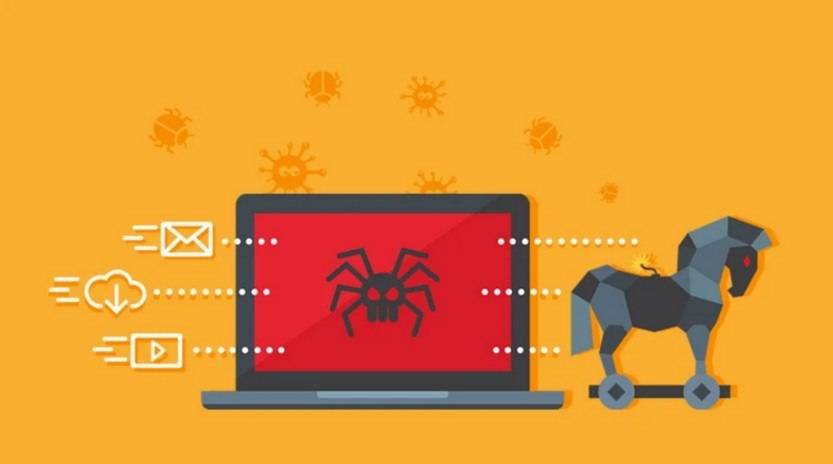
Once you click on the link or open the attachment, you may unknowingly download malware onto your device. This malware can then infect your computer, steal personal information, or even give hackers remote access to your system. In some cases, the link may redirect you to a fake website that asks for your login credentials, leading to identity theft.
What to Do if You Have Fallen Victim
If you have fallen victim to a ‘People Talking About Your Personality’ spam email, it is important to take immediate action to minimize the damage:
- Disconnect from the internet: Unplug your device from the network to prevent further communication with the attacker.
- Scan for viruses or malware: Run a scan with a reliable antivirus software like Malwarebytes Free to detect and remove any malicious software.
- Change your passwords: If you have entered any login credentials on a suspicious website, change your passwords immediately. It is also a good practice to use unique and strong passwords for each online account.
- Monitor your accounts: Keep a close eye on your bank accounts, credit cards, and other online accounts for any suspicious activity. Report any unauthorized transactions to your bank or the respective service provider.
- Be cautious of future emails: Be extra vigilant when opening emails from unknown senders or those with suspicious subject lines. Delete any suspicious emails without clicking on any links or opening attachments.
Protecting Yourself from Spam Emails
While it is impossible to completely eliminate spam emails, there are steps you can take to protect yourself:
- Use a reliable spam filter: Enable a spam filter on your email account to automatically detect and filter out spam emails.
- Be cautious of sharing personal information: Avoid sharing personal information, such as your email address or phone number, on public platforms where scammers can easily access it.
- Keep your software up to date: Regularly update your operating system, antivirus software, and other applications to ensure you have the latest security patches.
- Educate yourself: Stay informed about the latest scams and phishing techniques. Be skeptical of emails that seem too good to be true or contain suspicious links or attachments.
Summary
‘People Talking About Your Personality’ spam emails are a growing concern in the online world. These deceptive emails prey on people’s curiosity and desire to know what others think of them. However, clicking on the links or opening attachments in these emails can lead to malware infections, identity theft, and other serious consequences. If you have fallen victim to such a scam, it is crucial to take immediate action by disconnecting from the internet, scanning for viruses or malware, changing passwords, and monitoring your accounts. To protect yourself from spam emails, use a reliable spam filter, be cautious of sharing personal information, keep your software up to date, and educate yourself about the latest scams. By staying vigilant and taking necessary precautions, you can minimize the risk of falling victim to spam email scams.

Join the discussion
0 commentsShare your experience or ask a question about this article.
Discussion
Start the conversation
Have a question or something useful to share? Add the first comment.