


A page that looks like Pippin says there are tokens to pick up. It even describes the contract as verified, a word that sounds reassuring when the offer is unfamiliar.
Before you open your wallet, ask what that label is actually telling you. The answer matters more than the artwork or the name on the page.
Overview
The giveaway uses a token and a character people already recognize
The Pippin Token Airdrop scam copies the appearance of the Pippin project and promotes a giveaway. The documented version asks visitors to connect a wallet to claim tokens.
The campaign did not have to invent the Pippin name. The legitimate Pippin token page describes the project’s real Solana token and its association with an AI-inspired unicorn.
The counterfeit offer used a different domain, app-pippin[.]trade. Another reported page was hosted at pippinstoken[.]com. Neither name is a reason to visit the site or test a wallet.
An address using the same word can look right at a glance, especially when an app or browser only shows part of it.
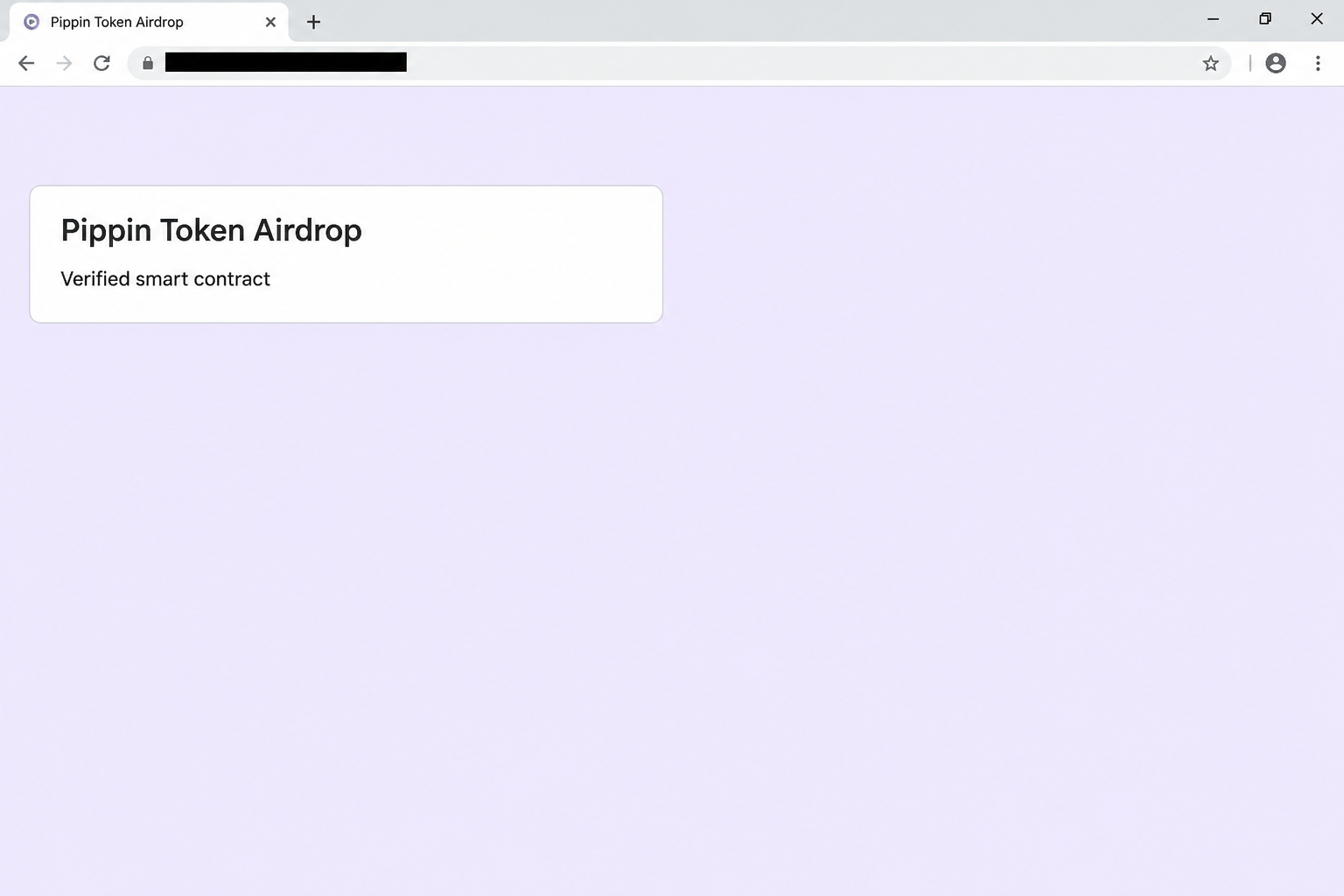
The browser image recreates the airdrop heading and its verification language. It is not a record of an audited contract or an actual wallet request.
A verification label doesn’t certify the action you’re about to take
The lure says the giveaway runs through a verified smart contract. On a page with no established authority to make the offer, that description is just a claim.
Even real contract information answers a narrower question than people often assume. It does not tell you whether a promotion is authorized or whether your next wallet action is safe.
That action might not even concern the program a page names. Read the details shown by the wallet, rather than relying on the website’s label.
The observed sequence is a false claim followed by a wallet connection request. The exact permission or transaction behind it was not independently established.
Match the response to what the wallet actually did
Someone who opened the page and left is in a different situation from someone who approved a transfer. Here are the questions that matter:
- Did you only view the claim page, or did the wallet show that one of your accounts connected?
- Did you approve a separate prompt to sign, give permissions, or submit a transaction?
- Can you identify the affected account and network without relying on the page’s success message?
- Does your wallet history show an unfamiliar outgoing transfer or change you did not intend?
- Did you ever type a recovery phrase or private key into a form? That exposure needs a separate response.
The provider can help interpret those details. You do not need to return to the counterfeit site to inspect something your wallet already recorded.
How the Pippin Token Airdrop Scam Works
Step 1: A recognizable project makes the offer easier to believe
Token communities share announcements often. A page with the same name as a project you follow can seem like another part of that conversation.
If you already hold the token, the fake offer can feel especially relevant. If not, it can give you the impression that there is a free way to get started.
That is why verifying the token alone doesn’t settle the matter. The token can be real while the opportunity inviting you to connect is not.
Look for the publisher’s own announcement, not a second site repeating the link. People sharing it in good faith can still point you to the wrong destination.
Step 2: “Verified” puts the focus on the wrong question
People who have heard about fake tokens may trust a page calling its contract verified. That word is reassuring without telling you what anybody checked.
Ask what has actually been checked and by whom. An unlinked assurance in a browser panel doesn’t identify the publisher, prove the offer exists, or explain any requested permission.
Knowing the real token name is not enough either. Different assets can have the same or similar display names, and a browser page can print any ticker it wants.
Read about the real project before giving a stranger’s site permission to make requests. Looking up the token does not require approving anything in the wallet.
Step 3: The wallet connection makes the page feel official
The reported airdrop page directs visitors to connect before claiming anything. Connecting can look like an ordinary eligibility check because many legitimate apps have a similar first screen.
The wallet app may be genuine while the site asking to connect is an impostor. Seeing the right app open doesn’t verify the publisher that caused the prompt to appear.
A normal connection can let the site recognize a public address and request further actions. That is different from signing authority over tokens or sending an asset.
If a site you don’t recognize appears in a prompt, close it instead of completing the connection for curiosity. There is nothing to prove by giving the page another chance.
Step 4: A claim can turn into an unrelated wallet request
A legitimate-looking claim can appear in the browser while the wallet request concerns other assets. If those descriptions disagree, decline until you can verify the action independently.
Look for changes you did not expect, including an outgoing asset, a new permission, or a program warning. If the wallet can’t explain the action clearly, leave it unapproved.
A warning isn’t the only reason to stop. The absence of a warning never proves that a page represents Pippin or that a request matches the stated giveaway.
If you signed something and still aren’t sure what, stop there. Keep the wallet’s record and seek guidance through its official support rather than asking the claim page.
Step 5: The result is visible in records outside the giveaway
A dashboard that says the claim succeeded is not proof that tokens arrived. Use your normal wallet and, where useful, a trusted explorer for the relevant network.
Check for assets leaving, not just for a missing reward. A person waiting for a token to show up may not notice an unrelated transfer immediately.
The same principle applies when a page reports an error. Match any suspicious movement to a transaction record rather than taking the browser’s explanation as fact.
If the offer later disappears, you can still investigate a recorded signature or transfer. You don’t need another copy of the site to make sense of public activity.
What to Do if You Have Fallen Victim to This Scam
-
Leave the giveaway page and note what happened. Write down the wallet app, account, network, approximate time, and the decisions you remember making.
Save evidence already available without opening another claim page. A useful incident record never needs to contain the recovery words you keep offline.
-
If you only connected, remove that connection in your wallet. Check its connected-app list for the device you used. The desktop and mobile lists may be separate.
Review recent activity for anything unfamiliar. A basic connection isn’t a confirmed transfer, but an open relationship you do not use is worth removing.
-
If you signed a request, ask what it authorized. Start with Phantom’s compromised wallet guidance if you use Phantom, or your own wallet’s support.
Explain whether it was a message signature, a permission, or a transaction. If you’re unsure, give the event time and any safe record the app shows.
Don’t assume a missing transaction hash resolves every risk. What you signed may matter even if it did not immediately move an asset.
-
Review and remove unfamiliar permissions separately. Phantom’s token approval guide explains why disconnecting an app doesn’t automatically revoke what it can spend.
Choose instructions that match your network and wallet. A stale relationship, a token permission, and a completed transfer do not share one universal undo button.
-
If a transfer happened, preserve its public record. Note the network, transaction signature, amount, time, destination, and asset. Check transaction status rather than relying on a screenshot from the offer.
Report it through the appropriate fraud service. If a known custodial platform appears in the route, report the facts to that platform separately without assuming it can recover the funds.
Don’t send money to anyone who claims they can cancel a confirmed transfer. An unsolicited recovery offer can create a second loss.
-
If you gave away a phrase or key, treat the wallet as compromised. Follow the official provider’s instructions for securing any remaining assets using a fresh wallet.
Resetting the app or importing the same words elsewhere does not replace the exposed secret. Stop sending new deposits to an address controlled by that secret.
-
Correct any recommendation you passed on. Tell others that the link was not tied to an authorized Pippin giveaway. Give them the project’s genuine information page instead.
If someone else approved something, ask them to use their own wallet records. The interaction on your account doesn’t establish what happened in theirs.
Check the Project, the Promotion, and the Wallet Separately
Start with the project’s own public information
The legitimate token page can help you identify the project’s published token information. It does not automatically authenticate every giveaway posted beside a familiar image.
Check whether the project announced the exact event, with terms you can read before connecting. Compare the destination it points to, not just its use of the Pippin name.
An old social post or forwarded screenshot can mention a real topic and still contain an added address. Find the original and confirm when it was published.
Neither the apparent worth of the reward nor the popularity of a token changes what an unrelated wallet request can do. Decline a request you did not mean to make.
Read your wallet’s account and network before comparing balances
If you manage more than one wallet, begin with the account you actually exposed. Looking at the wrong address can make an unwanted transfer seem invisible.
Use the token and network displayed in your genuine app, and compare that against the transaction record. A label on an unknown website is not evidence of a balance.
When a wallet shows an unfamiliar asset, don’t follow a URL in its description to investigate. Treat that as a separate unsolicited prompt, not part of support.
Ask for help through your wallet’s known channel if the records don’t make sense. Give enough information to identify the event without handing anyone the means to control the account.
Check the Solana record without another wallet connection
You can check a public Solana transaction without connecting a wallet. Use the signature from your wallet’s activity, not one supplied by the giveaway.
Solana’s guide to sending and receiving explains that a transaction can be looked up through an explorer. When reviewing a loss, check its status and the asset actually involved.
If you have a list of recent transfers, compare the time and account at each step. A transaction from a separate wallet does not explain what happened to this one.
You may see several actions grouped in one wallet event. Ask for help interpreting unfamiliar changes instead of assuming anything not labeled as a transfer is harmless.
If you do not recognize a signature, do not paste secret material into an explorer to find it. Public transaction records are designed to be read without that information.
Match the response to the asset at risk
The fake giveaway advertises Pippin, but a consequential wallet request might affect something else. Read the list of changes for whatever your wallet actually shows.
Do not focus solely on whether any Pippin arrived. Someone who accepted an unrelated request needs to look for affected balances and outstanding permissions as well.
Keep the network details with your report. Instructions for removing a permission on a different blockchain can look authoritative while doing nothing to protect the account you used.
If support is already helping you, confirm where it will reply. An account reaching out in public or direct messages should not become your new destination for wallet recovery.
Frequently Asked Questions
Is Pippin itself a fake cryptocurrency project?
The documented scam impersonates the project and advertises a false giveaway. It does not establish wrongdoing by the people behind Pippin or evaluate the token as an investment.
Does the label “verified” make the airdrop safe?
No label on the claim page proves that the project authorized it. Check the project’s announcement and the actual wallet request independently.
Can the site move funds if I only connected?
A basic connection doesn’t itself authorize spending. Check whether you also signed a separate approval, granted permissions, or accepted a transaction before deciding what to do.
What if Phantom showed an outgoing asset?
Decline any change you don’t intend. If you already approved it, check the wallet’s transaction details and ask verified support how to protect the account.
Can a support agent verify my recovery words?
Your recovery words are not evidence to share. Use your wallet’s official compromised-account process without sending those words to any person or website.
What if I can’t get the airdrop page to open now?
Leave it alone and do not use a mirror. You can assess the exposure through your connected apps, permissions, and transaction history.
The Bottom Line
Don’t connect through the fake Pippin airdrop, even if it calls the contract verified. Check a real promotion through the project’s published information instead.
If you already opened a wallet prompt, identify what you accepted. A connection, an approval, a transfer, and a leaked phrase each call for a different response.

Join the discussion
0 commentsShare your experience or ask a question about this article.
Community experiences
Did this happen to you?
Your experience could help someone recognize the same scam. Submit a private report for our team to review.
I experienced this tooReports are reviewed before publication. Sharing publicly is always your choice.
Discussion
Start the conversation
Have a question or something useful to share? Add the first comment.