


A travel inquiry arrives with a familiar-looking Word filename. It says an itinerary is being prepared for clients and asks you to look over the planned booking.
If you handle requests from operators you haven’t worked with before, that’s a plausible introduction. The next step is where the story stops matching the job.
Overview
The message is framed as a business inquiry, not a guest complaint
The Pretpark Tours email scam presents itself as a request from a travel business arranging an itinerary. The example uses “Pretpark Booking Inquiry” as its subject.
The body asks the recipient to review the details of a planned booking. A signature supplies a sender name and the Dutch website associated with the Pretpark Tours name.
That information can be copied without access to an actual booking. The message gives the recipient a recognizable identity to look up, but the visible name doesn’t authenticate the email.
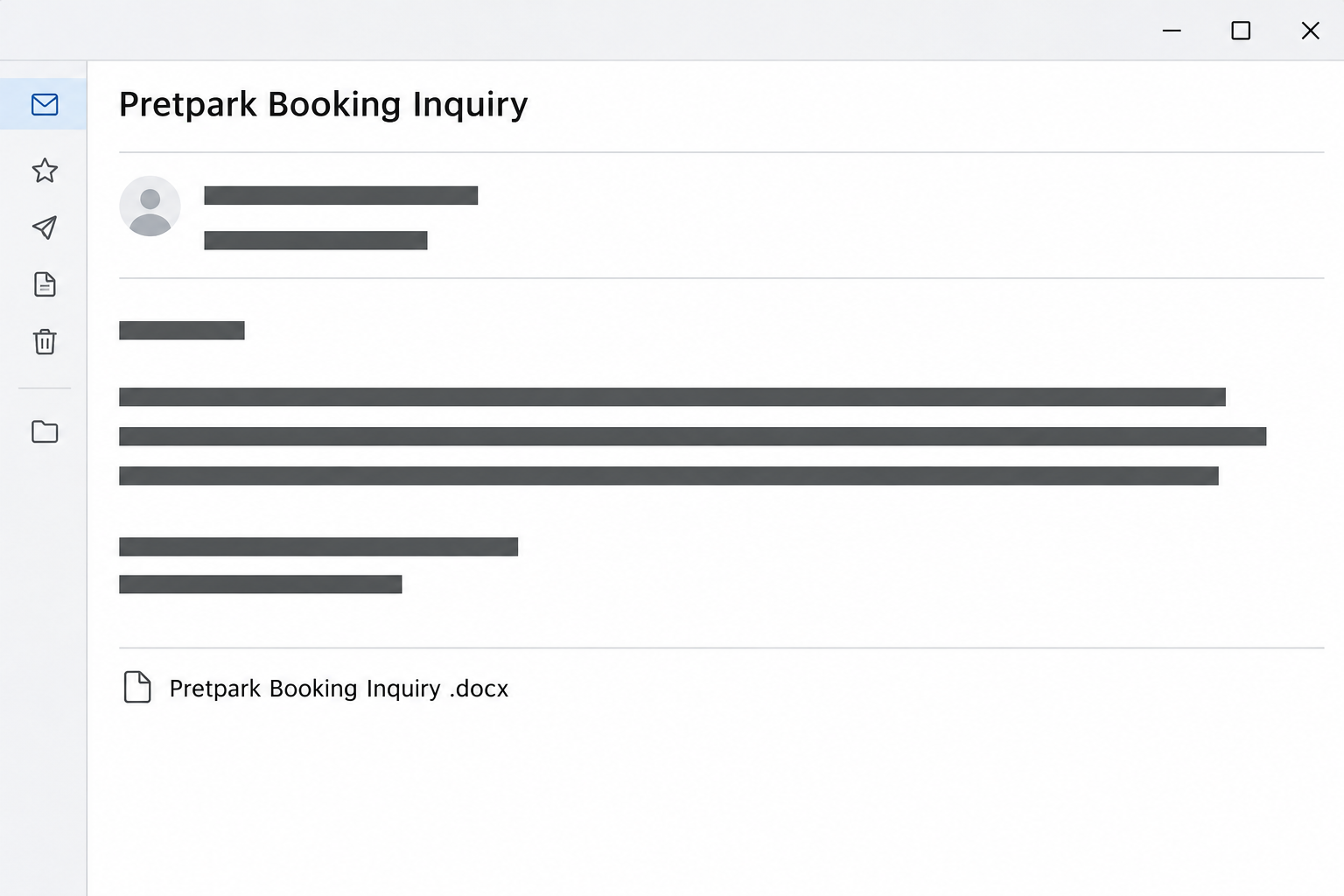
The image recreates the subject and the apparent document title. It doesn’t contain a real attachment, a guest record, or a message from the actual site.
What looks like a Word attachment is a link to a sign-in
The visible label ends in .docx. The reported interaction did not open an itinerary in Word. Instead, it led to a counterfeit email login page.
The phishing form imitates a mail provider. The documented example describes a Gmail-style screen asking for credentials, not a reservation tool asking for dates or occupancy.
That is the meaningful distinction. A filename in an email can be the label for a link, and the real action can differ from what that label suggests.
The observed route is credential phishing. It does not establish that a genuine Word file was delivered, that macros ran, or that malware was installed.
Verify the inquiry without asking the fake document to identify itself
The public Pretpark Tours site provides an independently identifiable web presence under that name. Its existence doesn’t establish that someone there sent this inquiry.
For an incoming booking request, the useful check is whether the organization can confirm the actual itinerary project outside the message. Don’t reply to test the sender’s identity.
When you are deciding whether to take the next step, ask:
- Did you expect an itinerary request from this operator or anyone working on the same arrangement?
- Can you identify the dates, party size, or service from an established booking conversation?
- Does the apparent document open through the file or service your organization expects to use?
- Why would a third-party document need the password to the account that received it?
- Can your own team or the known operator verify the request without opening the link?
How the Pretpark Tours Booking Inquiry Email Scam Works
Step 1: A possible booking creates a legitimate reason to pay attention
Travel businesses regularly contact hotels, activity operators, transportation companies, and other suppliers they haven’t worked with before. An unsolicited message is not automatically unusual in that setting.
The message sounds at home in a reservations inbox. It claims that clients already need an itinerary and makes the recipient feel like a part of the plan.
The note doesn’t need to provide a long project description. It says the missing details are in the document, which gives a recipient a reason to open it.
Confirm the initial request using normal business questions. You can ask an independently verified contact about dates and party size without receiving anybody’s identification or payment details.
Step 2: A copied signature gives the reader something familiar to recognize
A real website can make a message look more accountable. When the recipient searches the name and finds an actual public site, that can feel like a successful check.
But that check answers only whether the name exists. It doesn’t tell you whether the sender controls that business identity or whether the apparent attachment came from it.
Separate the booking inquiry from the account investigation. Find out whether the real organization recognizes this request before trying to open a document it supposedly provided.
If a company responds through a known route and says it didn’t send the message, save that information for the report. You don’t need to confront the original sender.
Step 3: The filename makes the link seem less consequential than it is
A travel planner could legitimately send an itinerary in Word. The .docx label borrows that expectation without giving you evidence that the link actually leads to a Word document.
A file extension in visible text isn’t a guarantee about what happens when the text is clicked. The reported button sent the visitor to an unrelated sign-in.
The lure and the destination therefore ask you to do different tasks. One offers to show a booking. The other wants access to the mailbox that received it.
Don’t try opening the same item from another browser or device to make it behave like a document. Verify the source before attempting any new route.
Step 4: The document story becomes an email-password request
Someone accustomed to opening shared files may expect to sign in first. The imitation uses that habit against them by putting a copied mail-provider screen in the way.
Your password belongs at the genuine identity service, not a page that appeared after an unverified itinerary link. A familiar design doesn’t change where the data goes.
Submitting the credential can expose it without opening any actual document. A page that repeats the prompt or gives an error hasn’t proved your first entry was harmless.
If you also approved a sign-in on another device, mention that when reporting the case. Don’t read out a one-time code or put it in a screenshot.
Step 5: A compromised inbox can make later travel messages convincing
If an intruder gets access, they may see real itineraries, partner contacts, and past or upcoming bookings. That context could make later impersonation much more believable.
A message arriving from a genuine inbox can still be fraudulent if someone else controls it. Pay attention to unusual changes in payment instructions or new requests for guest data.
This is a risk, not a confirmed outcome for everyone who received the Pretpark inquiry. Check the account’s actual activity before saying a client record was exposed.
For a business handling guest records, ask the person responsible for security or privacy to assess the incident. They can help decide which accounts and conversations need review.
What to Do if You Have Fallen Victim to This Scam
-
Stop using the link labeled as the itinerary. If the request might be genuine, find a contact independently and ask whether the organization started that particular booking conversation.
Use your ordinary intake process for any confirmed inquiry. It is possible to pursue a real booking without trusting this message’s choice of link.
-
Report the message and keep the original if requested. Give your team the subject, the displayed document name, and the time it arrived.
If you opened the page, record the type of screen you saw instead of going back for a better view. Do not ask a coworker to open it.
-
If you supplied a password, secure the account through its real provider. Start with the mailbox whose credential you entered, not the name in the travel agency signature.
Use a unique replacement and change any other account that shared the same password. Tell your administrator whether you submitted a code or approved a notification too.
Google’s account recovery guidance describes signs of a compromised personal account. For work email, ask administrators to use their organization’s recovery procedures.
-
Look for account access and changes after the interaction. Review recent sign-ins, recovery details, new devices, forwarding rules, and connected apps with your provider or workplace.
If you use a shared reservations inbox, be precise about which identity you supplied. A personal work account and the mailbox you were reading may be different.
Review outgoing mail for unusual replies to real bookings. Save any evidence needed before you remove an unauthorized rule or other change.
-
Confirm changes to real booking or payment instructions separately. If a partner received something unexpected from your account, tell them through a previously known contact route.
Identify the message to disregard without sharing guest information. If money went out, contact the bank or payment provider promptly and retain the transaction record.
-
Report any actual file execution separately. The described route opened a fake login, but a different copy may behave differently. Tell security if your device ran an unexpected file.
Preserve the filename and approximate time without opening it again. Resetting a password and investigating a device are different tasks.
-
Agree on a safe follow-up for genuine inquiries. Ask partners to send a minimal description or use an established file exchange when the booking has been confirmed.
Let staff know where to find that procedure. A clear next step reduces the pressure to open the first attachment-looking item that arrives.
Keep Travel Intake Separate From Access to the Mailbox
Ask for the information that identifies a real booking
A genuine itinerary request can be described at a useful level without sharing a passport, card number, or full spreadsheet of guests. Ask for the expected dates and service first.
If the sender is new, validate the business contact separately. A verified contact can confirm who is handling the inquiry before you move to more sensitive details.
For a proposed group booking, establish whether the operator wants availability, a quote, or a confirmed reservation. The right workflow depends on which of those decisions is actually pending.
If an employee cannot name the next task without opening a link, the booking can wait for clarification. That is preferable to supplying credentials to an unrelated page.
Give colleagues a way to handle an unknown document safely
Specify which sharing services the business uses and who can confirm a new vendor. Staff should not have to guess which login is expected during a busy shift.
When you receive something outside that system, ask for a verified resend. Do not share the same file link among staff as a substitute for contacting the sender.
If a mail provider warns you about the destination, leave the warning in place. A routine travel inquiry does not require an employee to bypass a security check.
After a real compromise, consider which data the mailbox held before the incident. The booking message itself does not tell you whose attachments or correspondence could have been accessed.
A Safe Way to Handle a Group Booking Inquiry
Get the details you need without the document
A reservations employee can usually start with dates, a group size, room requirements, and a confirmed contact. These details don’t require a mailbox password.
Ask a verified contact to send the basics in plain text if an attachment is unavailable. Hold back guest information while the sender’s identity is unresolved.
For an agency you already know, call the number on file and ask which colleague opened the inquiry. An existing booking is a better reference than the new signature.
If you cannot confirm the sender, stop at preliminary checks. Don’t enter a credential merely to see whether the proposed booking is worth pursuing.
Consider what was in the affected mailbox
Reservations teams should pay attention to existing threads that contain payment instructions or attachments. An unexpected reply inside real correspondence can look more credible than the original lure.
Review whether a shared mailbox, delegated access, or a forwarded copy is involved. Give the administrator the affected mailbox name instead of assuming every employee account was exposed.
Decide who should contact customers if an actual suspicious reply or changed payment request surfaced. Send any notice from a confirmed channel that customers already know.
Don’t tell guests their information was stolen solely because the fake itinerary reached your inbox. Let what you find in the affected account guide that conversation.
Frequently Asked Questions
Is the public Pretpark Tours site the phishing page?
The case concerns an email borrowing the name and a counterfeit sign-in reached through its document link. It does not establish that the public site operated the form.
Does .docx in the email mean there is a Word file?
A label can look like a Word filename without linking to a Word document. In this example, following it led to a counterfeit sign-in page.
Is this the same as a payment request from a booking platform?
The observed request was to view a business itinerary, then enter a mailbox credential. It wasn’t a documented demand for a guest’s card or an online reservation payment.
What should I do if the real operator confirms a request?
Ask for the established document sharing route and verify the account it uses. Don’t assume the suspicious copy is legitimate simply because a genuine request exists.
What if I can still send emails normally?
That does not rule out another session or a newly added forwarding rule. Review account access if you entered credentials, even when the inbox still works.
Can I tell whether a guest’s information was exposed from the email alone?
The inquiry itself does not establish that outcome. A business should review the real mailbox activity and records before deciding what information may have been accessed.
The Bottom Line
Don’t open the apparent Pretpark Tours itinerary through this inquiry. The documented link goes to a fake mail sign-in instead of providing a verified booking document.
Confirm real travel requests through an independently known contact. If you entered a password, secure that mailbox and review its recent activity before relying on it for client correspondence.

Join the discussion
0 commentsShare your experience or ask a question about this article.
Community experiences
Did this happen to you?
Your experience could help someone recognize the same scam. Submit a private report for our team to review.
I experienced this tooReports are reviewed before publication. Sharing publicly is always your choice.
Discussion
Start the conversation
Have a question or something useful to share? Add the first comment.