


You come home to a red delivery card and start trying to remember which order was due that afternoon.
The card looks familiar, and with several parcels on the way, it’s hard to remember whether anything was due today.
Overview
The warning starts with a card through the door
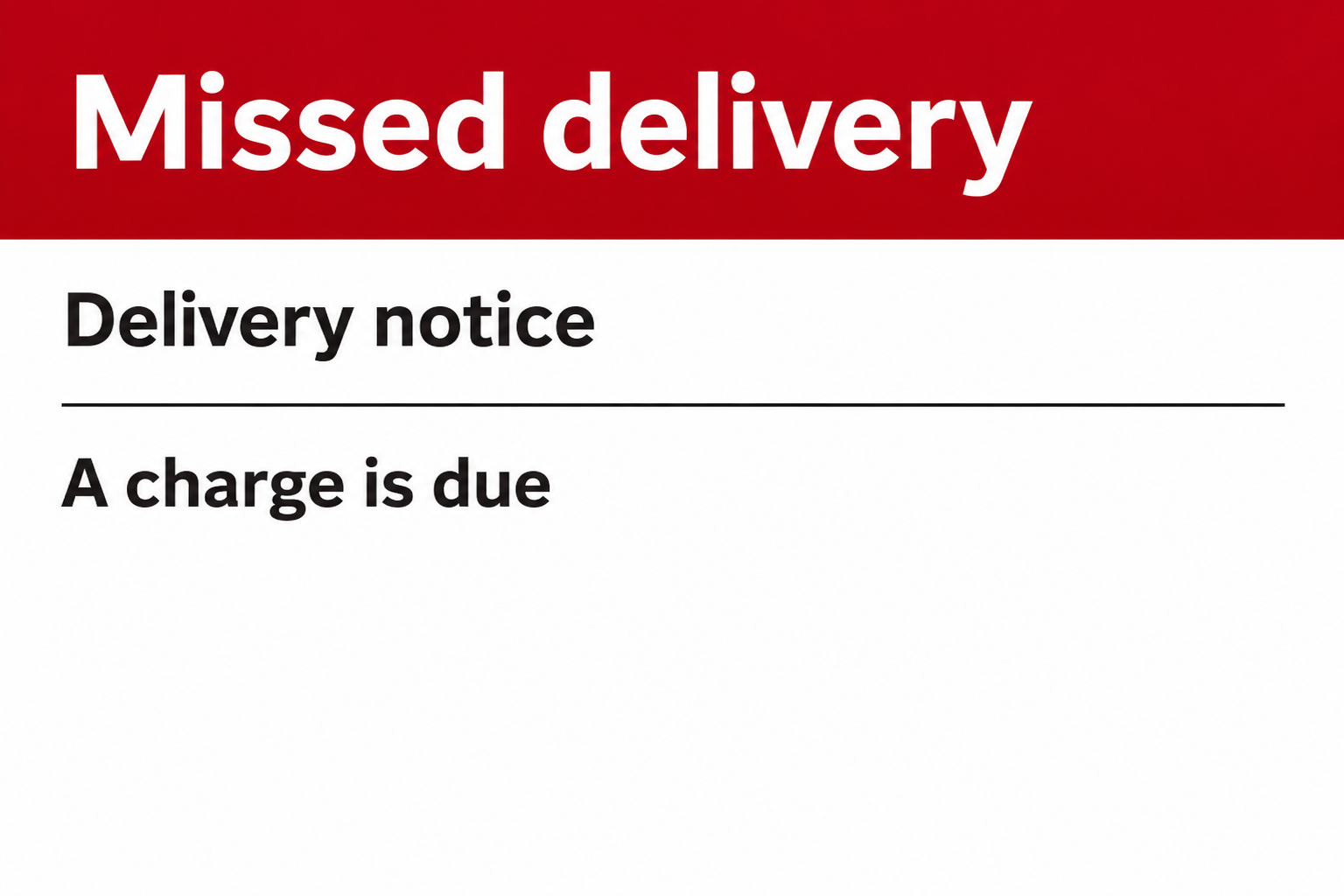
The Royal Mail missed delivery card scam starts with a printed notice that looks like something a postal worker left after a visit.
The Guardian reported that criminals were putting imitation cards through letterboxes, then using QR codes to send people to lookalike payment pages.
The fake notice can claim money is due for redelivery or customs, even though these are two different processes in the real service.
The illustration shows the format of the request without reproducing a working code, an address, or a photograph of an actual card.
A genuine Royal Mail card can also have a QR code
Royal Mail introduced QR codes on genuine red missed delivery cards, so spotting a square code doesn’t tell you whether the notice is genuine.
The useful question is whether Royal Mail confirms a delivery attempt when you open its site or app without using the card’s code.
An address or postcode on a card may make the request seem personal, but those details don’t prove anyone tried delivering a parcel.
If another person in your household ordered something, ask them to check their order rather than assuming the unfamiliar card belongs to you.
The red delivery card and gray fee card serve different purposes
Royal Mail offers free redelivery, while an actual customs or postage charge belongs to a separate process that you can check independently.
Royal Mail told The Guardian that a legitimate charge would be associated with a gray fee card, rather than the red missed delivery notice.
A gray card is not proof that a charge is real either, because the same check applies regardless of what a notice looks like.
Start with these checks before using anything on the card, especially if it asks for a payment you weren’t expecting to make.
- Open Royal Mail independently and check the shipment using details you already have from the sender or order.
- Use the free redelivery service if the carrier confirms a missed delivery and you need another attempt.
- Verify a claimed customs or postage charge through the separate payment service before you enter any card details.
- Call your card issuer if you entered details on a page you can’t confirm came from Royal Mail.
How the Royal Mail Missed Delivery Card Scam Works
Step 1: A printed notice arrives where you normally get your mail
A card on the mat can seem more trustworthy than a text from a stranger because it’s sitting among things delivered to your address.
During a busy shopping period, the arrival of a notice can feel like enough evidence that a parcel was probably due that day.
You don’t need to remember every shipment before taking a sensible precaution, because the sender’s order history is more reliable than your memory.
Keep the card until you’ve made any necessary report, but don’t use its appearance to decide whether you actually missed a parcel.
Step 2: The card turns a delivery question into a payment request
The imitation may present a small payment as the only thing standing between you and the parcel you were already expecting to receive.
The Guardian used a £3 request to illustrate the fraud, but people shouldn’t use that amount to decide whether another notice is fake.
A request to pay for rearranging an ordinary missed delivery conflicts with Royal Mail’s published redelivery guidance, regardless of the wording on the card.
A customs claim deserves a separate check, because real charges can exist and a fake notice can borrow a genuine reason to ask.
Step 3: The QR code takes you to a page the card controls
Following the QR link can open a page that looks like Royal Mail, even though the postal service doesn’t operate it.
A code doesn’t show you the destination in the way a printed address might, so the branding can register before you notice anything else.
The shortest safe check is to leave the page, open the service yourself, and see what it says about the delivery or charge.
Keep the printed card as evidence instead of scanning it again to see where the code leads.
Step 4: The payment form asks for details the sender can misuse
A small request makes the form feel routine, even though the page can collect payment details it has no right to ask for.
The number on the page isn’t a limit on the risk, because the card details may later be used for an unrelated purchase.
A form can display an error even after receiving information, so don’t test a second card or assume nothing was captured because it failed.
If a banking prompt appears, read the bank’s own description before taking any action, and decline anything you don’t recognize or didn’t start.
Step 5: A promised redelivery can distract you from the card exposure
After the form closes, you may be waiting for a parcel that had nothing to do with the notice and may never arrive.
A real parcel could still reach your address separately, so a successful delivery later doesn’t prove that the page you saw was genuine.
Call your bank as soon as you realize you entered card details, even if you can’t see a charge yet.
If you only saw the card and shared nothing, the next action is different: check the delivery independently and report the notice if appropriate.
How to Check a Missed Delivery Without Scanning the Card
Pick the right check for what the notice says
Start with the question you need to answer, whether that’s where a parcel is, how to arrange another attempt, or whether a fee exists.
The quickest check depends on what you’re trying to verify, not what the printed card asks you to do.
| Situation | What to do |
|---|---|
| A parcel could not be delivered | Track the order or look up the delivery in Royal Mail’s app |
| Pay to book another delivery attempt | Open the free redelivery service |
| Customs or postage is due | Verify the charge through Royal Mail’s separate fee service |
| You entered card details on an unverified page | Call your card issuer first |
Start with the sender’s tracking details
Open your order confirmation or account with the retailer, then find the dispatch notice and use the carrier and reference it actually shows.
If the seller identifies Royal Mail, open Track Your Item yourself and compare its result with the timing and status claimed on the card.
If you need a tracking reference, ask the sender through a contact you already use instead of opening the card’s page.
The reference on a missed delivery card is not necessarily the tracking number you received from the retailer.
If the service asks for a reference you don’t have, stop and ask Royal Mail which details are needed for the delivery you’re checking.
An order shipped by another carrier can’t explain a Royal Mail notice, even if you’re still waiting for other parcels.
Use the redelivery page for a confirmed missed parcel
Once you’ve confirmed the delivery attempt, open Royal Mail’s own redelivery page and choose the option to book another attempt.
Use the shipment details the official service asks for, rather than typing them into a page that opened from an unfamiliar card.
Royal Mail may offer different delivery or collection options depending on the item, so follow the choices shown for the shipment you actually checked.
If the page can’t find the item, don’t treat a payment request as a way to unlock it or create another delivery date.
If the record is unclear, contact Royal Mail directly and ask what information it needs about the shipment.
Use the fee page only if you have evidence of a real charge
An imported parcel or an item sent with insufficient postage may incur a fee, which you can check separately.
Open Pay a Fee directly and check whether the proper reference corresponds to a charge for the item you’re expecting, before paying anything.
Royal Mail says it can sometimes send customs notifications electronically as well as leaving a gray fee card, when the sender supplied contact details.
A genuine customs notification doesn’t change the red card’s purpose, and a notice alone still doesn’t establish that you owe anything.
Contact Royal Mail or the sender directly if you still can’t match the charge to a shipment you recognize.
What to Do if You Have Fallen Victim to This Scam
Match your response to what you actually shared
If you only received the notice or viewed the page, close it and make a separate delivery check before doing anything with your accounts.
Write down exactly what you shared, since a postcode, payment details, or a banking approval call for different responses.
If you installed anything after opening the page, tell your bank or trusted support separately, because that goes beyond the payment request described here.
Use your bank’s own route to report the card
Use the number on your card or the bank’s app, and tell the issuer you entered details on a suspected fake Royal Mail page.
Ask whether the card should be blocked or replaced, and tell the issuer about any payment or account approval you saw during the interaction.
Check your recent transactions in the bank’s app and flag any unfamiliar charge, regardless of the amount requested on the fake page.
Keep the bank’s case reference and ask when to follow up, since a pending transaction may need a different response from a posted charge.
Protect credentials if you typed them into the form
If you entered a password, open the genuine service independently and change it from a device you trust, without following the delivery page again.
Change that password anywhere else you reused it, and check for unfamiliar sessions or recovery details in accounts that could grant further access.
Contact the affected service if you approved a login request, because changing a password may not explain what access that approval already granted.
Preserve the notice without sending the code to others
Keep the printed card and photograph both sides for your records, without publishing the code or your own address in a neighborhood group.
Save any screenshots or web addresses you already have, without opening the suspicious page again just to make a better record.
Note when the card appeared, what you entered, and which transactions you noticed, so the bank or police can distinguish the events clearly.
Tell the carrier and use the right reporting service
Use Royal Mail’s scam guidance to find the reporting contact, and say that the request started with a card delivered through your door.
If you lost money, use Report Fraud’s jurisdiction guidance for England, Wales, or Northern Ireland, or contact Police Scotland if you’re based in Scotland.
A report to the carrier or police doesn’t block a card, so contact the issuer first if financial information or payment was involved.
Check the parcel as a separate issue afterward
Return to your order history or the carrier’s own tracking service to see what happened to the parcel.
Tell others at your address not to scan another card or reply to a follow-up about the same parcel.
If someone calls offering a refund, end the call and contact the bank or carrier yourself, because the caller’s knowledge doesn’t verify their identity.
Frequently Asked Questions
Does a QR code on a red Royal Mail card mean it’s fake?
Genuine cards can include QR codes, but you can confirm the delivery without using one by opening Royal Mail yourself.
If the card asks you to pay for redelivery, check the same service independently, because Royal Mail lists its ordinary redelivery options as free.
Can a real parcel have a customs charge?
Imported items can attract charges, but those are checked through the carrier’s fee service and shouldn’t be confused with paying to rearrange a delivery.
If you expect an imported parcel, verify the reference and charge through Royal Mail’s fee page before entering your card details anywhere.
What if I scanned the code but did not enter anything?
Opening a page doesn’t establish that your card details were stolen, so close it and review whether you actually entered, downloaded, or approved anything.
If you did nothing beyond opening the page, check your shipment independently and keep the notice if you plan to report it.
What if I typed my card details and received an error?
A page can show an error after receiving information, so contact the issuer anyway and explain exactly what you entered and what happened afterward.
Don’t repeat the payment or try a second card, even if the page claims that a refund or another attempt depends on it.
What if there really was a parcel due that day?
A real order doesn’t authenticate the notice on your mat, so use the sender’s tracking details to see whether the carrier recorded an attempt.
If an item arrives later, treat that as information about the real shipment, not proof that the earlier payment request came from Royal Mail.
Can I check a delivery without a retailer tracking number?
You can ask the sender for a dispatch reference or contact Royal Mail independently to find out what it needs to identify the item.
Don’t supply your card details to look for an unidentified shipment, and don’t trust a page just because it already shows your postcode.
The Bottom Line
Redelivery is free, so check any supposed customs or postage charge through Royal Mail’s separate fee service before paying.
If you entered card details on an unverified page, call your issuer first and check the parcel separately through your order.

Join the discussion
0 commentsShare your experience or ask a question about this article.
Community experiences
Did this happen to you?
Your experience could help someone recognize the same scam. Submit a private report for our team to review.
I experienced this tooReports are reviewed before publication. Sharing publicly is always your choice.
Discussion
Start the conversation
Have a question or something useful to share? Add the first comment.