

Translation glasses sound like a travel problem finally solved. Put them on, face someone speaking another language, and keep the conversation moving.
Vital Smart Glasses advertising offers that appealing picture. The difficulty is working out which of its impressive claims describe the device you would actually receive.
Overview
Several pages sell a similar promise
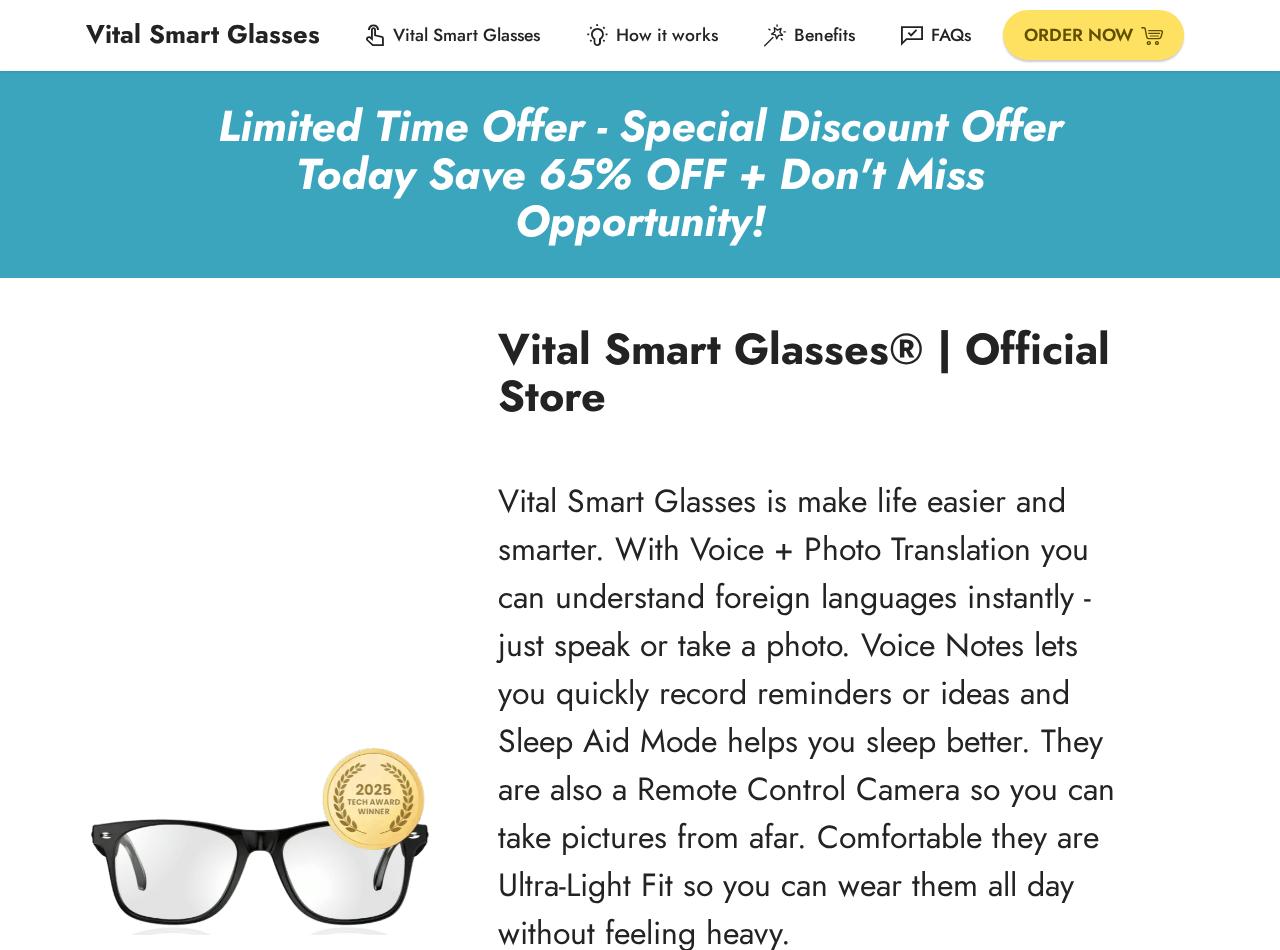
Vital Smart Glasses appears across multiple sales pages. They present the glasses as a travel and translation tool, sometimes with photography or voice features.
We found pages making different language-count claims. One promotes translation across more than 130 languages, while another says more than 58.
Different hardware or software versions could explain that. The marketing we inspected does not clearly connect each number to a distinct model.
We cannot establish that every page belongs to the same legal seller. Check the entity and domain at the exact checkout you are considering.
The visuals are stronger than the specifications
A page at vital-glasses.com advertises translation, photo-related features, battery life, a steep discount, and a 30-day refund promise.
Another Vital-branded landing page uses different language and discount figures, plus an augmented-reality overlay claim.
We did not find independent hands-on testing proving these advertised capabilities. A promotional image cannot demonstrate translation latency, accuracy, or display quality.
One inspected page’s usage instructions unexpectedly say to wash and dry your feet and nails. That copy-paste error is a credibility warning, not proof of fraud.
The main risk is buying an unclear specification
Smart glasses can differ dramatically. Some play translated audio through speakers; others display text on a lens; others rely heavily on a phone app.
If an advertisement says “AR overlay,” ask whether text appears in the actual field of view or only on a paired phone screen.
Before paying, identify the exact model, seller, app name, supported languages, offline capability, return location, and full price.
- Vital-branded pages make materially different language-count and discount claims.
- We found a copy-paste error in one page’s product instructions.
- We could not independently verify translation performance or advertised review totals.
- Multiple domains and sales presentations make seller identity important.
- These observations do not prove that no physical glasses exist.
The safest conclusion is a strong caution about unsupported and inconsistent marketing, not an invented claim that every order is a criminal scheme.
How the Vital Smart Glasses Offer Works
Step 1: A travel scenario makes the product feel essential
The advertisement usually begins with a familiar fear: missing a train announcement, misunderstanding a menu, or struggling to speak with someone abroad.
Glasses promise a smoother experience than repeatedly holding up a phone. That convenience is the real reason the product feels attractive.
But a short video can hide the steps between spoken words and a usable translation. It may not show a paired phone or internet connection.
Ask whether the device truly does the work independently or acts mainly as a wearable speaker and camera for an app.
Step 2: Big language counts imply universal coverage
One Vital page presents a figure above 130 languages; another presents 58-plus. A buyer should not treat those as the same promise.
Even when a system supports a language name, quality can vary by accent, dialect, background noise, and conversation speed.
Translation of a printed sign is also different from live two-way speech. Check which feature the count applies to.
Ask for a current supported-language list, including whether your specific language pair works offline. Save the written answer.
Step 3: Photos and overlays add another layer of appeal
Some Vital material advertises photo capture, text translation, or an augmented-reality style overlay. Those are distinct technical functions.
A camera can photograph text without projecting a translated subtitle into the lens. An ad should not let those abilities blur together.
Look for an uncut demonstration filmed through the wearer’s view. If the page only shows lifestyle shots, the practical interface remains unverified.
Also consider privacy. Wearing a camera in restaurants, offices, or private homes can affect people around you even when the feature works.
Step 4: Reviews and discounts make delay feel expensive
One page claims a large customer-review count and a discount around 65%. Another advertises a different reduction, around 50%.
Review totals printed by the seller are not the same as independently verified purchases. Read critical reviews on a platform outside the seller’s control.
Compare the final checkout total with established alternatives. A crossed-out price does not establish that the glasses normally sold at that amount.
Do not let a countdown or “today only” banner replace a specification sheet. A device bought for travel must actually work on your trip.

Step 5: Checkout may lead to an unexpected seller
With several Vital-branded domains in circulation, verify the legal merchant before entering card details. The site you read may not be the entity charging you.
Check the company name in the terms, privacy policy, order summary, and receipt. Differences should be explained before you pay.
Do not assume a claimed American office or warehouse identifies the manufacturer. A fulfillment address can ship goods for a separate company.
Save a copy of the exact product page and return policy at the time of order. A later redesign can make the original promise harder to establish.
Step 6: The actual device faces an ordinary-use test
When the package arrives, test the specific language pair you need, in the environment you expect to use it.
Check whether the glasses require a phone, mobile data, an app account, or a paid service after the initial purchase.
Measure battery life during active translation, not just standby. Try a quiet room and a noisy street to see how microphone quality changes.
If the device lacks an advertised feature, record a short demonstration and contact the seller within the return window.
Why the Contradictions Matter
Different numbers can signal different products
Language coverage may vary by app version, model, region, or whether translation runs online. A responsible listing would explain those distinctions.
Without that explanation, the buyer cannot know which figure applies to the box in the cart.
A model name and firmware version would help. So would a link to the actual companion app and its supported-language table.
If support replies only with the highest marketing number, ask for a model-specific answer and a demonstration.
A template mistake suggests weak review
Instructions about washing feet and nails have no place on a smart-glasses page. They look copied from another product template.
That does not prove the glasses are nonexistent. It does raise a fair question about how carefully the seller checked the rest of its claims.
If a page cannot keep basic instructions relevant, verify battery, app compatibility, and warranty independently before trusting precise technical promises.
Keep the error in perspective. One sloppy sentence is evidence of poor editing, not a forensic finding that images or reviews are fabricated.
“Official” can appear on several websites
Multiple domains may call themselves official. A logo and a familiar product photo do not establish common ownership or a manufacturer relationship.
Look for a consistent legal entity, support address, return address, and payment descriptor across the pages.
If different sites sell different specifications, treat each as a separate offer until the seller proves otherwise.
Do not send warranty claims to whichever “official” page appears first in search results. Use the merchant named on your receipt.
Questions the Seller Should Answer in Writing
Does translation appear as visible text in the lens, play as audio, or display only in a phone app? Ask for an uncut demonstration.
Which exact languages are supported for live two-way speech? A list for photo translation does not answer that question.
What works without internet? A travel device may be least useful when roaming data is unavailable or expensive.
What app operates the glasses, and who publishes it? Check whether the app exists in the official store for your phone.
Are software features included forever, or could a later membership be required? The sales page should not leave core functionality ambiguous.
Who handles warranty claims, and where does a return go? A warehouse location is not a substitute for an accountable seller.
Does the stated refund period begin on purchase or delivery? Ask whether opened electronics are eligible and who pays postage.
What is the exact model number? Without it, independent reviews may refer to a completely different pair of glasses.
Is Vital Smart Glasses a Scam?
We cannot establish that every Vital-branded pair is fake or that every buyer receives no product. Such a claim would outrun the evidence.
We can point to conflicting marketing figures, an obvious template error, and a lack of independent verification for ambitious features.
Those are substantial reasons to avoid a hurried purchase. The seller should resolve them before expecting customers to trust a high-tech claim.
Customer reviews on a seller’s own page may be useful leads, but they should not replace outside testing.
Remember that a cheap pair of smart glasses can still work as Bluetooth audio or a simple camera. That is different from seamless real-time translation.
Judge the price against the exact function you can verify, not the most exciting interpretation of an advertisement.
Testing Translation Claims Before the Return Window Closes
Choose useful language pairs
Do not judge coverage only by a long menu of languages. Pick the pairs you expect to use and test simple, conversational sentences.
Try a speaker with a normal accent rather than a polished demonstration clip. Speech recognition often performs differently outside a controlled studio.
Test both directions. A device may translate what someone says to you but handle your spoken reply through a different process.
Note any delay. A technically correct sentence can still interrupt a conversation if it arrives long after the other person finishes speaking.
Separate glasses features from phone features
Turn off mobile data briefly and see what remains available, if the product claims offline use. Do not assume downloadable languages are included.
Check whether translated text appears inside the lenses. If it only appears on the phone, an “overlay” claim needs careful scrutiny.
Inspect how photos are captured and stored. Some wearable devices rely on a companion app for tasks presented as though the glasses perform them alone.
Read the app’s privacy permissions. Translation may involve sending voice or images to a cloud service, which matters for confidential conversations.
Keep a fair test record
Use harmless sample conversations and printed signs, not passports, medical records, or banking documents. You can test performance without exposing sensitive information.
Write down the phone model, app version, network condition, and language pair. Those details help support reproduce a failure.
Record short clips of repeatable problems, such as a missing lens display or inaccurate translation of a simple phrase.
Send the seller a precise question before the return deadline. A vague complaint is easier to dismiss than a model-specific discrepancy.
What a Credible Seller Would Make Easy
A trustworthy listing would provide the exact model, companion-app publisher, supported-language table, and examples of what appears on the lens.
It would explain internet requirements, feature limitations, and whether software access continues without a new payment.
It would identify the legal merchant and give return terms that apply to the actual checkout, not an unrelated country page.
Those are ordinary buying facts, not unreasonable demands. Their absence leaves the customer doing the seller’s verification work.
What to Do If You Ordered Vital Smart Glasses
- Save the original offer. Preserve screenshots of the language count, feature claims, model, price, return policy, and final checkout.
- Identify the merchant. Match the receipt and card statement to the legal seller. Contact that entity rather than an unrelated Vital-branded page.
- Test the essential features quickly. Try your actual language pair, voice and photo translation, any claimed overlay, and battery life.
- Document a mismatch. Photograph the model label and film a concise demonstration if an advertised feature is absent or fails.
- Request return instructions in writing. Act within the policy period and ask about shipping, opened-item rules, and the correct return address.
- Escalate if a material promise remains unmet. Send your saved offer, test evidence, and seller correspondence to the payment provider if needed.
If the device asks for unusual app permissions, deny anything unrelated to its function until you understand why it is needed.
Do not upload a passport or sensitive travel document merely to test translation. Use harmless sample text first.
Frequently Asked Questions
Are Vital Smart Glasses definitely fake?
No. We did not establish that. Our concern is that different sales pages make inconsistent and insufficiently verified claims.
Do they translate more than 130 languages?
One page makes a claim in that range. Another uses a 58-plus figure. Ask for a model-specific list and an independent demonstration.
Do they project translated words into the lens?
One landing page advertises an AR-style overlay. We did not independently verify that the shipped device provides that experience.
Why are there several “official” sites?
Multiple domains can market the same name. Their common ownership is unproven here, so check the legal merchant and terms at your checkout.
Does a 30-day refund promise cover an opened device?
Do not assume so. Read the exact seller’s conditions, including when the clock starts, whether electronics can be opened, and who pays shipping.
What if I received basic glasses without the promised feature?
Document the model and missing function, contact the seller promptly, and preserve the advertisement for a return or payment dispute.
The Bottom Line
Vital Smart Glasses is an attractive idea wrapped in marketing that does not agree across the pages we inspected.
Before buying, demand a model-specific demonstration, written language list, identifiable seller, and clear return terms. If those basics are missing, keep your money.

Join the discussion
0 commentsShare your experience or ask a question about this article.
Discussion
Start the conversation
Have a question or something useful to share? Add the first comment.