DJPRMF's Security Config

Status
Not open for further replies.
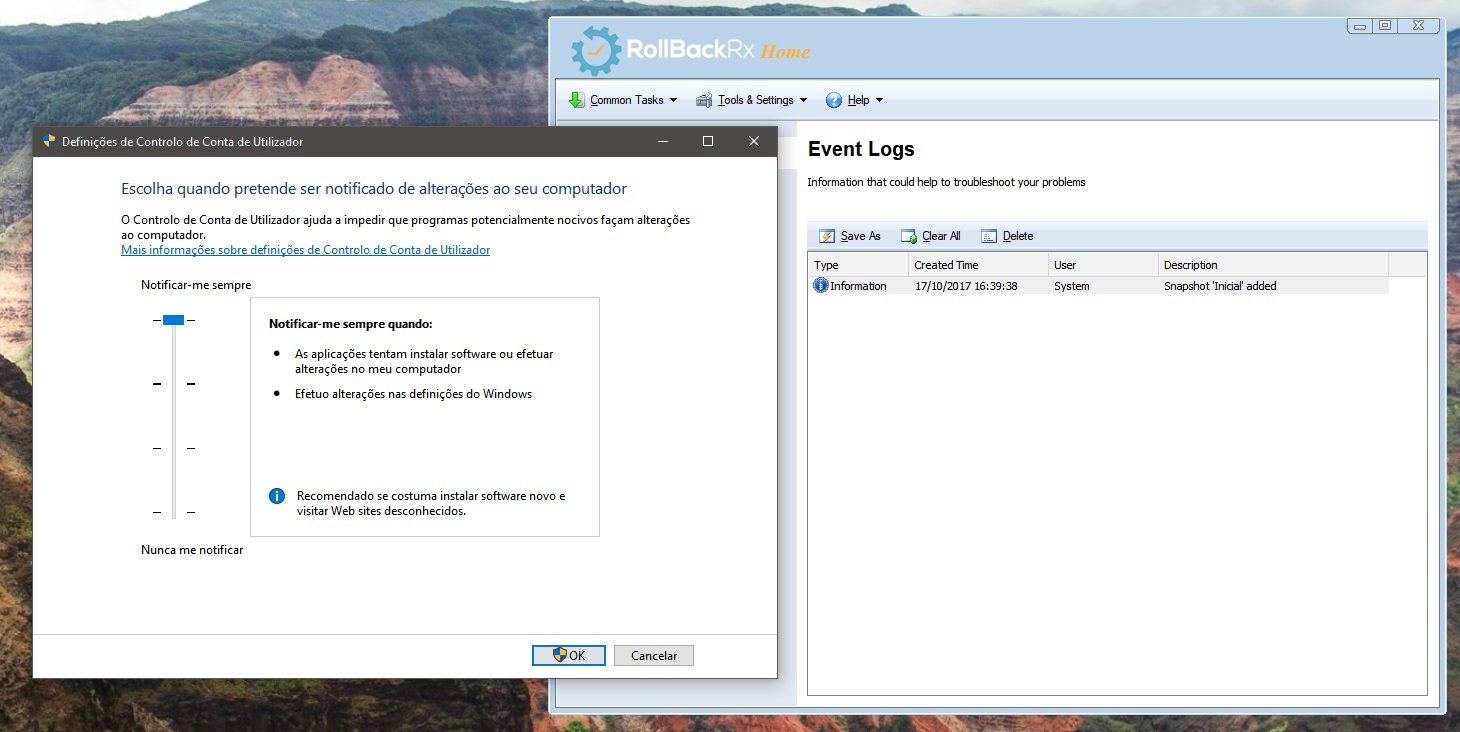
@DJPRMF: I tagged temporally to Caution Your config. Please kindly consider to set Windows UAC, at least, at default, also add 3rd party backup solution to create system images, the both solutions mentioned by @frogboy are reliable and freeware.

Thanks for sharing :)
 
Testing...
Thanks everyone for the tips :)

tugatech-2017-10-17-c122533a-d6a4-4ca7-8c7c-cf8639bb552c.jpg
 
Avast Premier, Zemana Antilogger, Voodoo Shield in realtime , equals overkill! you can ditch zemana anti logger and replace this with zemana anti malware free .. for just on demand scanning. this also reduces the chance of overlap in defence mechanisms , which actually can place your machine at risk. just my two cents ;) thanks for sharing your config with us!
 
Man I don't know, maybe I'm losing my mind.... BUT I was positive that in a previous post listed above I described that macrium and AX64TM V1 worked with, and preserved the snapshots made with RollbackRX

@frogboy @JHomes Thanks for the suggestion :)
I actually don't like of doing system images in this case, only the data is critical to backup.
If something goes wrong, i prefer just reinstall everything as "fresh" and restore the data needed from backups. Yes, gives a little more of work, but is a personal "thing". :p

That's totally understandable. I'm the same way actually. Give Rollback Rx a try, the freeware is pretty good. It's very light and easy to use, and it's more about protecting your data rather than your system although for the latter it can still restore a lot.

Even if you buy the Pro Edition it has scheduling options, so you just configure and go.
 
  • Like
Reactions: DJPRMF
Consider backing up important data to an external drive also.
I agree with suggestion to move Zemana from real time to on demand.
Secure Windows 10 config! Thanks for sharing it with us :)
 
Status
Not open for further replies.

You may also like...