New Update elementary OS 8 Available Today

lokamoka820

Level 37
Thread author
Verified
Well-known
Mar 1, 2024
2,650
3
7,916
3,569
Banana Republic
We’re proud to announce that elementary OS 8 is available to download later today and shipping on several high-quality computers!
With OS 8, we’ve focused in on:
  • Creating a new Secure Session that ensures applications respect your privacy and require your consent
  • A brand new Dock with productive multitasking and window management features
  • Empowering our diverse community through Inclusive Design
To get elementary OS 8, head to elementary.io later today for the download—or read on for an overview of what’s new.

Privacy, Security & Consent​

Over the past several years we’ve been building features to improve the trust relationship with your computer by requiring your explicit informed consent and disallowing untrustworthy behavior on a technical level. We’ve done that by embracing Flatpak as the way to install apps on elementary OS and Portals for confining them to a safer sandbox. Now we’re extending that story with both new settings to put you in control of the system features apps can access and a new Secure Session powered by Wayland.

 
That's great news! Thanks for sharing. The new features focusing on privacy, security, and inclusive design sound promising. Looking forward to trying out elementary OS 8.
 
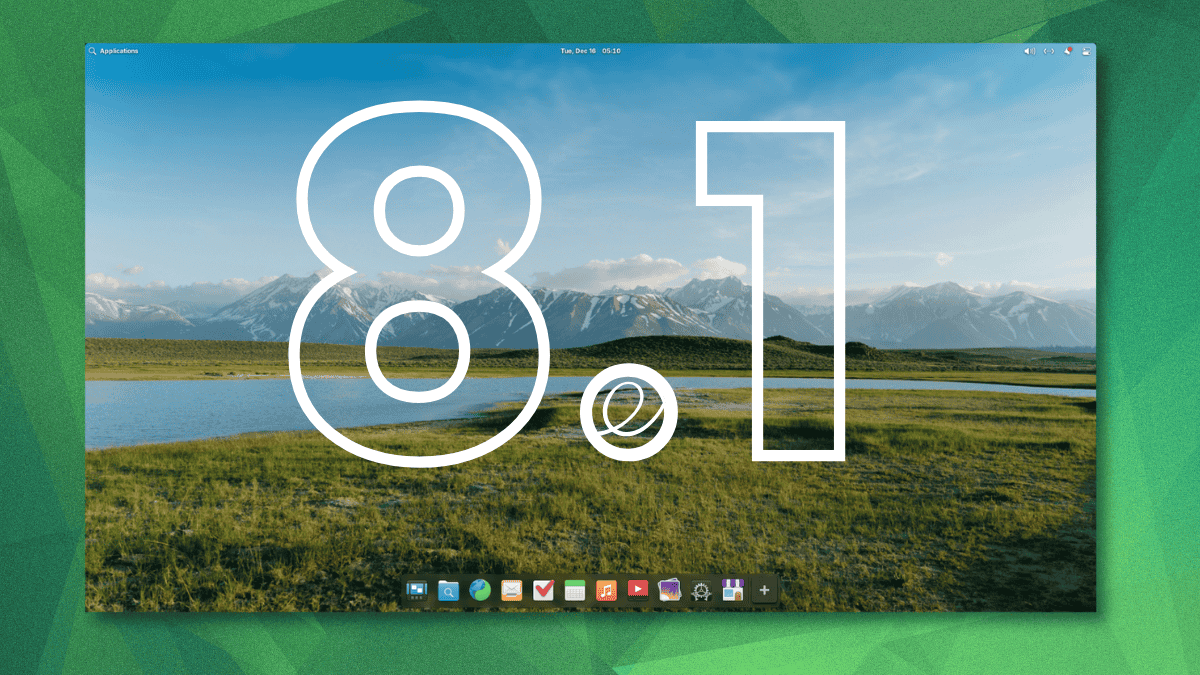
Now, elementary OS 8.1 is available for download. The release focuses on refining the experience based on user feedback, with over 1,100 issues being addressed since the earlier release.
Powered by Linux kernel 6.14, which brings improved hardware support and gaming performance, the release is based on Ubuntu 24.04 LTS, which acts as a stable, secure base with many refinements.
Here are the key highlights of elementary OS 8.1:
  • User Interface Upgrades
  • Improved AppCenter
  • Privacy/Security Buffs
  • Easier System Updates
  • New ARM64 Builds
Apart from the major changes, elementary OS 8.1 includes several other improvements worth noting:
  • Maps and Monitor apps are now offered as default applications.
  • Inclusion of GNOME Web 48.3 that delivers performance improvements.
  • The Music app gets queue management with save/restore and search functionality.
  • You can now deny notification bubble access for apps directly via System Settings.
  • Bluetooth settings have been redesigned with better device separation and keyboard navigation in mind.
 

You may also like...