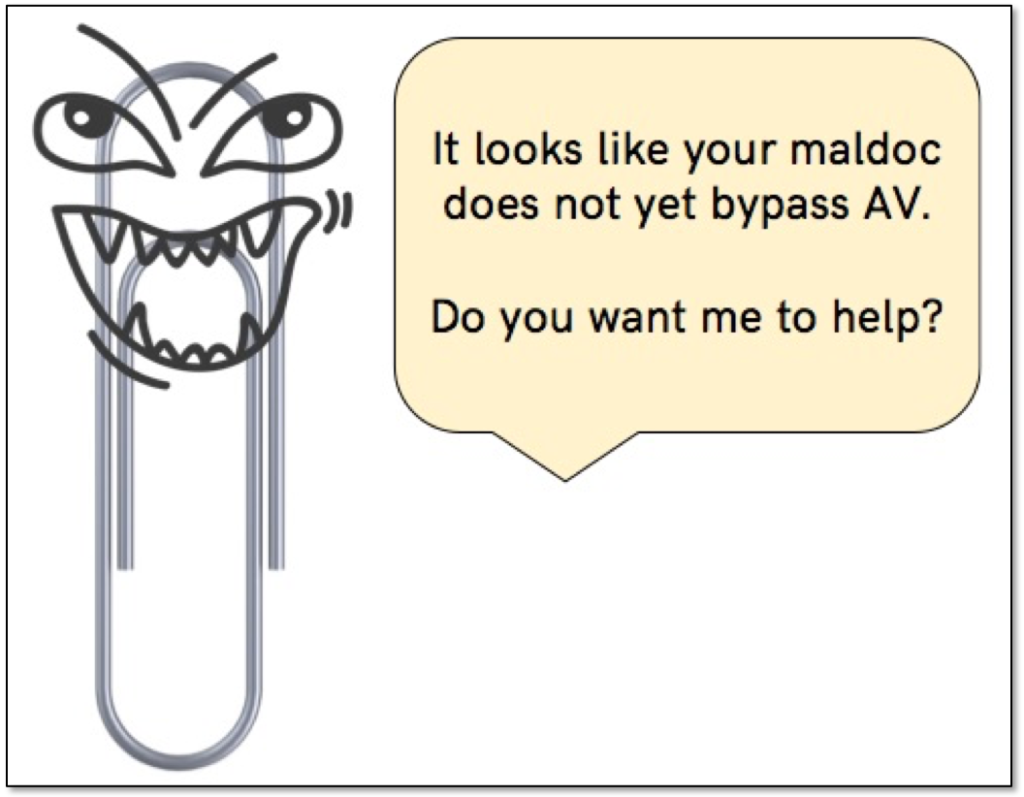
Evil Clippy Makes Malicious Office Docs that Dodge Detection

LASER_oneXM

Level 37
Thread author
Verified
Top Poster
Well-known
Forum Veteran
Feb 4, 2016
2,516
15,625
3,578
53
Germany / Poland
Security researchers brought to life and released a wicked variant of Clippy, the recently resurfaced assistant in Microsoft Office that we all loved so much to hate, that makes it more difficult to detect a malicious macro in documents.

Dubbed Evil Clippy, the tool modifies Office documents at file format level to spew out malicious versions that get by the static analysis of antivirus engines and even utilities for manual inspection of macro scripts.

To do this, it takes advantage of undocumented features, unclear specifications, and deviations from intended implementations.

Macros are snippets of VBA (Visual Basic for Applications) code that automate tasks in Microsoft Office applications. They are constantly used to deliver malware when the user opens a document.
 
It can be a problem for AVs, but not for the user who configured MS Office to block macros, except when the macro is hidden in MS Office templates. Then, only disabling VBA in MS Office can be bulletproof.
 
Last edited:
MS Office nowadays block macros by default, but not click happy people. In this case it's not even detected as a macro.

Outflank researchers explain in a technical description of the tool that common VBA analysis tools (OleVBA, OleDump, or VirusTotal) focus on the source code. If only p-code is present, they will not even detect the presence of a macro script.
What Evil Clippy does to outsmart them is to replace the macro source code in a document with a fake script that does not trigger an alert. The malicious p-code, though, gets executed when opening the modified Office file. A test on a file regularly detected by more than 30 antivirus engines is able to bypass most of them after Evil Clippy applies its magic.

What to do? :unsure:
In the meantime there are several things that you can do to make the life of a malicious macro much harder:
  • For users and teams in your organisation that do not use macros, turn them off.
  • For users that do require working with macros, consider disabling macros in documents that are downloaded from the internet. Note that this feature is available in MS Office 2013 and 2016, and can be controlled via GPO.
  • Use Attack Surface Reduction rules to limit the impact of malicious macros. Note that the most important rules can already be turned on with an E3 license. If you fear the impact of these rules in blocking mode, then consider enabling them in audit mode for monitoring.
  • Deploy an antivirus product that hooks into the AMSI for VBA engine. Although this implementation of AMSI is far from perfect, it will raise the bar for malicious macros.
  • Monitor the execution of macros via our Sysmon trick, which can help you in hunting evil macros.

Also use of the Online version of Office is an option.
 
Last edited:
The AVs and several security tools can have a serious problem with detection, but the hidden macros are still recognized by MS Office when the document is opened. The user can set MS Office to block silently the macros in documents. There is also Windows policy that can block VBA in MS Office and this will block macros in templates, Add-ins, etc.
 
I don't know what macros are, but yeah, I use Microsoft Word everyday.
What is a macro, who makes them, and what is the security risk?
Macros automate frequently used tasks to save time on keystrokes and mouse actions. Many were created by using Visual Basic for Applications (VBA) and are written by software developers. However, some macros can pose a potential security risk. A person with malicious intent, also known as a hacker, can introduce a destructive macro in a file that can spread a virus on your computer or into your organization's network.
 
The settings from the article:
do not block VBA macros in the MS Office templates and Add-ins. Only macros in MS Office documents are blocked (which is the main vector of attack anyway). (y)

I don't know what macros are, but yeah, I use Microsoft Word everyday.
So, block macros. But, it would be safer for you to use another document editor.(y)