Advanced Plus Security Geminis3's laptop config

Last updated
Dec 29, 2018
Windows Edition
Home
Security updates
Allow security updates and latest features
User Access Control
Always notify
Real-time security
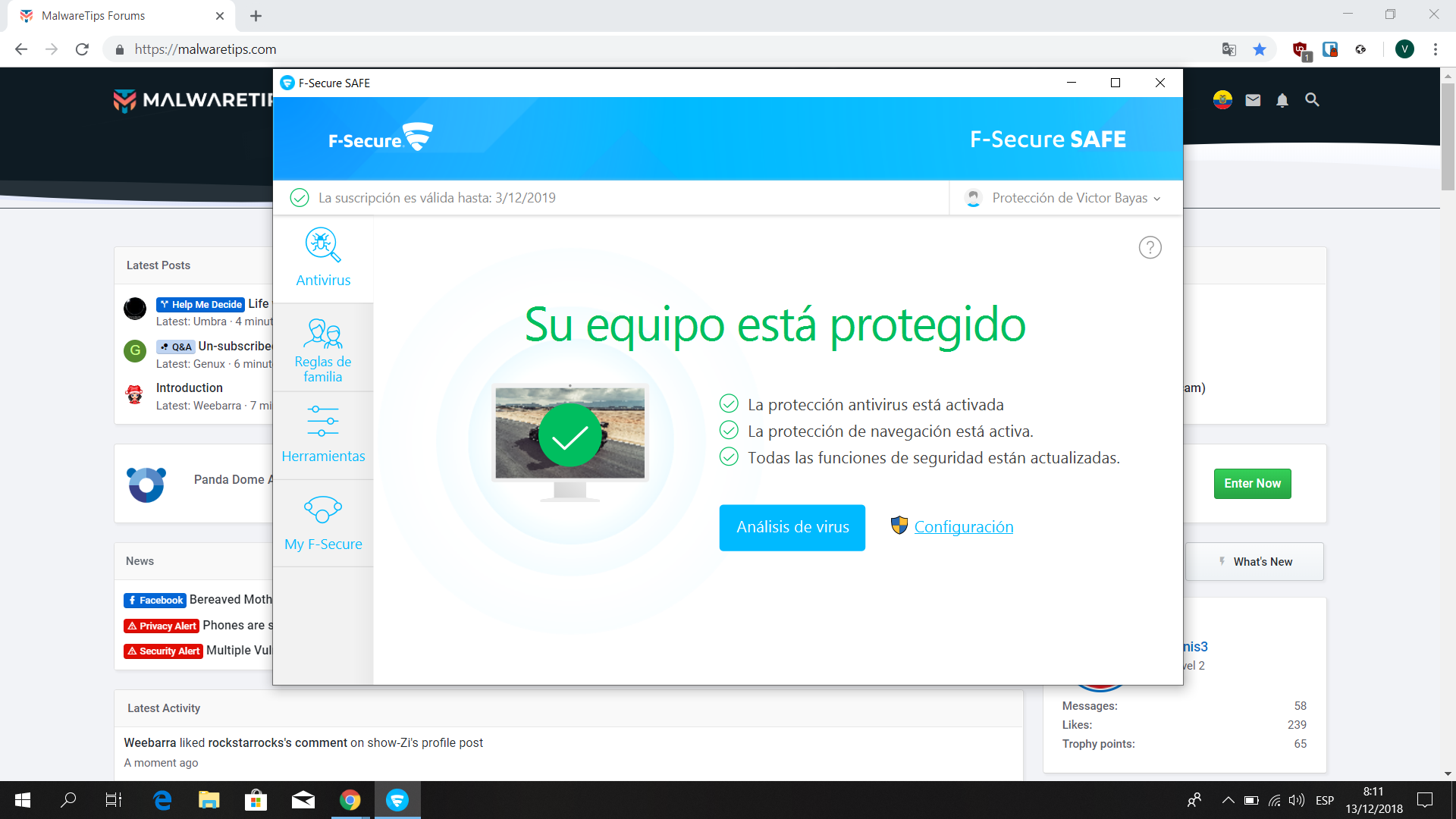
F-Secure SAFE
Firewall security
Microsoft Defender Firewall
Periodic malware scanners
MBAM Free
Malware sample testing
I do not participate in malware testing
Browser(s) and extensions
Browsers:
- Chrome
- Firefox

Extensions:
- Browsing Protection by F-Secure
- uBlock Origin + NoCoin Filter
- Bitwarden
- HTTPS Everywhere
Maintenance tools
None
File and Photo backup
Google Drive
System recovery
Macrium Reflect Free

bayasdev

Level 19
Thread author
Verified
Top Poster
Well-known
Sep 10, 2015
859
2
6,146
1,769
23
Ecuador
bayas.dev
Hi there,

There's been a long time since the last time I logged into MT but now I'm back to the scene :cool:

This is my actual security config

Captura de pantalla (4).png


F-Secure SAFE is not that light on resources but I feel it faster than Windows Defender
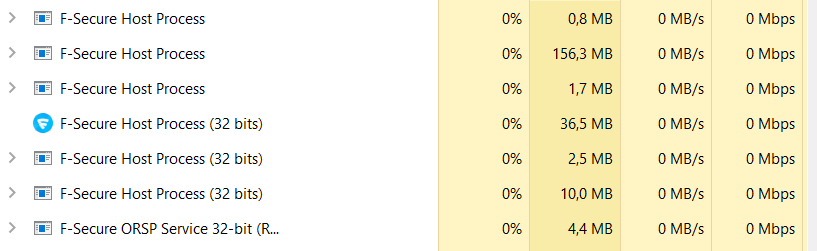
Captura de pantalla (5).png


On the router side (Netgear R6400v2 with auto updates) I have Hardware Firewall enabled on secure mode
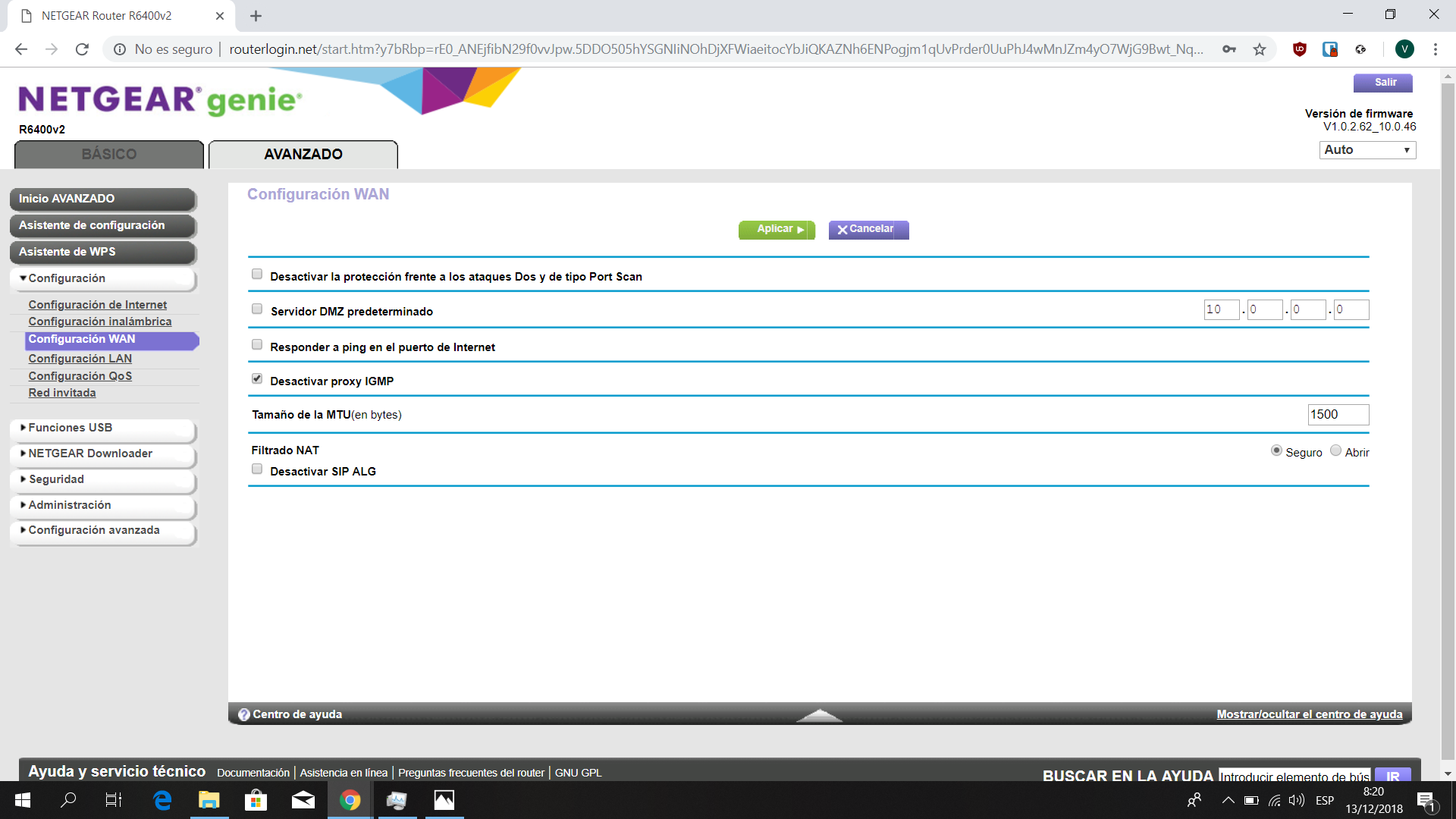
Captura de pantalla (6).png
 
With on demand scanners you have to be fairly careful with NPE because it's fairly aggressive and should be used if you think you are infected and KVRT is under the same category. For daily and/or weekling scanning you can use 1/2 out of the 3 suggestion or all 3 (MBAM Free, Zemana Anti Malware, Emsisoft Emergency Kit)

~LDogg
 
With on demand scanners you have to be fairly careful with NPE because it's fairly aggressive and should be used if you think you are infected and KVRT is under the same category. For daily and/or weekling scanning you can use 1/2 out of the 3 suggestion or all 3 (MBAM Free, Zemana Anti Malware, Emsisoft Emergency Kit)

~LDogg
Thanks for the advice.
 
  • Like
Reactions: harlan4096