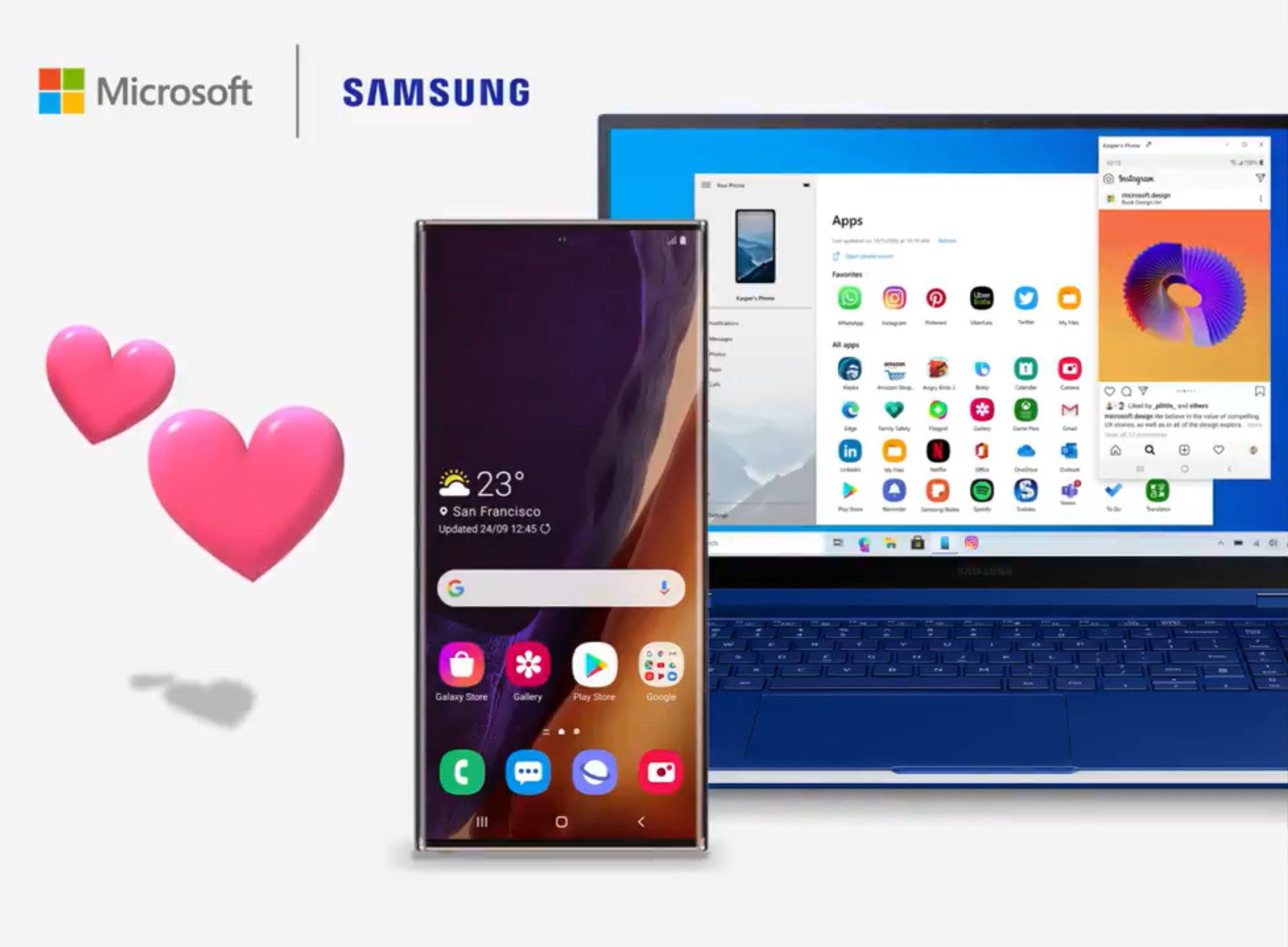
Microsoft's Your Phone app for Android

Ink

Administrator
Thread author
Verified
Jan 8, 2011
22,318
2
55,055
8,379
Get Your Phone app: Get Your Phone - Microsoft Store
  • Microsoft's Your Phone app for Windows 10 can now mirror your Android notifications.
  • You'll be able to view and manage notifications as they come in, without picking up your phone.
  • The feature is rolling out broadly for all Your Phone users now.
In order for the feature to work, you'll want to make sure you're using the Windows 10 April 2018 update or later. You'll also need to be running Your Phone version 1.19052.657.0 or later. Your Phone director of program management Vishnu Nath stated on Twitter that the rollout has currently reached about 50 percent of PCs, but it should be completed within a week.

It's worth noting that notifications don't yet support quick replies, but that should be coming soon.
via Microsoft's Your Phone app can now manage Android notifications on your PC
 
Last edited:
Microsoft announced that it will bring file drag and drop support between Samsung Android smartphones and Windows 10 PCs. This feature is now rolling out to Windows Insiders.

Drag and drop feature supports the transfer of all file types. But you can’t drag and drop folders. Also, you can only transfer up to 100 files at a time and individual file size must be less than 512MB in size. File drag and drop feature requires a Samsung smartphone running Link To Windows version 1.5 or higher. Your phone and PC must be connected to the same Wi-Fi network.
Source: Microsoft (via MSPoweruser)
 
Update: You can now run multiple Android apps on your PC with Your Phone
  • Microsoft's Your Phone app can now run multiple Android apps on a PC.
  • The feature is limited to a specific set of Samsung devices.
  • Supported Android devices need to be running Android 11.0 and the latest version of Link to Windows or Your Phone Companion.

As expected, it is part of the Microsoft and Samsung flagship exclusivity deal.