New Update Vivaldi for Android

I never noticed such battery draining. Vivaldi runs smooth (better as Firefox) on my two Xiaomi smartphones without any trouble.
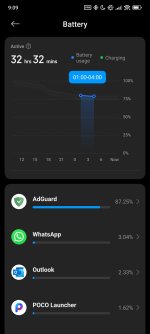
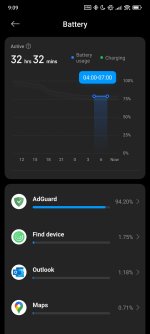
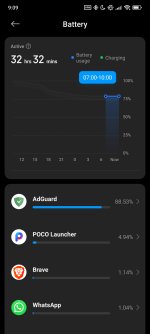
I thought something was wrong with the phone indeed, but it was actually Vivaldi. Here are battery stats after getting rid of it:

Screenshot_2025-07-28-09-09-16-850_com.miui.securitycenter.jpgScreenshot_2025-07-28-09-09-23-009_com.miui.securitycenter.jpgScreenshot_2025-07-28-09-09-31-009_com.miui.securitycenter.jpg

Brave only appears on the list one time and it used just 1.14% of battery, unlike what was the case with Vivaldi which used more than 70% when not in use.

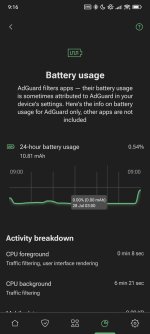
It might look like AdGuard now drains battery—it isn't. There aren't many apps that consumed battery overnight and AdGuard consumed the most of it these few apps, so this is why it is first on list.

These are the real stats for AdGuard:
Screenshot_2025-07-28-09-16-39-608_com.adguard.android.jpg
 
I thought something was wrong with the phone indeed, but it was actually Vivaldi. Here are battery stats after getting rid of it:

View attachment 289866View attachment 289867View attachment 289868

Brave only appears on the list one time and it used just 1.14% of battery, unlike what was the case with Vivaldi which used more than 70% when not in use.

It might look like AdGuard now drains battery—it isn't. There aren't many apps that consumed battery overnight and AdGuard consumed the most of it these few apps, so this is why it is first on list.

These are the real stats for AdGuard:

View attachment 289869
What's your Android version? I don't remember which one but after a certain Android version AdGuard is not wrongly shown with such high percentage in the battery section anymore. On mine, it shows a more accurate amount like 2-4% in on average.
 
What's your Android version? I don't remember which one but after a certain Android version AdGuard is not wrongly shown with such high percentage in the battery section anymore. On mine, it shows a more accurate amount like 2-4% in on average.
No, what I meant was... it does show battery usage mostly correct. It's just when you select certain period of time in battery stats, app shows you battery usage in that period. And considering I didn't use my phone overnight, no apps were working in the background except few of them.

This is why AdGuard is in the first place with 90%; 90% of those 0,50% battery consumed over night was AdGuard working in the background, with the rest occasionally working in the background hence taking 1% out of 100% in those 0,50% of battery usage.

I hope you understand, because I don't know how to explain it better. 😅

I'm on Android 14 (HyperOS 2.0.4.0).
 
No, what I meant was... it does show battery usage mostly correct. It's just when you select certain period of time in battery stats, app shows you battery usage in that period. And considering I didn't use my phone overnight, no apps were working in the background except few of them.

This is why AdGuard is in the first place with 90%; 90% of those 0,50% battery consumed over night was AdGuard working in the background, with the rest occasionally working in the background hence taking 1% out of 100% in those 0,50% of battery usage.

I hope you understand, because I don't know how to explain it better. 😅

I'm on Android 14 (HyperOS 2.0.4.0).
Oh okay, I understand now. I turn off WiFi before going to bed and maybe even my phone's battery stats works a bit differently, I'm not sure.
At night when the wifi is off, my battery stat doesn't show any app at all in that period.
 
Oh okay, I understand now. I turn off WiFi before going to bed and maybe even my phone's battery stats works a bit differently, I'm not sure.
At night when the wifi is off, my battery stat doesn't show any app at all in that period.
I turn it off too, as well as mobile data and Bluetooth. No need for them to work when I'm not using them. I still get apps in stats though because they are still open in the background.
 
I still prefer to use ControlD adblocking for an even smaller impact.
DNS blocking is the best but I just can't bear the sight of empty ad-placeholder, cookie notices and similar annoyances. I report maybe 20 sites each month to adblocker repos like uBO and AdGuard whenever I see such annoyances. Today alone I reported 3. So, I need something like AdGuard along with DNS filtering. It helps to block ads even in some apps as it can filter domains on individual apps which DNS filter alone can't do.
 
I still prefer to use ControlD adblocking for an even smaller impact.
I tried ControlD, their public resolver broke quite a few websites in the short period of time I used it. I feel like they prioritize blocking over functioning websites. This is why I use AdGuard Public DNS. I have yet to find the website it broke because they prioritize functional websites over blocking.
DNS blocking is the best but I just can't bear the sight of empty ad-placeholder, cookie notices and similar annoyances. I report maybe 20 sites each month to adblocker repos like uBO and AdGuard whenever I see such annoyances. Today alone I reported 3. So, I need something like AdGuard along with DNS filtering. It helps to block ads even in some apps as it can filter domains on individual apps which DNS filter alone can't do.
I wouldn't say it's best considering a lot of ad networks are starting to serve their ads through domains that also serve legit content in order to prevent DNS ad blocking, but it's alright. I think it's absolutely necessary to use browser extension/app along with ad blocking DNS if you want the best ad blocking experience. DNS will block everything it can on network-level, while browser extension/app will block everything DNS had to pass in order to keep websites functional.

My current ad blocking setup on desktop is AdGuard Public DNS + Firefox: ETP—Strict + uBlock Origin. On Android, it's AdGuard Public DNS + AdGuard app + Brave.
 
Last edited:
I tried ControlD, their public resolver broke quite a few websites in the short period of time I used it. I feel like they prioritize blocking over functioning websites. This is why I use AdGuard Public DNS. I have yet to find the website it broke because they prioritize functional websites over blocking.
AdGuard public DNS's malicious/phishing blocking is not very good, and it also doesn't block quite a few trackers related things that doesn't hamper functionality. ControlD even has dedicated DNS addresses for third-party filters like OISD, Hagezi, 1host and more which works very well for a set and forget solution.
Anyway, maybe we shouldn't discuss not too much about anymore since it's a bit off-topic (not related to Vivaldi).
1753720501320.png
 

What’s new in Vivaldi 7.6 for Android


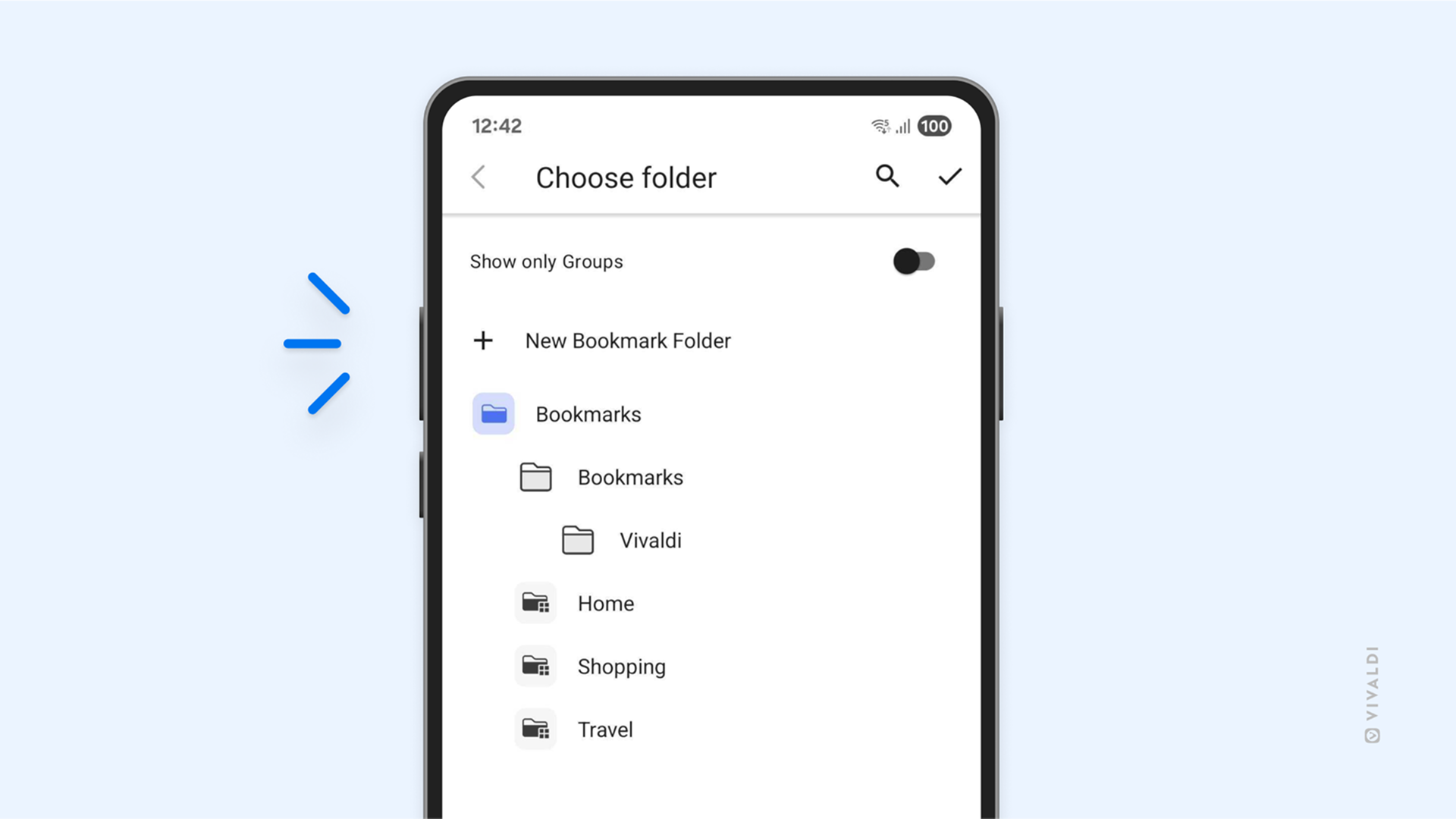
Create bookmark folders instantly

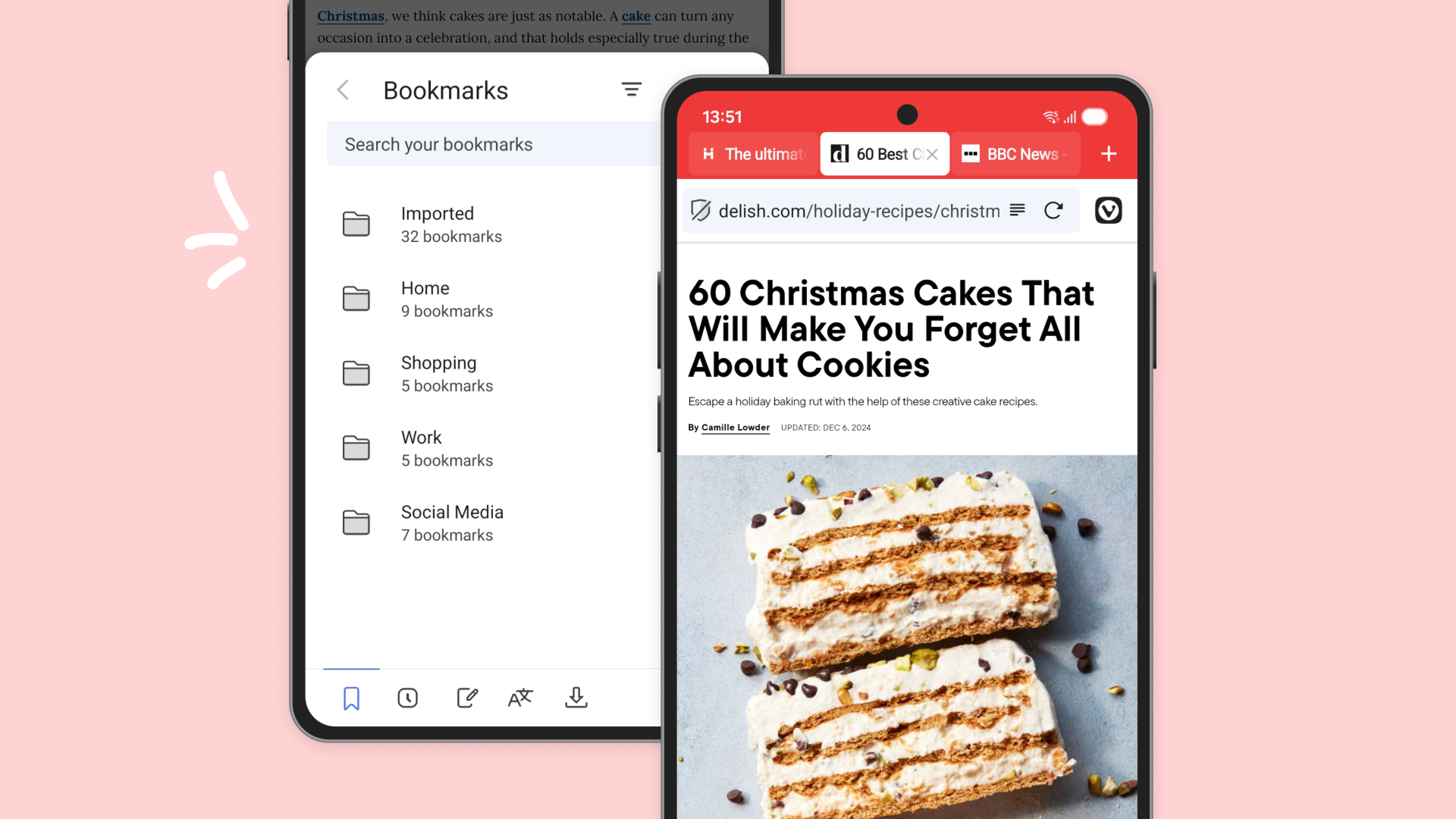
Saving links is easy. Finding them later should be just as easy. In 7.6 you can create a new folder right from the save dialog, which means your bookmarks land in the right place on the first try. Fewer piles, more playlists.

Bookmark saving dialog on Vivaldi on iOS, showing the new new bookmark folder option above the existing folders.

How it works:

  1. Tap the bookmark icon when you want to save a page
  2. Tap New Bookmark Folder
  3. Name the folder and choose where it lives
  4. Save and carry on browsing

Stability and bug fixes that make every tap feel better

We also spent time under the hood so Vivaldi feels steadier and quicker across more devices. Small improvements add up to a smoother day.

Highlights include:
  • Fixes for rare crashes when switching or closing multiple tabs in quick succession
  • Smoother scrolling on very long pages and social media feeds
  • More reliable Sync with large bookmark collections
  • Reduced background battery use during extended reading sessions
  • UI polish for dark mode and tablet layouts
 
Vivaldi 7.7 for Mobile is here, and for our Android users, this one’s special: the features you’ve been requesting most. We’ve been listening, and this release is our answer.
 
Vivaldi 7.8 for Android
Your phone follows you everywhere. Your browser shouldn’t help companies do the same. That’s why we’ve added the Privacy Dashboard to Vivaldi for Android.

The Privacy Dashboard shows you exactly which trackers and ads Vivaldi has blocked while you browse. It’s not just a number, it’s a window into how much of the web is designed to follow you around. Every blocked tracker is one less company building a profile on your habits, your interests, your life.
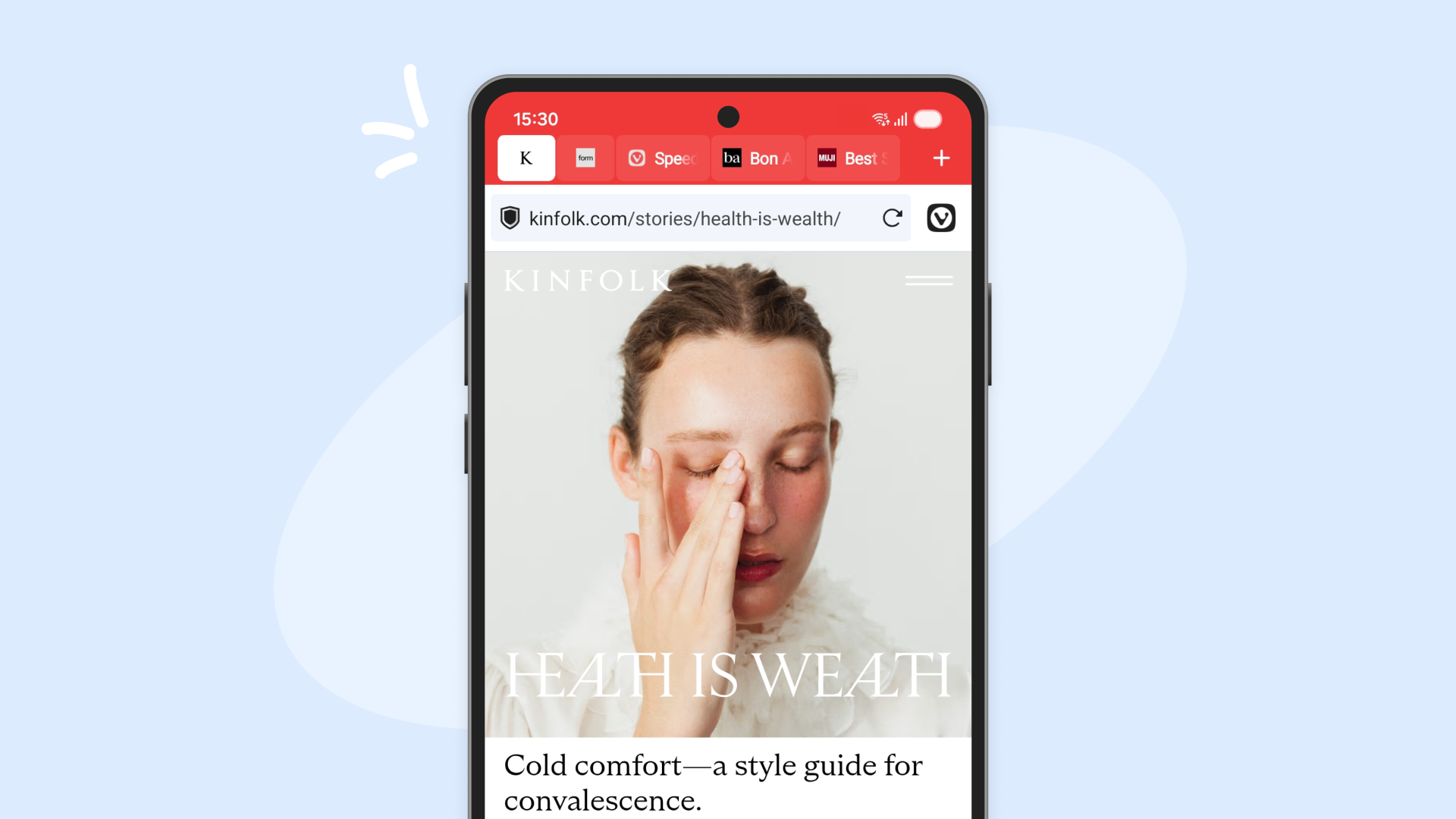
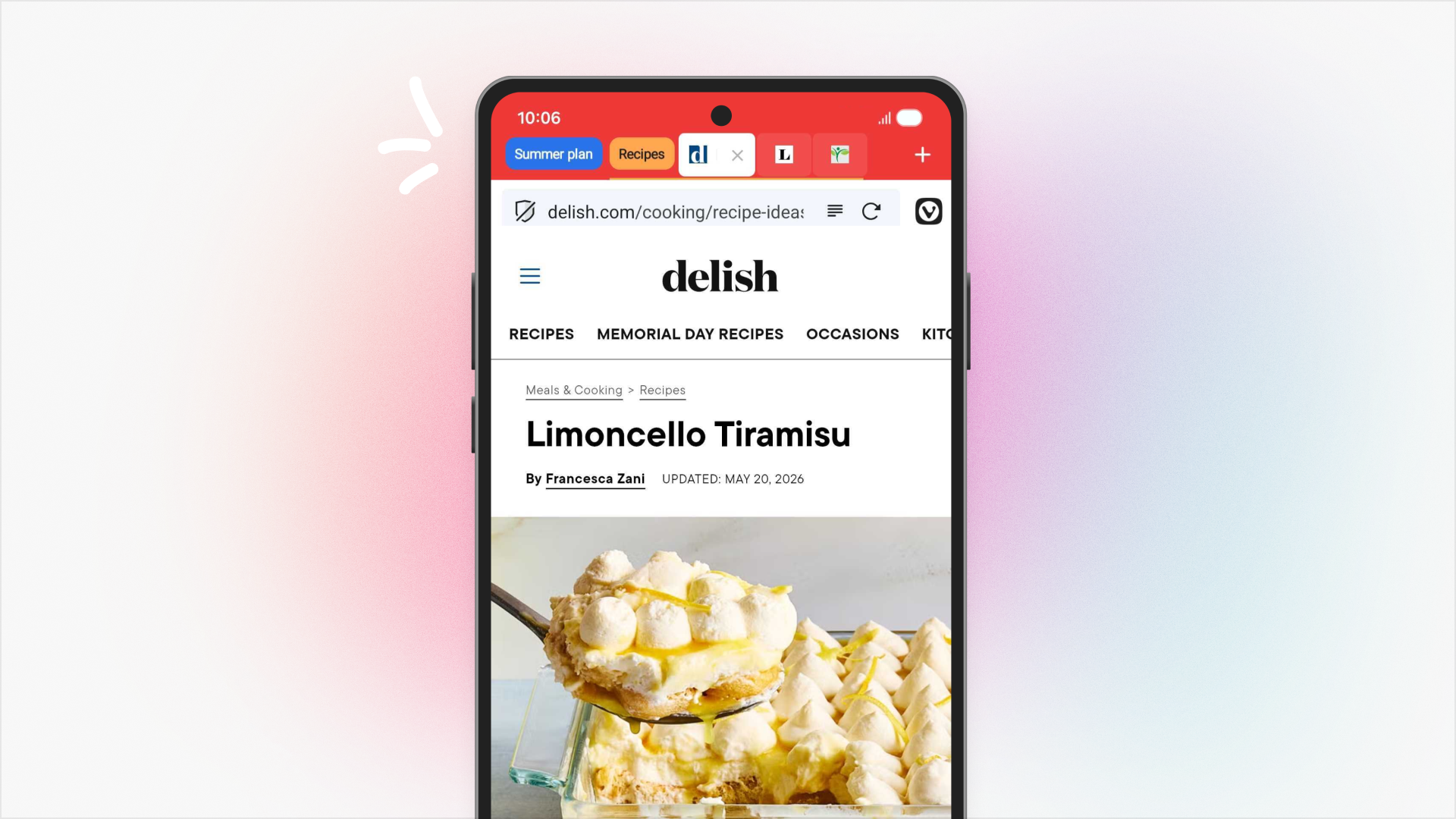
Pinned tabs have arrived on Vivaldi for Android. If you’ve been pinning tabs on Desktop you know why this matters. Some tabs deserve a special place in your Tab Bar. Your work dashboard. Your favorite news site. That recipe you’re perfecting. The tabs you return to throughout the day, every day.

Now you can pin them in place on your phone, keeping them within a finger’s reach. Long-press any tab and select “Pin Tab” to lock it at the start of your Tab Bar.
 
  • Like
Reactions: harlan4096