


Did you know you can now name your tile folders, thanks to the Windows 10 October 2018 Update?
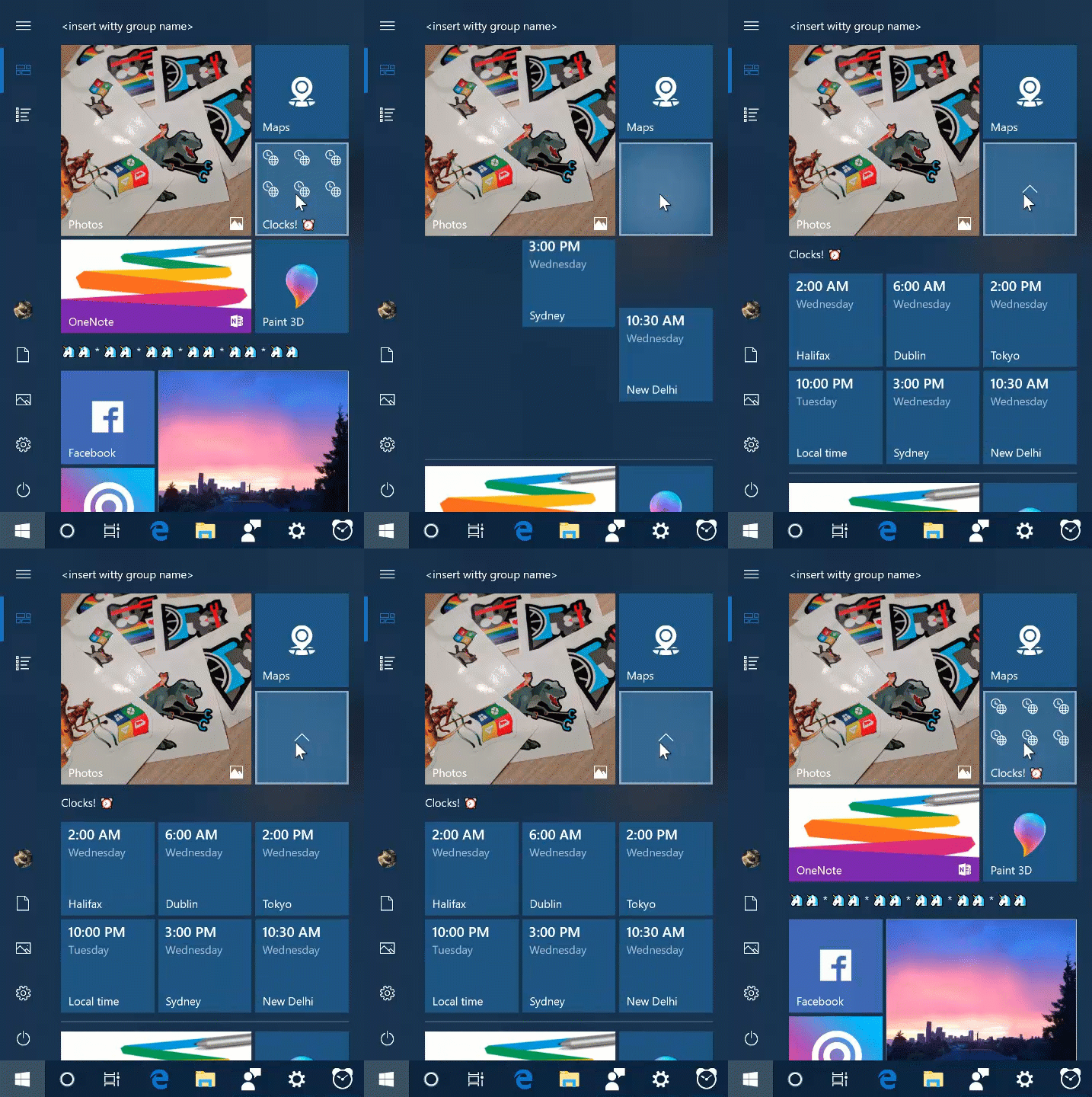
To create a tile folder in Start, just drag one tile on top of another for a second, then release. Continue dropping as many tiles into the folder as you’d like. When you expand the folder, you’ll see a new option to name it.
Check it out in action:
If you like this, check out more Windows 10 Tips.
The post Windows 10 Tip: Name your tile folders appeared first on Windows Experience Blog.
Source
To create a tile folder in Start, just drag one tile on top of another for a second, then release. Continue dropping as many tiles into the folder as you’d like. When you expand the folder, you’ll see a new option to name it.
Check it out in action:
If you like this, check out more Windows 10 Tips.
The post Windows 10 Tip: Name your tile folders appeared first on Windows Experience Blog.
Source


