


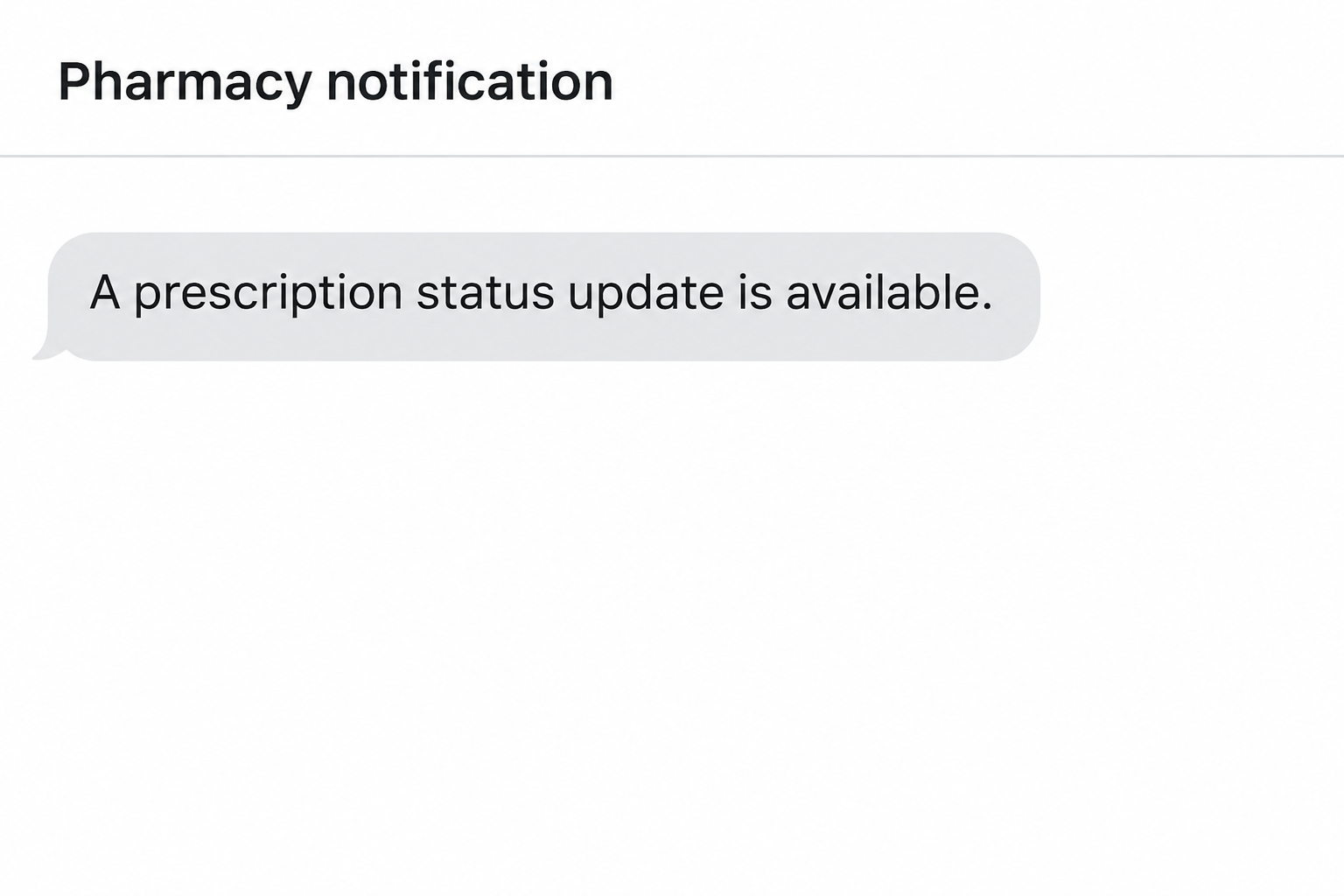
A text from 63641 says something about a prescription. Perhaps you use CVS Pharmacy, or perhaps you were never expecting a pharmacy to reach you at this number.
Start by separating the short code from the individual message. A number a company actually uses isn’t a reason to act on a request you didn’t expect.
Overview
CVS documents 63641 for pharmacy alerts
CVS’s text program page lists 63641 among the codes customers may need to allow for pharmacy messages. The company describes alerts about prescriptions, including when they’re ready.
The CVS text terms also list 63641 and 898287 for prescription alerts. They describe a separate verification code program that uses 37046.
That distinction matters if a message asks you to repeat a code. Don’t let a legitimate program name turn a surprise login request into something you think you must approve.
A real pharmacy alert can still reach the wrong person
An alert about something you never ordered could have reached a number entered incorrectly or held by somebody else before you. The text alone doesn’t identify the cause.
Don’t open somebody else’s prescription information to see whether the message was meant for them. If the alerts continue, contact CVS independently and ask about removing your number.
If you manage a family member’s prescriptions through an authorized arrangement, check which profile is associated with your number. A genuine message isn’t automatically connected to your own prescription.
Verification belongs in the app or with the actual pharmacy
Open your usual CVS app or account directly and check the status it shows. You can also contact the pharmacy using details you obtained independently of the text.
If the message requests a payment, a password or an unexpected code, compare it with the action you initiated. The label at the top of the thread isn’t a receipt.
- Use the saved app or known pharmacy contact rather than a message link.
- Match the alert to the right person, store and prescription you manage.
- Check pharmacy notifications separately from verification texts.
- Report anything you actually shared to the relevant provider.
What CVS Says About 63641 and Its Other Codes
Prescription updates and login codes do different jobs
CVS describes text alerts for pickup, delivery or other prescription status issues, including when something needs attention. Those are notifications, not an invitation to share your login code.
Its published terms list 898287 and 63641 for the CVS prescription text program. The same terms give 37046 for the separate CVS Verification Code program.
That corrects a common assumption that 63641 is principally for verification. The prescription terms and the verification terms describe different subscriptions and different reasons for getting a message.
Knowing those differences can help you decide where to check. It doesn’t establish that any particular message came from a pharmacy system or that its details are right.
A verification code is useful only for the action you actually started. Never read an unsolicited code to someone who claims to be fixing a pharmacy profile.
An actual patient notification has context you can check
If you dropped off a prescription yourself, open the usual app or call the known store to see what the pharmacy says. Compare the status rather than the wording alone.
If you use a delivery option, verify the order and address in your actual account. A link about delivery doesn’t become safe because a previous text was legitimate.
When alerts refer to someone else you help, check only an authorized profile. A shared family phone number doesn’t automatically grant access to every patient’s records.
CVS says a pharmacy team member can help update a phone number. Ask them which number and profile receive notices if alerts arrive in a way you didn’t intend.
If a prescription status is important and you get conflicting information, ask the pharmacist. A text message isn’t a reliable substitute for the pharmacy confirming what is available.
Why the same-looking thread isn’t the final check
The sender displayed by your messaging app is just one clue. A notification can be unexpected because it was sent to the wrong number or because someone is impersonating CVS.
A code listed in company documentation doesn’t authenticate the content of an unusual text. Look for a matching activity you recognize after opening the service independently.
A request to act before a deadline doesn’t become legitimate because it supplies a name you know. Check your health or payment status through the service that actually manages it.
Don’t forward a prescription message to a random support account to prove you received it. It may contain information the intended recipient never expected you to see.
If an unfamiliar person contacts you afterward claiming they need the notice, don’t send them a screenshot. CVS can handle the mismatch without your tracking down the patient.
What to Do If You Get a 63641 Text You Didn’t Expect
- Read the message without using its link or calling a number inserted in it. Note whether it describes a prescription, a code or a payment request.
- Open CVS through its existing app, independently typed website or a known pharmacy contact. Check whether there is a matching prescription in a profile you’re allowed to manage.
- If the message doesn’t appear to concern you, stop there. Ask CVS whether your number is listed on the wrong profile instead of opening the named person’s records.
- If you want to change legitimate notification settings, use the pharmacy’s verified preference controls. Ask how to keep necessary pickup notices while stopping a reminder you don’t want.
- If you entered credentials, shared a code or paid, contact the actual service or card issuer. Describe the action you took and preserve the relevant message and payment record privately.
Keep useful notices while fixing a wrong-number problem
Blocking a documented short code can stop real refill or pickup messages along with unwanted ones. That may matter if you or someone you care for uses CVS.
Review the pharmacy notification choices on your account and confirm which profile uses that number. Don’t remove a family contact without checking who relies on it.
For a repeated wrong-number alert, independently get the pharmacy support contact and explain that you aren’t the intended recipient. Don’t ask them to identify the person the alert named.
If a household member changed numbers, ask whether the pharmacy updated its records. The correct fix may belong with the pharmacy rather than a device spam list.
If you find a number listed in a family profile you are not authorized to manage, have the actual account holder raise the issue. Don’t try to use their credentials.
Deal with an unexpected verification code on its own
A code you didn’t request can reflect a typo or an attempted sign-in. It doesn’t, by itself, show that anyone got into your account or changed a setting.
Don’t give the value to a caller who offers to clear a wrong number. A caller can start a second conversation just to make the request sound routine.
Check security or notifications through your own CVS account if you use one. If you see an unexplained change, use the company’s actual help route to regain or protect access.
If you don’t have an account, don’t create one to investigate a stranger’s prescription or code. Contact the company through its published support channel if the problem keeps happening.
Stop an authentic program without interacting with a suspicious text
CVS’s terms describe a STOP option for its documented prescription alerts, including 63641. That option is for the real program, not a reason to reply to a suspicious payment message.
The company’s text help also describes managing preferences through your pharmacy profile or team. That’s a better starting point when you’re unsure whether the message is genuine.
Check which change applies to all pharmacy texts and which applies only to reminders. Keep a reliable way to hear about your own orders if you need those notices.
The FTC’s reporting guide describes using your app or forwarding spam to 7726 where supported. Keep patient information out of any public post.
Check delivery preferences before relying on a reminder
An expected pickup notice can be delayed or missing even when a prescription exists. If timing matters, verify the status with the pharmacy rather than waiting for the next message.
CVS suggests checking for blocked short codes when an enrolled customer isn’t receiving texts. Review the current settings alongside the pharmacy’s record of your number.
If one family member gets notices and another doesn’t, confirm who is enrolled for each profile. A single store visit may involve several prescriptions with different authorized contacts.
If you changed carriers or numbers, confirm the pharmacy still has the right contact. Don’t assume a missing text requires signing up again through an unfamiliar message.
Write down whether you want pickup alerts, refill reminders or neither. That makes it easier to describe the exact change to pharmacy support without disabling everything by accident.
How to Respond if You Already Used the Link
Describe the information you actually sent
Seeing a webpage and typing a password into it are different events. Explain whether you just opened the page, submitted something, approved a login, or authorized payment.
If you entered a CVS password on an unverified page, use the real account’s recovery process. Check for changes you didn’t ask for rather than waiting for another text.
If you entered card details or sent a payment, contact the issuer through its known app or number. Don’t use a refund number sent by whoever requested the first payment.
If the request included a copy of identification or private health information, tell the actual organization what was exposed. Don’t send the same document again to demonstrate it.
A legitimate reminder about a real prescription can coexist with a fraudulent follow-up from somebody else. Confirm the real order independently rather than letting one message validate another.
Preserve what helps without disclosing patient information
Keep the sender, approximate time and requested action where you can retrieve them. If you need a screenshot for support, avoid including unrelated records or family information.
If someone claims to be a pharmacy representative, ask your actual pharmacy whether that kind of communication is expected. You don’t need to send sensitive details to a public account.
Use the exact facts when explaining a charge or login. A website using a familiar name is not a reason to attribute the incident to the genuine pharmacy.
If you need support, use the actual app or a location you already know. Keep an order number private unless it is necessary to confirm your own order.
Separate a disputed card charge from a prescription delay. The card issuer can address the transaction, while the pharmacy can verify whether your own order exists.
Frequently Asked Questions
Is 63641 a real CVS short code?
CVS lists 63641 as part of its prescription alert program. That tells you the code is recognized by the company, not whether a specific text is trustworthy.
Open the usual pharmacy service separately to confirm the requested action. Don’t submit a password or card just because the number looks familiar.
Is 63641 the CVS verification code sender?
CVS’s published terms describe its verification program separately and list 37046 for it. The 63641 entry is under pharmacy prescription text alerts.
Don’t share any unexpected code even when the message names a real company. Start only from the action you intended to perform.
Why might I get a pharmacy text about somebody else?
It may be an old or incorrect contact number, or a number associated with another profile. You can’t establish the reason from the first message.
If it repeats or includes information about another patient, contact CVS independently. Don’t use a message link to inspect a prescription that isn’t yours.
Can I stop refill reminders without losing every pickup notice?
CVS says its pharmacy support options can help customers manage particular alerts. Ask what can remain on if you disable a reminder you don’t use.
Confirm the new preference on the profile it affects. Blocking the entire sender on your device can hide other alerts you still rely on.
Does seeing an unexpected message mean my account was taken over?
An unexpected refill or verification message alone doesn’t show successful access. Check your account through the usual app, especially if you see an additional change you can’t explain.
If you submitted credentials or approved a request, describe that exposure to the real provider. Don’t wait for a second message that proves fraud.
What if the text says I have to pay before pickup?
Verify the prescription and actual amount in the app or with your pharmacy. Perform that check independently rather than accepting a surprise payment prompt as authority.
If you already gave payment details to a page you can’t verify, contact the card issuer. Keep the message and transaction information privately for follow-up.
The Bottom Line
CVS recognizes 63641 for prescription alerts, but the short code isn’t proof that a particular message concerns you. Use your usual pharmacy channel to verify it.
For persistent messages about somebody else, ask CVS to correct the contact issue. If you shared a password, code or payment information, deal with that exposure separately.

Join the discussion
0 commentsShare your experience or ask a question about this article.
Community experiences
Did this happen to you?
Your experience could help someone recognize the same scam. Submit a private report for our team to review.
I experienced this tooReports are reviewed before publication. Sharing publicly is always your choice.
Discussion
Start the conversation
Have a question or something useful to share? Add the first comment.