

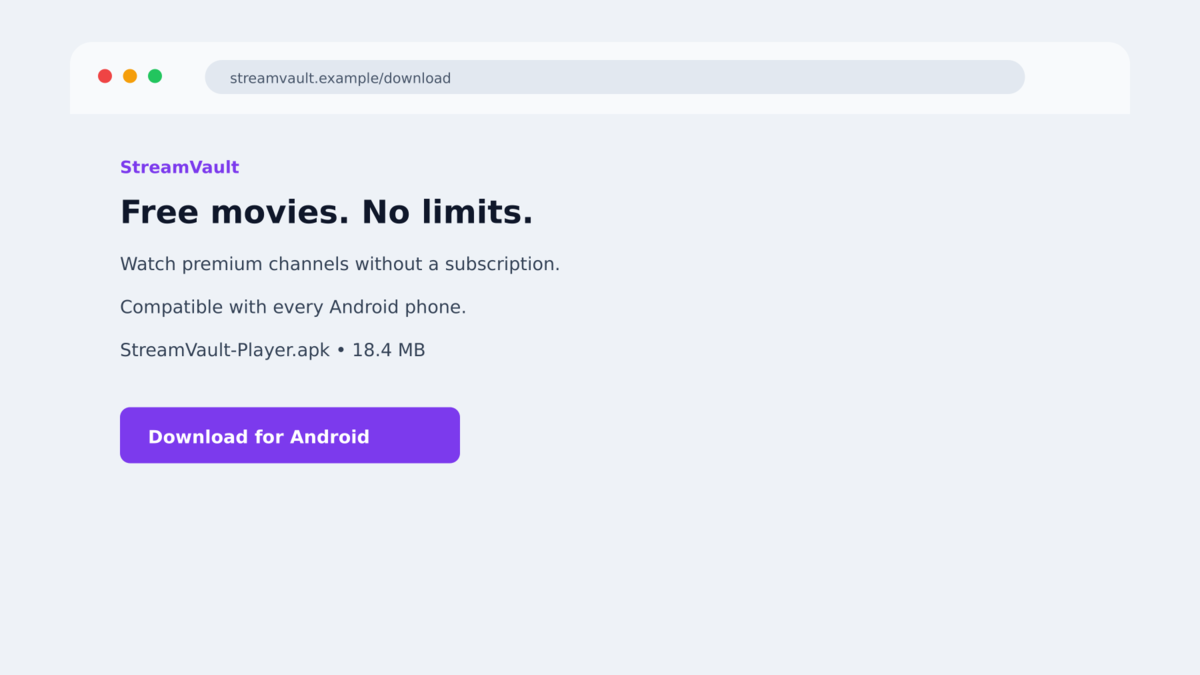
An ad promises a free streaming app, or a text says Chrome needs to be installed from a special page. The download looks like an ordinary Android app.
After installation, the app claims it needs Accessibility access to fix a network restriction or unlock a benefit. The request sounds technical, but the permission is the turning point.
What happens next is far beyond a nuisance app. RatHat banking malware can teach itself how to move through the phone and reach information most people assume is protected.
Overview
The fake download is promoted through texts and malicious ads
RatHat is an Android banking Trojan distributed through smishing messages, malicious advertisements, third-party forums, and deceptive download pages. Some pages imitate a popular streaming service. Others present the file as a browser such as Chrome. The goal is to persuade the visitor to sideload an APK from outside Google Play.
The streaming service and browser names are camouflage. The downloaded package is not an authorized app from the company being copied. It is a dropper that prepares the phone for a much more capable payload.
A fake permission explanation opens the phone to automation
Once installed, the app pressures the victim to enable Android’s Accessibility Service. It may blame a supposed network restriction or offer a financial incentive. Accessibility can read interface elements and interact with buttons on behalf of a user, which makes it extremely powerful when abused.
RatHat uses that access to navigate Android settings, enable Developer Options, switch on Wireless Debugging, and read the six-digit pairing code shown on the screen. It then pairs with the phone’s own Android Debug Bridge, or ADB, without requiring a separate computer.
The malware targets bank logins, PINs, and one-time codes
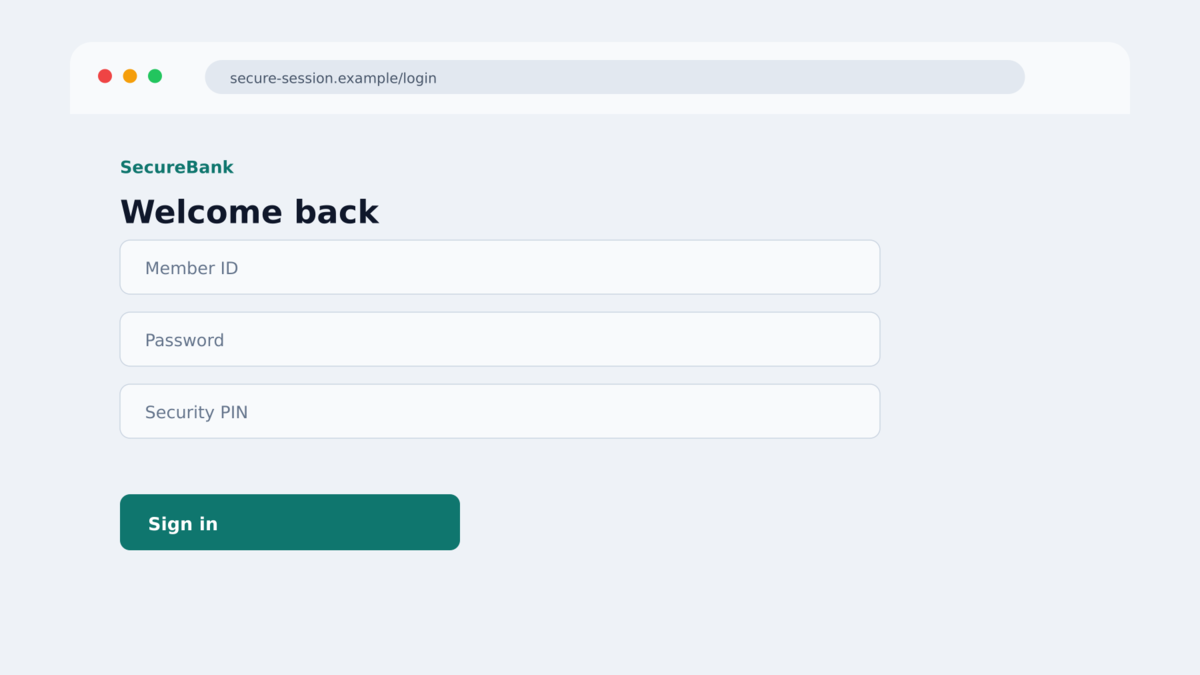
After gaining deeper access, RatHat can place convincing overlays over banking, cryptocurrency, payment, and communication apps. These fake screens collect usernames, passwords, PINs, and other sensitive entries while the victim believes they are using the real application.
Researchers also found SMS interception, screen capture, browser address harvesting, raw touch-coordinate recording, and a persistent tunnel that can give an operator ongoing access. A hidden native component may remain after the visible app is removed and can restore it.
- The campaign begins with malicious ads, smishing, forums, or fake download portals.
- The app can impersonate a streaming service, Chrome, or another familiar Android product.
- The victim must sideload an APK and approve dangerous Accessibility access.
- RatHat uses Android’s own settings to enable Wireless Debugging and pair with local ADB.
- Fake overlays target banking, cryptocurrency, payment, and messaging applications.
- The malware can intercept SMS messages and authentication codes.
- Its touch monitoring can help reconstruct PINs and screen-lock patterns.
- Normal app removal may not eliminate every persistent component.
Why the Fake App Can Look Harmless at First
People install streaming and browser apps every day. A polished page, a recognizable icon, and a promise of free access can make the request feel routine, especially when the link arrived in an ad rather than an obviously suspicious attachment.
The first installed component may not immediately display a fake bank login. It can behave like an installer, show a loading screen, or claim that a configuration problem must be fixed. That delay separates the initial decision from the later permission request.
Android also uses technical wording around Accessibility, developer settings, pairing codes, and debugging. Scammers exploit that complexity. A user who does not recognize those features may assume the steps are a normal part of installing an app outside the store.
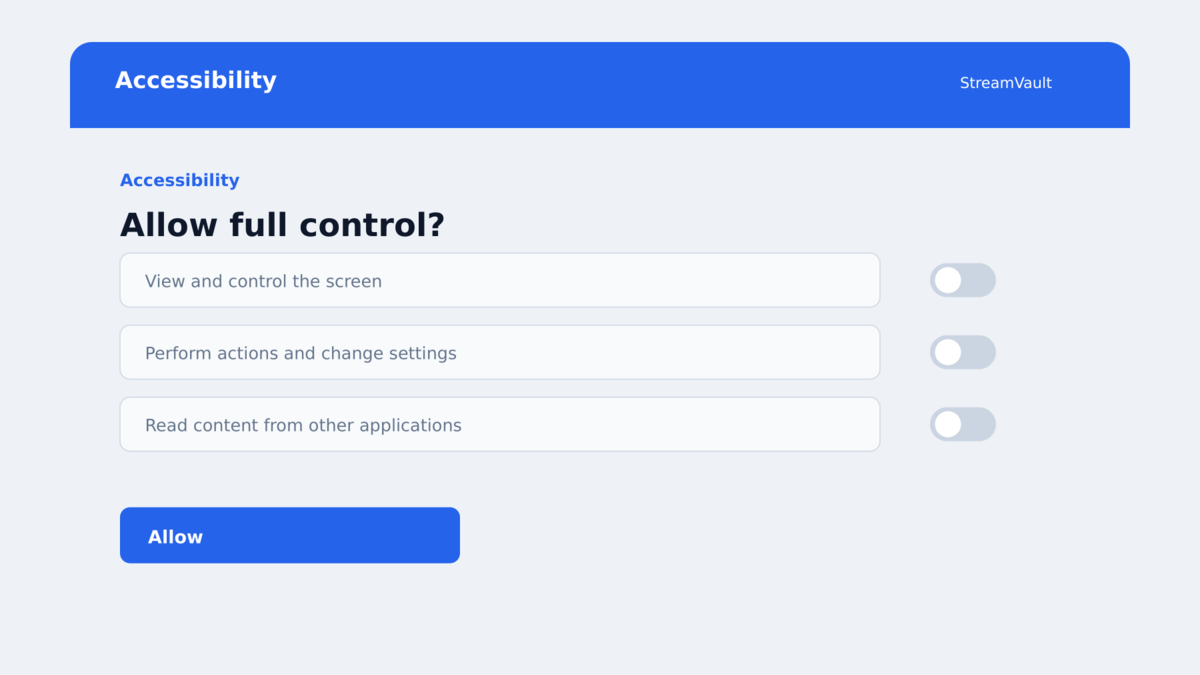
Accessibility is not inherently malicious. It exists to help people interact with devices, and legitimate applications use it for valid reasons. The warning sign is an entertainment or browser download demanding broad control that has nothing to do with its stated purpose.
Wireless Debugging is another legitimate feature, but it is intended for developers. A streaming app has no reason to enable it, read an ADB pairing code, or maintain a shell-level connection to the phone.
RatHat succeeds by chaining those legitimate capabilities together. Each individual screen can resemble part of Android, while the complete sequence quietly moves the malware outside the restrictions applied to an ordinary app.
Company, Address, and Fulfillment Checks
The download source is part of the deception
The campaign does not depend on compromising Google Play. Victims are directed to attacker-controlled pages and persuaded to download an APK directly. The page may copy a trusted service, but the file does not come from that service’s verified store listing.
Sideloading is not automatically unsafe, yet it removes an important layer of review and makes the publisher harder to verify. A link from a text message or advertisement should never be treated as proof that an APK is legitimate.
The requested permissions do not match the promised app
A streaming player needs network access and media functions. It does not need to observe every screen, press buttons across other apps, read notifications, capture SMS messages, or alter developer settings.
That mismatch is one of the clearest clues available to the victim. The explanation on the screen may sound polished, but the permission itself reveals what the application could do.
Deleting the visible icon may leave access behind
RatHat deploys native components and a reverse-proxy client after establishing an ADB session. Those pieces can run outside the normal lifecycle of the visible application. Researchers found a mechanism capable of checking whether the main app remains installed and restoring it.
This is why a normal uninstall cannot be treated as a confirmed cleanup. If the infection chain completed, the safest response is to preserve evidence if needed, protect accounts from another device, and factory-reset the phone.
Independent analysis confirms the malicious behavior
Zimperium’s zLabs documented RatHat’s architecture, ADB self-pairing, AI-assisted navigation, credential overlays, and persistence. Malwarebytes also described the smishing and malicious-ad delivery path and detects the threat as Android/Trojan.Exploit.RatHat.
The evidence supports classifying these download pages as a confirmed malware operation. The exact branding, language, and APK names can rotate, so readers should focus on the delivery method and permission sequence rather than a single icon.
How the RatHat Banking Malware Scam Works
Step 1: A text or advertisement promotes an unofficial app
The victim sees a streaming offer, browser download, or similar mobile promotion. The message leads to a website outside the official app store, often with copied branding and a prominent download button.
The offer may claim that the app is free, region-unlocked, faster, or required for access. Those benefits give the user a reason to ignore the unusual installation route.
Step 2: The page delivers a malicious APK
Android warns that the file comes from an unknown source. The instructions encourage the user to allow installation anyway, framing the warning as an ordinary obstacle rather than a protection.
The APK installs a dropper that prepares the main RatHat payload. A familiar name and icon do not change where the package came from or who signed it.
Step 3: A false explanation requests Accessibility control
The app claims that Accessibility must be enabled to remove a network restriction, complete setup, or unlock an incentive. Once approved, it can inspect interface elements and perform taps and scrolling.
RatHat can use real-time AI guidance to interpret the current Accessibility tree instead of following only a fixed script. That makes its navigation more adaptable across devices and Android versions.
Step 4: RatHat silently enables Wireless Debugging
Using its new control, the malware navigates to Developer Options, activates Wireless Debugging, reads the pairing code, and pairs with the phone’s local ADB service. The process abuses normal Android features rather than requiring the victim to connect a cable.
The resulting shell-level session allows RatHat to place native binaries and maintain a persistent tunnel to attacker infrastructure.
Step 5: Fake overlays collect financial credentials
When the victim opens a targeted banking or payment app, RatHat can display an HTML form that resembles the real login screen. Information entered into the overlay is sent to the attackers.
The Trojan can also capture one-time codes from SMS and notifications. Raw touch data may reveal PINs or unlock patterns even when Android tries to prevent ordinary screen-reading tools from seeing them.
Step 6: The attackers retain access and reuse the stolen data
The reverse tunnel, native agent, and intercepted credentials give the operator several ways to continue. They may enter bank accounts, cryptocurrency services, email, or other apps connected to the same identity.
If the victim removes only the visible application, a surviving component may restore it. Stolen passwords and active sessions remain dangerous even after the phone is reset.
Warning Signs Before Installing an Android App
- A text message or social advertisement directs you to download an APK.
- A streaming or browser app is unavailable in Google Play but offered on an unfamiliar page.
- The instructions tell you to enable installation from unknown sources.
- The app requests Accessibility for a reason unrelated to accessibility.
- You are asked to open Developer Options or enable Wireless Debugging.
- The app mentions a network restriction that can supposedly be fixed with broader permissions.
- A free entertainment offer requests SMS, notification, screen-capture, or device-control access.
- The package name, developer identity, or digital signature does not match the real company.
- The page discourages using the official app store.
- The app interferes when you try to open settings, install security software, or remove it.
Do not approve a permission simply because Android displays the request in a familiar system screen. Read what the permission allows and decide whether it makes sense for the app’s real purpose.
What to Do if You Have Fallen Victim to This Scam
- Disconnect the phone from mobile data and Wi-Fi. This can interrupt the command channel while you begin recovery. Do not reconnect merely to test whether the suspicious app still works.
- Use another trusted device for account recovery. Change your primary email password first, then banking, cryptocurrency, payment, and password-manager credentials. Do not type replacement passwords on the suspected phone.
- Call your bank using the number on your card or official app. Explain that Android banking malware may have captured login details, PIN entries, and one-time codes. Ask about freezing access, replacing cards, and reviewing transfers.
- Protect cryptocurrency immediately. If wallet credentials or a recovery phrase appeared on the infected phone, create a new wallet on a clean device and move remaining assets. A compromised recovery phrase cannot be made safe again.
- Revoke active sessions and authentication methods. Remove unknown devices, connected apps, passkeys, forwarding rules, and recovery details from email and financial accounts.
- Document what happened before wiping the phone. Save the message, ad, page address, APK name, permission prompts, and suspicious transactions from a clean device. This can help banks and investigators.
- Factory-reset the Android device. RatHat can leave persistent components outside the visible app, so a normal uninstall is not enough after the full infection chain. Restore only trusted data and reinstall apps from Google Play.
- Scan and harden the rebuilt device. Malwarebytes for Android can help detect malicious applications and known RatHat components. AdGuard can reduce exposure to malicious ads and block known scam destinations, but neither replaces installing only from trusted stores.
- Report the campaign. Notify the advertising platform, the impersonated company, your bank, and the appropriate national cybercrime or fraud service. Ignore anyone who promises guaranteed recovery for an upfront fee.
Frequently Asked Questions
What is RatHat?
RatHat is an Android remote-access and banking Trojan analyzed by Zimperium. It abuses Accessibility and Wireless Debugging to gain deeper control, steal credentials, and maintain access.
Can RatHat infect a phone just from viewing an ad?
The documented chain requires the victim to download and install an APK, then approve powerful permissions. Seeing the ad alone is not the same as completing those actions.
Why does the malware use AI?
RatHat can send information about the current screen structure to an AI service and receive guidance about where to tap or scroll. This helps it adapt rather than relying entirely on fixed coordinates.
Is Wireless Debugging normally dangerous?
No. It is a legitimate Android developer feature. The danger comes from malware enabling it, taking the pairing code, and using ADB without the owner’s informed approval.
Will uninstalling the fake app remove RatHat?
Not reliably after the full chain completes. Native components may survive the visible app and restore it, which is why researchers recommend a factory reset for an infected device.
Can changing my banking password solve everything?
It is essential, but it is not enough by itself. You should use a clean device, revoke sessions, contact the bank, reset the phone, and review every account and transaction that may have been exposed.
The Bottom Line
The fake streaming and browser downloads behind RatHat are not questionable promotions or harmless unofficial apps. They are entry points for confirmed RatHat banking malware built to steal logins, codes, PINs, and device access.
The clearest warning comes before the technical attack begins: an unfamiliar page asks you to sideload an APK and give an entertainment app Accessibility control. Stop at that request.
If you completed the installation and permission steps, recover accounts from another device and factory-reset the phone. Removing the icon alone does not prove the hidden access is gone.








