

A small-business owner answers a call that sounds like an ordinary listing update. The caller says customers using voice assistants might not find the business unless one last verification is completed.
It is a clever pitch because every owner wants to be discoverable. The question is whether the “Voice Activation Department” has any authority over the services it names.
Overview
What the Voice Activation Department pitch sounds like
Reported calls use the phrase “Voice Activation Department” and may refer to AMS or a similar-sounding service. The caller says a business must update or activate a voice-search listing so it can appear when customers speak to a digital assistant.
The pitch may name several familiar platforms in a single breath: Google Assistant, Siri, Alexa, or others. That list is meant to make the caller sound connected to a whole ecosystem. It does not prove any platform sent the call or that a single paid verification controls them all.
What the caller may want
The immediate objective can be a credit card number, agreement to a paid marketing service, or access to a business listing. Some directory-listing scams record a conversation and later claim the owner approved a subscription or invoice. We have not verified that every caller using this exact name follows the same script.
The Federal Trade Commission warns that small businesses are targeted with phony directory listings and bills for advertising they did not knowingly buy. That established scam pattern is useful context, but it is not proof that every voice-search company is fraudulent.
What is real and what is invented
Voice search is real. Businesses can manage information that appears on Google and Apple services. Professional agencies may charge for legitimate help. What is misleading is a caller’s claim that an urgent payment or telephone “activation” is required to keep a free listing alive.
Before discussing payment, remember these distinctions:
- Google says a business can add or claim its Business Profile at no charge.
- Google permits third-party managers, but their fees must be disclosed and the business should retain ownership.
- Apple describes Business Connect as a free tool for managing how information appears across its services.
- A directory salesperson is not automatically an employee of Google, Apple, Amazon, or Microsoft.
- An unsolicited deadline is not a substitute for a written contract and an independently verified company identity.
Why This Call Can Sound Like a Technical Requirement
Most owners know customers search by voice, but few have time to follow every listing platform. A caller who speaks in technical shorthand can make a routine sales pitch sound like an infrastructure problem. “Activation” sounds mandatory even when no such action has been established.
A busy front desk is especially vulnerable. The person who answers may not own the business profile or handle advertising, but the caller asks for a quick confirmation. If the staff member says yes to a broad question, the seller may later present it as consent to a narrower paid service.
The pitch can also blur the difference between the listing itself and optional management. Paying an agency to improve a profile may be a business choice. Paying because a stranger says the profile will disappear tonight is a different matter.
Google’s Business Profile safety guidance specifically warns about calls, emails, or texts offering help in exchange for money while implying official Google support. Google says it will not pressure an owner to pay to maintain, verify, or reinstate a Business Profile.
Do not assume that a caller knows your business because they mention its address, category, or opening hours. Much of that information is public. A scammer can read it from the same map listing the owner sees.
Reported “Voice Activation Department” calls are not all documented with full contracts or recordings. That limitation matters. The safe conclusion is that an unsolicited caller has not earned authority over your listings merely by naming voice assistants, and any payment or account-access request should be independently checked.
How the Voice Activation Department Scam Works
Step 1: A business receives an unexpected call
The caller reaches a public business number and introduces a supposed voice-search listing problem. They may ask for the owner or whoever handles online visibility. The wording is designed to sound like routine support rather than an advertisement.
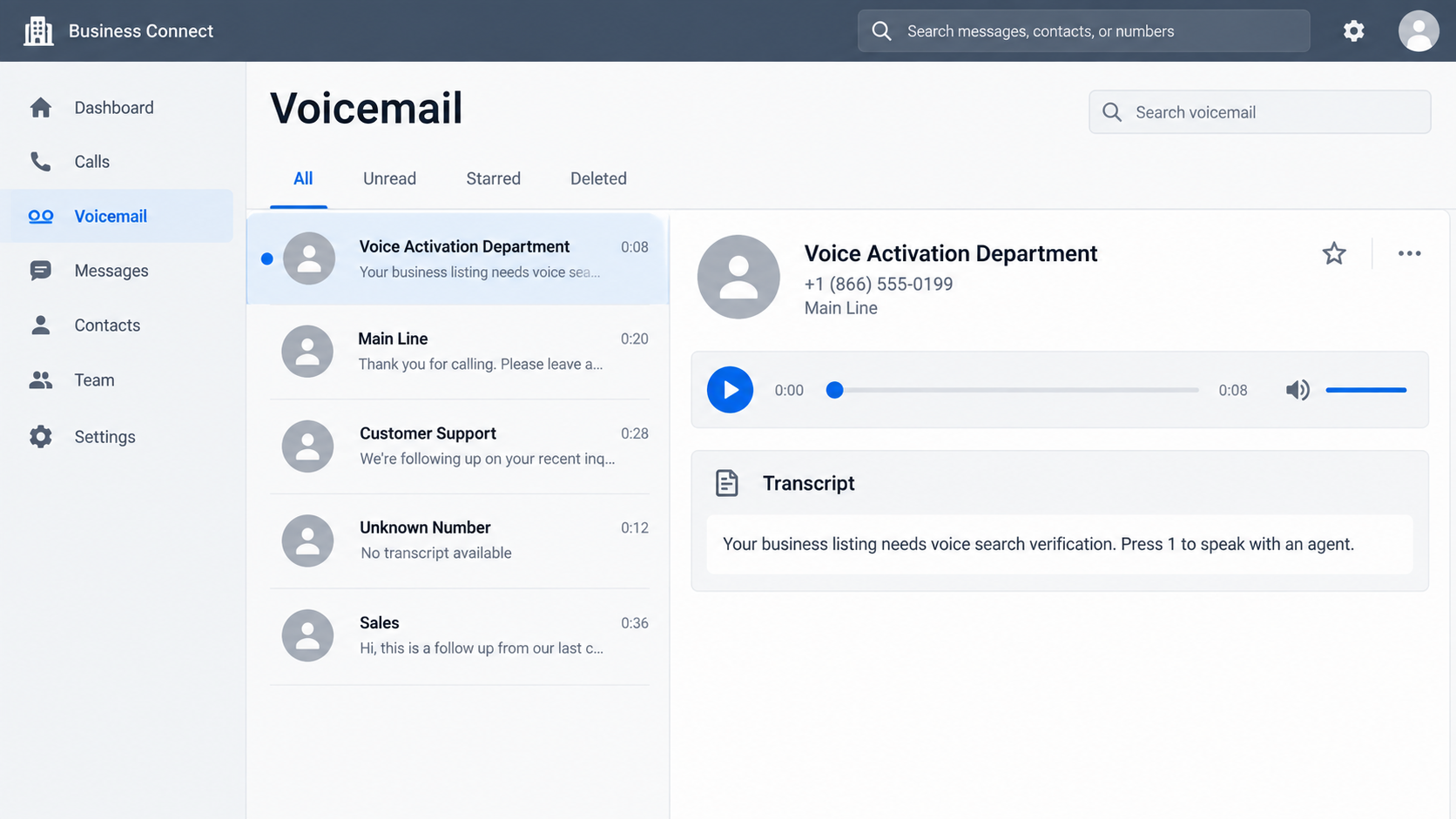
If the call goes to voicemail, it may mention a pending listing, a verification window, or the risk that customers will not find the business. The illustrated voicemail above shows the style of the hook, not a recording of any particular caller.
Step 2: Familiar platform names create authority
The representative may mention several assistants or search products at once. That creates the impression of a central department that administers them all. In reality, each platform has its own tools, policies, and account ownership rules.
Ask a simple question: “Which company employs you, and which exact account will you change?” A legitimate vendor should be able to identify its legal name, explain its relationship to each platform, and put the service in writing without demanding a card during the call.
Step 3: A harmless-sounding confirmation is requested
The caller may verify a business name, address, and opening hours that they already found online. That exchange builds rapport. It can also make the owner feel the caller has privileged access to the listing when the information is public.
Some directory scams use a recorded “yes” or a confirmation of details as part of later billing pressure. Do not panic if you answered a simple question; that alone does not prove you entered a contract. Preserve what happened and ask for the full terms before paying anything.
Step 4: The conversation turns to payment or account access
The caller may frame a fee as a one-time activation, a renewal, or a discounted listing package. Another version might ask to become a manager of the owner’s Google Business Profile. These are materially different requests, and neither should be accepted without careful review.
A legitimate third-party agency may charge for work it actually performs. Google requires such agencies to disclose management fees and inform customers that the underlying Business Profile is free. A vague “platform fee” on the phone is not enough.
Step 5: The owner may receive an invoice or follow-up
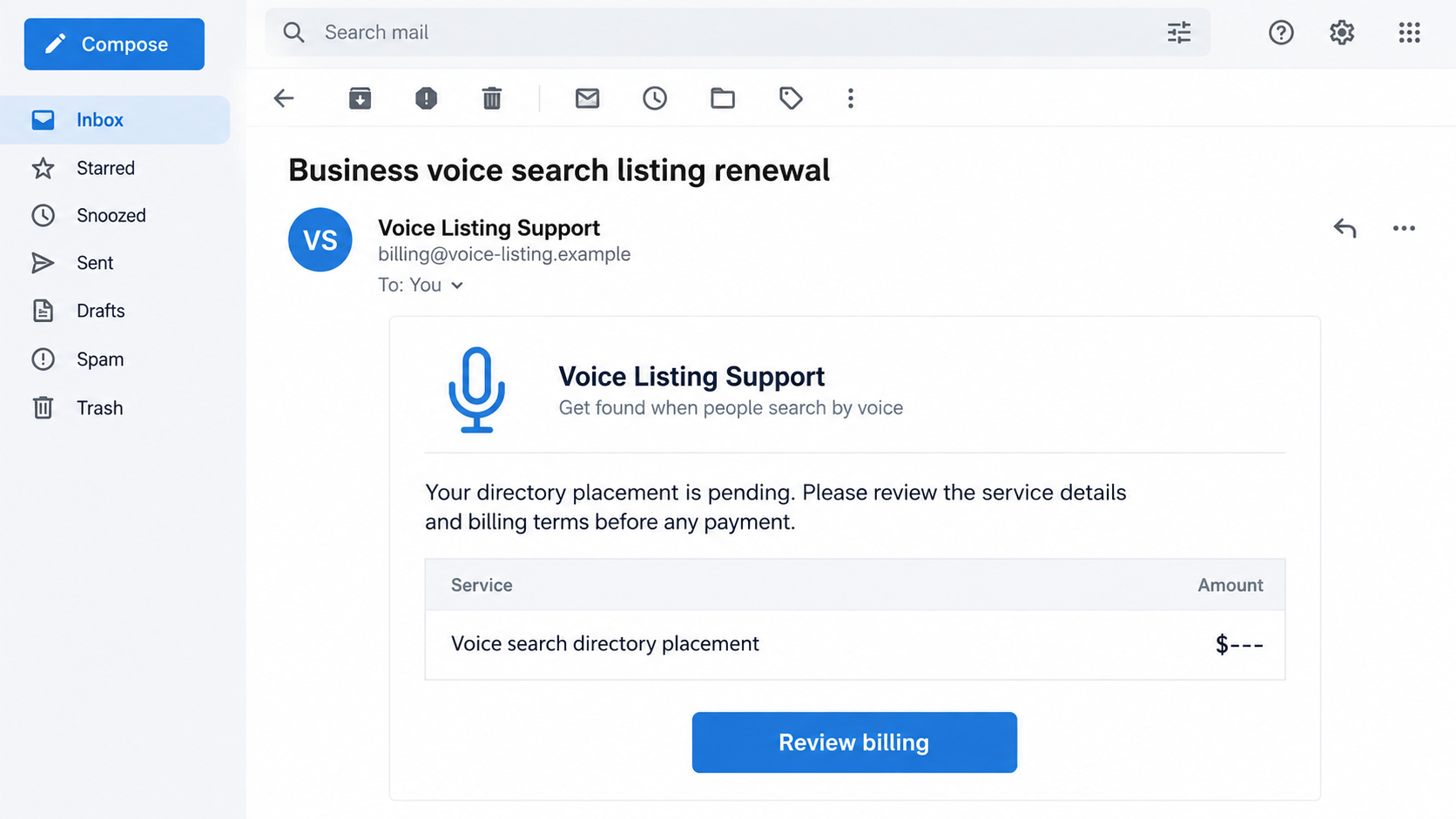
If the caller captures a card, the business may see a charge or recurring bill. If no card was given, an invoice might still arrive saying the listing was approved. The sample billing email is a reconstruction of this possible next stage, not evidence of a specific debt.
The FTC advises businesses not to pay an invoice for a directory service they did not knowingly order. Keep the invoice and challenge the claim in writing. Do not let a threatening collections tone substitute for a signed agreement and proof of service.
Step 6: Pressure continues when the business hesitates
A caller may say a listing will be removed, customers will stop finding the business, or a recording proves consent. These claims need evidence. Check the actual Google or Apple listing yourself and ask the caller to identify precisely which platform granted it authority.
If the company refuses to provide written terms or uses a new phone number each time, disengage. Do not give account passwords, one-time codes, or owner access to a profile simply to end a persistent call.
Four Checks Before You Pay for Voice Search Help
Identify the seller, not just the department name
Ask for the legal business name, physical address, website, service agreement, cancellation terms, and the specific work promised. “Voice Activation Department” describes a role; it is not proof of a corporate identity or a relationship with a platform.
Search the company independently. A website that only repeats sales claims is not enough. Look for a verifiable company, real client terms, and a support channel that can answer billing questions without a new sales pitch.
Check who owns your listings
Sign in to your Google Business Profile and Apple Business Connect through your own bookmarks. Confirm the business remains visible and note who has owner or manager access. Do not approve an access invitation from an unsolicited caller while still on the phone.
Google’s third-party policy says the business should retain ownership or co-ownership. If an agency claims you must transfer primary control to stay listed, ask for written proof and compare it with Google’s own rules.
Separate free platform access from optional agency work
Adding or claiming a Google Business Profile is free. Apple’s Business Connect is also free. An agency can charge for its time and expertise, but that fee is for an optional service, not a platform-mandated activation.
Ask what deliverables you will receive: corrected categories, updated hours, photos, duplicate cleanup, or a report. If the answer is simply “your voice search will be turned on,” the value is too vague to justify an urgent card payment.
Read the billing and cancellation terms
Before agreeing, check the total cost, renewal interval, refund policy, and who can cancel. A small introductory charge can become a subscription if the contract says so. Do not assume a caller’s verbal description overrides the written terms.
Give purchasing authority to a small number of staff and tell everyone else how to route listing calls. That simple internal rule can prevent an employee from accidentally approving a service the business did not want.
What Legitimate Listing Management Actually Looks Like
A genuine marketing consultant should welcome a slower conversation. They can explain which profile fields are incomplete, show the current public listing, and provide a proposal. They should not need your card number to tell you what is wrong.
Most businesses can start by checking their own free profiles. Verify the name, address, phone number, hours, website, service area, and ownership. Fixing an incorrect listing through the platform’s own tool may solve the problem without hiring anyone.
If you do hire an agency, keep your business as the account owner. Add the agency as a manager only when needed and review its permissions periodically. Save the agreement and ask how the listing will be handed back if you stop working together.
Be careful with promises of guaranteed voice-search ranking. Search results vary by user location, query, device, relevance, and platform. A vendor cannot honestly promise that every voice assistant will place your business first.
Also distinguish a missing listing from a listing the caller wants to sell. Search for your business by name and address. If it already appears, ask what specific improvement the paid service would make and how you could measure it.
A calm verification process protects good vendors too. The point is not to label every voice-search salesperson a criminal. It is to keep an unsolicited call from becoming a payment or account-control decision before the seller has provided evidence.
What to Do if You Have Fallen Victim to This Scam
- Write down the call while it is fresh. Record the number displayed, caller name, company name, claimed platforms, promised service, price, and exactly what you agreed to. Save voicemail, emails, invoices, and card receipts. A contemporaneous note is useful if the seller later describes a different agreement.
- Stop further access to your business listings. Sign in through your own Google and Apple accounts. Review owners, managers, and recent changes. Remove an unfamiliar manager only after confirming the account is yours, and change passwords if you shared them. Enable strong multifactor authentication on the owner account.
- Dispute unauthorized card charges promptly. Contact the card issuer and explain what was represented on the call and what you actually authorized. Ask about a card replacement or block for future charges if a subscription is suspected. Keep the dispute number and all written correspondence.
- Challenge a questionable invoice in writing. Ask the company for its full contract, recording, itemized services, and proof that an authorized person approved the charge. State clearly if the business disputes the debt. Do not ignore a formal legal notice, but do not pay a surprise invoice just because a caller says a recording exists.
- Notify staff and tighten purchasing rules. Tell reception and marketing colleagues what happened, and route all future listing or advertising calls to one authorized person. A caller may try again under a different name after learning your business answers.
- Check devices if an installer or remote-support tool was used. The common reported pitch is billing and listing access, not malware, but some fraudsters may ask to install software. If that happened, disconnect the affected device and run a scan with Malwarebytes. AdGuard can help reduce exposure to malicious ads and known scam pages, but it cannot undo an approved profile transfer or card charge.
- Report the conduct and watch for recovery offers. U.S. businesses can report deceptive sales practices to the FTC. Report abusive Google Business Profile third-party conduct through Google’s policy channels. Ignore anyone promising to erase the bill or recover money for an upfront fee.
Frequently Asked Questions
Is there one official Voice Activation Department for all assistants?
No single department controls Google, Apple, Amazon, Microsoft, and every other voice platform. A caller using that phrase should identify the company it actually represents and the service it will provide.
Do I have to pay to keep my Google Business Profile?
No. Google says adding and claiming a Business Profile is free. A third-party agency may charge for optional management work, but it must distinguish that fee from the free underlying service.
Can a legitimate agency help with voice search?
Yes. An honest agency can improve listing completeness or consistency. It should provide written scope, pricing, account permissions, and cancellation terms without implying it owns the platforms.
What if I only said yes on the call?
A brief confirmation does not by itself tell you what was agreed. Save your notes and ask for the complete recording and contract if a bill arrives. Dispute any charge you did not knowingly authorize.
Should I give a caller access to my Google listing?
Not during an unsolicited call. Verify the vendor independently, review its written proposal, and keep your business as the owner. Grant only the limited manager access required for agreed work.
Where can a small business report a listing scam?
Use the FTC’s fraud reporting site for deceptive sales or billing. If the issue involves a Google Business Profile manager, use Google’s third-party policy reporting route as well.
The Bottom Line
The Voice Activation Department scam pitch borrows real interest in voice search to make an unsolicited sales call sound mandatory. A familiar list of platforms does not give the caller authority over your business information.
Check the listing yourself, demand written terms, and keep ownership of your accounts. If a card was charged or profile access changed, document it and act through the card issuer and the platform immediately.








