

A Pilates bar, short workouts, and a stack of included extras can sound like a manageable fresh start. Stretched Fusion packages that idea attractively.
If you are weighing the offer, put the workout comparison aside for a minute. Understanding the purchase itself deserves a little attention first.
Overview
This offer includes a recurring membership
Stretched Fusion is not simply a one-time Pilates-bar purchase. Its reviewed offer includes a digital trial that automatically renews at $19.99 a month.
The renewal appears in the product FAQ and membership description. We are not calling it undisclosed everywhere or claiming every customer was charged without consent.
The buyer risk is assuming the equipment price covers permanent program access. It does not describe the ongoing cost of keeping the membership.
Our October 8, 2026 review also found different guarantee periods across the product, a seated-workout landing page, and the generic refund policy.
The details that change the buying decision
- The reviewed Pilates-system price was $39.99, before any location-dependent charges or checkout changes.
- Digital access starts with 30 free days, followed by an automatic $19.99 monthly renewal.
- The product promotes a 90-day guarantee, while the seated-sculpt page promotes 180 days under its stated conditions.
- A separate refund page begins with a 30-day period from purchase and describes product-specific trial exceptions.
- A public subscription-management portal exists, but we did not test cancellation through a customer’s account.
A real exercise program can still be the wrong purchase when the customer expects equipment alone and receives a recurring billing relationship.
The sensible verdict is about consent and cost
Buy only if you want the membership, understand its renewal date, and have the applicable guarantee confirmed. Otherwise, seek an equipment-only alternative.
If you already ordered but do not want continuing access, address the subscription now. Returning the bar and stopping renewals are separate tasks.
We found a disclosed recurring offer and confusing policy presentation. We did not establish a confirmed scam, test the workouts, or measure customer outcomes.
What Your Money Buys, and What It Does Not
The physical equipment and digital service are different products
The sales page combines a Pilates bar with guided programs, community access, instructor support, nutrition material, and other extras.
That bundling makes the offer feel like one package. Financially, however, the equipment charge and continuing membership should be evaluated separately.
The product FAQ says customers keep the bar when they cancel membership. That does not establish permanent access to every paid digital feature after cancellation.
Ask which videos remain available without a subscription. A printable guide, purchased program, trial library, and renewing membership can each carry different access rules.
A small monthly amount becomes a meaningful total
Twelve paid renewals at $19.99 equal $239.88. Adding the reviewed $39.99 equipment price produces $279.87, excluding any other charges.
This calculation covers twelve paid renewals after the trial. It is not a claim that the first calendar year necessarily contains twelve membership charges.
The total may be reasonable for someone who uses the service consistently. It is poor value for someone who never intended to subscribe.
Compare that commitment with how you actually exercise, not the ideal routine pictured by the advertisement. Cost per workout depends on attendance, not the bonus list.
How the Stretched Fusion Purchase and Renewal Work
Step 1: A manageable workout promise draws you in
The current product presentation emphasizes short sessions, different exercise positions, progressive resistance, and a more accessible routine than a conventional studio membership.
Those features address ordinary barriers: time, confidence, mobility, and the inconvenience of traveling to classes.
They do not prove that the program is appropriate for every condition or that a particular buyer will achieve the displayed transformations.
Someone returning to exercise after surgery or with persistent pain should obtain individualized guidance. A seller’s broad suitability language cannot assess that person’s limitations.
Step 2: Bonuses make the package feel complete
Equipment, a workout library, instructor contact, and nutrition material are presented together. Repeated free-benefit messaging can direct attention toward the initial bargain.
The important distinction is between something included permanently and something temporarily free before a paid renewal.
Look at the membership item itself, not just the total value assigned to the bonuses. The library is advertised with a free introductory period.
Write down the continuing price before comparing the package with an ordinary Pilates bar. Otherwise, you are comparing different financial commitments.
Step 3: The initial order starts the trial relationship
The Pilates-system page states that membership renews automatically after the introductory period. We verified that statement without submitting payment information.
We did not complete checkout or test whether an equipment-only option appears for every visitor. Your cart and final payment page still need scrutiny.
Check the number of products, amount due now, future billing, selected options, and cancellation terms immediately before authorizing payment.
Keep the confirmation email. It should allow you to identify what was purchased and which email account controls the associated membership.
Step 4: Continuing access becomes a monthly expense
The trial’s end is the decision point. If the subscription remains active under the reviewed terms, the digital membership starts its paid monthly renewal.
Stopping workouts is not the same as canceling the service. A membership can remain billable even when you do not open the app.
Do not rely on deleting an app, leaving a community, or changing a phone. Ask the merchant to confirm the actual subscription status.
Set a reminder several days before your documented renewal date. That gives you time to resolve a login problem rather than discovering it after another charge.
Step 5: Cancellation and a purchase refund take separate routes
The website links to a subscription-management portal and describes email or community support as additional routes. Those are published options, not independently tested service guarantees.
Cancellation concerns future renewals. A request to refund equipment or a membership charge concerns money already paid. State both requests when both are needed.
Ask for the cancellation effective date and whether another payment is scheduled. Then ask separately about refund eligibility and any physical return required.
A confirmation that your support message was received is not confirmation that billing has stopped. Look for an explicit status change or written cancellation acknowledgment.
Company, Address, Support, and Fulfillment Questions
Identify the merchant behind the fitness brand
Stretched Fusion is the visible brand, but shoppers should connect it to the entity on their receipt, membership confirmation, and card statement.
We did not independently verify corporate ownership in this investigation. A storefront and an active portal do not answer every legal-operator question.
Ask who handles the equipment transaction and who handles recurring billing. If those are different parties, obtain the contact route for each.
Do not confuse the community platform hosting workouts with the merchant that authorized a subscription charge. Logging into one service may not cancel the other.
The Everett address is a policy instruction, not verified headquarters
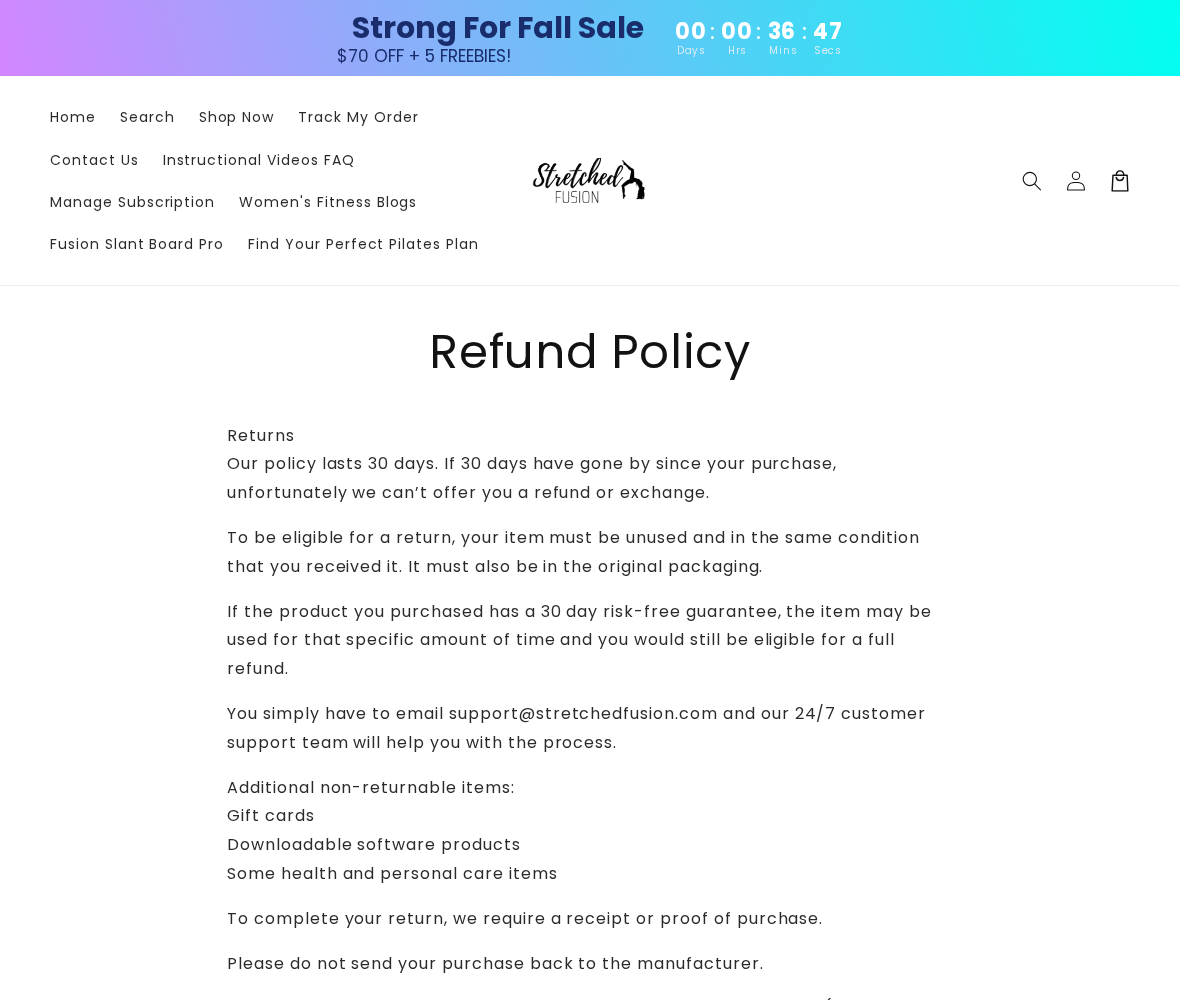
The refund page gives 140 Chestnut St, Everett, MA 02149 in its exchange instructions. We did not authenticate that location as company headquarters or a factory.
Its appearance should not be treated as blanket permission to send back every purchase. Get instructions tied to your specific order first.
Record the recipient and whether the package must include an authorization number. An unannounced return can be harder for a merchant to identify.
A US return or exchange address also does not independently establish where the bar was manufactured. Warehouse geography and production geography are separate facts.
Use the subscription route without guessing account details
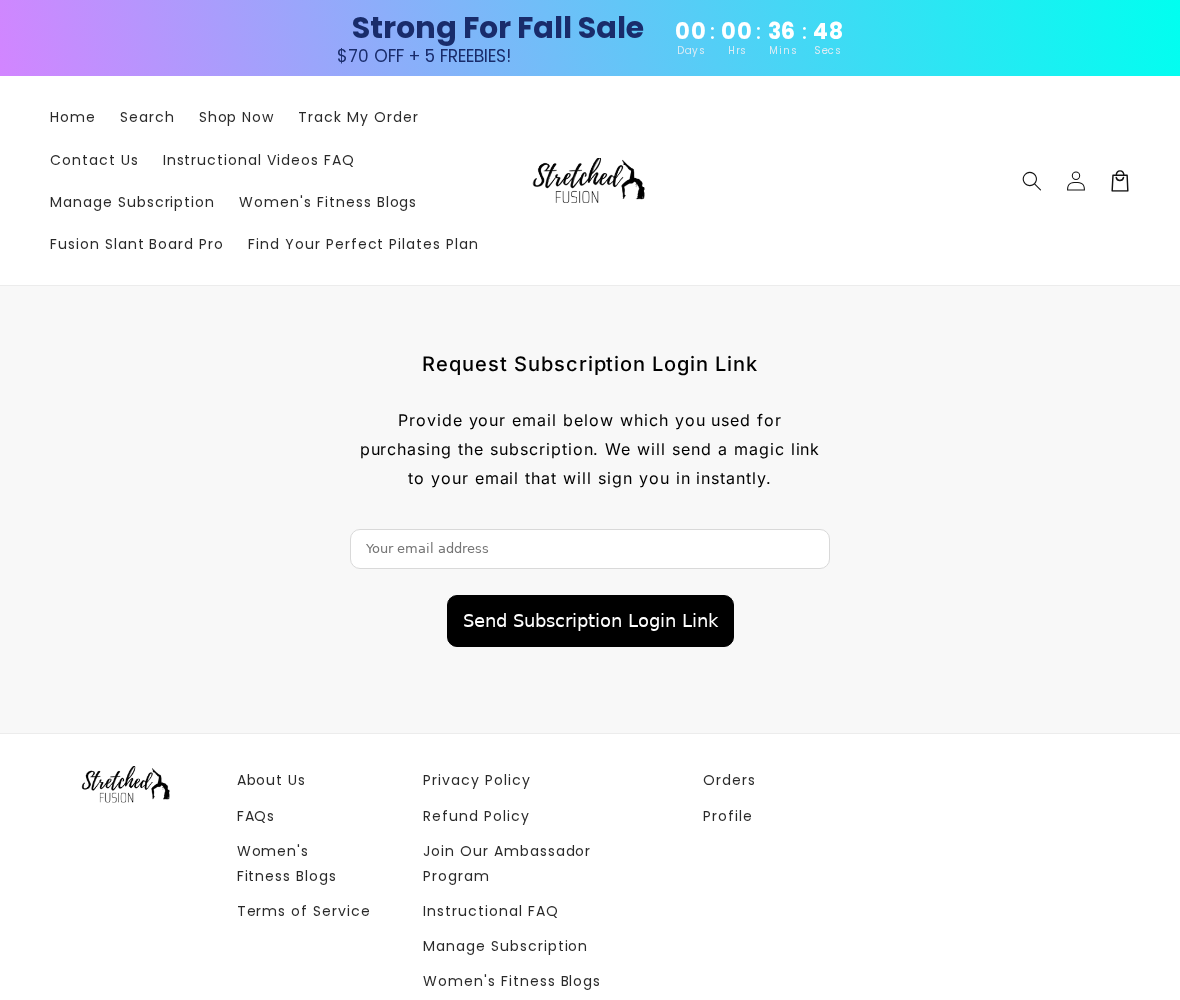
The subscription portal asks for the email used for the membership and offers a login link. We inspected the public form only.
The site also lists support@stretchedfusion.com. We did not send an email, create an account, or test the promised cancellation speed.
Use the address attached to your original purchase. Check your spam folder if the link does not arrive, then contact support rather than entering unrelated personal details.
Never give support your full card number or banking password to cancel a fitness subscription. Order identification should not require access to your financial account.
Global fulfillment does not establish equipment quality
The site’s general FAQ describes multiple fulfillment partners. That disclosure is not evidence that every bar comes from one country or has identical manufacturing quality.
We did not inspect a delivered kit, resistance mechanism, or component durability. Claims that the equipment is dangerous or counterfeit would require additional evidence.
On arrival, review the instructions and check for visible damage before exercising. If parts are missing or broken, document the problem instead of improvising a repair.
Ask for the correct routine and resistance setting if you are unsure. A financial guarantee does not prevent an injury from unsuitable or incorrectly performed exercise.
The 30-Day, 90-Day, and 180-Day Guarantee Problem
Different offers may have different coverage
The generic refund page starts with a 30-day purchase window. It also describes an exception for products carrying a specific risk-free trial.
The current Pilates product promotes a 90-day guarantee. The seated-sculpt landing page advertises 180 days and includes an app-related participation condition.
These differences might reflect distinct promotions. The pages still need to make clear which guarantee applies to a customer arriving through each offer.
Do not pick whichever number is longest and assume it governs your receipt. Preserve the landing page and ask for written confirmation.
Check whether the promise covers membership charges
A guarantee on the physical system does not automatically mean every later digital renewal will be refunded. The review did not establish such universal coverage.
Ask which payments are included, whether any participation requirement applies, and whether you must return the bar to receive repayment.
Also distinguish the cancellation window for unshipped hardware from the money-back period after purchase. They address different stages of the order.
Conditions matter more than the reassuring headline
The generic rules discuss unused-item eligibility, certain digital exclusions, sale items, and customer return expenses. Product-specific trial exceptions may alter some of those conditions.
That is why buyers need an answer about their exact offer. Quoting a guarantee without its scope leaves the most expensive questions unresolved.
If support cannot explain how the trial, hardware refund, and subscription interact, postpone payment. You should not need to interpret a policy puzzle to exercise safely.
What to Do If You Ordered Stretched Fusion
- Find the subscription confirmation and renewal date.
Search the email account used at checkout for the order, membership, and trial messages. Record the start date and any scheduled charge.
Separate the hardware receipt from digital billing information. That makes it easier to ask about the correct payment.
- Cancel unwanted renewals through the published portal.
Request the login link using your purchase email, then review the membership status. If you cannot access it, contact support with the order reference.
Save the cancellation confirmation and effective date. Do not assume app deletion, inactivity, or a refund inquiry has ended the subscription.
- Request repayment separately for charges you dispute.
List the date and amount of each payment you want reviewed. Explain whether you dispute consent, a post-cancellation renewal, or the application of a guarantee.
Do not label every recurring payment unauthorized if you knowingly accepted the membership. Describe the actual problem accurately.
- Document the guarantee attached to your order.
Save the product or landing page with its 90-day or 180-day statement, together with the generic policy. Ask which terms apply.
If returning equipment, obtain approval, packing instructions, and a destination first. Price postage before committing to the return.
- Monitor the next expected billing cycle.
Check the account status and payment statement after cancellation. If another charge appears, provide the merchant with your dated cancellation evidence.
Contact your card issuer about unresolved or unauthorized billing and ask about future merchant-payment controls. Replacing a card alone is not a reliable cancellation process.
- Resolve exercise concerns independently of billing.
Stop a movement that causes concerning pain and seek appropriate professional guidance. Do not keep exercising solely to satisfy a perceived guarantee requirement.
For unresolved commercial issues, organize your records for a consumer complaint. A clear subscription timeline is more useful than a broad accusation about all fitness programs.
Frequently Asked Questions
Does Stretched Fusion charge a monthly subscription?
The reviewed offer states a 30-day free digital trial followed by automatic renewal at $19.99 monthly. Confirm the selection and terms in your own checkout.
Is the membership hidden everywhere on the site?
No. The product page displays membership pricing and explains renewal in its FAQ. Our concern is buyers overlooking the recurring commitment, not proof of universal concealment.
Can I keep the Pilates bar after canceling?
The product FAQ says the equipment remains yours. Ask which digital resources remain accessible, because keeping the bar is different from keeping a paid library membership.
Which money-back guarantee applies?
Reviewed pages display 30-day, 90-day, and 180-day periods with differing scope. Preserve your specific offer and obtain confirmation instead of assuming the longest one applies.
Does returning the bar automatically stop billing?
We did not establish that. Request subscription cancellation explicitly and keep confirmation, even if you are separately arranging a hardware return or refund.
Is Stretched Fusion a confirmed subscription scam?
The evidence establishes a recurring offer and policy ambiguity, not fraud in every order. Purchase only with informed consent, clear costs, and usable cancellation instructions.
The Bottom Line
Stretched Fusion sells equipment alongside a renewing digital service. Evaluate both, not just the attractive price of the bar.
If you do not want monthly access, do not accept the bundle without a confirmed alternative. Existing customers should cancel unwanted renewals and pursue refunds separately.
The right decision is simple: a membership you deliberately choose, or no membership at all. A free trial should never substitute for that choice.








