

An email claims that you requested permanent closure of your mailbox and will lose all access unless you cancel immediately. The unexpected request is meant to trigger panic.
The cancellation button does not protect the account. It leads to a fake webmail login that captures the email address and password for the attackers.
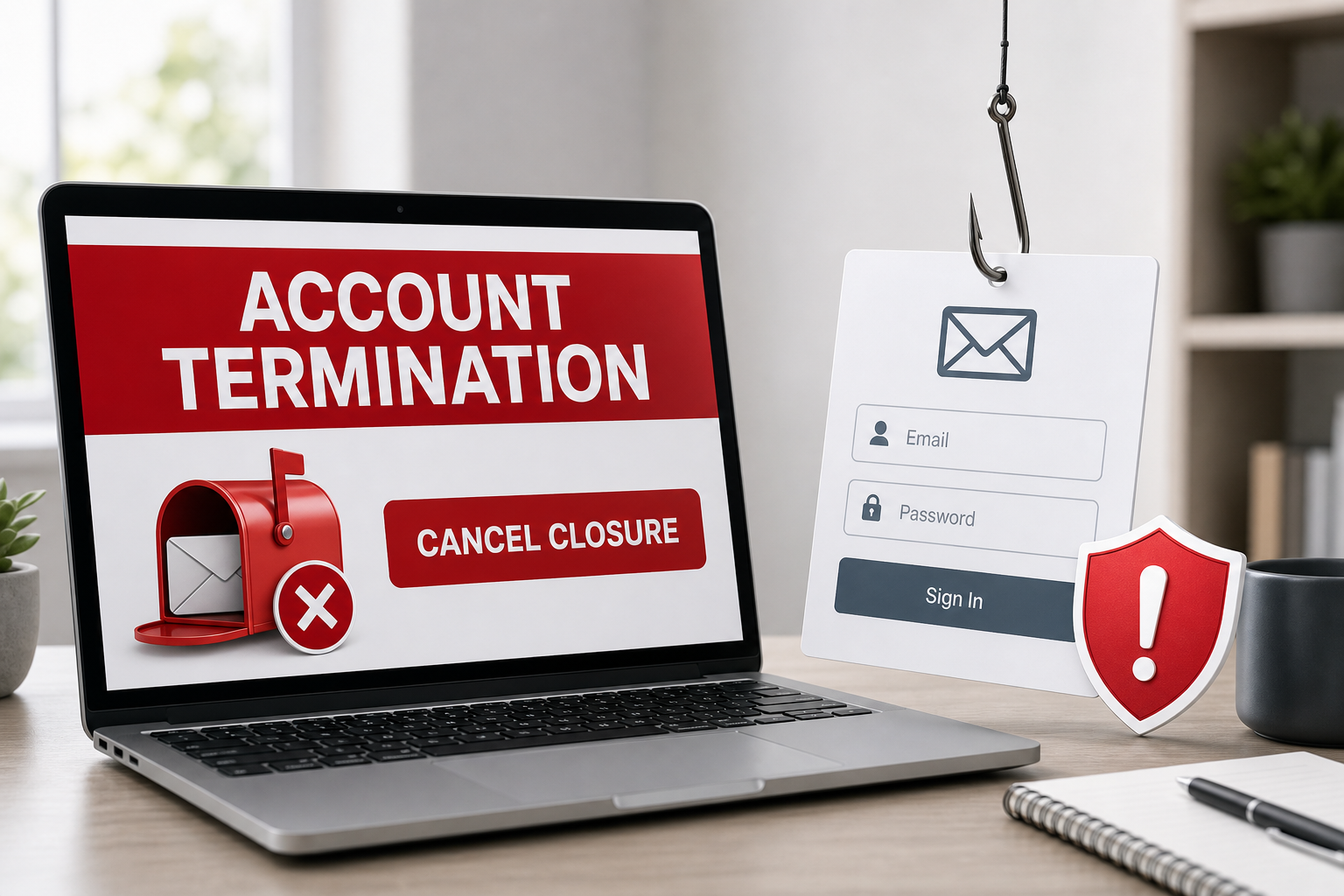
Account Termination Notice Email Scam Overview
The message presents itself as a service-desk notification and may use a subject containing a long closure-request number, support ID and recent date. It says that the recipient asked to close the mailbox and warns that all email access will be permanently lost. A prominent CANCEL ACCOUNT CLOSURE button appears to offer the only way to stop the process.
The claim is fabricated. Scammers know that an email inbox acts as the recovery channel for many other accounts, so a threat to delete it can override normal caution. A ticket number and official-looking footer add false precision, but the message does not identify a real provider, authenticated account page or verifiable support case.
The button opens a counterfeit webmail portal hosted on an unrelated website-building address. One version used a Wix-hosted page and displayed email and password fields alongside a Log in via cPanelID option. Wix and cPanel are not responsible for the campaign; criminals are abusing familiar services and terminology to make the form look credible.
Credentials entered on the page go to the phishing operator. The form may display an error, request the password again or redirect to a legitimate webmail page. None of these outcomes makes the first submission safe. Attackers can begin testing the password within minutes and may register their own recovery method or forwarding rule before the victim notices.
Control of a mailbox allows criminals to read private messages, impersonate the owner and reset passwords for linked services. They can search for invoices, identity documents and financial conversations. In a business account, the compromise can become invoice fraud or a wider phishing campaign sent to colleagues and clients from a trusted address.
Treat the email as confirmed phishing. Do not press the cancellation button. If you are concerned about the account, open the provider’s official app or type its known address directly and check notifications there. A real closure request can be managed from the authenticated account without visiting an unrelated hosting domain.
How the Account Termination Phishing Scam Works
Step 1: A fake closure request creates alarm
The email says a request to terminate the mailbox was recently received. It may include random support and request numbers to look individualized.
The recipient is encouraged to focus on preventing loss rather than asking whether any closure was requested.
Step 2: Permanent loss is used as pressure
Warnings that all messages and account access will disappear create an artificial deadline, even when no exact closure time is stated.
This emotional framing makes the large cancellation button feel safer than independently opening the provider.
Step 3: The button opens an unrelated hosted page
Instead of the email provider’s verified domain, the link leads to a page created through a third-party website or cloud service.
Legitimate hosting does not legitimize content uploaded by a customer. Criminals routinely abuse such platforms.
Step 4: A fake webmail form requests credentials
Email and password fields, generic portal styling and cPanel-related wording imitate a familiar administrative login.
The form has no authority over the mailbox and cannot cancel anything. Its only useful function for the attacker is data collection.
Step 5: The password is captured and tested
Submitted credentials are sent to the phishing operator, who can attempt access to the mailbox and any other account using the same password.
A fake error may prompt a second submission and provide the criminals with another possible password.
Step 6: The attacker establishes persistence
Once inside, criminals may add forwarding rules, delegates, app passwords or new recovery details so access survives a basic password change.
They can then impersonate the victim or use password-reset emails to move into connected services.
Red Flags That Expose the Fake Closure Notice
- You did not request account termination.
- The provider is vague or not clearly named.
- Random support numbers are presented without a verifiable account case.
- The cancellation button opens an unrelated website-building or hosting domain.
- The page uses generic webmail or cPanel wording instead of the provider’s official portal.
- The message threatens permanent loss to force immediate action.
- No matching closure notice appears inside the real account.
Why Mailbox Closure Threats Work
People understand that losing an email account can also block access to photos, documents, subscriptions and password resets. The scam turns that genuine dependency into panic. The recipient is offered a large rescue button before being given time or useful information to evaluate the claim.
Random request numbers reinforce the impression that an automated process is already under way. In reality, a number printed inside an email proves nothing. A genuine closure case must be visible inside the real account and manageable through the provider’s official support tools.
Organizations can reduce exposure by teaching users that security and closure notices must be checked from a saved portal address. Support teams should never ask for a mailbox password through an external form, and employees should have a known internal route for reporting urgent account warnings.
What to Do If You Entered Information on the Fake Page
- Open the real service directly. Close the phishing page and use an official app, a trusted bookmark or an address you type yourself.
- Change the exposed password immediately. Create a unique password that has never protected another account.
- Revoke active sessions. Sign out unknown devices and remove unfamiliar app passwords, recovery methods and connected applications.
- Enable strong multi-factor authentication. Prefer a passkey, hardware security key or authenticator app where available.
- Inspect the mailbox. Delete unknown forwarding addresses, inbox rules, delegates and filters that could preserve attacker access.
- Change reused passwords. Prioritize banking, cloud storage, workplace, shopping and social media accounts.
- Warn contacts and workplace IT. Attackers may use the compromised mailbox to send believable requests in the victim’s name.
- Review recent activity. Look for unfamiliar sign-ins, sent messages, password resets, purchases and changes to security settings.
How to Verify an Unexpected Email Safely
Do not use the message’s button, telephone number or reply address. Open the claimed service independently and look for the same notification inside the authenticated account. A genuine document, reservation or security event should be visible there without requiring a visit to an unrelated domain.
Hover over links without clicking and identify the registered domain immediately before the first slash. A familiar company name in a subdomain, page title or URL parameter is not proof of ownership. HTTPS only encrypts the connection to the page; phishing sites can also use HTTPS.
If the request involves work, payment or account administration, verify it through a second channel. Call the sender using a number already stored in your records, contact the company through its official website or ask an administrator through an established internal system.
Frequently Asked Questions
Can opening the email alone steal my password?
Usually not. The credential theft occurs when the recipient follows the link and submits information. However, do not download attachments, grant permissions or run files supplied by the message.
Is the page legitimate because it matches my email provider?
No. Phishing kits can read the email address embedded in a link and display matching Gmail, Microsoft, Yahoo or corporate webmail branding. The domain in the address bar is the decisive check.
The Bottom Line
The Account Termination Notice email is a confirmed password-stealing attack. The closure request, ticket numbers and cancellation button are fabricated to deliver a counterfeit webmail login.
Delete the email. If you used the fake form, change the password from the real provider, revoke sessions, remove hidden mailbox rules and secure every account that reused the same credentials.
Here are signs that this email is a scam, even though it looks like it comes from a company you know — and even uses the company’s logo in the header:- A generic greeting is used in place of a name (eg. “customer,” “account holder,” or “dear”).
- The sender’s email address is not associated with a legitimate domain name
- The email invites you to click on a link to resolve an issue. Most reputable organizations will not ask users to disclose sensitive information (e.g. credit card numbers) by clicking on a link.
- There is a time limit or uncharacteristic sense of urgency
- Poor grammar, spelling, and sentence structure may hint that an email is not from a reputable source.

Join the discussion
0 commentsShare your experience or ask a question about this article.
Discussion
Start the conversation
Have a question or something useful to share? Add the first comment.