

Have you received an email that appears to be from American Express asking you to confirm a recent transaction? This official-looking message is actually a scam designed to steal your personal and financial information. In this article, we’ll break down exactly how the “Confirm Your Recent Transaction” email scam works, provide tips on how to identify it, and explain what to do if you have fallen victim.
Overview of the Scam
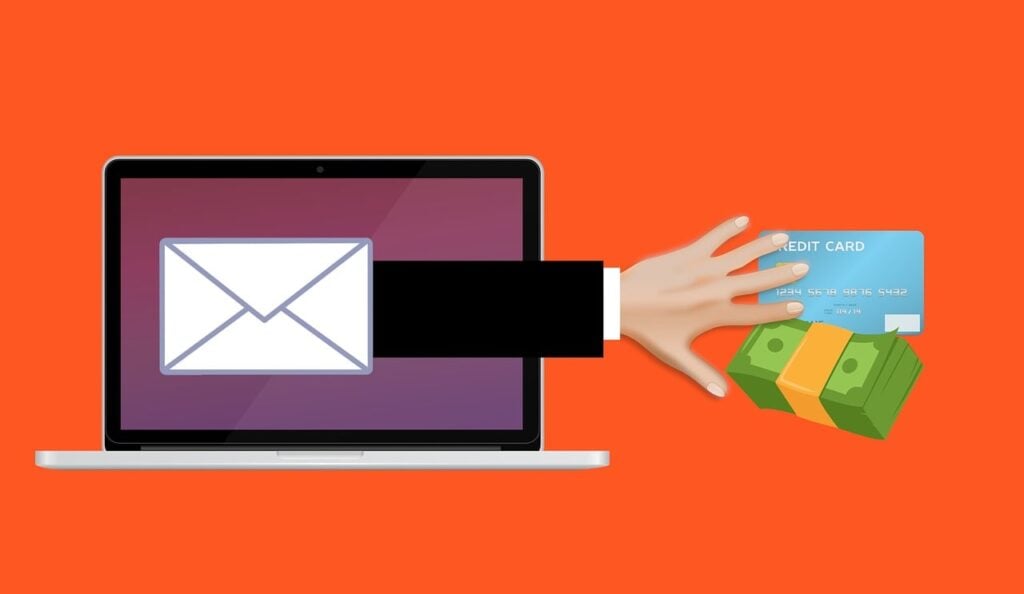
The “Confirm Your Recent Transaction” scam is a phishing attack targeting American Express customers. Phishing scams use email or text messages to trick users into clicking malicious links or divulging sensitive information.
In this scam, victims receive an email that convincingly impersonates an alert from American Express. The message claims that an unrecognized purchase was made and instructs the recipient to “verify” the transaction by signing into their account.
However, the link to “View your account online” does not lead to the real American Express site. Instead, it directs victims to a fake login page controlled by scammers. When users enter their credentials, the hackers capture them. The criminals then gain access to accounts to steal funds or personal data.
This seamless process fools many recipients into believing the message is legitimate. But telltale signs on closer inspection reveal it as a scam.
How the American Express “Confirm Your Recent Transaction” Scam Works
Here is a step-by-step breakdown of how the phishing scam operates:
1. Scammers Send Fraudulent Emails
Criminals distribute scam emails en masse to American Express customers. They likely obtain targets’ addresses from past data breaches and leaks. The sender name, email address, subject line, and content are all crafted to mimic a real alert from Amex.
2. Email Claims Unrecognized Purchase
The message states that an unknown transaction was made on the recipient’s account. It expresses urgency for them to log in and identify whether they authorized the activity.
3. Link Redirects to Fake Amex Site
When users click the “View your account online” link, it directs them to a phony Amex login page. The URL and branding are designed to look exactly like the real website.
4. Victims Enter Account Credentials
On the fake site, users enter their username, password, and any other login details. As they sign in, the criminals capture their credentials.
5. Hackers Gain Account Access
With the stolen account information, scammers can now access victims’ Amex accounts. They use this to steal funds, rewards points, and personal data.
6. Accounts Compromised
Once hackers infiltrate accounts, victims may have funds withdrawn or charges made without authorization. Their personal information may also be compromised.
Warning Signs of the Amex “Confirm Transaction” Scam
Here are some red flags that indicate an email is not really from American Express:
- Generic greetings like “Dear cardholder” instead of your name
- Pressuring urgent language and threats of account suspension
- Suspicious sender address instead of from @americanexpress.com
- Spelling, grammar, or formatting errors
- Requests for sensitive data like account numbers, SSNs, passwords
- Links to unfamiliar sites instead of americanexpress.com
Any communication that makes you feel rushed or fearful should be carefully examined. No legitimate company will threaten immediate account closure or demand immediate action via email.
What to Do If You Fell Victim to This Scam
If you entered your American Express login credentials through the phishing site, take these steps right away:
- Reset your online account password – Log in via the real Amex site and change your password immediately. Enable two-factor authentication if available.
- Review account activity – Carefully review all recent transactions, statements, and activity for any unauthorized charges.
- Report unauthorized charges – If you see any fraudulent charges, report them to Amex so they can reverse them.
- Place fraud alert – Contact credit bureaus to place a fraud alert on your credit report to prevent identity theft.
- Monitor statements – Moving forward, closely monitor all bank, credit card, and Amex statements for any suspicious activity.
- Run antivirus scan – Scan your devices with updated antivirus software in case of any malware infections from the phishing site.
- Ignore further scam emails – Disregard any future “Confirm Transaction” scam messages, and do not click on links or provide information again.
- Report the phishing attack – File a complaint with the FTC and forward scam emails to the American Express phishing email address: phishing@aexp.com. This helps combat ongoing attacks.
Frequently Asked Questions on the American Express “Confirm Transaction” Scam
1. What is the “Confirm Your Recent Transaction” scam?
The “Confirm Your Recent Transaction” scam is a phishing attack where victims receive a fraudulent email pretending to be from American Express. The message prompts users to verify a suspicious purchase by clicking a link to log into their account. However, the link goes to a fake login page operated by scammers to steal account credentials.
2. How do I identify the phishing email?
Be wary of emails with a suspicious sender address instead of @americanexpress.com, generic greetings like “Dear cardholder”, urgent calls to action, threats of account closure, spelling and grammar errors, or requests for sensitive information. Legitimate Amex alerts will use your name and come from an official email address.
3. What happens if I click the link in the email?
The link goes to a convincing but fake Amex login page. If you enter your username and password, criminals will capture your account credentials and gain access to your account to steal funds or personal information.
4. What should I do if I entered my information into the phishing site?
If you provided your Amex login details, immediately change your password, review recent transactions, report unauthorized activity, and monitor statements closely for any fraudulent charges. Enable two-factor authentication as well.
5. How can I avoid falling for the Amex transaction scam?
Carefully inspect all emails asking you to verify activity or login. Use your Amex mobile app or bookmark the real website to access your account directly. Enable login alerts and monitor account activity daily. Never click links or provide information in an unsolicited email.
6. Why are American Express users targeted with phishing scams?
Amex is one of the world’s largest card issuers with millions of members worldwide. Scammers capitalize on the American Express brand recognition to make the phishing emails appear authentic and trick more users.
7. How can I report the “Confirm Transaction” phishing scam?
If you receive the suspicious email, forward it to phishing@aexp.com. You can also file a complaint with the FTC to help authorities track and shutdown the scam operation. Reporting the attack helps prevent more victims.
8. How can I keep my Amex account safe from phishing?
Be cautious of unsolicited messages, use strong unique passwords, enable two-factor authentication, check statements often, and report any suspicious activity right away. Protecting your account starts with understanding common phishing techniques.
The Bottom Line
The “Confirm Your Recent Transaction” phishing scam is a dangerous threat all American Express users need to watch out for. But understanding how it works and catching red flags early can help you avoid compromising your account. Stay vigilant of potential scams, use unique passwords, and monitor account activity to keep your finances protected. If targeted, act quickly to minimize any unauthorized access or damage.

Join the discussion
0 commentsShare your experience or ask a question about this article.
Discussion
Start the conversation
Have a question or something useful to share? Add the first comment.