


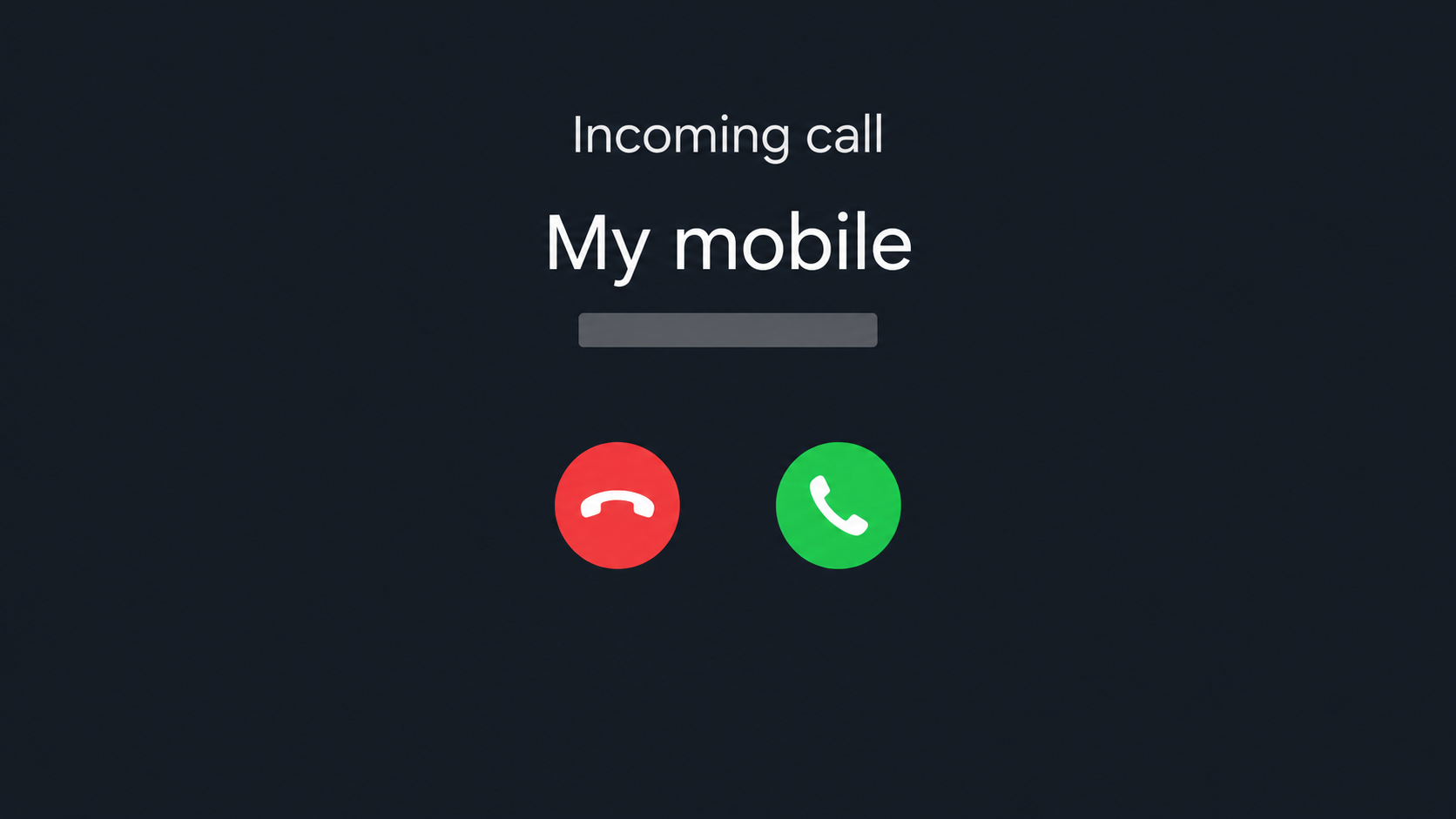
A call from your own number flashes on the incoming call screen. For a moment, it looks as though the phone is calling itself.
What happened to the display and what happened to your mobile line are different questions. There are better places to look for answers than the caller’s explanation.
Overview
Seeing your own number does not prove anyone has your line
Caller ID shows information presented to your phone. A caller can make it display another number, including yours, without making the call from your device or subscription.
That’s the effect of caller ID spoofing. The odd display can make you curious enough to answer or alarmed enough to believe a story about a hacked account.
Service changes carry more weight than a caller’s story
A SIM swap affects where the mobile network sends your calls and texts. A sudden loss of service combined with an unexpected activation notice warrants an urgent carrier check.
Service can drop for ordinary reasons too. Ask your carrier to check recent changes rather than treating a dead signal bar or a strange ring as a diagnosis.
Other people may see your number even if you never get the call
Unfamiliar callbacks can mean someone else displayed your number to other people. That problem is different from receiving one spoofed call yourself, and the reporting route reflects it.
- One strange incoming call: Let it go to voicemail and check any claimed problem directly.
- Strangers returning calls: Record the times and ask your carrier about possible caller ID misuse.
- Lost service plus an unexpected SIM notice: Contact the carrier immediately from a separate working line.
Why You Can Get a Call From Your Own Number
The number your screen displays is not a receipt showing which subscriber made the call. It can be falsified before the call reaches you.
If your phone recognizes that number from a contact you saved, it can show the matching label. That familiar name does not identify the person actually speaking.
The Minnesota Attorney General describes a case in which a woman saw her own name and number, then heard a recorded offer to lower her credit card rate.
Notice the gap between the display and the offer. Her identity was the bait that got attention, not evidence the caller could access her card or manage its rate.
In another version, the person on the line might claim the number proves your account was cloned. Treat the statement like any other claim from an unexpected caller.
A call record can tell you when your phone received something and what it displayed. It doesn’t establish who supplied the label or whether your mobile account changed.
You don’t need to trace the call before choosing what to do. End the conversation and verify the supposed bank, carrier, or account issue through an independent contact.
How the Own-Number Caller ID Scam Works
Step 1: A familiar number breaks your usual screening habit
You may ignore an unfamiliar call without a second thought. Seeing your own number makes you stop and wonder whether there is a problem you should understand.
That attention is useful to any unsolicited caller, even if it doesn’t turn into immediate trust. The number gets the call opened; the conversation does the rest.
Step 2: A voice gives the strange display a meaning
A recording or live caller can attach an unrelated offer to the number. In the attorney general’s example, the real pitch was about the recipient’s credit card rate.
Another caller may try to turn the display itself into proof of a crisis. Their explanation can sound technical without establishing anything about your actual line.
A representative who really needs you to check an issue can let you contact the institution separately. You shouldn’t have to stay on the line to protect the account.
Step 3: The caller asks you to act before checking
A recorded menu might ask for a keypress. A live voice may ask you to confirm financial details, share a code, or transfer money to fix a supposed problem.
Each extra action gives the caller something the display did not: a response, information, permission, or money. Declining the request interrupts the deception even if the calls continue.
The FTC’s robocall guidance explains why a recognizable number isn’t proof of origin. Check your account or call the organization using a number you already trust.
Caller ID Spoofing vs. a SIM Swap
One affects what is shown on a call. The other affects which device or SIM receives normal service for your number. The distinction tells you who needs to act.
| What you see | What it can mean | What to check first |
|---|---|---|
| Your number on one incoming call, with service working | Caller ID could have been falsified | Let it go unanswered and check any account claim independently. |
| People return calls you did not make | Your number may be displayed on calls to others | Compare the reports with your carrier’s account and call records. |
| Unexpected SIM or port notice and loss of calls or SMS | An unauthorized line change is possible | Use a separate working phone and contact your carrier now. |
The FTC’s SIM swap alert describes the combination of lost mobile service and a provider notice that a SIM was activated elsewhere. Investigate both signs with the carrier.
Wi-Fi can keep email and messaging apps working after mobile service stops. Being able to browse on Wi-Fi doesn’t confirm that the carrier still routes calls and texts to you.
If your phone has several lines, check which one lost service. Working data on a second line can hide a change affecting the number used for your bank alerts.
Don’t follow a link in the activation notice to settle the question. Open your carrier’s app or use a trusted support number from a bill or its official site.
Ask whether there’s been a SIM or eSIM change, an attempted transfer to another provider, or a security change to the account. Ask about any service outage too.
Once a carrier confirms an unauthorized change, work with it to regain the line. Then check accounts that use that number for sign-in and recovery, beginning with email and banking.
When Other People Say Your Number Called Them
Someone you don’t know might send a message asking what you wanted. They may be seeing a spoofed number on their end, not a call you placed.
Compare the time they mention with the outgoing records available to you. A missing entry does not identify the source, but it gives your carrier a concrete mismatch to investigate.
Ask your carrier whether any calls were actually billed or placed from the account and whether there were recent device changes. Don’t rely only on the handset’s history.
For persistent U.S. spoofing reports, the FCC complaint guide distinguishes unwanted calls you received from someone spoofing your number. Pick the description that matches what happened.
If your calls suddenly show up as spam for regular contacts, tell your carrier. A warning label on the receiver’s phone isn’t the same as an outgoing charge.
Changing your number is not the first response to a single unusual call. It also changes where many services send recovery messages, which makes it a decision to coordinate carefully.
Call screening or your carrier’s filtering may reduce interruptions. Neither can tell you what happened to your SIM, and blocking your own contact doesn’t stop others displaying that number.
Three Checks That Matter More Than the Name on the Screen
Check ordinary calls and texts on the affected line
When service seems normal, make a regular call to someone you know and see whether ordinary SMS works. Test the affected line, not another SIM or an internet calling app.
A successful phone call isn’t a forensic examination of your device. It’s useful because a functioning line and a single strange caller ID point to a different immediate response.
If service is gone, check whether people nearby on the same carrier are affected. Don’t wait for an outage to clear if the carrier also shows an unexpected change.
Check the carrier account without a link from the caller
Open your carrier account directly if you can still sign in. Look for an activation confirmation, a pending number transfer, a new device, or changes you didn’t request.
Don’t use a fresh activation code to prove yourself to the person who called. Ask official support what the code would actually authorize before proceeding with any account change.
If several family members share the plan, ask the account owner whether they requested an upgrade. A genuine activation needs an independent explanation, not a guess based on caller ID.
Check claimed account trouble in the account itself
Suppose the caller claims your bank blocked a payment. Hang up, open your own banking app, and check the actual entry rather than confirming details to someone who called you.
You may find a real alert. That doesn’t prove the person who called sent it legitimately, especially if they want you to share the code or approve a change.
For a claimed carrier problem, ask your provider about the specific action mentioned rather than asking whether a displayed number belongs to it. A genuine number can still be copied.
Keep notes from those independent checks together. If the carrier confirms normal service and the account involved confirms no issue, you have a reason to stop engaging with the caller.
If one of the accounts does show unauthorized changes, concentrate on the exposed account. Fixing that problem is more useful than trying to block every version of the spoofed number.
Anyone calling later and claiming to recover stolen funds should be verified separately. The original caller’s story can be reused by someone pretending to help you clean up.
What to Do If You Answered or Suspect Someone Took Over Your Line
-
If you only answered, end the call. Don’t return it from the same log entry or follow a recorded prompt. Listening alone doesn’t grant access to your account.
If you simply said hello, there’s no reason to replace your SIM or reset the phone on that evidence alone. Check any specific account claim on your own.
-
Write down what the screen actually showed. Note the date, time, displayed number, and any organization named. Retain any voicemail privately rather than posting your number.
If the pitch included a callback number, record it as supplied by the caller. Don’t present it to a bank or carrier as a verified contact number.
-
Verify the organization away from the call. Use the number on your card, a carrier bill, or a signed-in support route. Ask about the underlying issue directly.
If someone claims to be Apple and cites your number as proof, see the fake Apple support case for that specific variation and its account risks.
-
If your service changed unexpectedly, contact the carrier immediately. Use another phone or a verified Wi-Fi support route. Ask it to check activation, line transfer, and account changes.
If necessary, have the carrier help restore the line and set stronger account protections. Confirm normal incoming calls and texts before depending on that number for recovery.
-
If you handed over information, triage what it can unlock. A bank authorization code or card detail needs prompt issuer contact. A password or recovery code needs account recovery.
Explain the exact action you took and check for unfamiliar transfers, changed recovery addresses, and added devices. For U.S. identity misuse, use IdentityTheft.gov as appropriate.
-
Report recurring calls without assuming the line was stolen. Start with the carrier if your own number is being misused. Use the FCC complaint route for U.S. spoofing.
If you lost money through the pitch, focus first on the affected payment account. A caller ID complaint does not replace the work of stopping or investigating that transfer.
Frequently Asked Questions
How can I receive a call from my own number?
The incoming number can be falsified. When it matches yours, the display may make it look as though you called yourself, even if your phone never dialed.
Did the caller clone my SIM?
The caller ID cannot settle that. Unexpected mobile service loss, a SIM activation notice, or a carrier-confirmed line change matters more than how an incoming call was labeled.
Can answering by itself give someone my password?
Picking up by itself doesn’t disclose a login or authorize a transfer. Treat details, codes, permissions, or payments you gave during the conversation as separate exposures.
Should I call back to see who it was?
The displayed number isn’t a reliable return address for the caller. If the message claims to be from a company you use, contact that company through its verified channel.
What if people are calling to complain about my number?
Compare their reported times with available account records, keep a short log, and tell the carrier your number may be appearing on calls you didn’t make.
How do I protect accounts that depend on my mobile number?
Ask the carrier about an account PIN and transfer protection. For important accounts, consider a passkey, security key, or authenticator app where available, with recovery options stored separately.
The Bottom Line
Don’t let an incoming call from your own number convince you that your phone has been taken over. End the call and check the underlying claim through a trusted channel.
If mobile service disappeared alongside a transfer or activation notice, contact the carrier from a working line now. Report any shared financial codes or payments separately.

Join the discussion
0 commentsShare your experience or ask a question about this article.
Community experiences
Did this happen to you?
Your experience could help someone recognize the same scam. Submit a private report for our team to review.
I experienced this tooReports are reviewed before publication. Sharing publicly is always your choice.
Discussion
Start the conversation
Have a question or something useful to share? Add the first comment.