

A quick style quiz can feel harmless. You answer a few questions about clothes, colors, and fit, then an app promises to make the morning wardrobe decision easier.
Dressly presents that familiar invitation with polished fashion imagery. The important details appear later, when the service asks for payment and personal information.
Overview
Dressly is a functioning styling service with a paid membership
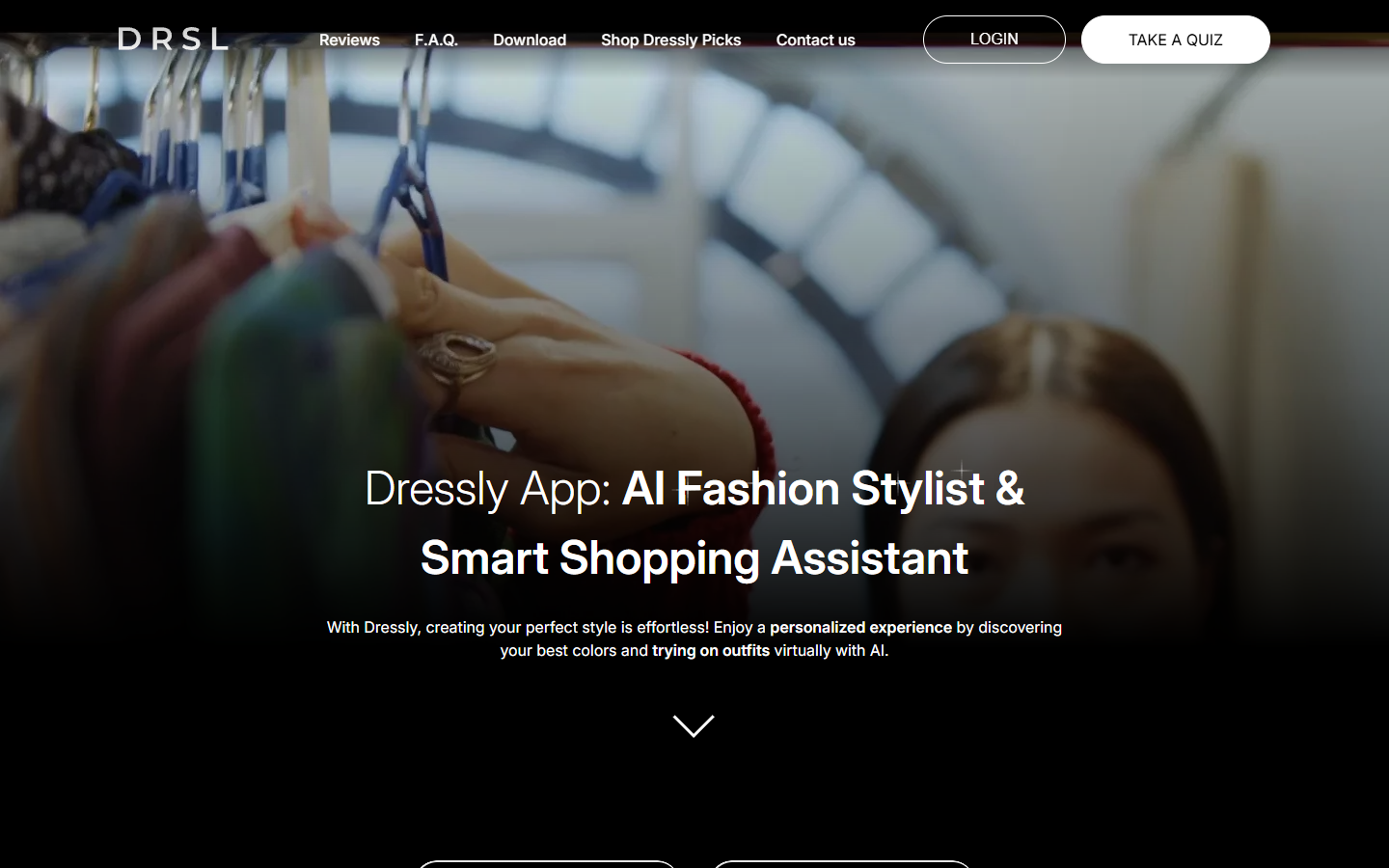
Dressly markets an AI fashion stylist, wardrobe guidance, virtual try-on features, and personalized shopping suggestions. Its website invites visitors to take a quiz.
Nothing in the evidence establishes that the app itself is fake. The issue is understanding what happens when a visitor moves from a quiz into a paid plan.
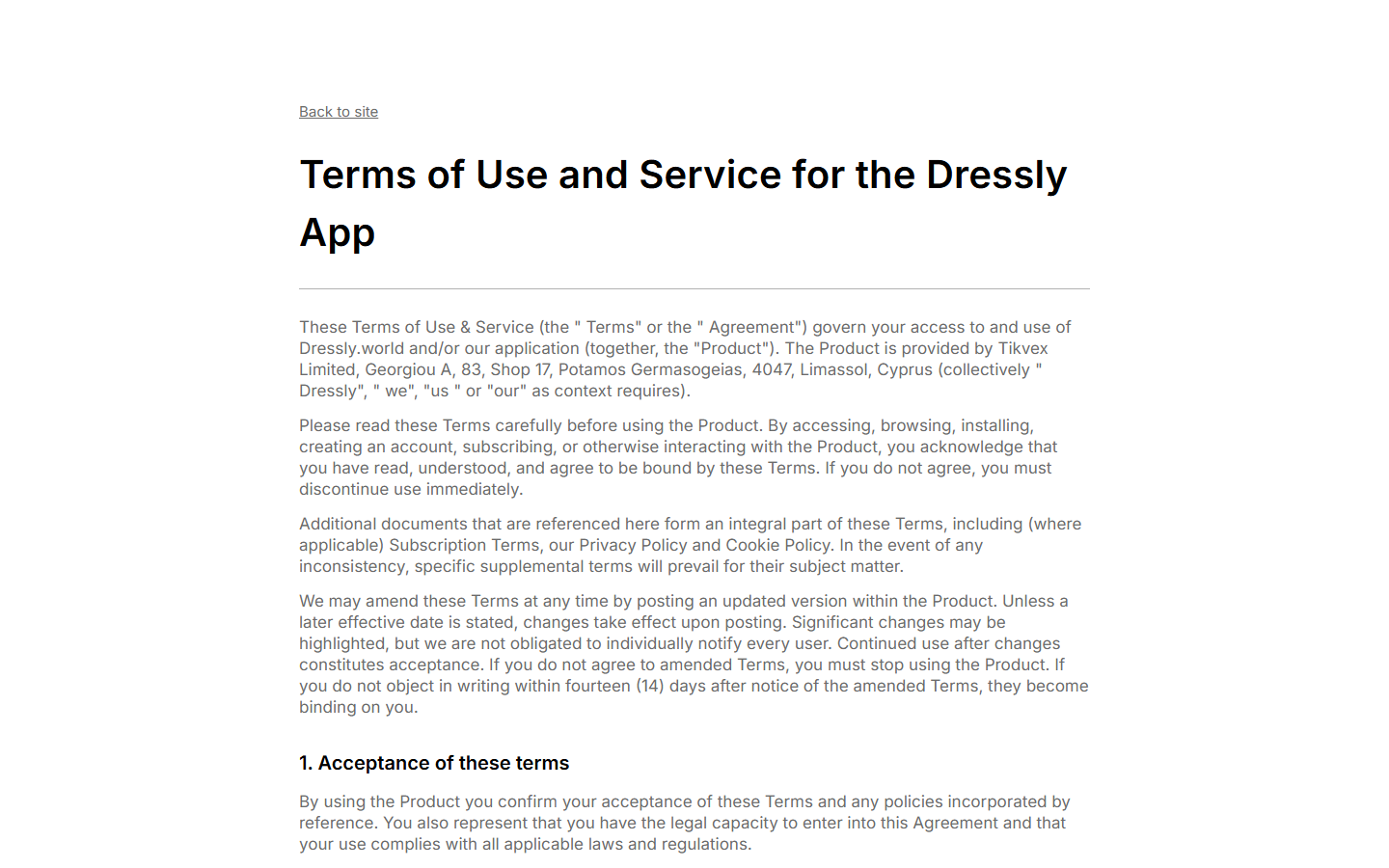
Dressly’s current legal terms say the service is subscription-based and renews automatically until canceled.
Plans may run for one, three, or six months. Actual options and prices can vary by location and offer, so the payment page controls the purchase.
Discounts can make the first charge look different from later charges
The terms allow introductory discounts that renew at the full price after the promotional period. They also permit trial offers, though no trial is guaranteed.
That is a material distinction. A small initial amount is not necessarily the full cost of maintaining the membership for several months.
A visitor might remember the first price but miss the renewal date, period length, or normal rate displayed nearby at checkout.
We did not place a test order. We therefore cannot claim every Dressly checkout uses a particular price, a trial, or the same renewal schedule.
The practical concern is billing control and data exposure
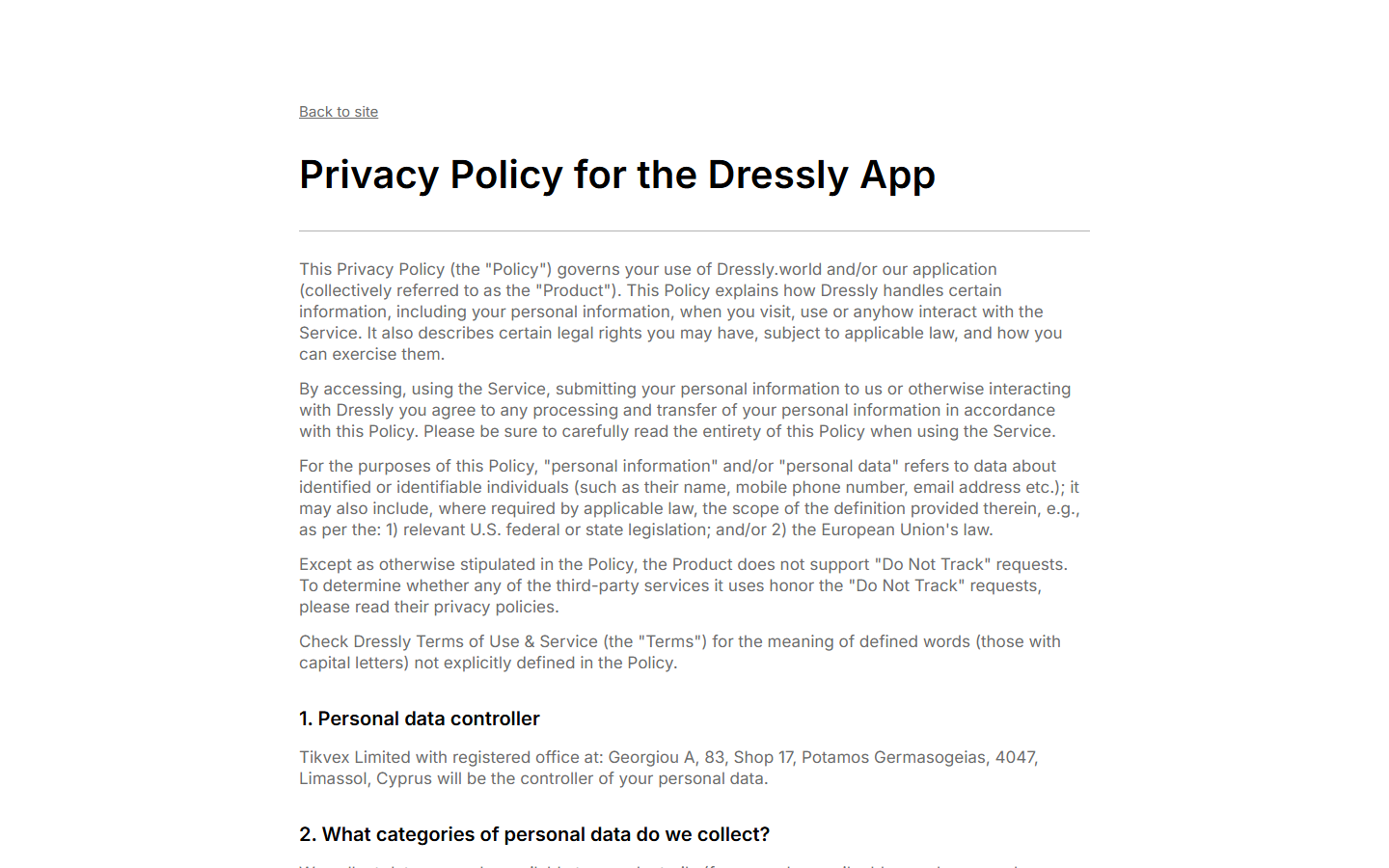
Dressly’s privacy policy says users may supply photographs and other profile details. It also describes advertising identifiers and usage tracking.
Those categories matter for an app built around appearance and wardrobe choices. Think about what you are comfortable uploading before creating a profile.
This is a commercial-risk review, not a fraud finding. Before paying, verify:
- The price today and the normal renewal price.
- The plan length, first renewal date, and cancellation route.
- Whether payment is billed through Apple, Google, or a website processor.
- What photos and personal details the app requests.
- Which refund policy applies to the exact purchase channel.
Why a Style Quiz Can Become a Subscription Decision
Many people approach a quiz as a preview. They expect a few free recommendations, perhaps followed by an optional purchase if the results feel useful.
The important shift is from curiosity to continuity billing. A subscription is not just payment for today’s advice; it authorizes later charges until canceled.
Dressly tells visitors on its homepage that plans vary by term. Its terms spell out automatic renewal and the possibility of a full-price renewal.
That information is published, which is materially different from a seller hiding the existence of recurring billing altogether. Visibility still depends on the checkout presentation.
We could inspect the public pages, but not every personalized payment offer. A reader should judge the exact screen shown on their own device.
Take a screenshot before paying. Capture the plan length, trial or discount, price after the offer, cancellation instructions, and refund link.
How the Dressly Subscription Journey Works
Step 1: An ad or social post offers a personal style solution
Clothing advice is unusually personal. An ad can speak to wasted purchases, difficult sizing, or the familiar feeling that nothing in the closet works.
Dressly’s public website promises individualized assistance. Such marketing may be appealing without being deceptive by itself.
The reader should separate the promise of assistance from an expectation of specific results. An algorithm cannot guarantee every outfit will suit every person.
Look for the service’s own product description, not just the strongest line in an ad. Features and access can differ across plans.
Step 2: The quiz gathers preferences and builds commitment
A quiz can make recommendations feel tailored before a visitor sees any price. The more questions answered, the more effort the person has invested.
That makes it tempting to finish the process even if the offer becomes more expensive than expected. Pause before entering payment details.
Ask what information was collected and whether an account was created. A quiz answer may become part of a profile even without a paid membership.
If the service requests photographs, inspect the privacy settings first. A clothing image may reveal your face, home, or other details you did not intend to share.
Step 3: A plan or introductory offer appears
Dressly’s terms say subscription periods can change and prices may vary by region. The specific checkout, not a review article, should show your current price.
Read both the amount due now and the amount due at renewal. A discounted first period can make those numbers very different.
Check whether the displayed amount covers one month, three months, or six months. The largest time interval is not always obvious from a headline price.
Do not assume the phrase “trial” means no charge. Trial conditions can vary, and the terms do not promise that every visitor receives one.
Step 4: Payment creates an ongoing authorization
Once purchased, the membership renews automatically under the terms until canceled. The billing method provided at checkout is used for later charges.
The company also says it may run a small verification charge before the first payment and refund that test amount immediately.
A small temporary card entry is therefore not necessarily the membership price. Compare the merchant receipt with the complete billing history.
Keep the confirmation email and note the exact renewal date. A calendar reminder several days beforehand is safer than relying on memory.
Step 5: The service processes styling and usage information
Dressly’s privacy policy lists profile data, uploaded images, device information, advertising identifiers, and records of how users interact with features.
Some collection is necessary to deliver personalized recommendations. Other information may support analytics and advertising, according to the policy.
Consider the difference between uploading a picture of a jacket and uploading a full-body photo with your face and surroundings visible.
Use the smallest amount of personal information that still lets you evaluate the service. Review permissions for camera and photo-library access.
Step 6: Cancellation and refunds depend on the purchase path
Dressly’s public FAQ says subscribers can cancel in the app or contact its support team. The legal terms point readers to a separate money-back policy.
If Apple or Google processed your purchase, account controls and refund requests may sit with that store rather than the website checkout.
Apple’s official instructions show how to inspect and cancel an App Store subscription. The same principle applies to checking your actual billing channel first.
Canceling future renewal and obtaining a refund for an existing payment are different requests. Send each request clearly and keep its confirmation.
Company, Checkout, and Data Checks
The brand and legal operator should match your records
The current terms identify Tikvex Limited in Limassol, Cyprus as the provider. The privacy policy lists the same company as data controller.
That is useful transparency. It also tells a customer which legal name to mention when asking support for billing or data assistance.
If a bank statement shows a different merchant descriptor, compare it with the checkout receipt before assuming an unrelated charge. Payment processors can appear separately.
A business address is not a support desk
The Cyprus address identifies the company in its legal documents. It does not tell you whether customer service, development, or payment processing occurs there.
Use the contact path published by Dressly for an ordinary cancellation. Keep the registered address for formal correspondence if support cannot resolve a dispute.
Do not send identity documents or full card details to an address copied from an advertisement or third-party review page.
Support should confirm what was canceled
An app deletion is not a cancellation. An account deletion may also follow a different process from ending an active subscription.
Ask support to confirm the plan, final access date, cancellation date, and whether any further renewal is scheduled. Save the response.
If the subscription is managed by Apple or Google, verify its status in that store even after talking with app support.
Photo handling matters beyond the payment dispute
The privacy policy includes user-provided images and account details. Readers should review deletion options before uploading sensitive photos.
A person worried about privacy can request information about stored data and available removal rights through the operator’s formal policy channels.
That request is separate from a refund. A canceled subscription does not automatically prove every image or profile detail has been erased.
What to Check Before Paying for an AI Styling App
Start by asking whether you would use the service long enough to justify its renewal term. One interesting quiz result is not the same as ongoing value.
Read the checkout slowly enough to identify the ordinary price after any introductory discount. Save that screen even if you decide against buying.
Check how much of the feature set is actually included. A plan advertised around virtual styling may not make every tool available without limits.
Read the money-back policy before purchasing, not after disliking a recommendation. An offer’s refund conditions can be narrower than the general feeling of a guarantee.
Look at the app’s permissions. Camera access may be useful for outfit analysis, but broad photo-library access may be more than you want to grant.
Use a unique password for your account and avoid uploading images that reveal identification documents, children, addresses, or private rooms.
Finally, consider whether you want styling guidance or a shopping funnel. Recommendations tied to products for sale may not be neutral wardrobe advice.
Website and app-store purchases can leave different receipts
A person can discover Dressly through a browser and later install its app. That sequence does not prove the browser purchase moved into the phone’s subscription menu.
Search your email for the original receipt. A message from an app store points toward store-managed billing; a direct merchant receipt may require another route.
Do not assume that finding no active Apple subscription means there is no subscription anywhere. Check the web account and the card statement too.
Likewise, if Apple shows an active plan, sending one email to a website address may not stop the store’s next scheduled charge.
Some households share devices or cards. Confirm which family member or account made the purchase before changing passwords or disputing a charge.
Make a small record with four fields: purchase date, billing channel, renewal date, and cancellation confirmation. It is enough to make later conversations precise.
If the merchant descriptor is unfamiliar, ask the payment provider to identify it. Do not publish your full card statement on a review site.
A legitimate support agent can use an order number and limited billing details. They should not need your card’s complete number or account password.
Finally, check whether access continues until the paid period ends. Immediate loss of app access is not the same question as whether renewal stopped.
What to Do If You Have a Dressly Charge You Did Not Expect
- Identify the billing channel. Check the receipt, bank descriptor, Apple subscriptions, and Google Play subscriptions. The correct cancellation route depends on who charged you.
- Capture the current terms. Save the original offer, current plan, renewal date, emails, and payment history. Note whether a discount or trial was part of your checkout.
- Cancel future renewals. Use the in-app route or Dressly support for direct billing. Use Apple or Google account controls for subscriptions managed by those stores.
- Request written confirmation. Ask for the cancellation effective date and the amount of any final charge. Keep the ticket number or email reply.
- Ask separately about a refund. Explain the charge you dispute and cite the offer you saw. Read the applicable money-back policy rather than assuming cancellation refunds a past period.
- Protect your information. Review uploaded photos and account details. If you want data removed, submit a distinct privacy request to the operator.
- Escalate an unresolved unauthorized charge. If the company cannot explain a payment or continues billing after confirmed cancellation, ask your card issuer about a dispute.
Do not panic over a temporary verification amount. Confirm whether it reversed before treating it as a second paid plan.
If a message asks you to “verify” cancellation by entering your card again, return to the app or official site independently. That request may be unrelated impersonation.
Frequently Asked Questions
Is Dressly a fake app?
We found an operating website, published terms, and a named company. This review concerns subscription cost, renewal, refunds, and privacy, not a finding that the app is fake.
Does Dressly renew automatically?
Yes. Its current terms say paid subscriptions renew until canceled. The exact term and price depend on the offer shown during purchase.
Will a discounted first period renew at the same price?
Not necessarily. Dressly’s terms allow introductory discounts to renew at the full price after the discount period ends.
Does deleting the app cancel payment?
No. Check the actual subscription controls or contact support, then obtain confirmation that future renewal has stopped.
Can I get a refund after canceling?
Cancellation and refunds are separate. Eligibility depends on the purchase channel, offer, and applicable money-back policy.
What personal information should I avoid uploading?
Keep faces, children, documents, and identifiable home details out of styling photos unless you are comfortable with the service processing them.
The Bottom Line
Dressly may be useful for someone who wants continuing wardrobe guidance. The important purchase decision is the renewal commitment, not the charm of its quiz.
Check the full-price renewal, cancellation path, refund rules, and photo permissions before paying. If you already subscribed, locate the actual billing channel and cancel there.

Join the discussion
0 commentsShare your experience or ask a question about this article.
Discussion
Start the conversation
Have a question or something useful to share? Add the first comment.