


It looks like you’ve been invited to a Facebook event. The event title, though, reads like an order confirmation for a $399.99 Geek Squad plan.
You don’t remember buying it. Now an invitation you’d normally ignore gives you a reason to stop and look for the quickest way to dispute the charge.
Overview
The invitation looks like a receipt at first glance
The Facebook event scam uses a social notification to deliver a fake Geek Squad payment claim. The message says someone paid $399.99 through your PayPal account.
It includes an order-like reference and a time. Those details belong to the notification’s text. They don’t make it a record from either Best Buy or PayPal.
The message asks you to call its supposed Resolution Center if you don’t recognize the charge. It doesn’t ask you to buy the subscription in Facebook.
- The title resembles a confirmed Geek Squad order rather than a social gathering.
- The notice names PayPal as the funding route for an alleged $399.99 purchase.
- It claims the seller used an unfamiliar internet address, which sounds like an account-security detail.
- The reported October message supplies a dispute number ending in 5418.
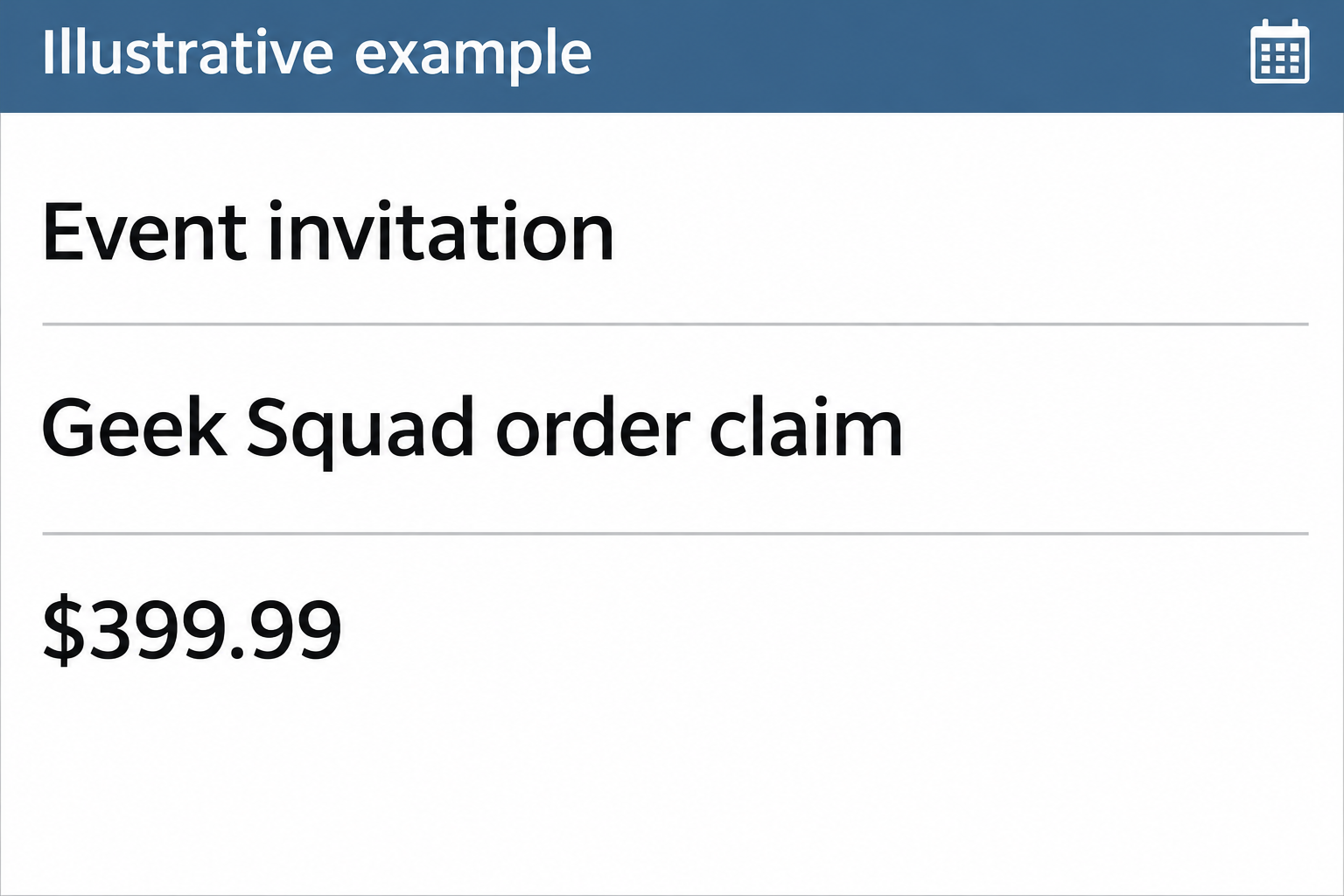
The image illustrates the event-and-invoice mismatch. It isn’t an original capture, a PayPal record, or evidence that anyone made a payment.
A platform notification and the event text have different authors
In a similar case, a recipient documented an actual Facebook-style invitation with the same amount and a closely matching payment story, but a different invoice reference.
That invitation was presented as coming from another user, with a warning that Meta hadn’t sent the invitation itself. The warning matters more than a familiar email domain.
A platform may notify you that another user created or shared something. It does not certify claims about a purchase, a subscription or a charge in that content.
The original October example doesn’t come with the full email headers. It’s not possible to say whether that particular message was spoofed or delivered by Facebook’s notification system.
The event supplies a number that PayPal did not give you
PayPal has a real Resolution Center. An event can repeat that name without connecting you to the service. The callback instruction is where the practical risk lies.
In its invoice scam guidance, PayPal warns against calling numbers supplied with suspect requests. Open PayPal yourself if you need help with a possible charge.
Best Buy and Geek Squad are real, too. You can check a legitimate protection plan through Best Buy without accepting that this event describes it.
How the Facebook Event Scam Works
Step 1: A social notification catches you between other tasks
People expect event invites to have dates, titles and someone’s name. Those fields still look familiar when the text is about a purchase instead of a gathering.
On a phone, the subject can take up most of the preview. You may see Geek Squad and $399.99 before you notice the invitation wording.
That first impression is what the message trades on. Check what kind of object you’re looking at before interpreting its contents. Is it an event or a billing record?
You don’t need to open an invitation to see whether the charge is real. PayPal and your funding account have their own records.
Step 2: Familiar names make the story feel internally consistent
Geek Squad is recognizable as a service you might pay to protect a device. PayPal is recognizable as a way to pay for services.
Putting both names in one sentence creates a plausible story, but it doesn’t connect the invitation to either organization’s account system.
Think about which party could know what. Best Buy can check a plan you bought from it. PayPal can check a payment recorded in your account.
Someone who wrote an event title can type a reference number. The number doesn’t become a receipt because its formatting looks familiar.
Step 3: The charge feels like something to undo, not something to verify
The wording suggests the payment already happened. A mention of an unfamiliar seller address makes the claim sound like someone has already identified a breach.
It’s an effective change of subject. Instead of asking who sent the invitation, you start looking for a way to get money back.
The alleged internet address doesn’t identify where your money went. It’s not a merchant name, a payment reference, or information you need to give a caller.
The sender doesn’t need a strict countdown if the amount makes you feel pressed. A $399.99 debit would matter to many people, and that concern is understandable.
Let the concern prompt a real account check. It should not give the event organizer a role in that check.
Step 4: The phone number takes the issue out of the platform
The notice offers what sounds like the shortest route to the answer: call the listed Resolution Center. In the reported message, that’s the action you’re meant to take.
Calling would give the person answering a chance to reinterpret the claim and ask for things unrelated to a genuine dispute. No completed call is documented for this sample.
If someone asks you to install software, share a payment code, or sign into banking while they watch, end the conversation. A real charge can be disputed independently.
If a number looks local or the person knows the amount already, that’s not independent evidence. Both came from the same notice you called about.
Step 5: The instructions can create a charge where none existed
A person who simply receives the invitation hasn’t approved a payment. It’s what they do next that may give someone access to an account or money.
A supposed refund could turn into a request to send funds back. The FTC describes refund and remote-access scams that can escalate in that direction.
Don’t take a picture of a refund as proof that one cleared. Open the real account and wait for its records or confirmation from your provider.
If the provider asks you to report a transaction, use the amount and identifier you find in the account. The reference in the invitation is only supporting context.
Where to Check the Invitation, the Plan and the Money
Facebook can tell you what kind of notification it is
Open Facebook independently if you want to review or report the event. You don’t have to sign in from the email to see whether an invitation is present.
Use the platform’s reporting option if the event is visible. Don’t RSVP or ask the organizer to cancel your supposed purchase. An RSVP isn’t a payment instruction.
If a friend appears connected to it, ask them through a different established channel. They may not recognize the event either.
A notification that disappeared before you could find it doesn’t tell you what happened to your bank balance. Keep the original email if you need to report it.
Read the first line of the email before drawing conclusions from the sender. Words like invited you describe the action the notification is reporting.
Then look for a distinction between the platform’s notice and the event description. You can report suspicious content even when it was delivered through a real service.
If the event appeared in an inbox shared by a family, tell others not to respond. One person opening the account normally is enough to check the claim.
Best Buy can verify a real protection plan
If you’ve bought a plan before, find your old order or confirmation first. Best Buy’s Geek Squad Protection FAQ explains where to find plan details.
Check that the date, amount and covered item fit the plan. Having paid for Geek Squad in the past does not make every notice using the name genuine.
Someone else in the household may have bought coverage. Ask them to check their own records rather than passing along the number in the event.
If there is a legitimate renewal you want to change, handle it through Best Buy. Declining an unrelated Facebook event won’t cancel the actual coverage.
Start with the email address you usually use for Best Buy. If a receipt came from a store purchase, check the receipt or ask through an official contact.
The relevant record may identify a product, plan term or order number you recognize. An event repeating a broad service name cannot give you that assurance.
PayPal and your bank can tell you what moved
Go to PayPal from the app or a known bookmark. Check Activity and distinguish an unpaid money request from a payment that has actually been made.
If you spot an unfamiliar card or bank debit, contact the institution that shows it. A match in amount is a lead, not a complete identification.
If no account shows the purchase, you don’t need a cancellation certificate. Keep an eye on your own activity if you gave the caller any information.
And if you don’t use PayPal at all, there’s no need to set it up. The event can’t prove you have an account by saying it used one.
Some people check only the balance on their payment app. If they have a linked card or bank, check that account too, using its own app or statement.
Compare the date on the account with the time printed in the event. A time slot for an invitation is not the time your bank authorized a payment.
If someone else helps with your finances, give them the real statement entry to review. Don’t make them call the event contact to reconstruct the supposed purchase.
What to Keep if the Invitation Is Removed
Keep the original subject and a screenshot showing where the payment language appeared. The location helps distinguish an event description from an actual account notice.
If you can still see the invite, preserve the organizer name and time privately. A displayed profile name alone does not identify the person behind a scam.
Note which details came from your own account. Putting the alleged and actual charges in separate lines makes a fraud report much easier to understand.
If a caller gave you a case number, don’t confuse it with one assigned by the provider you contacted yourself. Save both with their origins clearly marked.
What to Do if You Have Fallen Victim to This Scam
-
End the call and stop following the event. Preserve the invitation, date, phone number and email if available. Don’t answer follow-up calls to finish the dispute.
Note whether you just spoke to someone, shared a code, disclosed a password, or authorized a transfer. That will guide the next step.
-
Report any real payment you did not approve. Check the real accounts. Use PayPal’s unauthorized-activity process if the actual payment appears there.
For a charge in your bank or card history, tell the issuer what happened. If you sent the money yourself under a false explanation, say that clearly.
-
Protect the specific sign-in you exposed. If you shared a PayPal login or code, contact PayPal directly. Change the password from a device you trust.
If the caller got access to email, check for changes to recovery details and active sessions. A compromised inbox can affect more than the account named in the scam.
-
Stop remote access if it occurred. End screen sharing or disconnect the affected device. Use a separate trusted device for urgent banking and support calls.
Tell your workplace help desk if it was a work system. Give it the application name and time of the session if you know them.
-
Report to the services named in the deception. Use Facebook’s reporting option if available and follow PayPal’s suspicious-message instructions for the email.
Best Buy’s fraud guidance also gives a reporting route for impersonation. Don’t send a bank statement or full card number just to show the event title.
-
Keep the evidence if someone offers a second refund. A new caller may know the story and claim they are taking over the case. Don’t transfer money.
Take that contact to the provider already handling your report. Save the actual dispute number privately, where it won’t become material for another caller.
Frequently Asked Questions
Did Geek Squad really bill me $399.99?
The event isn’t a receipt. Look for a plan in your Best Buy records and a corresponding transaction in PayPal or the account that paid.
Can a message from facebookmail.com contain a scam?
A genuine service can relay user-written content. A familiar address can also be imitated. In either case, don’t use the event to verify a charge.
Did accepting or declining the event move money?
An event response isn’t a payment approval. If you gave a code or approved a separate bank prompt, however, contact the relevant provider.
Is the Resolution Center itself fake?
No. PayPal’s Resolution Center is real. The invitation uses its name for a number the sender supplied. Open the real service independently.
What if I already have a Geek Squad subscription?
Check your plan details and renewals with Best Buy. Genuine coverage doesn’t make a separate event a valid invoice or a useful way to cancel.
Does receiving the invite mean my Facebook account was hacked?
No. An unexpected invitation alone doesn’t show an account takeover. Review account security if you see unfamiliar activity or entered your credentials outside Facebook.
The Bottom Line
Don’t call the number in the Facebook event scam. A $399.99 claim in an invitation is not a Geek Squad invoice or a record of a PayPal debit.
Check your own accounts. If you sent money or shared access, give the real provider the details of what happened after the invitation arrived.

Join the discussion
0 commentsShare your experience or ask a question about this article.
Discussion
Start the conversation
Have a question or something useful to share? Add the first comment.